
First month for free!
Get started
Published 1/23/2026
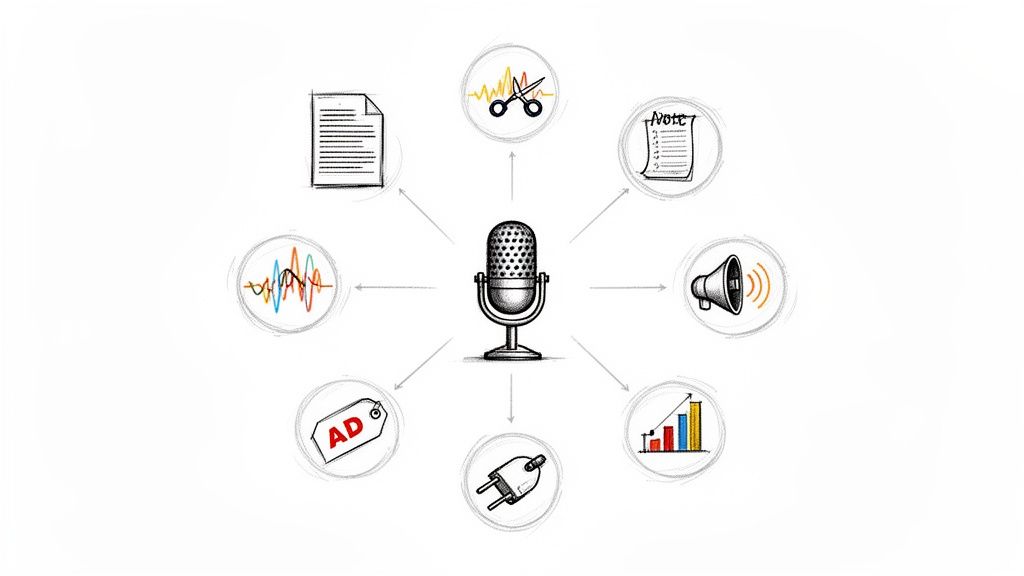
Podcasting has evolved from a niche hobby to a dominant content medium. But with this growth comes a mountain of work: recording, editing, transcribing, writing show notes, and promoting every single episode. Juggling these tasks can quickly lead to burnout, stalling your show's momentum and putting your content goals at risk.
This is where artificial intelligence steps in, offering powerful solutions to streamline your entire production cycle. The latest generation of AI tools for podcasters isn't just about saving a few minutes; it's about automating entire workflows, enhancing audio quality to professional standards, and unlocking new marketing potential from every recording. These platforms tackle the most time-consuming aspects of production, allowing you to reclaim valuable hours and focus on what truly matters: creating amazing content for your audience.
This guide breaks down the 12 essential AI tools that can transform your podcast production process, from initial recording to final promotion. We have organized these platforms into clear categories to help you find the right solution for your specific needs, whether you're a developer seeking an affordable transcription API or a creator looking for an all-in-one editing suite.
Inside this comprehensive listicle, you will discover:
Our goal is to provide a clear roadmap for building a smarter, more efficient podcasting workflow. Let's explore the best AI tools for podcasters available today.
Lemonfox.ai establishes itself as a foundational and powerful AI tool for podcasters, particularly for those who need highly accurate transcription and versatile voice synthesis without allocating a significant portion of their budget. It’s an API-first platform built on Whisper large-v3, delivering exceptional accuracy in speech-to-text conversion, which is the critical first step for creating show notes, articles, and social media content from audio.
What truly sets Lemonfox.ai apart is its uncompromising stance on affordability and privacy, a combination that is surprisingly rare in the AI services market. For podcasters who are developers or work with technical teams, this tool provides a robust and scalable engine for processing extensive back catalogs of episodes or handling new releases in batches.
Key Takeaway: Lemonfox.ai is the go-to choice for cost-conscious creators and developers who need a reliable, high-accuracy transcription and TTS engine. Its privacy-first policy and generous pricing make it a standout technical tool in the podcaster's arsenal.
Lemonfox.ai’s pricing model is its most compelling feature. The service offers a one-month free trial that includes approximately 30 hours of transcription, allowing for thorough testing. After the trial, its paid plans are exceptionally competitive, with transcription costs falling below $0.17 per hour. The base plan starts at just $5/month and includes a substantial number of credits, making it one of the most accessible AI tools for podcasters at any level.
Website: https://www.lemonfox.ai
Descript stands out as an all-in-one audio and video editor that fundamentally changes the editing process for creators. Instead of manipulating complex waveforms, you edit your podcast by simply editing the automatically generated transcript, much like a word document. This text-based approach is one of the most intuitive AI tools for podcasters, making editing accessible even for those without a technical audio background.
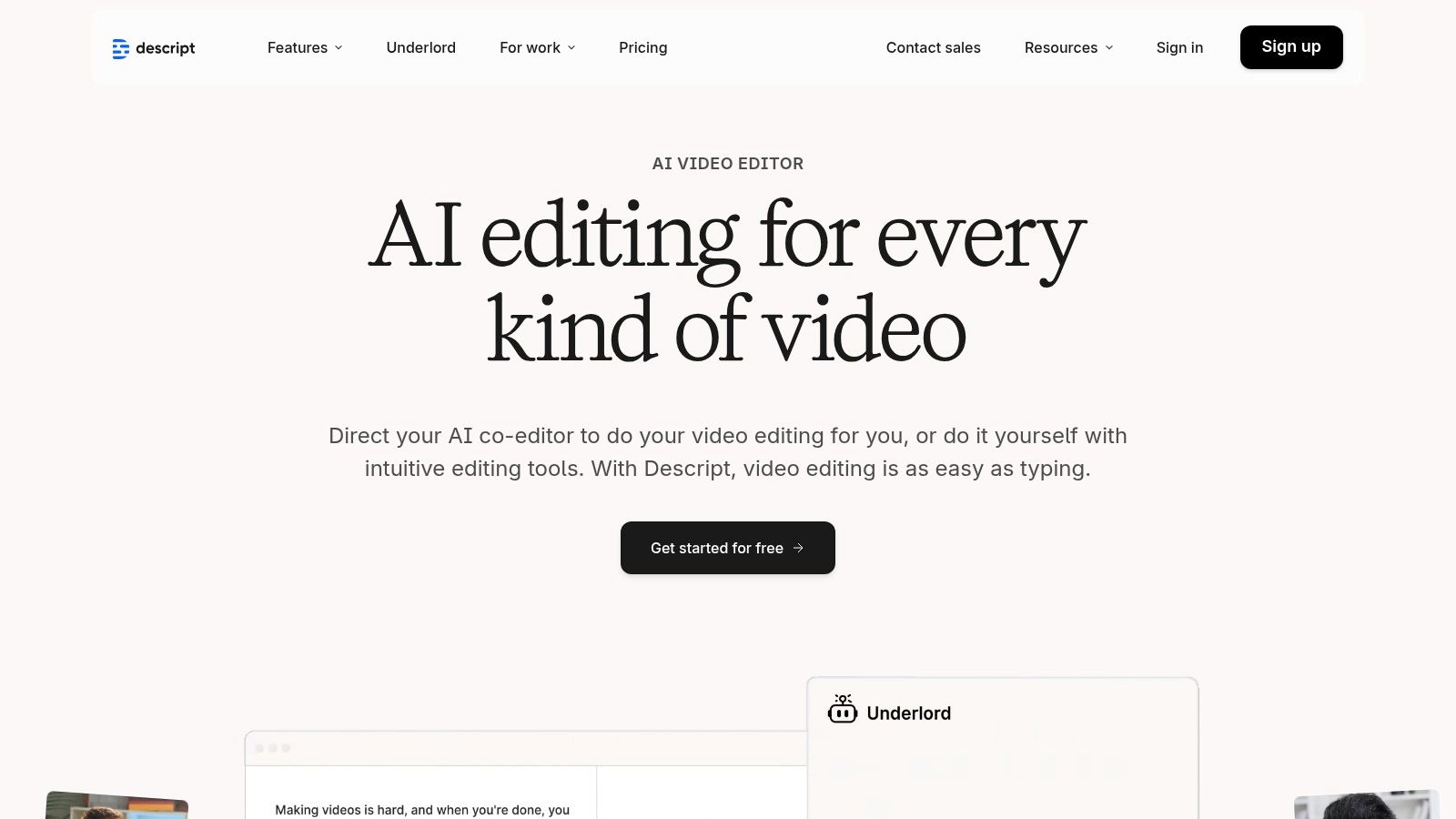
The platform consolidates the entire podcast workflow. You can record remote interviews directly within the app using its integrated SquadCast technology, which ensures high-quality, separate audio tracks for each participant. Post-recording, AI features like Studio Sound can remove background noise and enhance vocal clarity with a single click. It also identifies and removes filler words ("ums," "ahs") automatically, saving hours of manual cleanup.
Descript offers a free plan with limited transcription and Studio Sound usage. Paid plans start with the "Creator" tier at $12/month (billed annually) which includes more transcription hours and full feature access. The "Pro" plan at $24/month offers unlimited use of most features.
Website: https://www.descript.com
Riverside has established itself as a go-to platform for high-quality remote recording, ensuring podcasters capture pristine local 4K video and uncompressed audio from each guest. While its foundation is in reliable recording, its AI "Magic" suite makes it one of the most powerful AI tools for podcasters focused on content repurposing. The platform intelligently automates the creation of social media clips, show notes, and chapters directly from your long-form recordings.
This focus on repurposing saves creators immense time. Instead of manually scrubbing through an hour-long episode to find shareable moments, Riverside’s AI identifies potential highlights and packages them as Magic Clips formatted for TikTok, Reels, or Shorts. It also generates full transcripts for text-based editing, automatically removes filler words, and can even suggest B-roll footage to enhance video podcasts, streamlining the entire post-production workflow.
Riverside offers a free plan that includes unlimited recording for up to 70 minutes per file and basic AI features. Paid plans start at $15/month (billed annually) for the "Standard" tier, which provides more recording hours and removes watermarks. The "Pro" plan at $24/month unlocks a greater number of AI-generated clips and transcription hours.
Website: https://riverside.fm
Adobe Podcast brings a suite of powerful, focused AI tools to podcasters, most famously its Enhance Speech feature. This tool can transform low-quality or noisy audio into something that sounds like it was recorded in a professional studio, all with a single click. It excels at removing background noise, echo, and reverb, making it an invaluable resource for creators who record in less-than-ideal environments or need to salvage problematic guest audio.
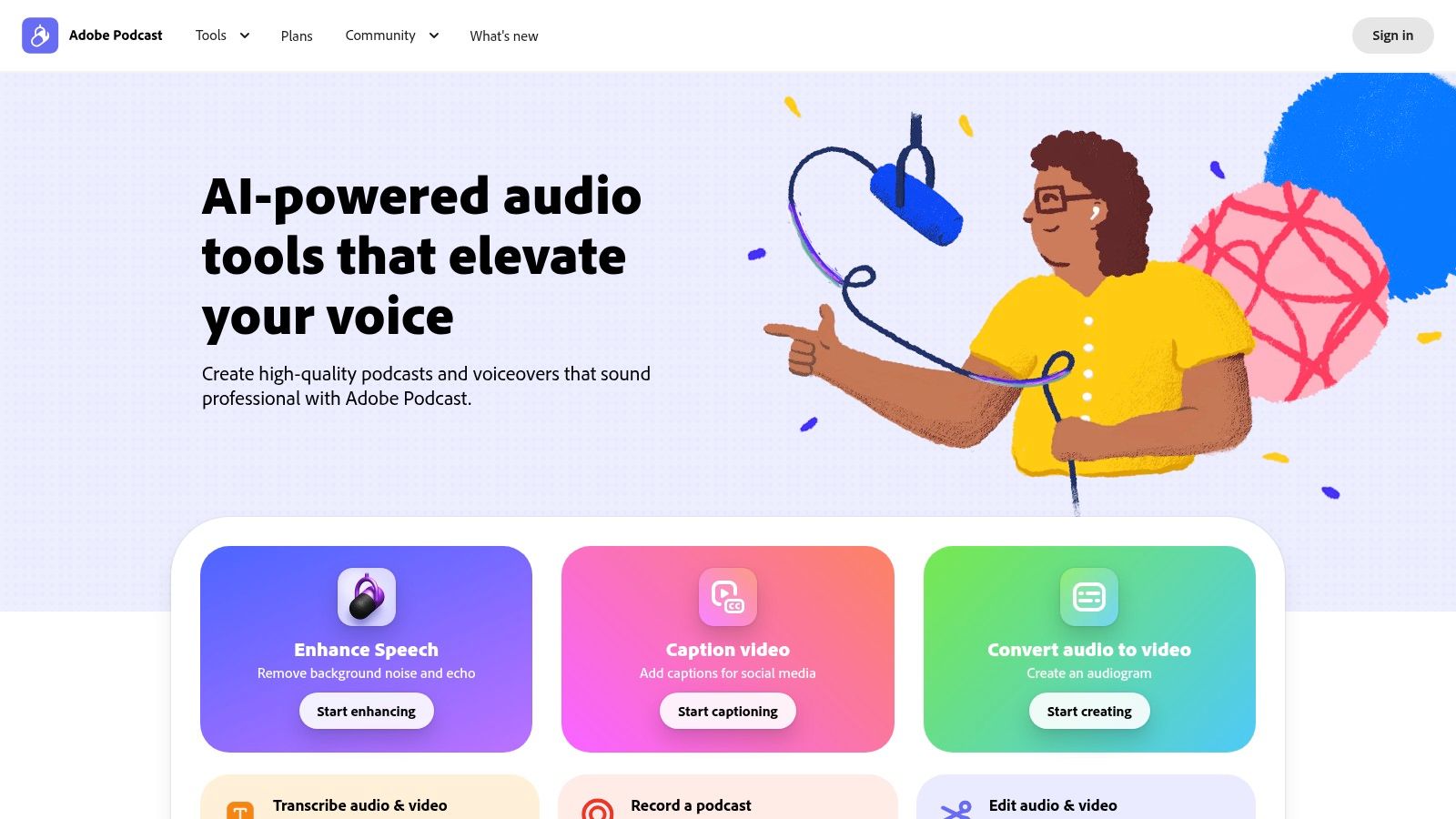
Beyond just audio cleanup, the platform includes a browser-based Studio for remote recording and basic editing. While not a full-featured Digital Audio Workstation (DAW), it provides a simple, accessible way to record interviews and apply AI enhancements. This positions Adobe Podcast as one of the most effective AI tools for podcasters focused on quick, high-impact audio remediation rather than complex production.
Adobe Podcast offers a generous free plan that includes access to Enhance Speech (with daily limits) and the web-based studio. The Premium plan, included with an Adobe Express Premium subscription, unlocks higher processing limits, bulk uploads, and increased recording time.
Website: https://podcast.adobe.com
Auphonic is an intelligent audio post-production web service that acts like an automated audio engineer. Instead of a full-featured editor, it’s a focused tool designed to perfect your final audio files with one-click AI processing. It automatically balances levels, normalizes loudness to broadcast standards (like LUFS), and cleans up common audio problems, making it one of the most reliable AI tools for podcasters seeking consistent, professional sound.
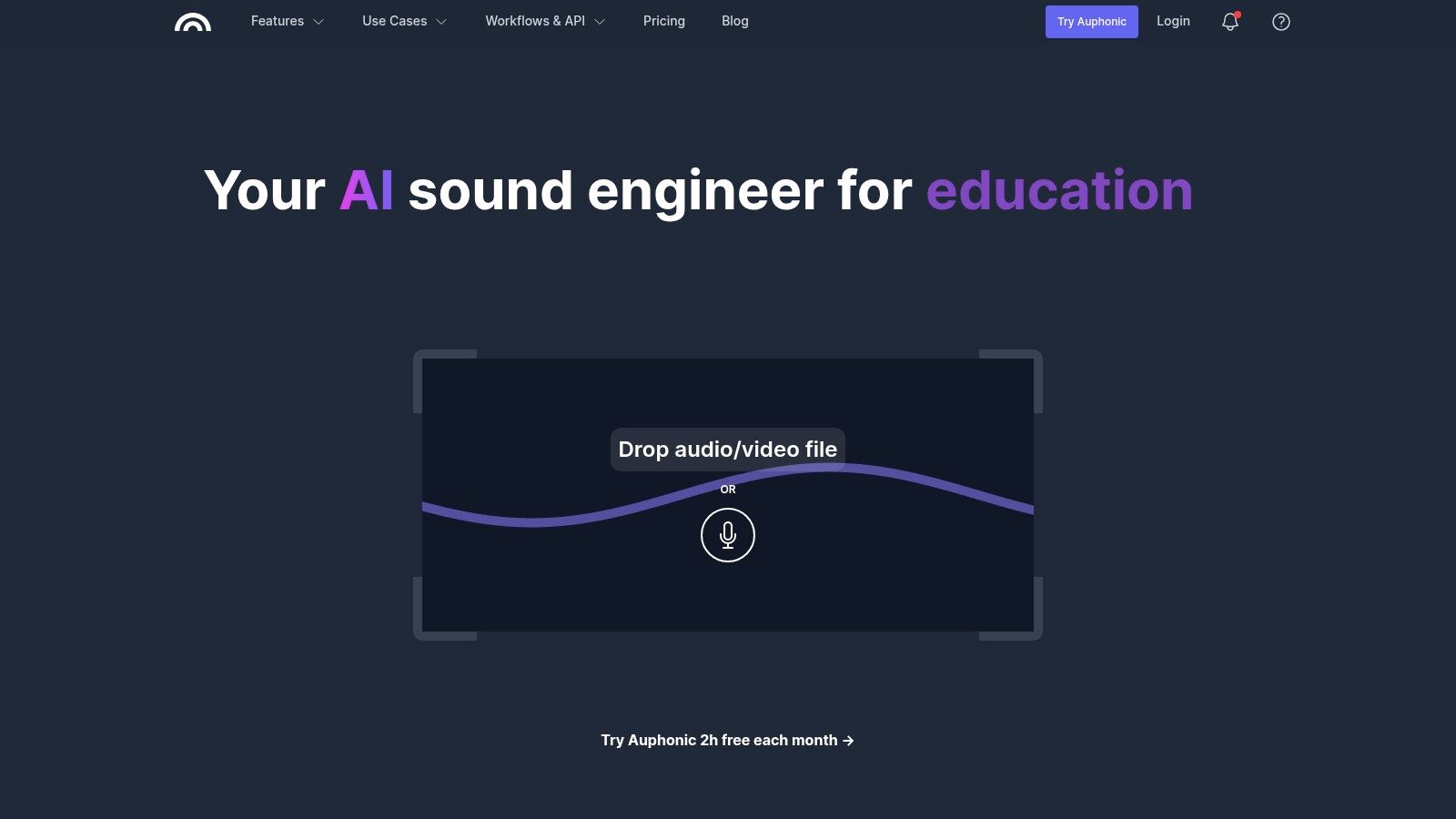
The platform excels at creating a polished, balanced final mix without manual intervention. You upload your edited audio, select a preset, and Auphonic's algorithms handle the rest. Its Intelligent Leveler balances volume differences between speakers, music, and segments, while its noise and hum reduction algorithms clean up background distractions. It also supports multitrack productions, intelligently mixing them into a final master.
Auphonic offers a generous free tier with 2 hours of processed audio per month. For more usage, you can purchase one-time credits (starting at $12 for 5 hours) or subscribe to a recurring plan (starting at $11/month for 9 hours).
Website: https://auphonic.com
Alitu brands itself as a "podcast maker," designed to simplify the entire podcasting workflow for creators who want to avoid technical complexity. It automates much of the production process, from audio cleanup to publishing, making it one of the most beginner-friendly AI tools for podcasters available. The platform’s core strength is its ability to handle tedious tasks like audio leveling and noise reduction automatically.
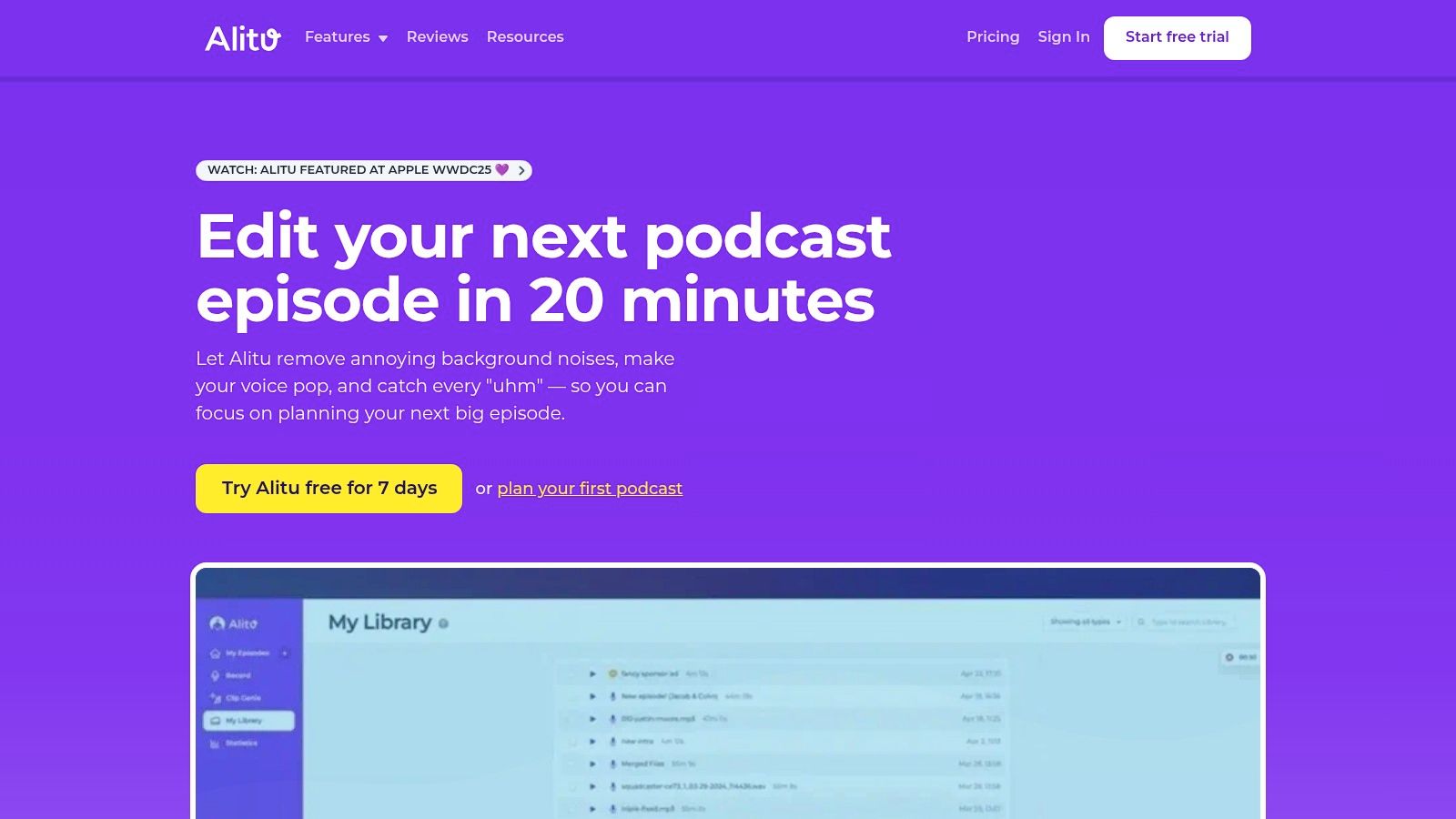
The user experience is heavily guided, walking you through recording, editing, and publishing step-by-step. Its AI features include automatic transcription for text-based editing and Magic Filters that can remove filler words, long pauses, and even mouth sounds like breaths with a single click. By bundling recording, editing, and hosting into one subscription, Alitu aims to be the only tool a new podcaster needs to get started and grow their show.
Alitu operates on a single, all-inclusive pricing plan at $38/month, which includes all features, unlimited recording and editing, and hosting. There are no complex tiers or feature gates, and a 7-day free trial is available.
Website: https://alitu.com
Castmagic is a powerful content repurposing engine designed to maximize the value of every podcast episode. Instead of just providing a transcript, it uses AI to instantly generate a full suite of marketing assets from a single audio or video file. This includes shownotes, potential episode titles, key topics, speaker-labeled quotes, and even ready-to-post social media content like LinkedIn posts and Twitter threads, making it one of the most efficient AI tools for podcasters focused on audience growth.
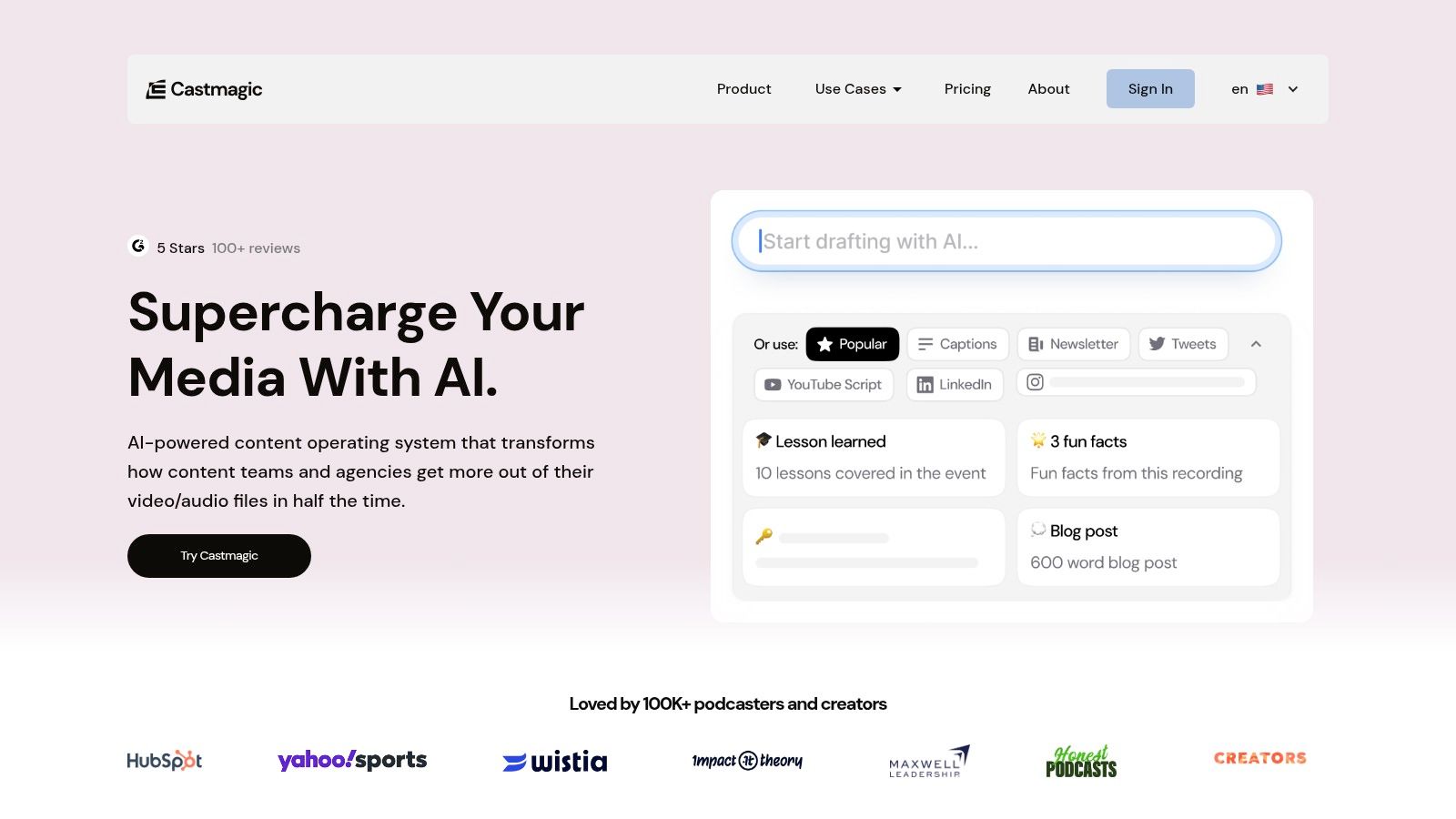
The platform streamlines the post-production workflow by connecting directly to sources like YouTube, RSS feeds, and Google Drive. Once your episode is processed, its "Magic Chat" feature allows you to ask questions about your content or generate new material with custom prompts. It also includes tools for creating audiograms and video clips, helping you transform key moments into shareable promotional content.
Castmagic offers several tiers, starting with the "Hobby" plan at $29/month for 200 minutes of uploads. The "Starter" plan at $69/month includes more minutes and team seats. Higher-tier plans offer more storage, custom branding, and API access.
Website: https://www.castmagic.io
Cleanvoice AI is a specialized tool laser-focused on one of the most tedious parts of podcast production: audio cleanup. Instead of offering a full-featured editor, it excels at automatically removing filler words (like "ums" and "ahs"), mouth sounds, stutters, and long silences from pre-recorded audio files. It's designed to be a fast, efficient step in an existing workflow, polishing raw audio before it goes into a digital audio workstation (DAW) for final mixing.
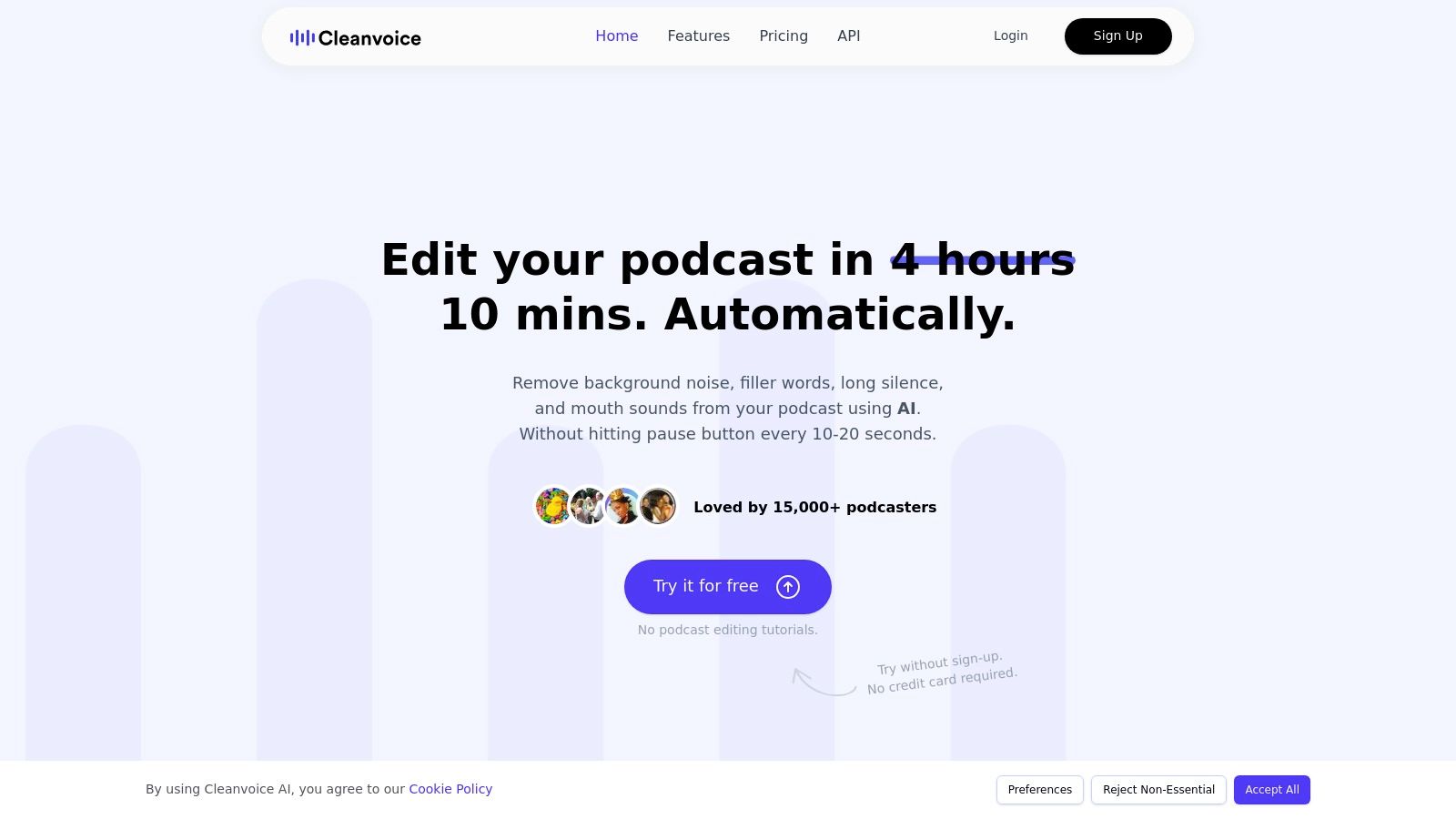
The platform supports multiple languages and can identify different speakers (diarization), ensuring that its edits are applied intelligently across conversations. This makes it an excellent choice for interview-based shows or multi-host podcasts. By handling the meticulous micro-edits, Cleanvoice frees up creators to concentrate on the creative and narrative aspects of their content, significantly cutting down on manual editing time.
Cleanvoice offers flexible pricing with a subscription model starting at €10/month for 10 hours of processing, as well as pay-as-you-go credits for those with inconsistent needs. All paid plans include rollover credits.
Website: https://cleanvoice.ai
Headliner excels at transforming podcast audio into shareable, visually engaging promotional assets for social media. Its core function is to generate audiograms, which are static images or short videos overlaid with audio waveforms and animated captions. This focus makes it one of the most effective AI tools for podcasters looking to grow their audience by creating marketing content quickly and efficiently, without needing advanced video editing skills.

The platform uses AI to automatically transcribe audio clips and generate synchronized captions, a crucial feature for capturing attention on social feeds where videos often autoplay on mute. Headliner's automation features can connect directly to your podcast's RSS feed, automatically creating video clips for new episodes. This "set it and forget it" workflow is invaluable for busy creators who need a consistent social media presence.
Headliner offers a free plan that includes a watermark and limits unwatermarked exports. The paid "Pro" plan, priced at $12.99/month, removes watermarks and unlocks unlimited video creation, auto-posting, and custom branding features.
Website: https://www.headliner.app
Buzzsprout is a leading podcast hosting platform renowned for its simplicity and user-friendly interface, making it an excellent starting point for new creators. It has integrated powerful AI tools for podcasters directly into its hosting workflow, allowing users to streamline post-production and marketing tasks without ever leaving the platform. Its standout features are Cohost AI and Magic Mastering, which are designed to automate and enhance key parts of the publishing process.
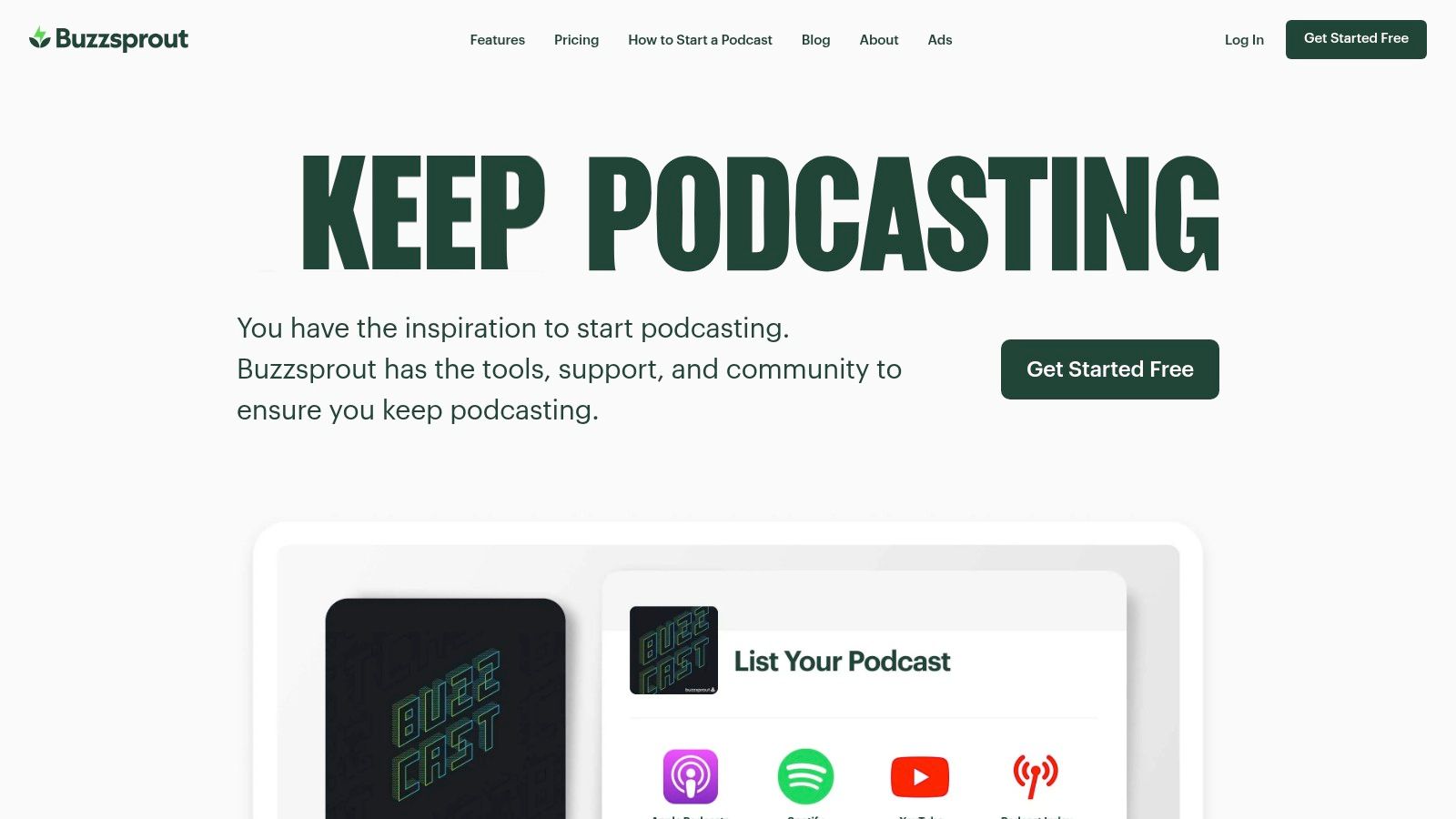
Cohost AI acts as a creative assistant, generating episode titles, detailed descriptions, chapter markers, and even social media posts based on your uploaded audio. Magic Mastering functions as an instant audio engineer, applying an advanced filtering process similar to Dolby equalization to improve clarity and level out audio, making your podcast sound more professional. This integration of core hosting with AI enhancements makes Buzzsprout a compelling all-in-one solution.
Buzzsprout offers a free plan that hosts episodes for up to 90 days. Paid plans start at $12/month and increase based on the number of hours you upload each month. The AI features are priced as separate add-ons: Magic Mastering costs $6-$12 per month depending on your plan, while Cohost AI is a credit-based system starting at $10/month.
Website: https://www.buzzsprout.com
Podbean is a well-established podcast hosting platform that has integrated a suite of AI tools directly into its hosting workflow. Instead of relying on separate services, podcasters can access powerful AI features within their dashboard, streamlining the process from audio upload to publication. This integration makes it a compelling option for creators who want an all-in-one solution for hosting and production enhancement.
The platform's AI suite, branded as Podbean AI, handles tasks like audio cleanup, content generation, and accessibility. It uses a straightforward credit system on eligible plans, allowing creators to apply AI enhancements to their episodes. This includes generating show notes, creating transcripts with speaker labels, and even producing social media content, making it one of the more comprehensive AI tools for podcasters built into a hosting service.
Podbean's AI features are included in its "Unlimited Plus" plan (starting at $29/month) and above, which come with a monthly allocation of AI credits. The free and basic plans do not include AI credits.
Website: https://www.podbean.com
Capsho is an AI-powered content repurposing engine designed to maximize the marketing impact of every podcast episode. Instead of just transcribing, it analyzes your audio or video file and generates a complete suite of promotional assets, from show notes and blog posts to social media captions and email newsletters. Its unique "Personas" feature learns your specific tone and style over time, ensuring all AI-generated content remains consistently on-brand.
The platform's primary strength is its deep focus on marketing automation, which is why it's one of the most effective AI tools for podcasters looking to grow their audience. After uploading an episode, Capsho provides you with a full content package, including a full transcript, multiple title options, a YouTube description, a detailed blog post, and ready-to-post captions for platforms like LinkedIn, Instagram, and Facebook. This drastically reduces the manual copywriting workload after recording.
Capsho operates on a subscription model, with its main plan offering a set number of episode uploads per month. Pricing typically starts around $69/month. There is no free plan, but they often offer a trial or a money-back guarantee.
Website: https://www.capsho.com
| Product | Core features | Quality / UX (★) | Unique selling points (✨) | Target audience & Price (👥💰) |
|---|---|---|---|---|
| Lemonfox.ai 🏆 | STT (100+ langs), TTS, speaker recognition, low latency | ★★★★☆ | ✨ Extremely low-cost STT (< $0.17/hr), EU API, privacy-first, free 30h trial | 👥 Devs, startups, SMBs · 💰 $5/mo starter (~30h) + cheap credits |
| Descript | Transcript-based editing, overdub, Studio Sound, remote recording | ★★★★☆ | ✨ End-to-end editor + overdub voice cloning | 👥 Creators, podcasters · 💰 Freemium → paid media-minute plans |
| Riverside | Local 4K video, multi-track local audio, Magic auto-clips | ★★★★★ | ✨ Local-record quality + auto highlight/repurpose tools | 👥 Podcasters, video creators · 💰 Free tier + paid plans |
| Adobe Podcast | Enhance Speech cleanup, browser studio, audiograms | ★★★★☆ | ✨ Studio-grade audio cleanup integrated with Adobe suite | 👥 Producers needing fast cleanup · 💰 Trial + paid tiers (caps apply) |
| Auphonic | Leveler, AutoEQ, noise/reverb reduction, loudness targeting | ★★★★ | ✨ Broadcast-ready audio automation, credit packs | 👥 Post-producers · 💰 Free 2h/mo + credits |
| Alitu | Auto-cleanup, AI transcripts, hosting & publishing | ★★★ | ✨ Beginner-friendly all-in-one podcast maker | 👥 New creators · 💰 Simple monthly plans |
| Castmagic | Transcripts → clips, shownotes, audiograms, integrations | ★★★★ | ✨ Deep repurposing + team features, many integrations | 👥 Marketing teams, content repurposers · 💰 Tiered pricing (can jump) |
| Cleanvoice AI | Filler removal, mouth-click reduction, diarization, API | ★★★ | ✨ Fast focused cleanup via API | 👥 Producers needing cleanup pipelines · 💰 Pay-as-you-go or subs |
| Headliner | Audiograms, social videos, auto-captions & templates | ★★★★ | ✨ Fast social-ready asset generation, auto-posting | 👥 Social marketers, pod promo · 💰 Freemium; Pro unlimited exports |
| Buzzsprout | Hosting, distribution, analytics + AI add-ons | ★★★★ | ✨ Simple hosting + AI content/audio add-ons | 👥 Podcasters wanting easy hosting · 💰 Free trial (90d) + paid upload plans |
| Podbean | Hosting, AI audio enhancement, TTS, AI credits system | ★★★ | ✨ Unified AI credits & enterprise options | 👥 Scaled hosts, networks · 💰 Hosting tiers with bundled credits |
| Capsho | Show notes → blog posts, captions, thumbnails; persona learning | ★★★ | ✨ Persona-based brand voice + integrated asset creation | 👥 Creators repurposing for marketing · 💰 Single main monthly plan |
The landscape of podcast production has been fundamentally reshaped by the explosion of specialized AI. As we've explored, the modern podcaster's toolkit extends far beyond a microphone and a mixer. Today, it’s about building a strategic, intelligent workflow that automates the tedious, enhances the creative, and amplifies your reach. The journey from raw recording to polished, multi-platform content no longer needs to be a marathon of manual labor.
The sheer volume of AI tools for podcasters can feel overwhelming, but the path forward is clearer when you approach it with a specific strategy. The goal isn't to adopt every shiny new application, but to construct a personalized "AI stack" that solves your most significant production bottlenecks. By thoughtfully selecting and integrating tools like Descript for intuitive editing, Castmagic for content repurposing, and Adobe Podcast for audio enhancement, you create a powerful, customized engine for your show.
To avoid analysis paralysis, start by pinpointing your single greatest point of friction. What is the one task that consumes the most time or causes the most frustration?
Regardless of your primary pain point, a high-quality transcript serves as the foundational asset for nearly every other AI-powered task. It is the source code for your episode. Accurate transcription unlocks text-based editing, generates show notes, creates captions for social videos, and improves your content's accessibility and SEO.
This is precisely why choosing the right transcription service is a critical first step. For developers, businesses, and creators who need a scalable, reliable, and cost-effective solution, an API-first service is often the smartest choice. It provides the flexibility to integrate high-quality speech-to-text directly into your existing workflows or custom applications.
A service like Lemonfox.ai is designed for this exact purpose, offering best-in-class accuracy at a price point that makes large-scale transcription feasible. Its privacy-conscious approach ensures your content remains your own, a crucial consideration in today's data landscape. By starting with a powerful transcription engine, you lay the groundwork for a more efficient and intelligent podcasting ecosystem.
Ultimately, integrating AI tools for podcasters is about reclaiming your most valuable resource: time. By automating repetitive tasks and streamlining complex processes, you free yourself to focus on what truly matters - crafting compelling stories, connecting with your audience, and growing your show. The right AI stack doesn't replace your creativity; it unleashes it.
Ready to build the foundation of your AI-powered workflow with best-in-class transcription and text-to-speech? Explore Lemonfox.ai to see how our developer-friendly APIs provide state-of-the-art accuracy at an unbeatable price. Start your free trial today at Lemonfox.ai and experience the core engine for modern podcast production.