
First month for free!
Get started
Published 2/1/2026
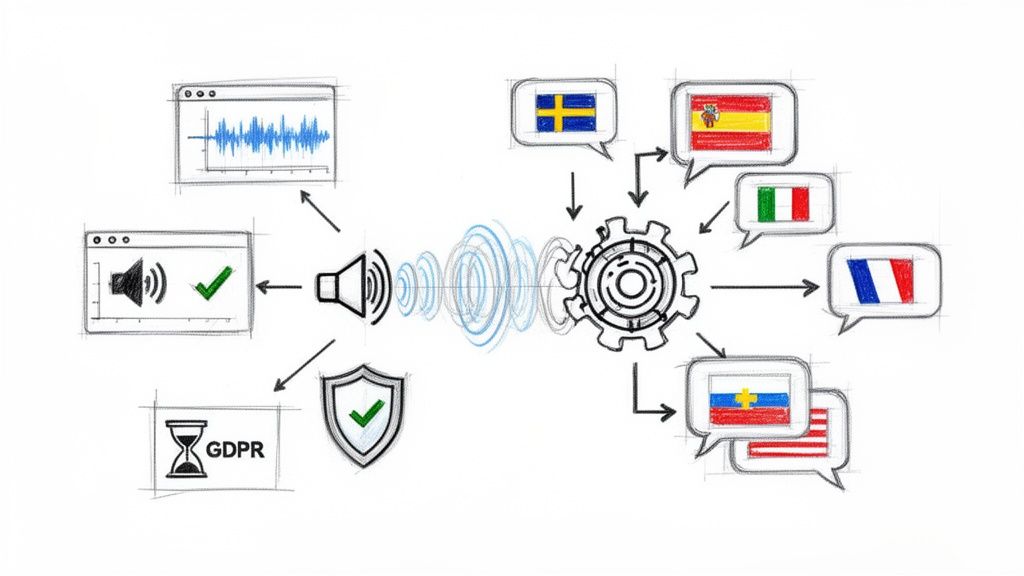
The global content landscape is no longer regional; it's universal. To connect with audiences worldwide, subtitles are a starting point, but true engagement requires your content to speak the local language. This is where AI dubbing transforms the game, moving beyond robotic voiceovers to create natural, emotionally resonant audio tracks in minutes, not months. The challenge, however, is navigating a crowded market to find the right tool for your specific needs.
This guide cuts through the noise. We will dissect the 12 best AI dubbing software platforms, providing a comprehensive analysis to help you make an informed decision. Each review evaluates critical factors such as translation accuracy, voice cloning fidelity, lip-sync precision, language support, and overall scalability. We provide direct links and screenshots for every tool, allowing you to see them in action.
Whether you're a solo creator expanding your YouTube channel's reach, a developer searching for a robust localization API, or an enterprise localizing vast content libraries at scale, this breakdown is designed for you. Our goal is to equip you with the insights needed to select the perfect solution. We will compare features, pricing, and specific use cases for platforms like Rask AI, ElevenLabs, and HeyGen, among others. By the end of this article, you will have a clear understanding of which AI dubbing software best aligns with your budget, technical requirements, and content goals, enabling you to make your message universally accessible and impactful.
Rask AI positions itself as a comprehensive, web-based platform for video localization, making it a strong contender for the title of best AI dubbing software, especially for creators and businesses focused on video content. Its full-stack approach combines AI-powered translation, voice cloning, and optional lip-syncing into a single, cohesive workflow. This integration is a significant advantage, eliminating the need to juggle multiple tools for transcription, translation, voice generation, and video editing. The platform is designed for both individual creators and collaborative teams, offering features like shared workspaces to streamline the localization process.
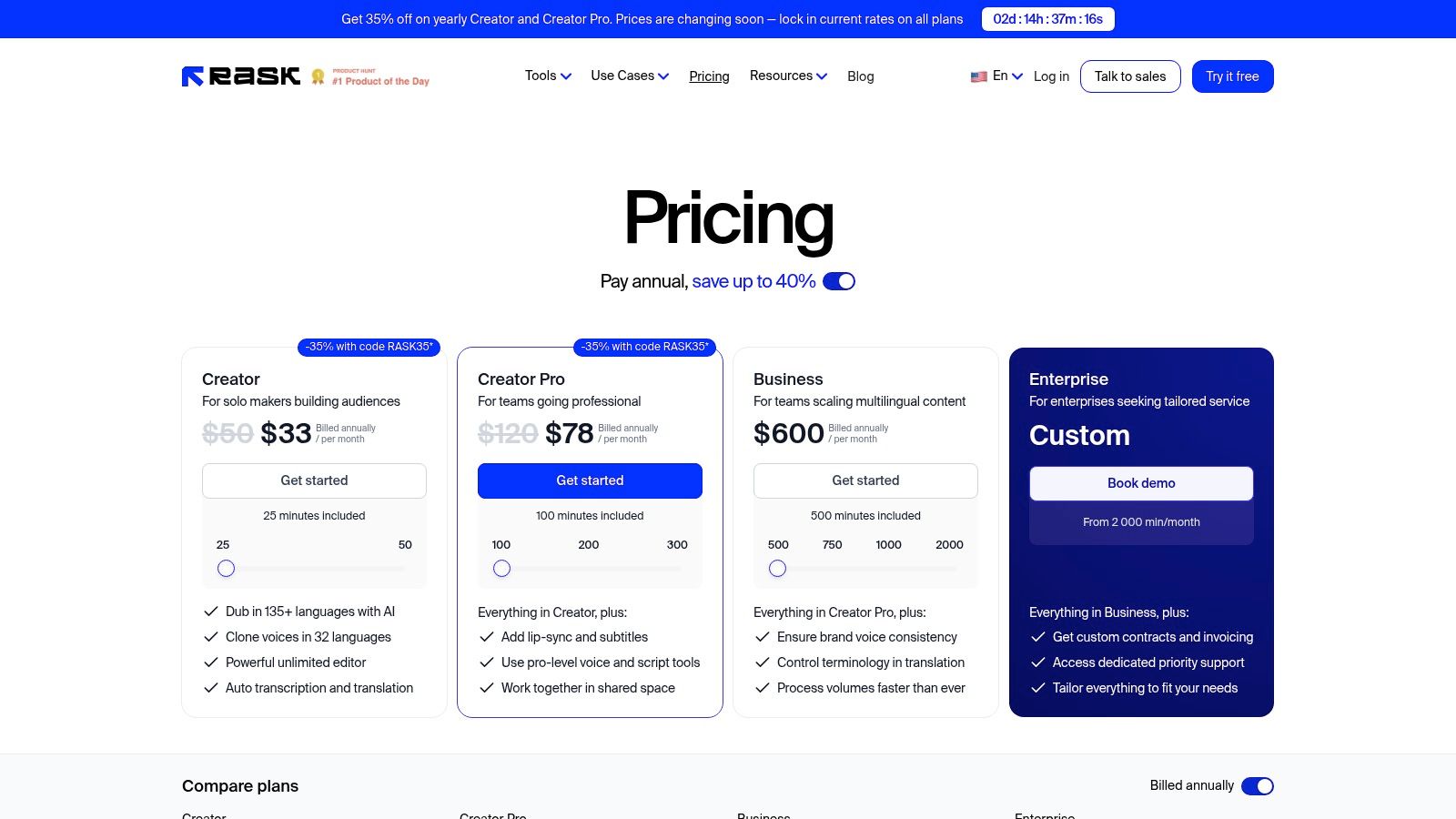
The platform’s standout feature is its powerful voice cloning technology, which works across 32 of its 135+ supported languages. This allows creators to maintain vocal identity and brand consistency across international markets. For developers and businesses needing to automate their workflows, Rask AI also provides an API, enabling programmatic integration of its dubbing and translation capabilities into existing systems.
Rask AI's user experience is straightforward, with an intuitive editor that allows for fine-tuning translations and subtitle timing. The pricing is structured around a per-minute model, which offers clarity and predictability.
Website: https://www.rask.ai/pricing
ElevenLabs has established itself as a leader in synthetic voice technology, and its AI dubbing capabilities extend this reputation. The platform offers a dual approach to video localization, catering to different user needs and project scales. Users can choose between a self-serve Dubbing Studio for quick, hands-on projects or a fully managed Productions service for larger-scale, white-glove requirements. This flexibility makes it a versatile choice for a wide range of users, from individual creators to large enterprises seeking a reliable production partner.
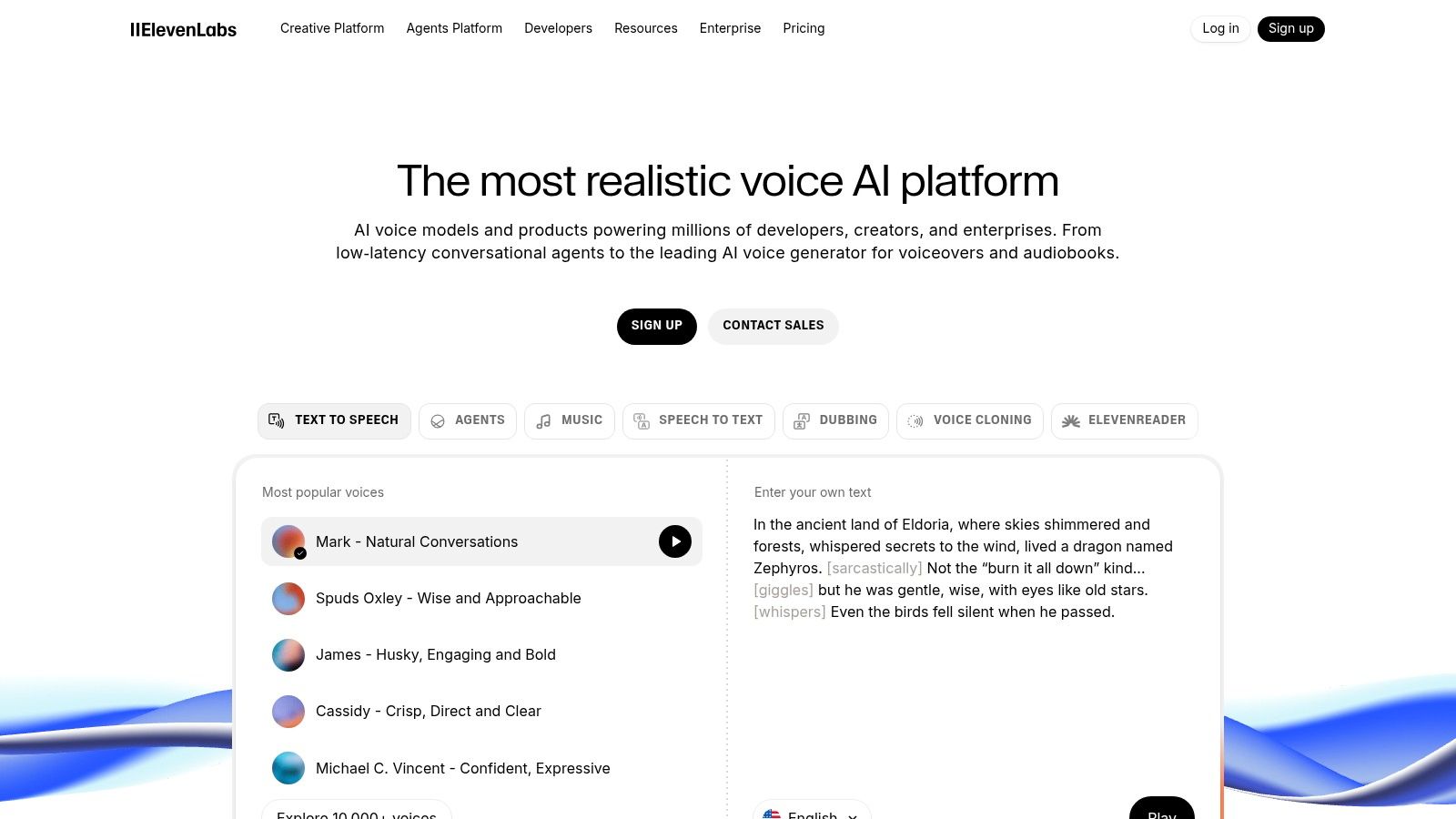
The platform is renowned for its high-quality voice library and powerful voice cloning, allowing creators to maintain a consistent vocal presence across multiple languages. The Dubbing Studio provides an editor workflow where users can fine-tune translations and speaker assignments. For businesses needing guaranteed quality and turnaround, the managed service comes with a Service Level Agreement (SLA), offering a higher level of assurance and support. This combination of self-service and managed options distinguishes ElevenLabs as a uniquely adaptable AI dubbing software.
ElevenLabs' editor workflow allows users to work with watermarked previews before committing credits, which is a practical feature for managing costs. The pricing for the self-serve studio is based on a credit system, where costs are calculated per output minute and language, encompassing both translation and text-to-speech generation.
Website: https://elevenlabs.io/
HeyGen operates as a powerful AI video generator that integrates robust video translation and dubbing features, making it an excellent choice for creators who need localization alongside synthetic media generation. Its platform uniquely combines avatar creation, voice cloning, and AI dubbing, allowing users to produce and localize content within a single ecosystem. This synergy is ideal for corporate training, marketing, and social media videos where consistent branding and presenter identity are key. The platform supports teams with collaborative features and business-centric controls, simplifying large-scale content strategies.
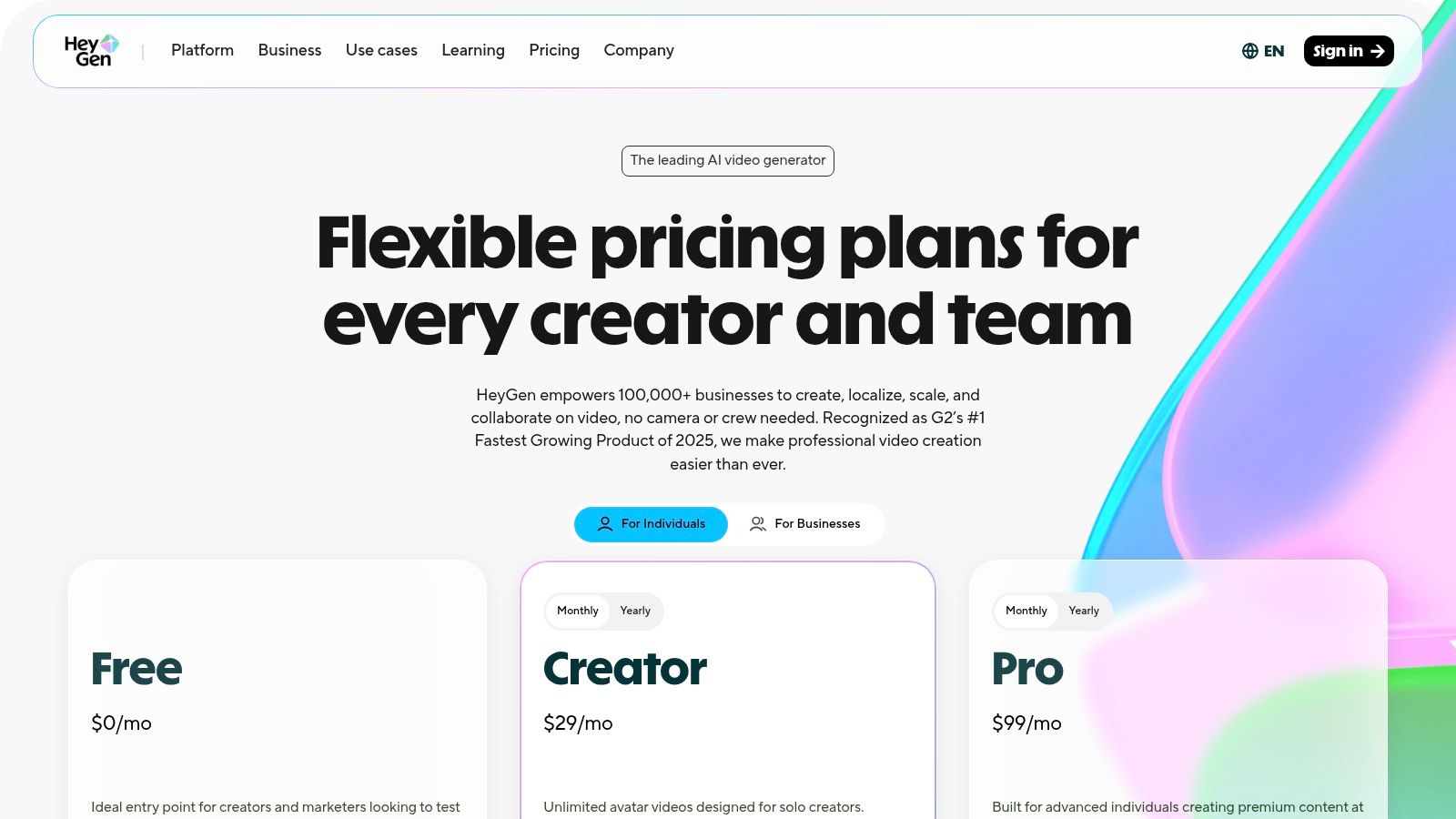
The platform’s standout feature is the combination of its AI dubbing software with avatar generation, offering lip-sync options to create realistic translated videos. Supporting over 175 languages and dialects, HeyGen provides extensive global reach. Higher-tier plans also unlock 4K video exports, catering to professional quality standards. The pricing model is based on "Generative Credits," which are consumed for features like lip-syncing, providing a clear but resource-limited framework for users to manage.
HeyGen’s interface is built for ease of use, making advanced features like avatar creation and video translation accessible to non-technical users. The credit-based system is transparent, though users must plan their usage carefully to avoid needing add-ons.
Website: https://www.heygen.com/pricing
Kapwing is an established browser-based video editor that has integrated a suite of AI tools, making it a powerful option for creators who need an end-to-end editing and localization workflow. It combines traditional video editing with AI-powered subtitling, translation, Text-to-Speech (TTS), and AI dubbing, including a lip-sync feature. This all-in-one approach is ideal for users who want to avoid switching between multiple applications for editing and dubbing, providing a seamless creative process from start to finish.
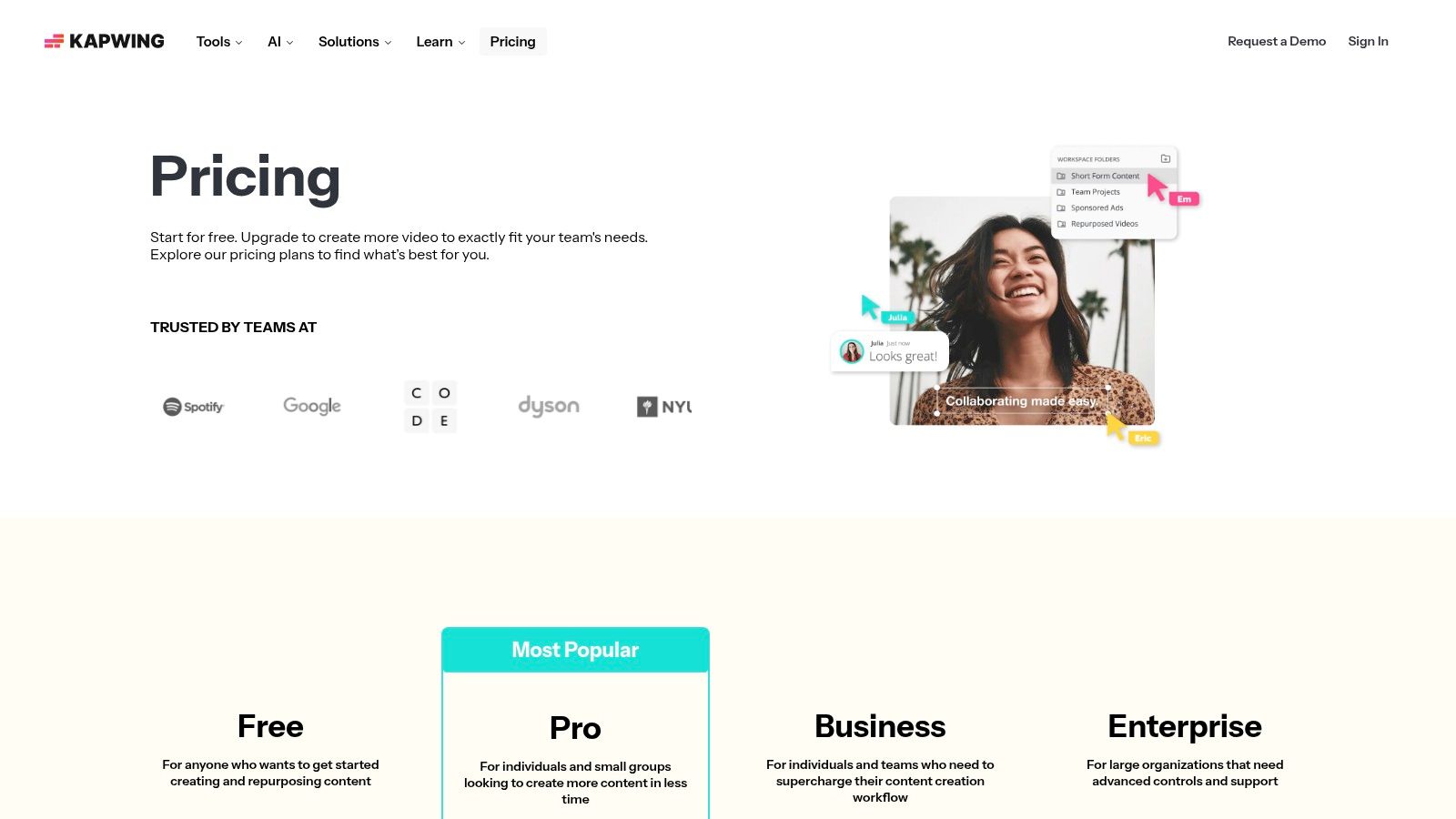
The platform operates on a credit-based system, which offers excellent cost visibility for its AI features. Users can see exactly how many credits a specific action, like dubbing a 30-second clip, will consume. This transparency helps creators manage their budgets effectively, especially when handling multiple projects. Its combination of a user-friendly editor and predictable AI costs makes Kapwing a strong contender among the best AI dubbing software for solo creators and small teams.
Kapwing’s strength lies in its integrated editor, allowing for immediate adjustments to timing, subtitles, and audio without exporting to another tool. The credit system, while clear, requires users to balance usage across various AI features.
Website: https://www.kapwing.com/pricing
VEED.io integrates AI dubbing directly into its popular online video editing suite, making it a compelling choice for creators who want an all-in-one platform. Instead of being a standalone dubbing tool, its features are woven into a comprehensive editing workflow. This approach simplifies the process, allowing users to upload a video, generate subtitles, translate them, and then create an AI-dubbed audio track within the same interface, eliminating the need to export and re-import files between different applications.
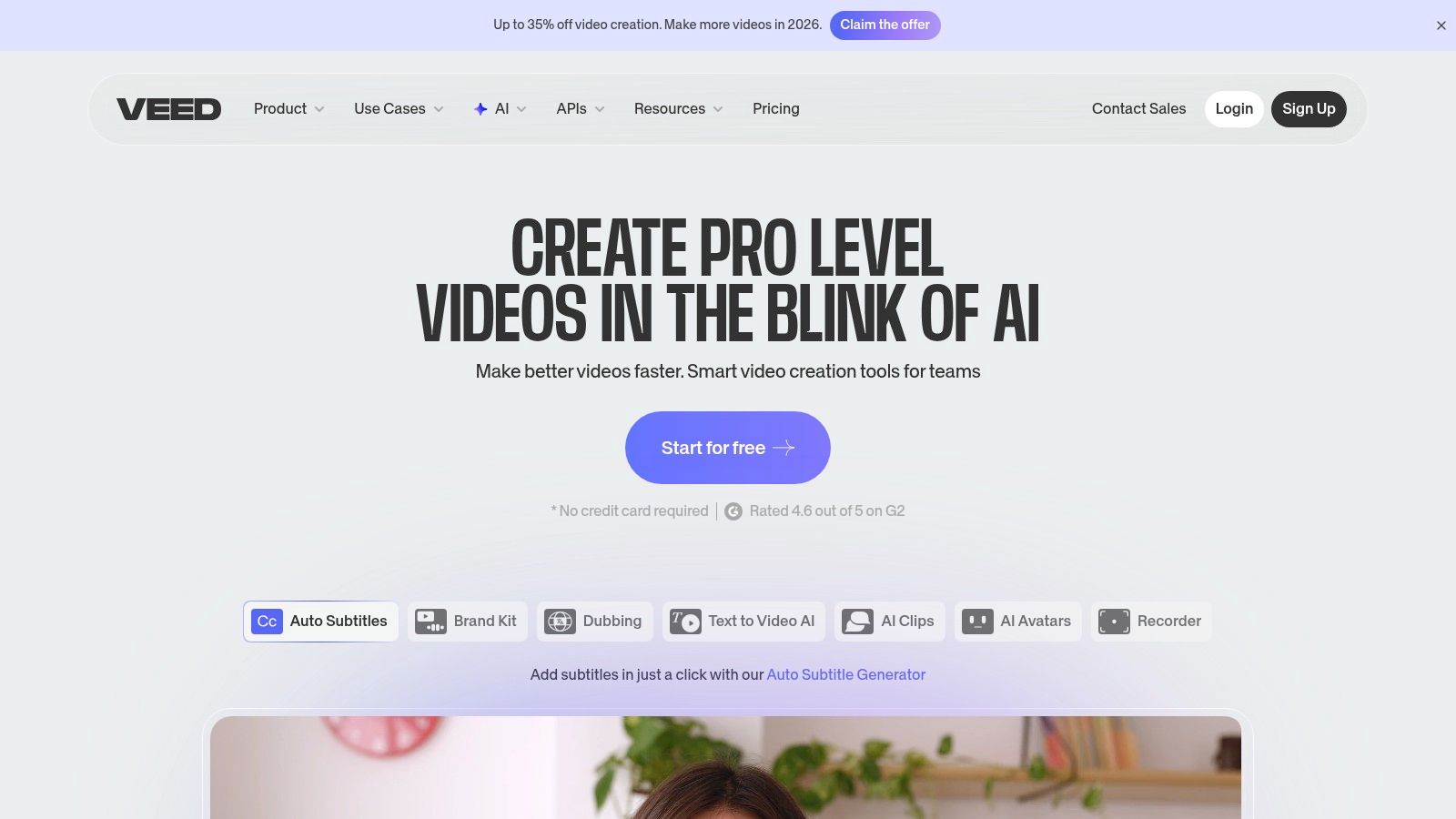
The platform is particularly well-suited for teams and businesses that already use VEED for their video production. Enterprise-level features enhance this value proposition by adding capabilities like proofreading and the ability to upload pre-translated SRT files for higher-quality localization projects. This positions VEED.io as not just a simple editor but as a potential hub for a team's entire video localization pipeline, from initial cut to final dubbed output.
VEED.io’s strength lies in its seamless integration of dubbing into the video editing experience, offering a practical solution for quick-turnaround projects. The pricing is tied to its broader subscription plans, which include a wide array of video editing tools.
Website: https://www.veed.io/
Dubverse positions itself as a dubbing-first SaaS platform, making it a compelling option for those seeking straightforward, predictable costs for their AI dubbing projects. It operates on a simple credit-based accounting system for dubbing, subtitles, and text-to-speech, which simplifies budget management for creators and businesses. The platform is built to handle everything from single video projects to large-scale, automated workflows, making it a versatile contender for the best AI dubbing software. Its focus on a clear credit system removes the complexity often associated with per-minute pricing models.
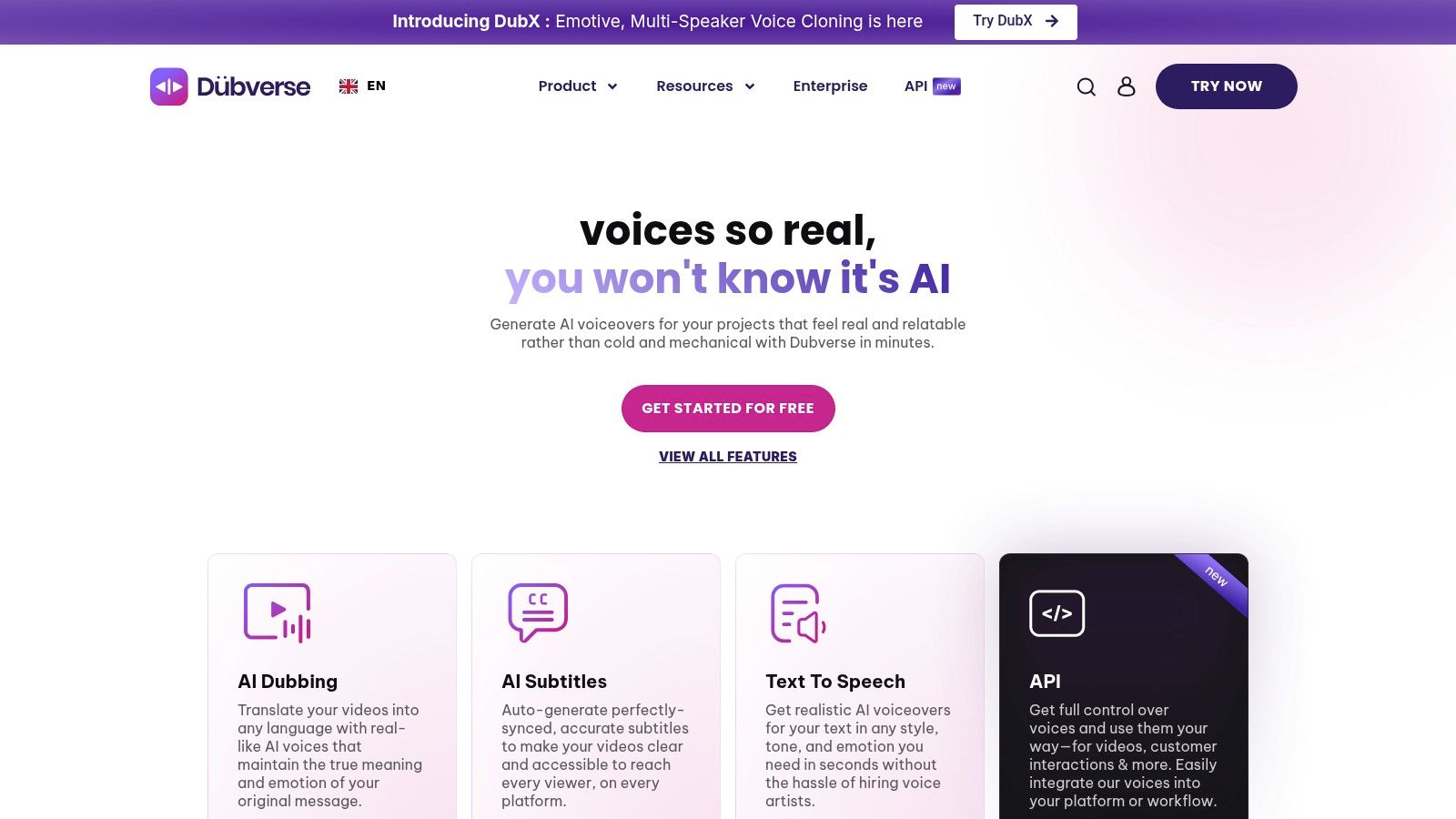
The platform’s strength lies in its transparency. For instance, dubbing might cost 4 credits per minute, while subtitles cost 1 credit, allowing users to precisely forecast expenses. For more advanced needs, higher-tier plans unlock studio features, voice cloning, GPT-4 powered translations, and priority processing. Developers can leverage the available API and bulk processing options to integrate Dubverse's capabilities directly into their own applications and content pipelines, enabling significant automation.
Dubverse offers a clean user interface that makes navigating its features intuitive. The ability to top-up credits as needed provides flexibility, especially for users with fluctuating project volumes.
Website: https://dubverse.ai
Papercup carves out a unique space in the AI dubbing landscape by combining advanced AI with a human-in-the-loop managed service. This hybrid approach is tailored for media companies, broadcasters, and enterprises that demand studio-level quality for their content. Rather than a self-serve platform, Papercup functions as a specialized localization partner, handling the entire dubbing workflow from transcription to final quality assurance. This makes it an ideal choice for organizations that need broadcast-ready assets without building an in-house localization team.
The service’s core strength lies in its human post-production layer. While AI generates the initial dubs, professional linguists and audio engineers review and refine every line to ensure emotional nuance, accurate timing, and cultural relevance. This process elevates the final product far beyond what a purely automated system can achieve. Papercup also offers comprehensive channel management and distribution support, helping clients launch and manage their localized content on platforms like YouTube.
Papercup’s model focuses on delivering a polished, ready-to-publish product, including optional on-screen text localization and metadata translation to ensure a fully immersive viewer experience. The engagement is project-based and requires direct consultation.
Website: https://www.papercup.com/pricing
Deepdub targets the professional entertainment industry, offering studio-grade AI dubbing solutions that prioritize security and scale. It's less of a self-serve tool for individual creators and more of a robust platform for film studios, streaming services, and professional content owners. The company provides both a managed service workflow and a SaaS product, Deepdub Go, allowing teams to integrate high-quality localization directly into their production pipelines. Its key differentiator is a focus on enterprise-level security, evidenced by its TPN Gold Shield accreditation.
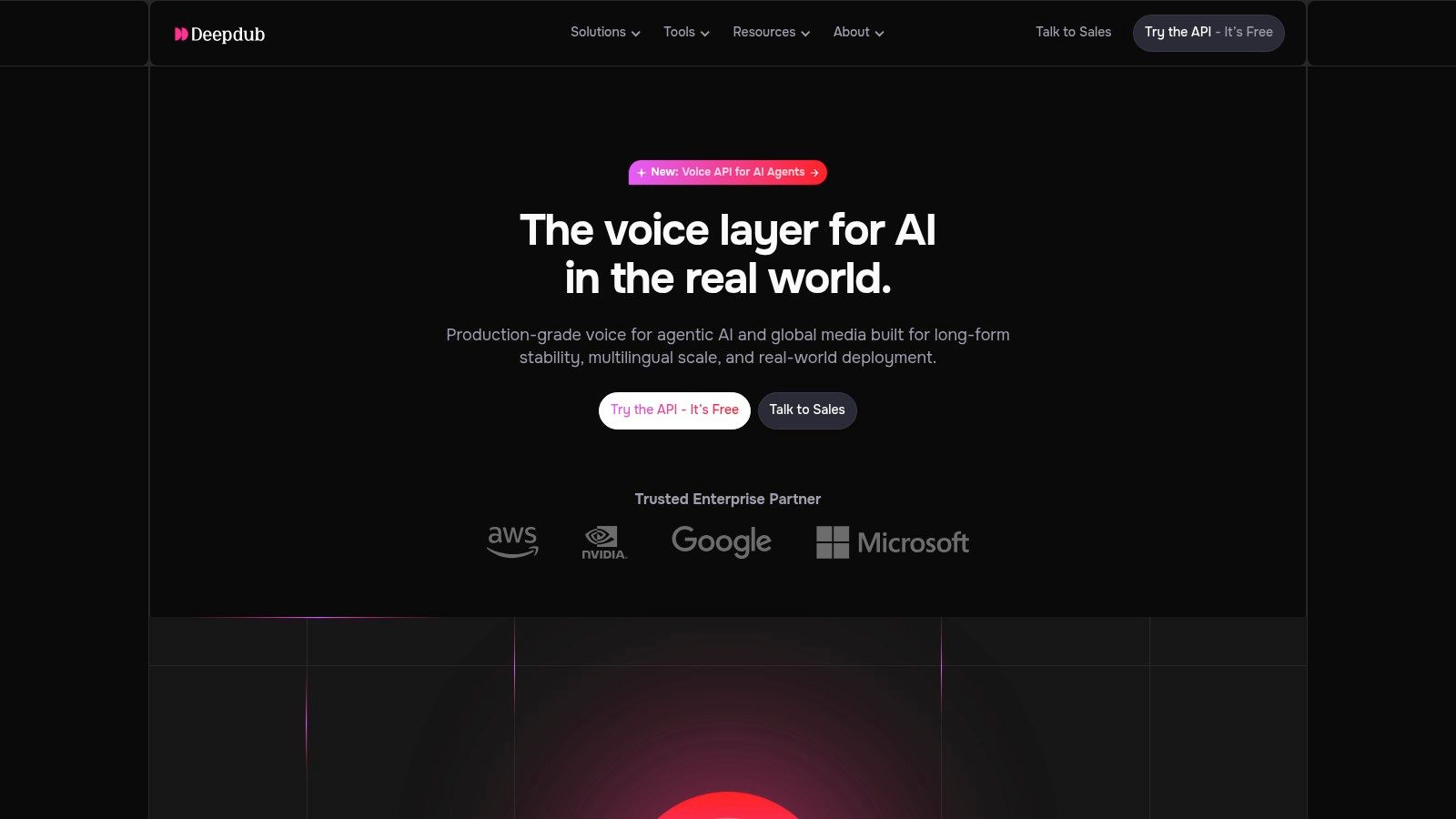
This platform is engineered to handle the rigorous demands of dubbing for television, film, and FAST (Free Ad-supported Streaming TV) channels, where content integrity and consistent quality across multiple languages are paramount. Deepdub’s approach combines sophisticated AI with human oversight to ensure the final output meets professional broadcast standards. This makes it one of the best AI dubbing software choices for organizations that cannot compromise on security or quality.
Deepdub's model is built around partnership and integration rather than a simple pay-as-you-go service, requiring direct engagement with their sales team for access and pricing.
Website: https://deepdub.ai/
Descript approaches AI dubbing from the perspective of a full-fledged audio and video editor, making it an excellent choice for creators who require powerful editing tools alongside their localization efforts. Instead of being a dedicated dubbing platform, Descript integrates translation and voice generation directly into its core editing workflow. Users can transcribe their media, translate the text with a single click, and then use the "Dub speech" feature to generate a translated voiceover using either high-quality stock voices or a custom-cloned voice via its Overdub feature.
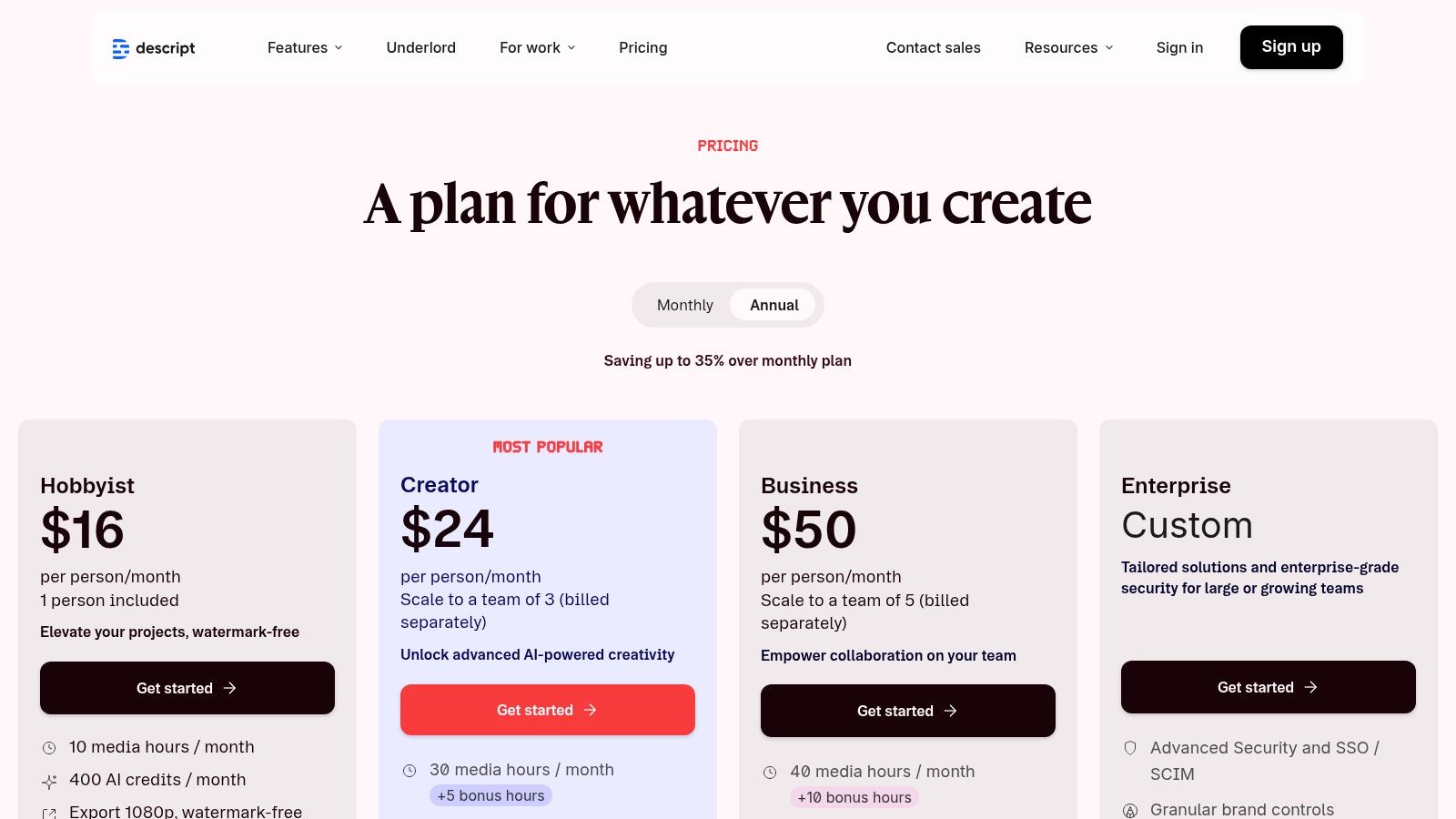
This editor-centric model is Descript's main differentiator; it treats audio and video like a text document, allowing for intuitive editing and collaboration. The platform is built for team-based workflows, enabling multiple users to comment and edit projects simultaneously. This makes it a strong contender for the best AI dubbing software for production teams who need more than just a simple translation and voiceover tool, requiring a comprehensive suite for content creation from start to finish.
Descript's pricing is straightforward, with clear tiers that include generous amounts of transcription and remote recording hours. The Overdub voice cloning and AI dubbing features are integrated into the higher-tier plans.
Website: https://www.descript.com/price
Translate.Video, powered by Vitra.ai, establishes itself as a strong contender in the AI dubbing software space by focusing on a streamlined video translation workflow with clear, predictable pricing. The platform is engineered for creators and businesses who need to quickly dub content with features like instant voice cloning and lip-syncing without navigating complex subscription models. It supports over 80 languages, providing a broad reach for global content distribution. The entire process, from upload to translated video download, is designed to be user-friendly, making it accessible even for those without technical video editing skills.
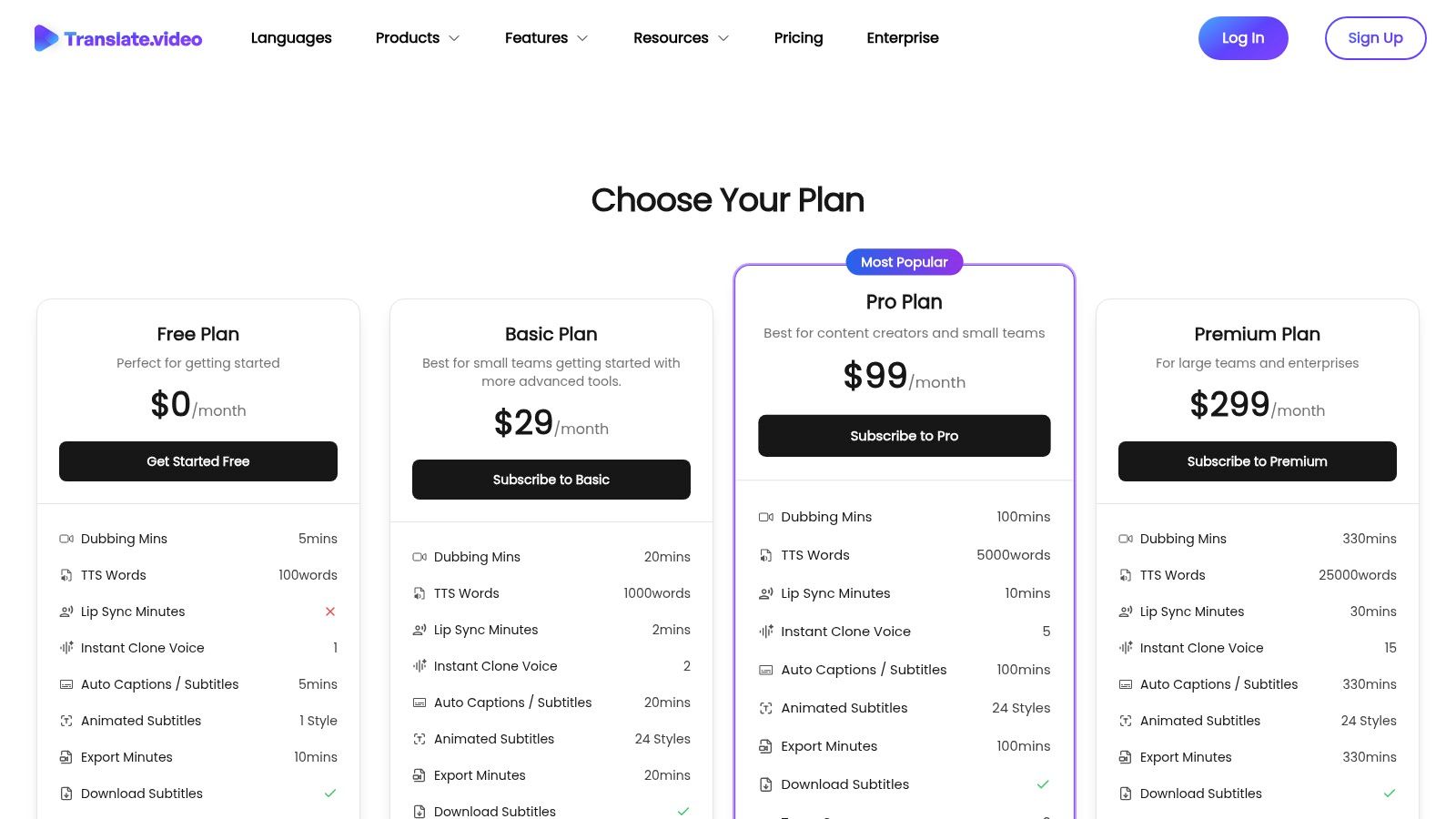
The platform’s key differentiator is its transparent pricing, which combines monthly minute bundles with straightforward, per-minute top-up costs. This hybrid model provides flexibility, allowing users to handle fluctuating workloads without committing to a much larger, more expensive plan. For users with longer-form content like webinars or educational videos, the per-minute cost becomes more economical at higher tiers, offering good value for high-volume projects.
Translate.Video’s interface is built for efficiency, allowing users to generate dubbed videos in just a few clicks. The inclusion of lip-sync technology adds a layer of professionalism that helps translated content feel more natural and engaging for international audiences.
Website: https://www.translate.video/pricing
Wavel.ai offers a versatile AI voice localization platform that combines dubbing, Text-to-Speech (TTS), subtitles, and even a voice changer tool. Its unique approach is centered around a flexible credit system, where users purchase credits that can be used across different services. This model is particularly beneficial for users with mixed workloads, such as needing to dub a video one day and generate a TTS voiceover the next, without committing to a plan dedicated to a single function. This adaptability makes it a strong choice for creators and developers who need more than just one specific tool.
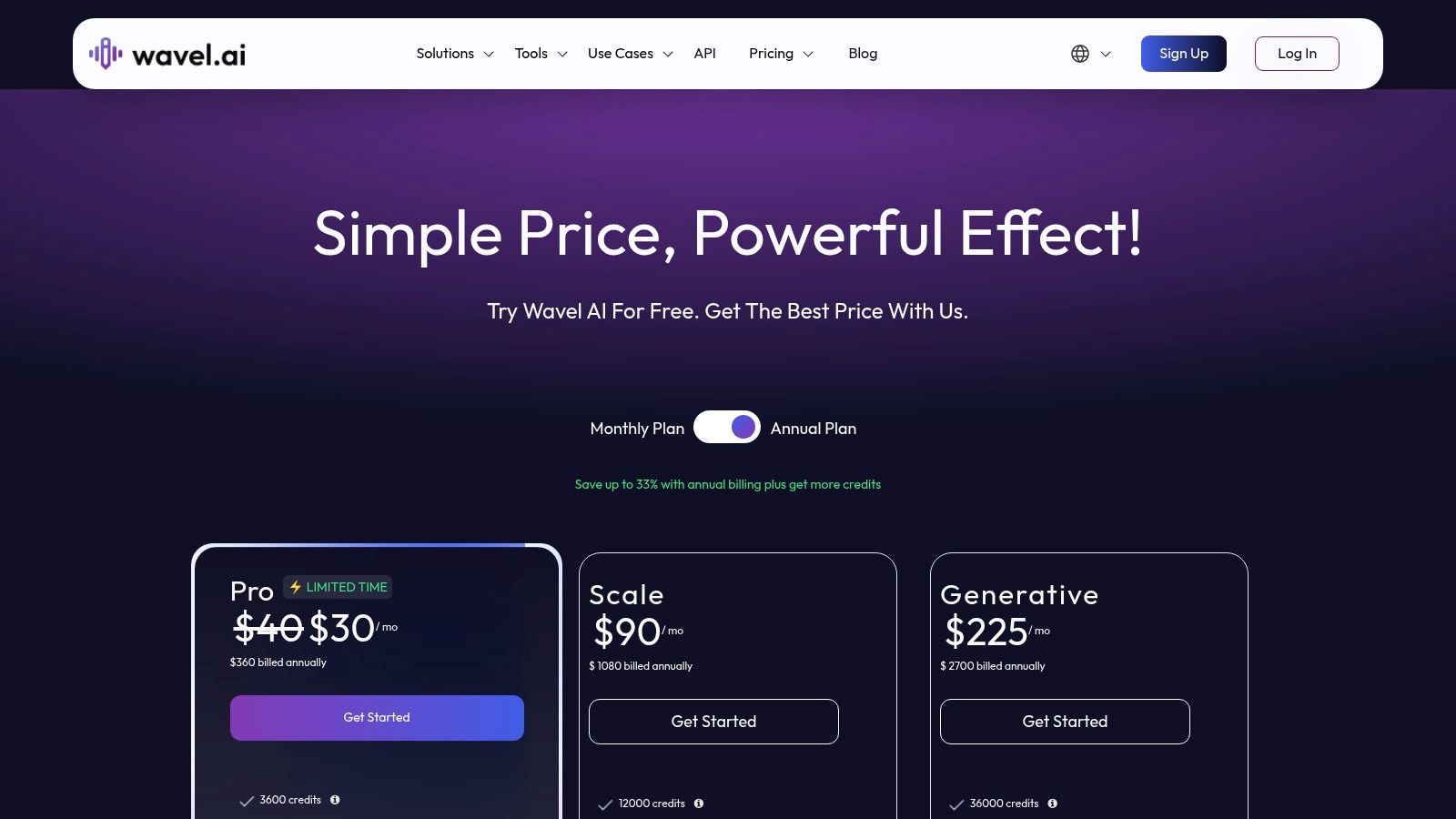
The platform includes desirable features like voice cloning on most of its paid tiers, allowing for brand consistency in vocal delivery across multiple languages. For developers, Wavel.ai provides dedicated API plans with monthly credit bundles and overage options, enabling straightforward integration of its localization capabilities into custom applications and workflows. The ability to roll over unused credits is another practical benefit, minimizing waste for users with fluctuating monthly needs.
Wavel.ai’s credit system offers flexibility but requires careful planning to ensure cost-effectiveness. For instance, approximately three credits convert to one minute of dubbing, so users must map their project needs to the credit bundles accurately.
Website: https://wavel.ai/pricing
For creators already embedded in the YouTube ecosystem, the platform's native Auto Dubbing feature, powered by Aloud, presents an incredibly streamlined approach to AI dubbing. Instead of exporting videos to third-party tools, eligible creators can generate dubbed audio tracks directly within the YouTube Studio workflow upon upload. This integration makes it a compelling option for YouTubers looking to expand their reach to international audiences without adding complex steps or external software to their production process. The core value is its seamless, zero-cost integration for those who qualify.
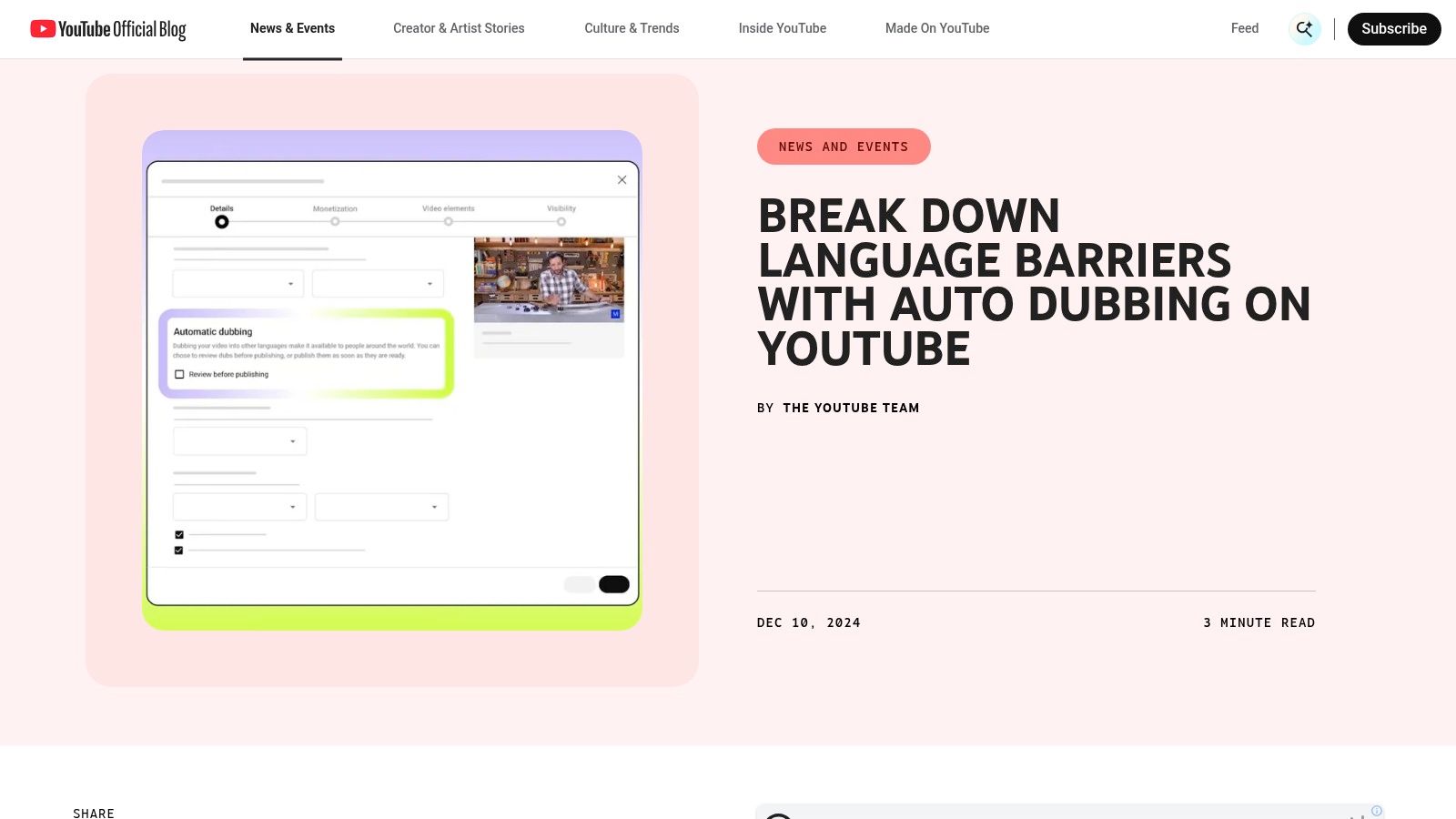
The feature allows creators to manage and preview dubbed tracks before publishing, offering a degree of control within the familiar Studio interface. While it may not have the advanced customization of dedicated AI dubbing software, its convenience is unmatched for its target user. The primary limitation is its availability, which is tied to eligibility within the YouTube Partner Program and a gradual rollout, as well as a currently restricted set of supported language pairs.
YouTube’s native tool prioritizes accessibility over advanced functionality, making it an excellent entry point for creators exploring multilingual content for the first time. The quality can be variable, but for a free, integrated solution, it provides significant value.
Website: https://blog.youtube/news-and-events/auto-dubbing-on-youtube/
| Product | Core features | Price/value 💰 | Quality & Accuracy ★ | Target audience 👥 | Unique selling points ✨🏆 |
|---|---|---|---|---|---|
| Rask AI | Web dubbing & translation, voice‑cloning, lip‑sync, subtitles, API | Per‑minute tiers; clear but overage risk 💰 | ★★★★☆ | 👥 creators & teams | ✨ Editor + collaboration; broad language support 🏆 |
| ElevenLabs | Credit‑based Dubbing Studio + managed Productions, voice library & cloning | Credits + managed per‑min; flexible billing 💰 | ★★★★☆ | 👥 creators, studios, agencies | ✨ Large voice library; white‑glove managed service |
| HeyGen | Avatar video gen, voice cloning, lip‑sync, 175+ languages, 4K export | Tiered plans + generative credits; 4K on higher tiers 💰 | ★★★★☆ | 👥 creators & marketers | ✨ Avatar + localization in one platform |
| Kapwing | Online editor with AI subtitling, TTS, translation, dubbing (credit model) | Affordable Pro; clear credit math 💰 | ★★★★ | 👥 individual creators & small teams | ✨ Editor‑first workflow; transparent costs |
| VEED.io | In‑editor AI dubbing, subtitles, enterprise review & SRT support | Editor plans + enterprise add‑ons; dubbing pricing less transparent 💰 | ★★★★ | 👥 editors & teams | ✨ Subtitle round‑trip & proofreading tools |
| Dubverse | Credits/min model, studio features, voice cloning on higher tiers, API | Predictable credit/min pricing; competitive entry 💰 | ★★★☆ | 👥 creators & SMBs | ✨ Simple credit accounting; bulk/API support |
| Papercup | Hybrid AI + human post‑production, channel mgmt, on‑screen localization | Quote/SLA based; premium enterprise pricing 💰 | ★★★★★ 🏆 | 👥 broadcasters & streaming orgs | ✨ Human QA + broadcast‑grade output 🏆 |
| Deepdub | Enterprise localization, Deepdub Go SaaS, TPN security, managed workflows | Sales‑engagement pricing; enterprise focused 💰 | ★★★★★ 🏆 | 👥 studios & content owners | ✨ TPN Gold Shield security; studio‑grade scale 🏆 |
| Descript | Full audio/video editor, Translate + "Dub speech", Overdub voice cloning | Clear tiers; generous transcription included 💰 | ★★★★ | 👥 podcasters & creators | ✨ Overdub voice cloning + powerful editor |
| Translate.Video (Vitra) | AI translation/dubbing w/ lip‑sync, instant voice clone, 81 languages | Minute bundles & transparent per‑min top‑ups; good long‑video value 💰 | ★★★★ | 👥 localization teams & creators | ✨ Instant voice clone + clear per‑min pricing |
| Wavel.ai | Dubbing, TTS, subtitles, voice changer, API; credit→minutes model | Monthly credit bundles with rollover; flexible for mixed use 💰 | ★★★★ | 👥 devs & media teams | ✨ Rollover credits + voice changer; API focus |
| YouTube Auto Dubbing (Aloud) | Auto‑generated dubbed audio tracks in YouTube Studio (select pairs) | Free for eligible Partner Program creators 💰 | ★★☆☆ | 👥 YouTube creators (eligible channels) | ✨ Native, zero‑cost workflow; direct Studio integration |
Navigating the landscape of the best AI dubbing software can feel overwhelming, but as we've explored, the "best" tool is rarely a one-size-fits-all solution. It's a strategic choice that depends entirely on your specific goals, technical expertise, and operational scale. This guide has dissected a dozen leading platforms, from user-friendly video editors like Kapwing and VEED.io to enterprise-grade localization powerhouses like Papercup and Deepdub.
The journey from a single-language video to a global content asset involves more than just a slick user interface. It requires a deep understanding of your own workflow. The right choice hinges on answering a few critical questions about your project's core needs.
Our comprehensive review reveals a clear divergence in the market. On one side, you have all-in-one platforms like Rask AI and HeyGen, which offer a seamless, integrated experience perfect for content creators and marketers who need quick, high-quality results without touching a line of code. On the other, you have more specialized or foundational technologies that empower developers and large businesses to build custom, scalable solutions.
The most critical takeaway is to look beyond the surface-level features. While voice cloning, emotion transfer, and speaker recognition are impressive, the underlying architecture, data privacy policies, and pricing models are what determine a tool's long-term viability for your business. An EU-based company, for example, cannot afford to overlook GDPR compliance, making a provider's data handling policies a non-negotiable factor.
To distill this complex decision into actionable steps, consider your primary use case. We can segment the ideal user for these tools into three main categories:
Many of the sophisticated platforms on this list are built upon powerful, underlying AI models for transcription and voice synthesis. For developers and businesses with specific technical or privacy requirements, directly accessing these foundational APIs is often the most strategic and cost-effective approach.
This is where a service like Lemonfox.ai becomes essential. By providing direct access to state-of-the-art STT and TTS APIs, it allows you to construct a dubbing solution that is not only highly performant but also fully compliant with your data policies. The ability to process audio and immediately delete the data, coupled with an EU-based infrastructure, offers a level of security and privacy that many all-in-one platforms cannot guarantee. This approach transforms AI dubbing from a simple software subscription into a core, integrated component of your global technology stack.
Ultimately, selecting the best AI dubbing software is an investment in your global voice. Whether you choose a ready-made platform or build a custom solution, your goal remains the same: to create authentic, engaging experiences that resonate with audiences everywhere. The right tool will not just translate your words; it will amplify your message and forge a genuine connection across any language barrier.
Ready to build a powerful, secure, and cost-effective dubbing workflow from the ground up? The foundational APIs from Lemonfox.ai provide the market-leading performance and privacy guarantees you need, with Speech-To-Text services under $0.17/hour. Explore the APIs at Lemonfox.ai and see how developers are building the next generation of global content solutions.