
First month for free!
Get started
Published 2/13/2026
In 2026, the question isn't whether you should use AI in your content workflow, but which AI tools will give you the sharpest competitive edge. From drafting viral blog posts in minutes to generating entire video campaigns from a single script, the right AI co-pilot can amplify your creativity and slash production time. However, the market is crowded with options, each promising revolutionary results. Finding the truly best AI tools for content creation requires cutting through the noise.
This guide does exactly that. We've categorized and analyzed the definitive tools for writing, image generation, video, audio production, and transcription, focusing on practical use cases, honest limitations, and smart pricing strategies. We go beyond generic feature lists to give you real-world insights into how these platforms perform. To understand the broader landscape of AI tools available for content creators, it can be helpful to review a foundational list like the 12 Best AI Content Creation Tools for 2025 from Aicut, which provides a solid overview.
Our detailed breakdown builds on that foundation by diving deeper into the specific applications that matter most to developers and businesses. Whether you're a developer searching for a cost-effective Speech-to-Text API, a startup needing to scale its audio transcription services, or a marketing team aiming to build a powerful and efficient AI tech stack, this resource is for you. Each entry includes direct links and screenshots to help you quickly evaluate and select the perfect tool to not just keep pace, but to lead the pack in your industry.
This category represents the foundational layer of modern content strategy. AI writing and ideation tools are designed to tackle the most common bottleneck in content creation: the blank page. These platforms serve as digital co-writers, helping you brainstorm topics, generate initial drafts, rewrite existing copy for different tones, and optimize text for specific goals like SEO or social media engagement.
Unlike simple grammar checkers, these systems use advanced language models to understand context, nuance, and intent. They can produce everything from long-form blog posts and marketing emails to concise social media captions and compelling ad copy. They are indispensable for accelerating output, overcoming writer's block, and ensuring consistency across various channels. While they require human oversight for fact-checking and brand voice alignment, they fundamentally change the speed and scale at which high-quality written content can be produced.
Among the best AI tools for content creation in this space, you'll find platforms that excel at different tasks. Some focus on structured, SEO-driven article creation, while others specialize in creative, persuasive marketing copy. The key to using them effectively is treating them as an assistant, not a replacement. Provide clear, detailed prompts to guide their output, then use your expertise to refine and polish the final product. This collaborative approach ensures you maintain creative control while leveraging the powerful efficiency of AI.
As a general-purpose AI assistant, ChatGPT has become a cornerstone tool for countless content creators. It excels at the initial stages of creation, from brainstorming blog topics and outlining articles to drafting social media posts and rewriting copy for different audiences. Its conversational interface makes it highly accessible, allowing users to refine ideas through iterative dialogue.
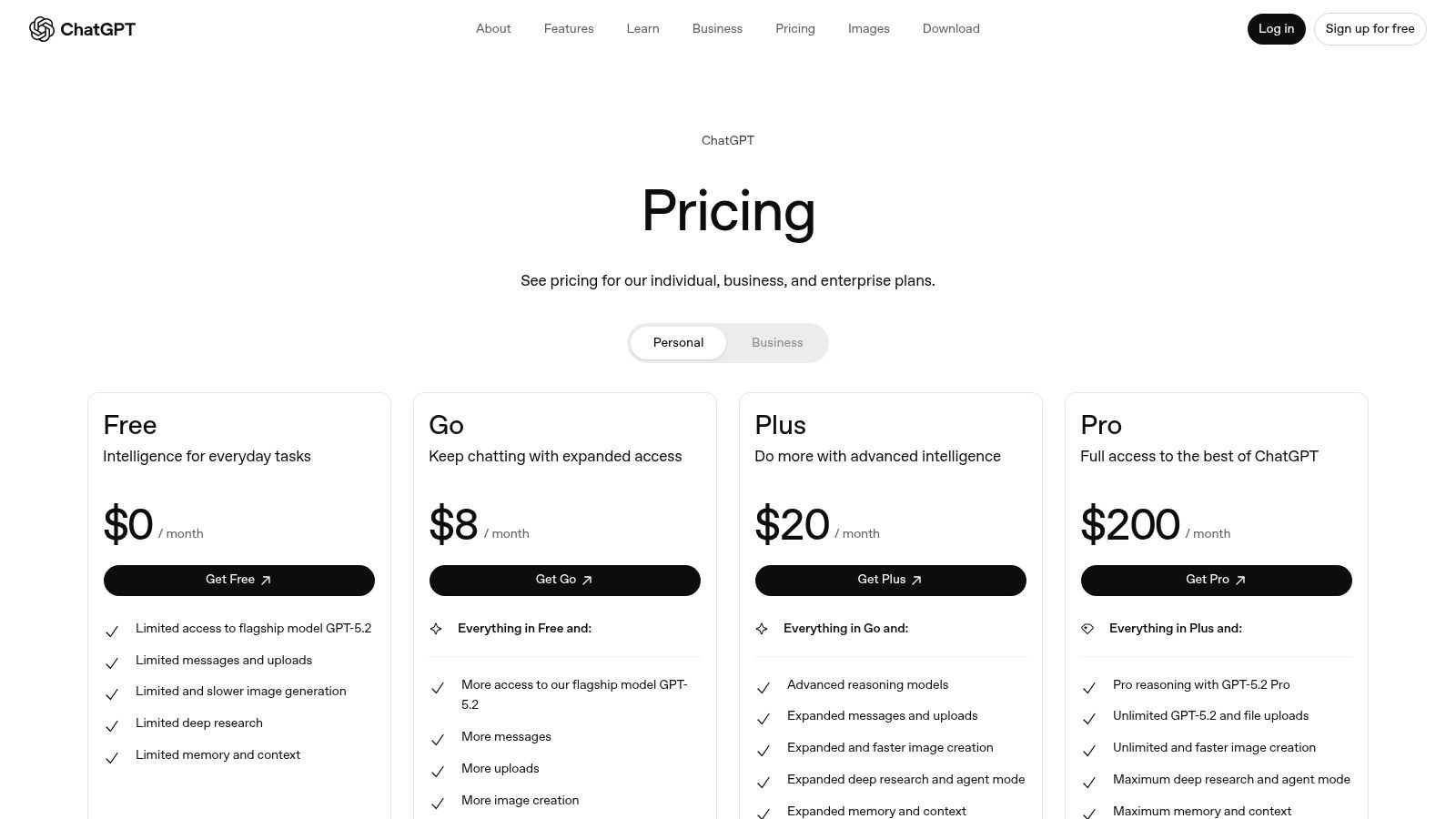
What sets ChatGPT apart is its versatility and the rapid evolution of its ecosystem. Paid tiers unlock advanced models like GPT-4o, which offer superior reasoning, multimodal inputs (text, images, and voice), and access to Custom GPTs for specialized tasks. This makes it one of the best AI tools for content creation for those who need a flexible, all-in-one solution that can handle text generation, basic image ideation, and even lightweight automation.
| Pros | Cons |
|---|---|
| Broad ecosystem with rapid feature rollouts. | Free/low-cost tiers have usage limits and may show ads. |
| Excellent general writing quality and reasoning on higher tiers. | Teams may require Business tier for essential admin and privacy controls. |
| Highly versatile for various content formats. | Fact-checking and brand alignment require careful human oversight. |
ChatGPT offers multiple tiers, including a robust Free plan. Plus ($20/month) and Pro (starting at $20/month) provide access to more advanced models and features. Business and Enterprise plans offer team-focused collaboration tools and enhanced security with custom pricing.
Website: https://openai.com/chatgpt/pricing/
Jasper is a premium AI writing assistant designed specifically for marketing teams and enterprises. Its core strength lies in producing brand-safe, consistent content across various channels, from long-form blog posts and SEO articles to social media campaigns and ad copy. Where many general-purpose AI writers falter, Jasper excels at maintaining a specific brand identity through its powerful "Brand Voice" and "Knowledge" features. These allow you to upload style guides, product information, and audience personas to ensure every piece of generated content aligns with your marketing strategy.
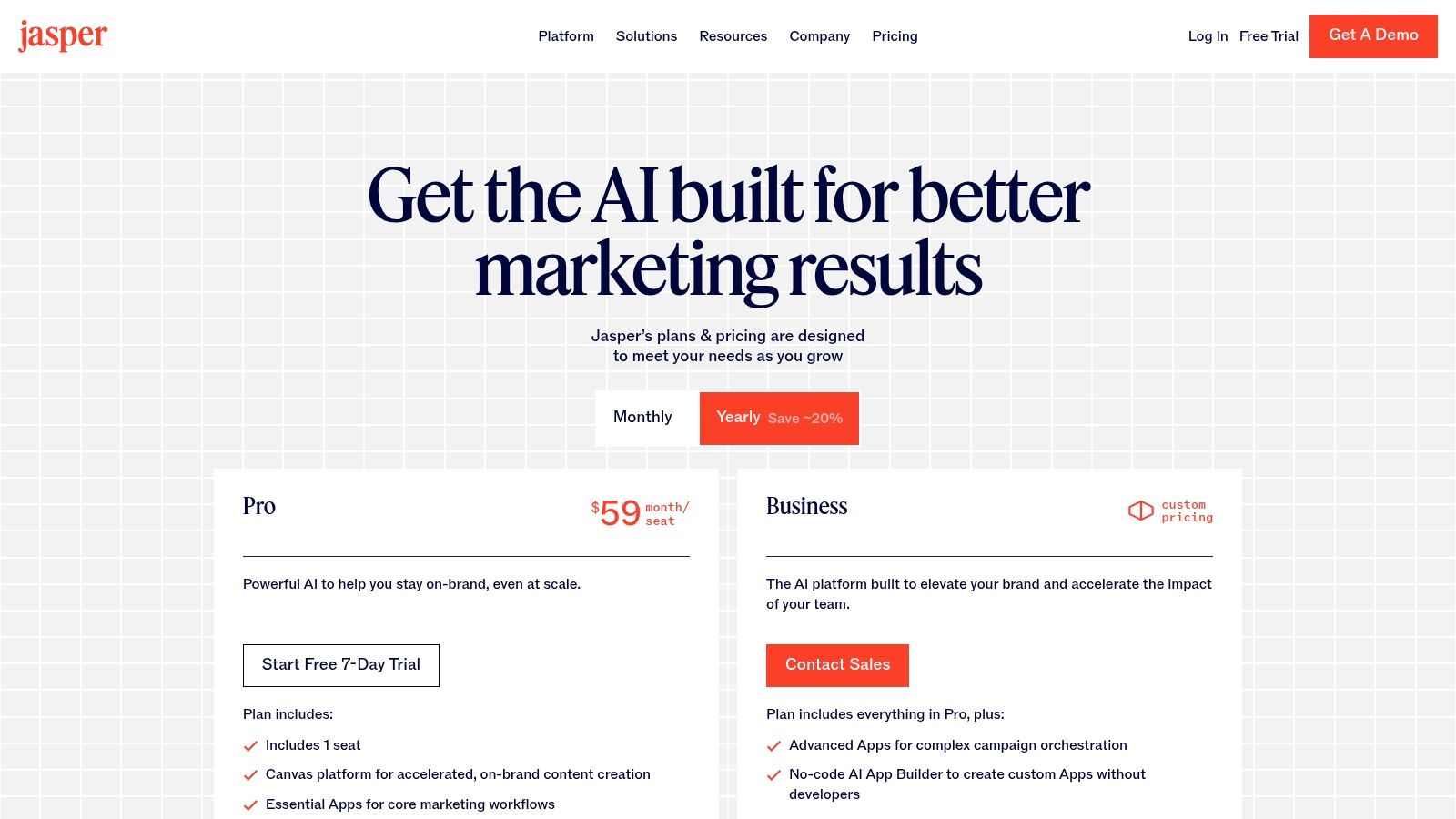
This platform is more than just a text generator; it's a collaborative content production hub. Features like the structured Canvas and multi-step campaign workflows help teams move from a simple brief to a polished draft efficiently. It also includes enterprise-grade security, SSO, and team management controls, making it a reliable choice for organizations where brand integrity and security are paramount. While its per-seat pricing can become costly for larger teams and the output still requires human oversight for refinement, its focus on brand consistency makes it one of the best AI tools for content creation for established marketing departments.
| Feature Highlights | Best For | Pricing |
|---|---|---|
| Brand Voice & Knowledge Assets | Marketing teams needing strict on-brand content consistency. | Starts at $39/month (Creator). Team plans scale with features and user seats. |
| Campaign & Collaboration Workflows | Content teams managing multi-channel campaigns and projects. | A 7-day free trial is available to test core features before committing. |
| Enterprise Security & Controls | Businesses requiring robust security, SSO, and team permissions. | Business plan offers custom pricing for advanced security and unlimited assets. |
| SEO Mode & Surfer Integration | Content creators focused on optimizing articles for search engine ranking. | The platform is designed for scalable, goal-oriented content production. |
Learn more and see pricing at Jasper.ai
Copy.ai positions itself as a chat-first AI writing platform tailored for marketing and sales teams. Its primary strength lies in its collaborative nature and model flexibility, making it a powerful tool for organizations looking to scale content production without committing to a single AI ecosystem. The platform is designed around a workflow-centric approach, offering an extensive library of templates for specific tasks like blog posts, ad copy, and sales emails.
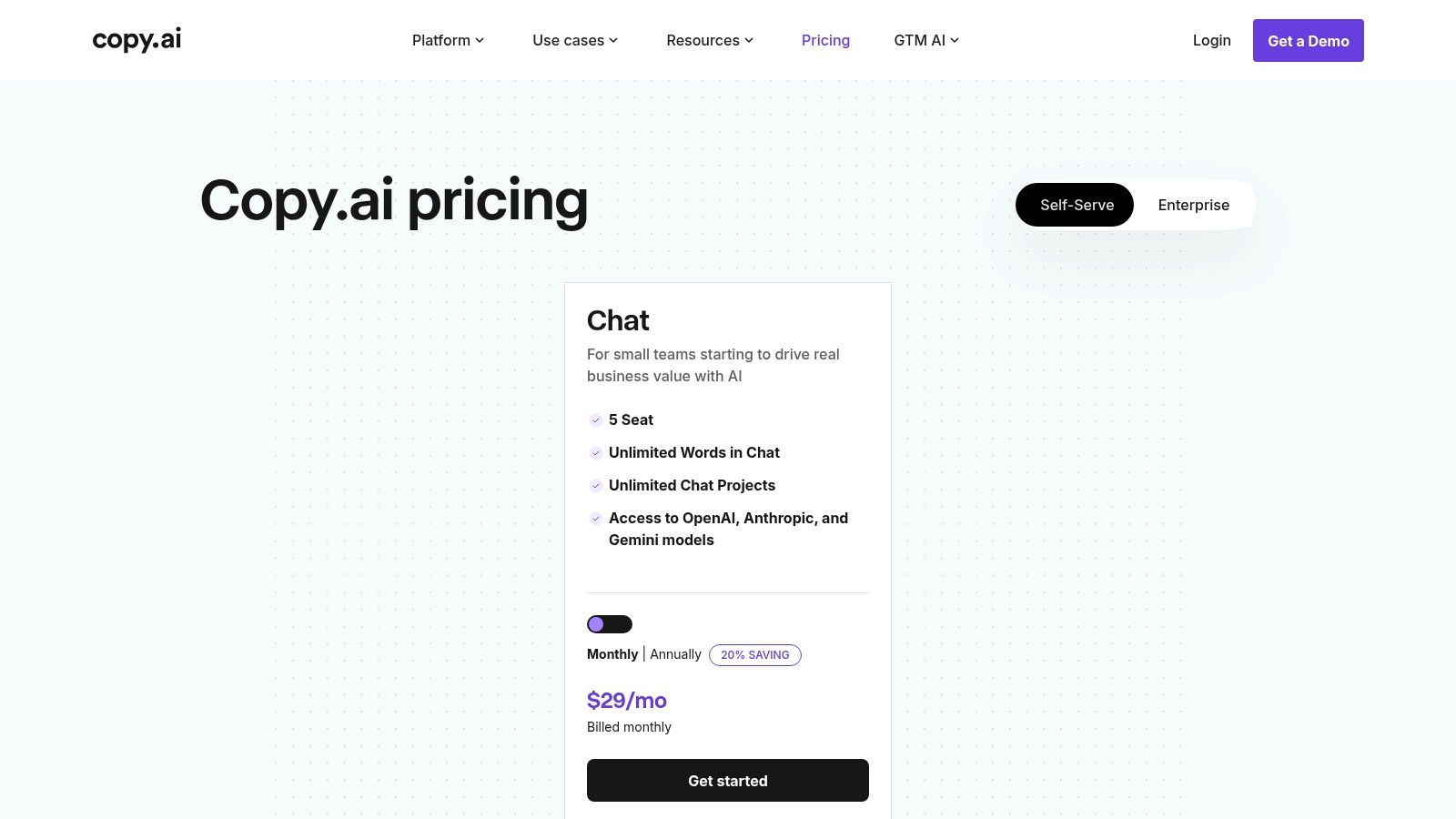
What truly sets Copy.ai apart is its inclusion of multiple foundation models, including those from OpenAI, Anthropic, and Google. This allows users to switch between models to find the best fit for a given task, a feature not commonly found in similar platforms. This flexibility makes it one of the best AI tools for content creation for teams that need to produce a diverse range of content types and tones.
Copy.ai is particularly well-suited for small to medium-sized marketing teams. Its self-serve plan generously includes five user seats, promoting collaboration from the outset. Key features include workflow automations that streamline repetitive tasks and robust integrations for enterprise clients.
Adobe Firefly represents the seamless integration of generative AI into a professional creative ecosystem. Unlike standalone AI image generators, Firefly is designed to live inside Adobe’s flagship products like Photoshop, Illustrator, and Adobe Express. This allows creators to use features like Generative Fill and Text to Image directly within their existing workflows, augmenting their projects without breaking their creative momentum. Its primary advantage is its commitment to ethical and commercially safe content, as it’s trained on Adobe Stock’s licensed library.
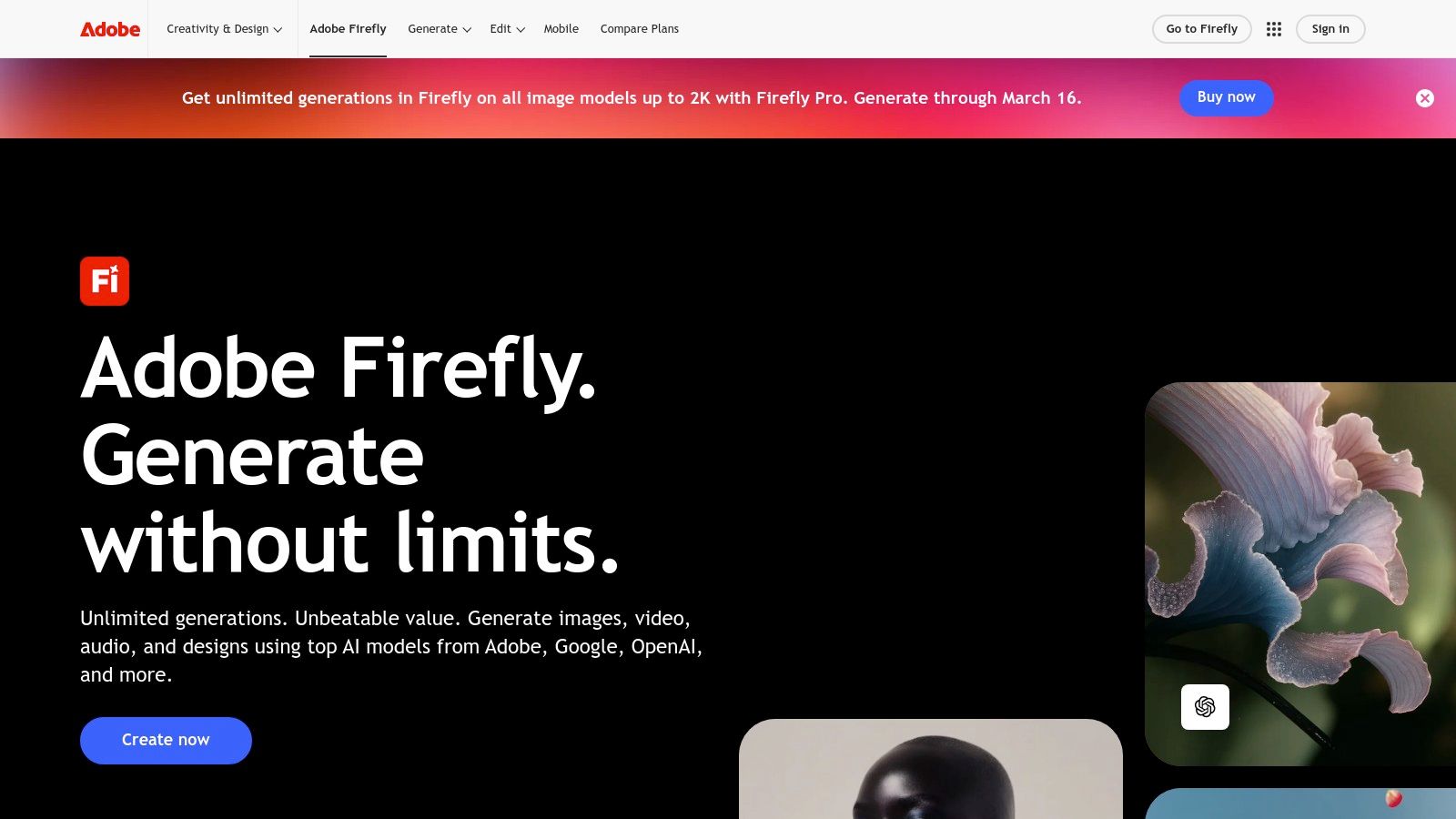
This deep integration makes it one of the best AI tools for content creation for designers and marketers already invested in the Adobe Creative Cloud. The platform operates on a "generative credit" system, with various tiers available through Creative Cloud subscriptions, ensuring scalability from casual users to large enterprise teams. While it’s powerful for image creation and editing, it's also expanding into short video and audio generation.
| Pros | Cons |
|---|---|
| Seamless integration with existing Adobe creative workflows. | Heavy usage requires a significant number of generative credits. |
| Generates commercially safe content, reducing copyright risks. | Tied to the Adobe Creative Cloud ecosystem and pricing. |
| High-quality, context-aware image generation and editing tools. | Feature availability can change with Creative Cloud updates. |
| Scalable credit system for individuals, teams, and enterprises. | Still developing in areas like video and audio generation. |
Website: https://www.adobe.com/firefly
Canva has evolved from a simple graphic design tool into a comprehensive, AI-powered content creation suite with the introduction of Magic Studio. It democratizes design and multimedia production, making it incredibly easy for non-designers to produce professional-quality visuals, videos, and presentations. Its core strength lies in integrating powerful AI features directly into a familiar, template-driven workflow, allowing users to go from idea to finished asset in minutes.
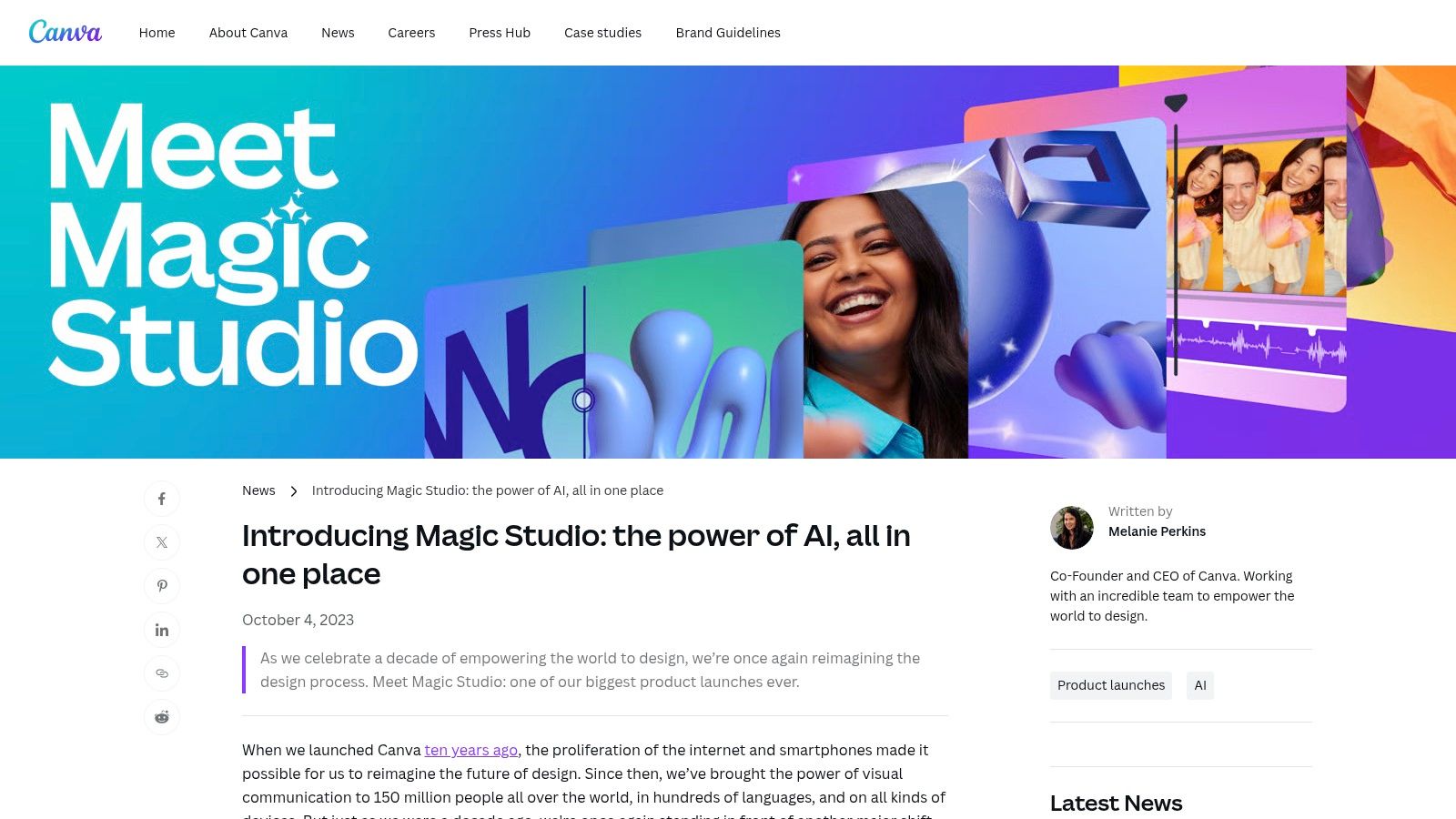
This platform excels at speed and accessibility, making it one of the best AI tools for content creation for teams needing to produce a high volume of social media posts, marketing materials, and internal communications. The AI toolset is seamlessly woven into the user experience, eliminating the need to jump between different applications for copywriting, image generation, and format conversion.
Canva’s Magic Studio is ideal for marketing teams, small business owners, and solo creators who need to produce branded content quickly without a steep learning curve. However, while powerful for general use, its AI-generated media may lack the fine-tuned control and unique output offered by more specialized, standalone AI image and video generators.
| Pros | Cons |
|---|---|
| Extremely fast and intuitive for non-designers | AI feature availability can vary by plan |
| All-in-one platform reduces need for multiple tools | Occasional reports of performance or access issues |
| Massive ecosystem of templates and partner apps | Generated media can sometimes feel generic without heavy edits |
Visit Website: Canva Magic Studio
Descript revolutionizes audio and video editing by transforming media into a text document. Instead of wrestling with complex timelines and waveforms, you edit the audio or video simply by editing the auto-generated transcript. This text-based workflow makes sophisticated editing accessible to everyone, from podcasters to marketers, dramatically lowering the learning curve and speeding up production cycles.
This platform is more than just an editor; it's a complete production suite powered by AI. Features like one-click filler word removal ("um," "uh"), automatic captions, and "Studio Sound" that removes background noise make producing professional-grade content remarkably efficient. Descript is easily one of the best AI tools for content creation for anyone who frequently repurposes long-form content into short social media clips, as its script-based clipping is exceptionally fast.
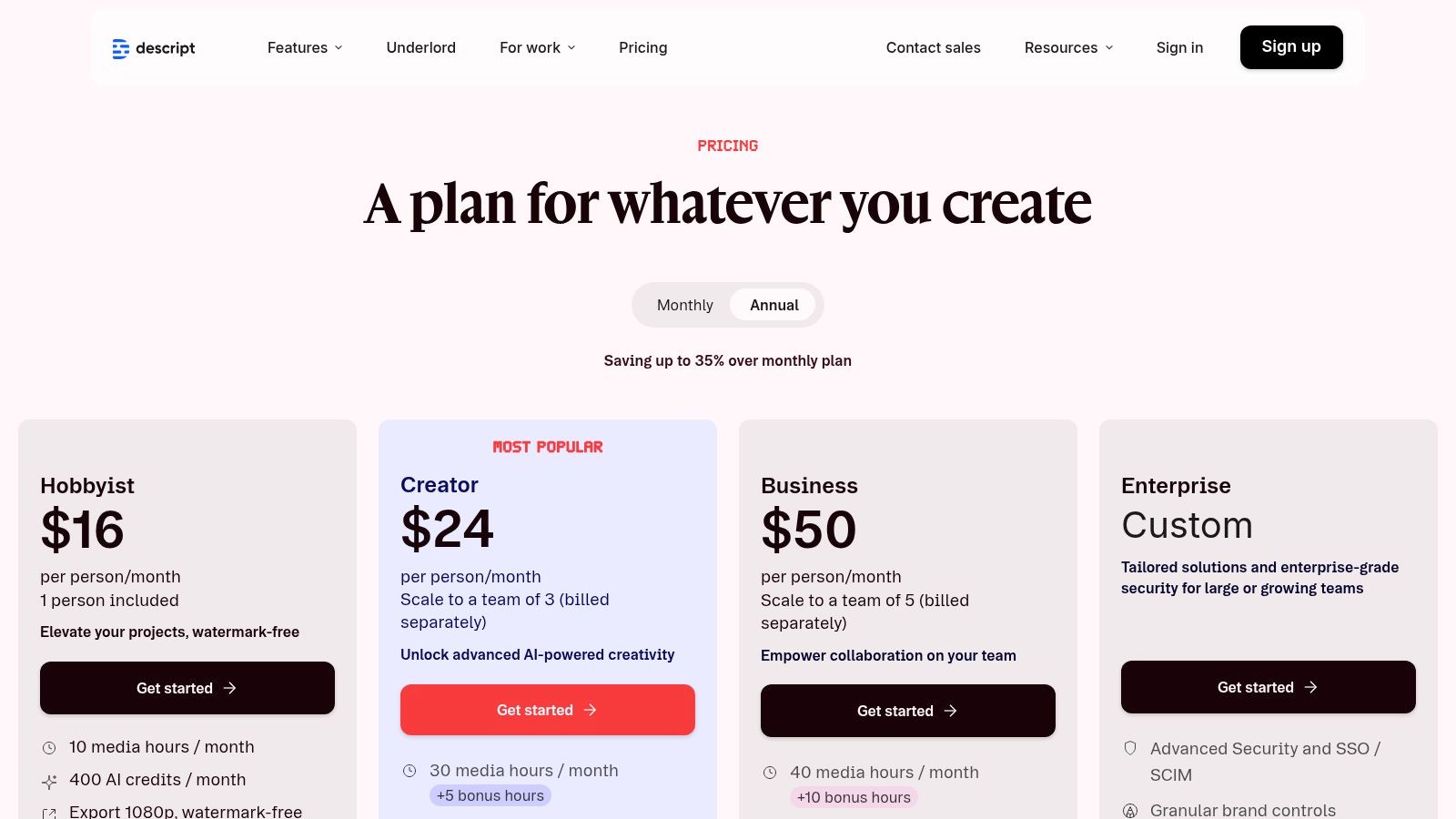
Descript offers a tiered subscription model based on usage hours and features. The free plan provides a good entry point with core features but includes watermarks. Paid plans (Creator, Pro) unlock more transcription hours, remote recording capabilities, and advanced AI features. Heavy users should monitor their monthly media hour and AI credit usage, as top-ups or higher-tier plans may be necessary.
Website: https://www.descript.com/pricing
Synthesia transforms the video production landscape by allowing users to create professional, presenter-led videos without cameras, microphones, or actors. It stands out by generating realistic AI avatars that narrate a script you provide. This script-to-video process is ideal for creating corporate training materials, product explainers, and marketing updates at a fraction of the time and cost of traditional filming. Its ability to produce consistent, easily updatable video content makes it a powerful asset for internal communications and educational content libraries.
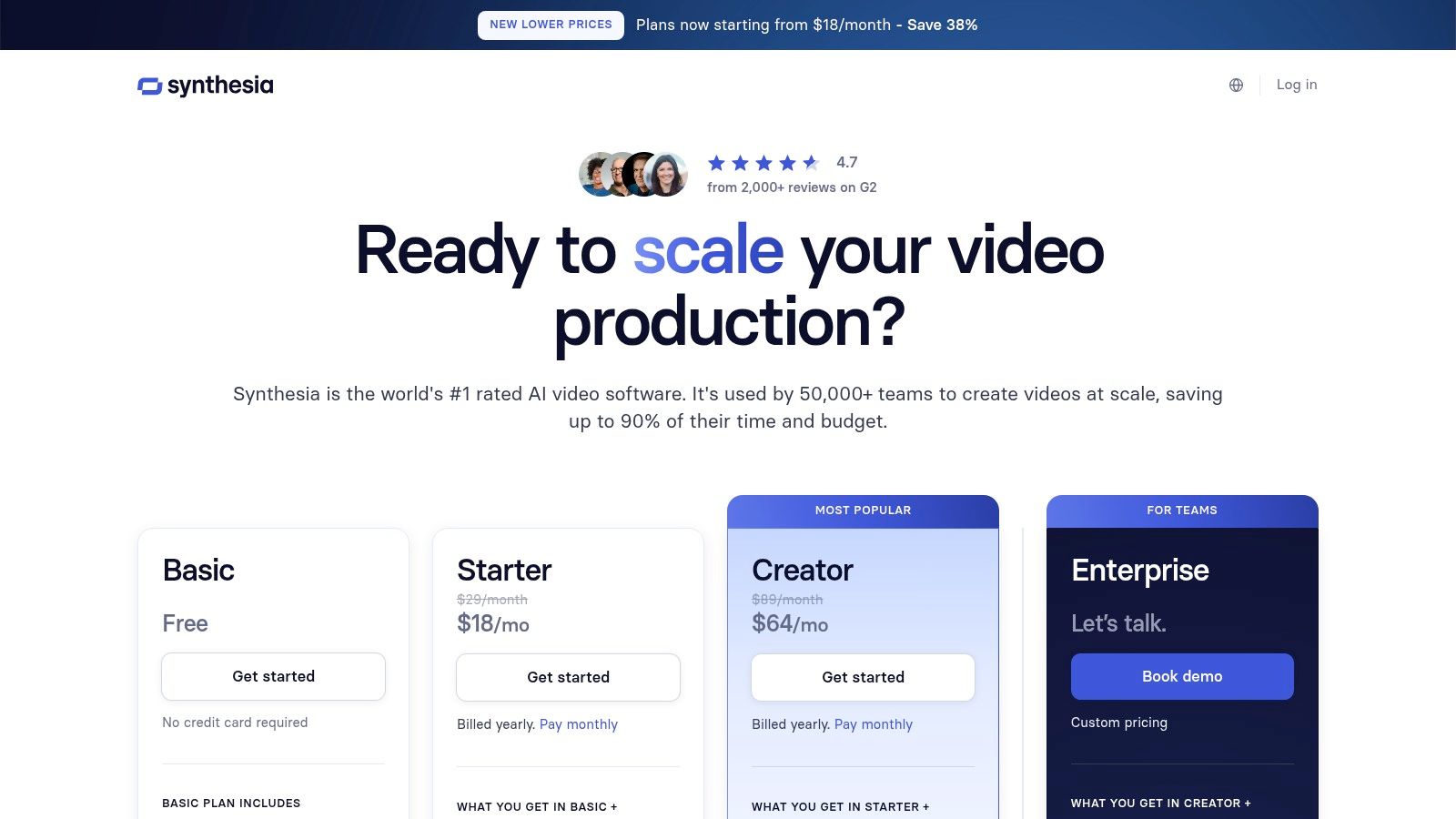
The platform is one of the best AI tools for content creation when it comes to localization. With support for numerous languages, you can take a single video script and generate versions with different AI presenters speaking native languages, dramatically expanding your content's reach. This feature alone provides a massive ROI for global businesses.
Synthesia offers a robust feature set tailored for efficient video creation. Its interface is user-friendly, allowing you to select from over 160 diverse AI avatars, choose from various templates, and upload brand assets for a custom look.
Midjourney is an industry-leading AI image generator renowned for producing highly artistic, stylized, and coherent visuals. Operating primarily through a Discord server and a dedicated web interface, it has become the go-to platform for creators seeking premium-quality images for everything from YouTube thumbnails and social media ads to concept art and mood boards. Its unique aesthetic and powerful engine set it apart, making it a favorite among artists and marketers who prioritize visual impact.
Unlike many competitors, Midjourney's strength lies in its opinionated art direction, which consistently delivers polished and aesthetically pleasing results with less prompt engineering. This makes it one of the best AI tools for content creation for those who need professional-looking assets without a deep technical background.
Midjourney is ideal for digital artists, marketers, and content creators who need top-tier, stylized visuals and prioritize aesthetic quality over photorealism. The learning curve associated with its Discord-based workflow can be a barrier for some, but the results are often worth the effort.
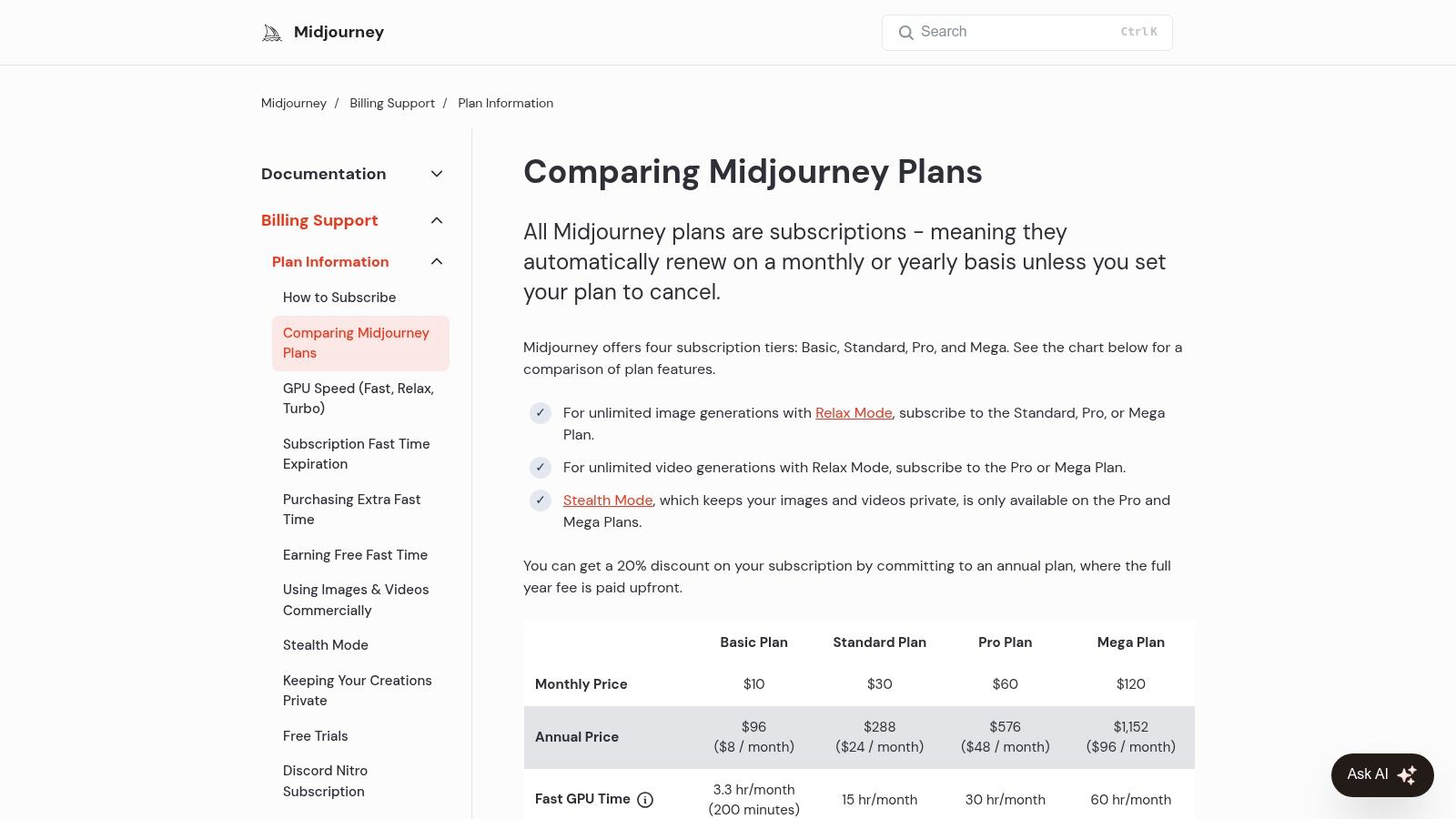
There is no permanent free tier; access requires a subscription.
| Plan | Monthly Price | Key Feature |
|---|---|---|
| Basic | $10 | Limited "Fast" GPU time (3.3 hours/month) |
| Standard | $30 | 15 Fast hours + Unlimited Relaxed generations |
| Pro | $60 | 30 Fast hours + Stealth Mode for privacy |
| Mega | $120 | 60 Fast hours + Highest priority access |
For anyone serious about creating high-quality visual content, Midjourney provides unparalleled artistic output that can elevate a brand's entire creative strategy.
Visit Website: https://docs.midjourney.com/docs/plans
QuillBot isn't a generative AI tool for creating content from scratch; instead, it's a powerful AI-powered writing companion designed to refine and perfect existing text. Think of it as the essential editing and polishing suite for your first drafts, whether they were written by you or generated by another AI. It excels at improving clarity, tone, and correctness, making it a critical final step in the content creation workflow.
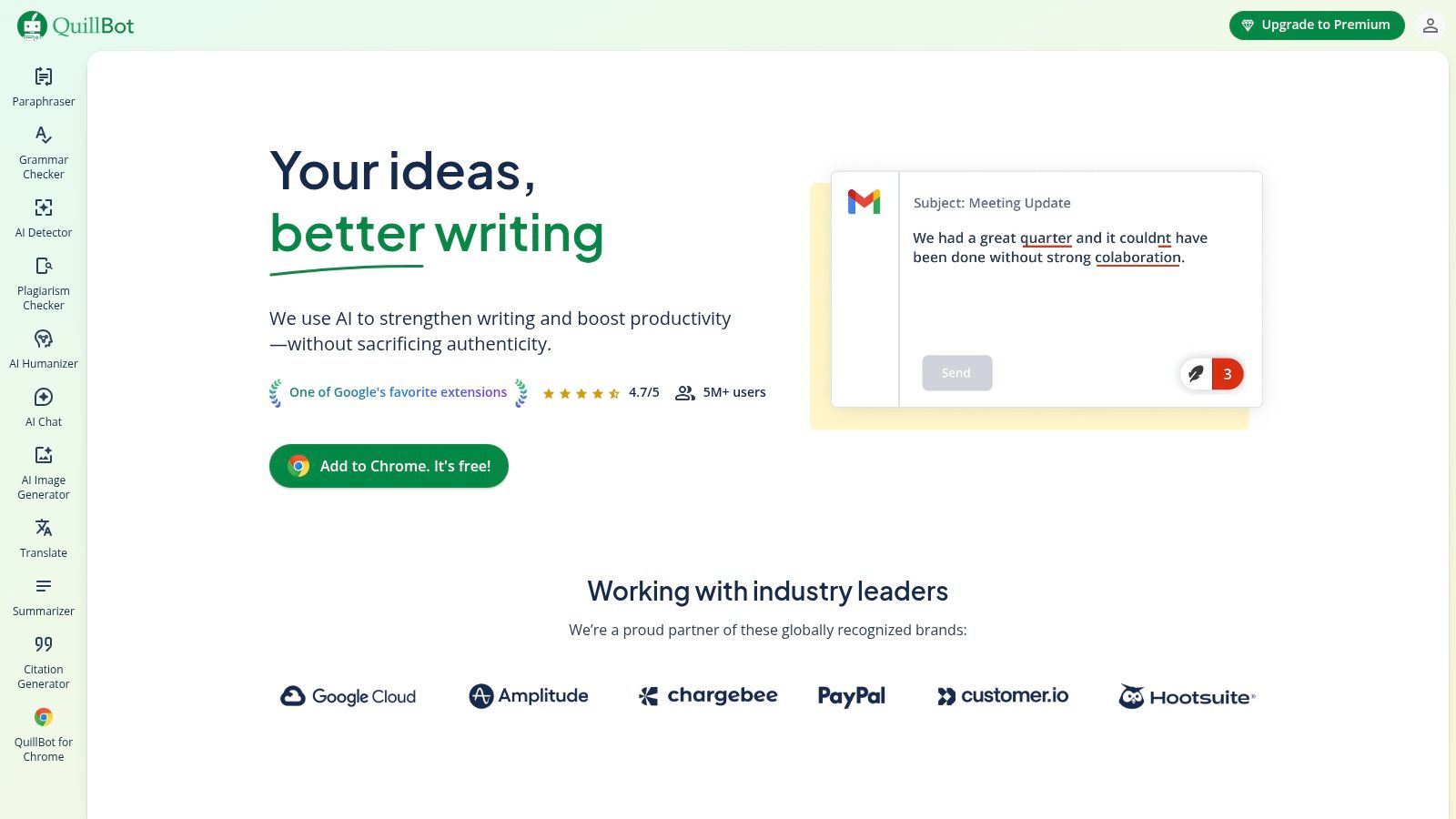
This platform stands out by focusing on rewriting and enhancing language rather than originating it. Its Paraphraser tool offers multiple modes (like "Formal," "Creative," or "Shorten") to help you rephrase sentences to better match your desired voice or to avoid repetitive phrasing. This makes it one of the best AI tools for content creation when you need to adapt a single piece of content for multiple platforms or simply overcome a stylistic block.
| Pros | Cons |
|---|---|
| Complements primary AI writers perfectly for refinement | Advanced features are behind a Premium paywall |
| Excellent for improving clarity and rephrasing complex sentences | Free version has significant character limits |
| Multiple tools (summarizer, citation) in one platform | Pricing can vary by region; verify at checkout |
| Flexible billing options (monthly, semi-annual, annual) |
QuillBot offers a robust free plan with limitations on character counts and access to paraphrasing modes. The Premium plan unlocks unlimited characters, all modes, and advanced features like the Plagiarism Checker. Pricing is flexible, with monthly, semi-annual, and annual subscriptions available, offering significant discounts for longer commitments.
Content editors, students, and marketers who need to refine AI-generated drafts or their own writing for improved clarity, tone, and originality. It is the ideal secondary tool for polishing content before publication.
While not an AI tool itself, G2 is an indispensable resource for evaluating and selecting the right platform. It’s a B2B software marketplace that aggregates thousands of real-world user reviews, making it a critical first stop for due diligence. Its AI Writing Assistants category is a comprehensive, constantly updated directory where you can compare features, pricing, and satisfaction scores for dozens of tools, from industry giants to emerging niche solutions.
G2 excels at helping you cut through marketing hype. You can filter options based on company size (SMB, mid-market, enterprise), specific features, and user ratings for factors like ease of use and quality of support. This allows you to create a shortlist of the best AI tools for content creation tailored to your specific operational needs and budget. The platform provides detailed vendor pages with crowdsourced pros and cons, feature comparison matrices, and lists of direct alternatives, empowering you to make a well-informed decision.
G2 is an essential research hub. Its strength lies in the sheer volume of user-generated data, which offers a more grounded perspective than vendor-supplied marketing materials. However, it's wise to cross-reference the information and be mindful that some content could be influenced by vendor marketing efforts. Always verify specifics on the vendor’s official site before committing.
For content creators, especially solopreneurs and small businesses operating on a tight budget, AppSumo isn't a single tool but a strategic marketplace for acquiring them. It's a curated platform that offers significant discounts and lifetime deals on a rotating selection of software, many of which are emerging AI-powered content creation tools. This makes it an invaluable resource for experimenting with new technology without committing to expensive monthly subscriptions.
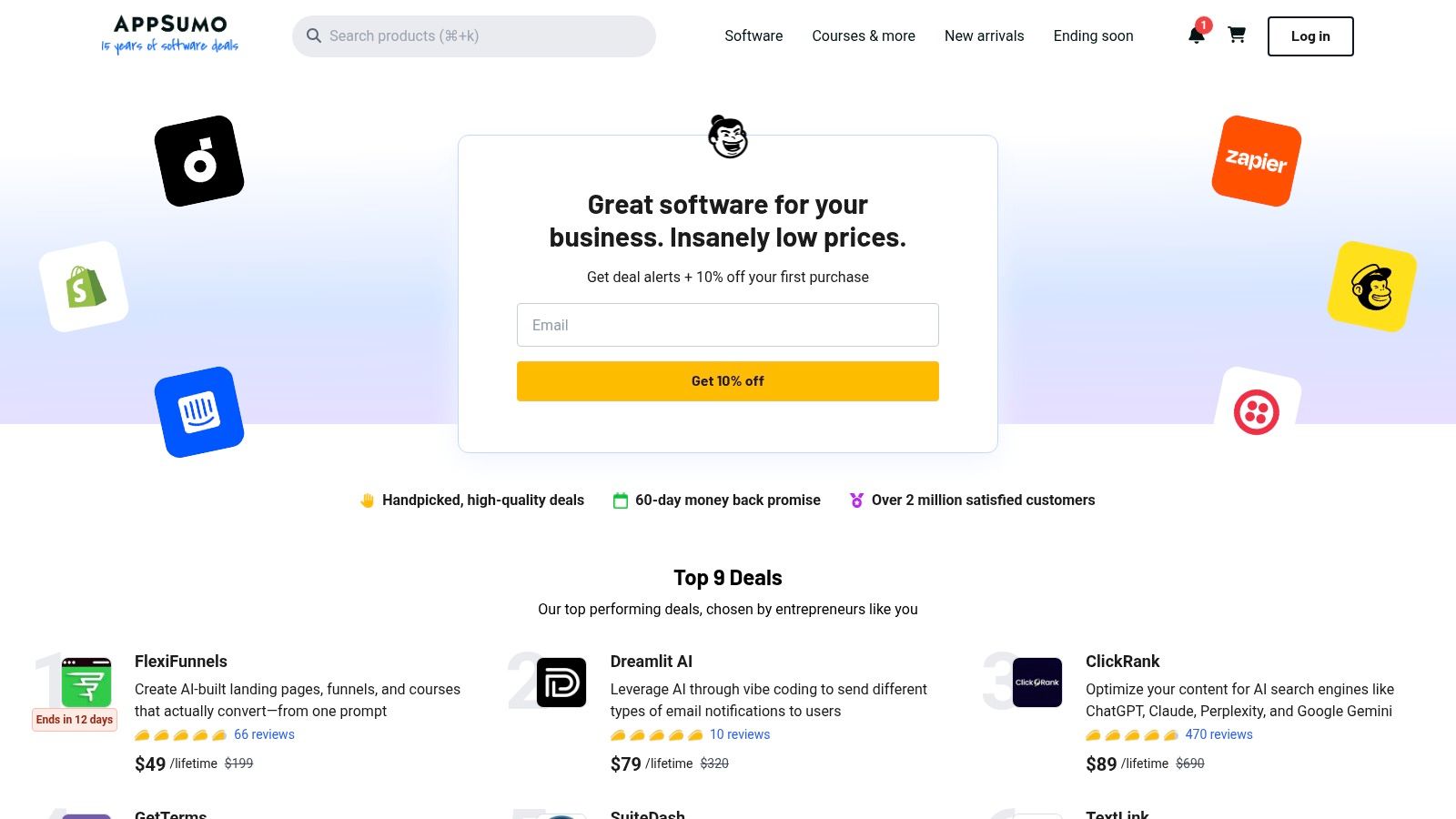
Instead of offering one service, AppSumo provides access to a diverse ecosystem of AI writers, image generators, SEO optimizers, video repurposing apps, and more. The platform's value lies in its deal structure, allowing you to pay a one-time fee for lifetime access, drastically reducing long-term software costs. It’s a fantastic way to discover and test niche tools that might perfectly fit a specific workflow need.
Pros:
Cons:
| Product | Core features | Quality & UX ★ | Price & Value 💰 | Target & USP 👥 ✨ |
|---|---|---|---|---|
| Lemonfox.ai — 🏆 | TTS + STT API, 100+ languages, speaker diarization, low latency | ★★★★☆ High accuracy (Whisper large-v3), fast response | 💰 Ultra-low: $5/mo starter (10M credits ≈30h STT); < $0.17/hr STT; cheap increments | 👥 Developers & SMBs ✨ Cheapest premium TTS/STT, privacy-first, EU API |
| OpenAI — ChatGPT | Multimodal assistant, custom GPTs, connectors | ★★★★☆ Strong writing/reasoning on paid tiers | 💰 Tiered (Free → Enterprise); paid for advanced features | 👥 Individuals → Teams ✨ Large ecosystem, multimodal & automation |
| Jasper | Marketing-focused writing, brand voice & team controls | ★★★★☆ Good for consistent on‑brand output | 💰 Per-seat pricing; mid→high depending on team size | 👥 Marketing teams ✨ Brand voice, campaign workflows |
| Copy.ai | Chat-first templates, multi-model access, included seats | ★★★☆☆ Solid templates; quality can vary | 💰 Good value; self-serve plan includes 5 seats | 👥 Small teams/marketers ✨ Multiple foundation models, collaboration |
| Adobe Firefly | Text-to-image/video/audio, Creative Cloud integration | ★★★★☆ Pro-grade creative outputs & provenance | 💰 Credit-based (Free → Premium) | 👥 Creative pros ✨ Deep Creative Cloud & asset integration |
| Canva — Magic Studio | AI copy, Magic Media (image/video), templates & brand tools | ★★★★☆ Fast, easy for non-designers | 💰 Freemium → Pro tiers | 👥 Non-designers, marketers ✨ Quick templates, format switching |
| Descript | Text-based audio/video editing, overdub, captions | ★★★★☆ Intuitive for podcast/video workflows | 💰 Freemium + media-hour/credit limits | 👥 Podcasters & creators ✨ Script-like editing, overdub voice |
| Synthesia | Script-to-video, 125+ avatars, AI dubbing/localization | ★★★☆☆ Efficient for explainers & training | 💰 Credit/minutes; mid→high depending on scale | 👥 L&D & marketing ✨ Fast presenter-led videos & localization |
| Midjourney | Prompt-driven image (and video on tiers) via Discord/web | ★★★★☆ Industry-leading stylized visuals | 💰 Subscription tiers (Fast GPU hours limits) | 👥 Designers & creators ✨ High-quality, consistent aesthetics |
| QuillBot | Paraphrase, summarizer, grammar, citation & plagiarism tools | ★★★☆☆ Useful for polishing & edits | 💰 Freemium; Premium unlocks advanced limits | 👥 Writers & students ✨ Multiple modes for rewriting & summarizing |
| G2 — AI Writing Assistants | Reviews, vendor comparisons, filters by segment/features | ★★★★☆ Large volume of user reviews & ratings | 💰 Free to use (marketplace) | 👥 Buyers & procurement ✨ Real-world reviews & shortlist tools |
| AppSumo | Curated discounted deals & lifetime offers for tools | ★★★☆☆ Value varies by deal quality | 💰 Deep discounts & occasional lifetime deals | 👥 Solopreneurs & SMBs ✨ Cost-conscious discovery & deals |
Navigating the expansive landscape of AI tools for content creation can feel overwhelming, but as we've explored, the journey is about strategic selection, not just accumulation. From powerful writing assistants like Jasper and ChatGPT that can build the very foundation of your messaging, to visual powerhouses like Adobe Firefly and Midjourney that bring ideas to life, the right tools exist to solve your most pressing content bottlenecks.
The true paradigm shift isn't just about producing content faster. It's about fundamentally changing how content is conceptualized and executed. Multimedia tools like Descript and Synthesia have democratized video and audio production, turning what was once a resource-intensive task into a streamlined, script-based process. This frees up creative teams to focus on strategy and narrative, rather than getting bogged down in the technical minutiae of editing and production.
The ultimate goal is to build a cohesive, interconnected "content engine" where each tool serves a specific purpose. Simply subscribing to the most popular platforms won't guarantee success. Instead, you need a thoughtful approach to integration.
Start by auditing your current workflow.
It's crucial to remember that these are assistants, not replacements. The most effective use of the best AI tools for content creation involves a partnership between human creativity and machine efficiency. AI can generate a dozen blog post ideas, but it takes a human strategist to know which one will resonate with your audience. An AI can create a stunning image, but a human designer provides the creative brief and curates the final output to ensure it aligns with brand identity.
Your unique brand voice, your strategic insights, and your deep understanding of your customer are irreplaceable. The purpose of building this AI-powered engine is to automate the repetitive, time-consuming tasks, thereby liberating your team to focus on these high-value, uniquely human contributions. View this technology as a force multiplier for your creativity, not a substitute for it. As you integrate these tools, you're not just optimizing a workflow; you're building a more agile, creative, and impactful content operation for the future.
Ready to build the audio and voice components of your content engine? Lemonfox.ai offers a developer-friendly, highly accurate, and incredibly affordable API for both Speech-to-Text and Text-to-Speech. Start integrating powerful voice capabilities into your applications or content workflows today at Lemonfox.ai.