
First month for free!
Get started
Published 10/27/2025
Tired of typing out hours of audio by hand? Manual transcription drags down productivity and introduces errors. This roundup cuts straight to the point, helping you pick the best audio to text converter for developers, businesses, and content creators.
You’ll learn how each platform stacks up on:
Each entry includes screenshots, direct links, and a practical scenario showing how to integrate or use the tool in just minutes. No fluff – only clear, actionable insights.
Platforms covered:
Whether you need a high-volume API for a speech-to-text pipeline or a user-friendly interface for ad hoc transcripts, this guide lets you compare options side by side. Expect a concise breakdown of features and real examples like:
Ready to transform audio files into searchable, editable text? Scroll down to find your ideal solution among the top contenders in 2025.
Lemonfox.ai positions itself as a formidable contender for the best audio to text converter, particularly for developers and businesses prioritizing affordability, privacy, and performance. This no-frills, API-first platform delivers a powerful suite of tools focused on high-accuracy transcription and human-like voice synthesis without the complexity or high costs associated with many enterprise-level solutions. Its core philosophy revolves around providing direct access to sophisticated AI models through a simple, low-latency interface, making it an exceptional choice for integrating audio processing into applications.
At the heart of its service is the use of Whisper large-v3, one of the most advanced open-source speech recognition models available. This ensures a high degree of accuracy across a vast array of over 100 languages, accents, and dialects. For developers, implementation is streamlined and straightforward. The API is designed to get you transcribing in seconds, a significant advantage for rapid prototyping and deployment. This developer-centric approach, backed by social proof of over 10,000 users, establishes Lemonfox.ai as a reliable and scalable partner for projects of any size.
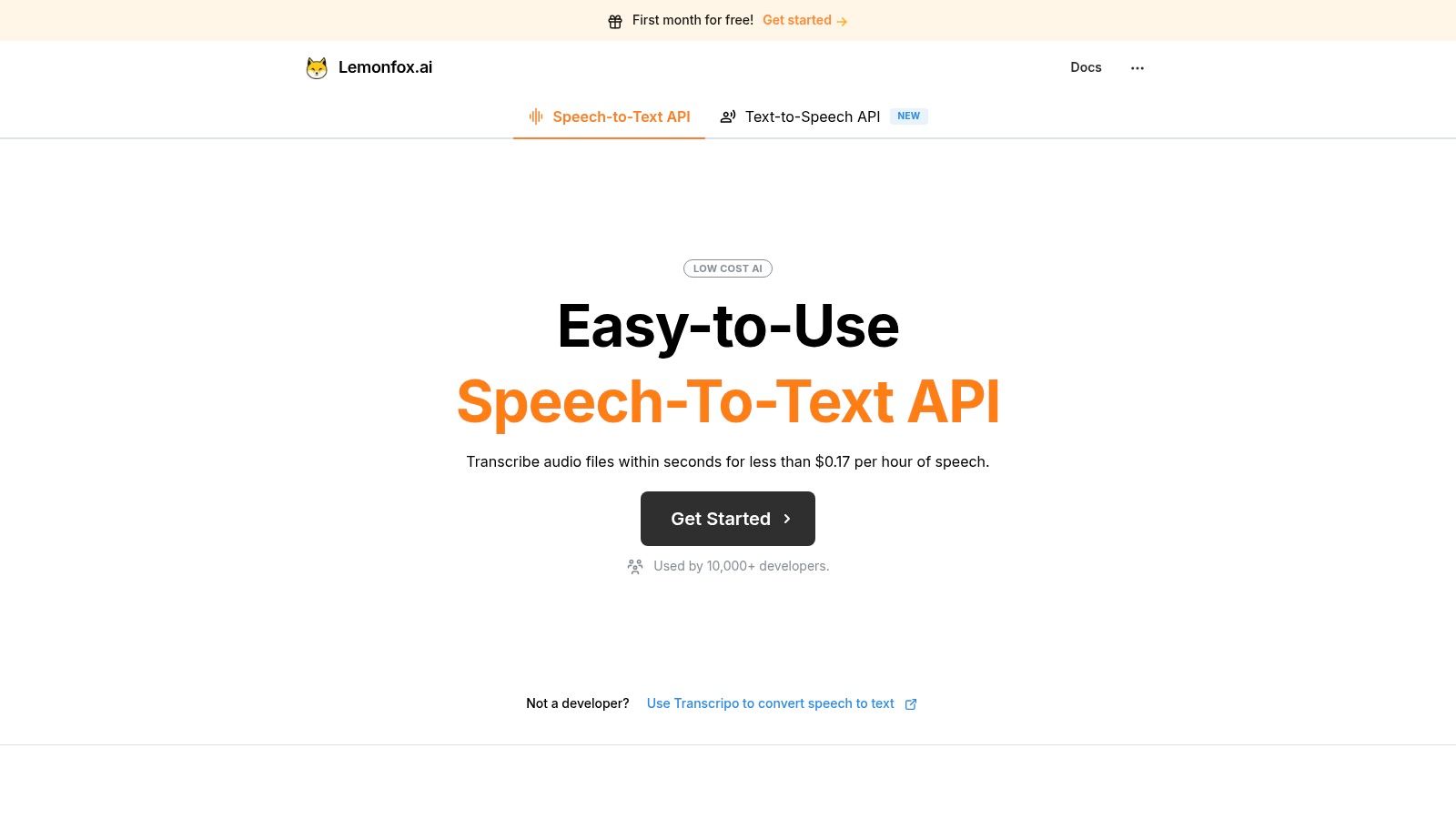
Lemonfox.ai packs a robust feature set that directly addresses the most common needs of developers and content creators. It’s not just about converting audio to text; it’s about providing the necessary tools to process audio data intelligently and efficiently.
The most compelling aspect of Lemonfox.ai is its disruptive pricing model. It dramatically lowers the barrier to entry for accessing premium transcription technology.
| Feature | Lemonfox.ai Pricing Details |
|---|---|
| Free Trial | First month free with 10M credits (~30 hours of STT) |
| Base Plan | $5/month for 10M credits (~30 hours of STT) |
| Additional Usage | $0.50 per 1M credits (~3 extra hours of STT) |
| Effective Cost | Under $0.17 per hour of transcription |
This structure makes it one of the most cost-effective options on the market. The generous free trial allows for extensive testing without any financial commitment, ensuring it fits your specific use case.
Privacy is another cornerstone of the platform. All user data is deleted immediately after processing, a crucial feature for applications handling sensitive information. Furthermore, Lemonfox.ai offers an EU-based API endpoint, providing a clear path for GDPR compliance and reassuring customers who prioritize data sovereignty.
Pros:
Cons:
Ultimately, Lemonfox.ai stands out as the best audio to text converter for users who need a powerful, private, and exceptionally affordable API. It empowers developers and businesses to build sophisticated audio features without the typical overhead.
Website: https://www.lemonfox.ai
Rev has established itself as a go-to platform by offering a powerful hybrid model: top-tier, human-powered transcription alongside a fast, affordable AI-driven service. This dual approach makes it an exceptionally versatile best audio to text converter, catering to users who need guaranteed accuracy for final-version content and those who require quick, cost-effective drafts for internal use. The platform's straightforward, on-demand ordering system and clear pricing structure make it highly accessible for one-off projects.
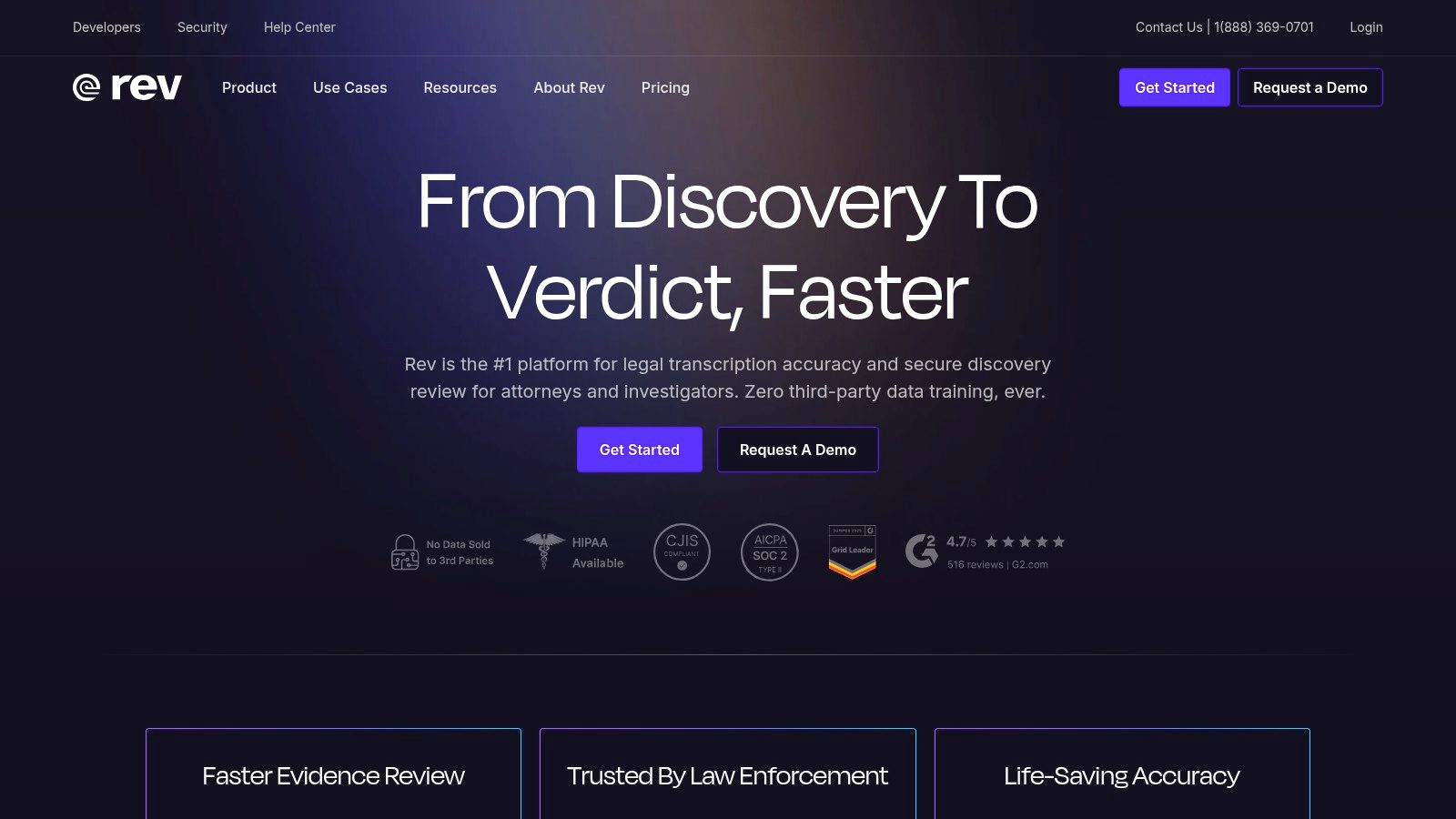
The primary differentiator for Rev is its human transcription service, which promises an impressive 99% accuracy rate. This is ideal for legal depositions, academic research, and broadcast-quality video captions where precision is non-negotiable. For faster needs, their AI transcription offers a solid alternative with a much quicker turnaround, typically delivering transcripts in minutes.
Rev’s offerings are clearly segmented to meet different user needs, from individual creators to large enterprises.
To get the most out of Rev, match the service to your project's requirements. For a final-cut documentary, investing in human transcription is essential for flawless subtitles. However, for quickly summarizing a two-hour project meeting, the AI service is more than sufficient.
Pro Tip: Use Rev’s AI transcript as a "rough draft." You can quickly clean it up yourself in the editor for a fraction of the cost and time of a full human transcript, giving you a cost-effective yet highly accurate final product.
While the per-minute cost for human transcription is higher than many competitors' AI-only offerings, the guaranteed accuracy provides peace of mind and saves significant editing time. The platform's easy-to-use interface and reliable delivery make it a consistently strong contender in the audio-to-text conversion space.
Website: https://www.rev.com
Otter.ai has carved out a unique niche by focusing almost exclusively on making meetings more productive. It serves as a real-time transcriptionist and an AI meeting assistant, transforming spoken conversations into smart, actionable notes. This meeting-centric approach makes it the best audio to text converter for professionals, teams, and students who need to capture, search, and collaborate on meeting content, rather than just getting a raw transcript. Its deep integrations with major video conferencing platforms solidify its role as an indispensable workflow tool.
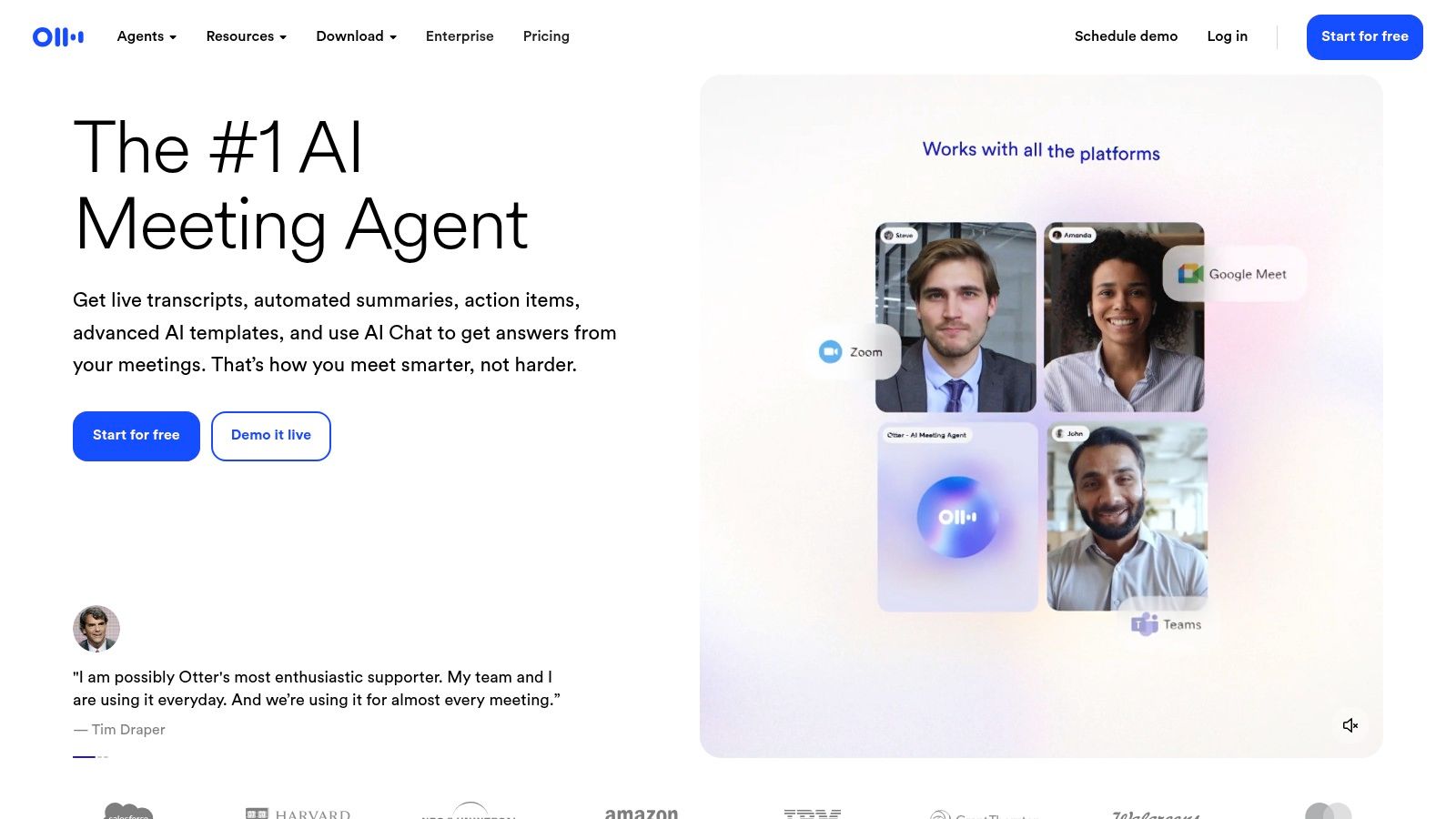
The platform’s core strength lies in its live transcription capabilities. The OtterPilot agent can automatically join Zoom, Google Meet, and Microsoft Teams meetings, transcribing in real-time and even generating a summary of key points and action items. This allows participants to focus on the conversation instead of taking notes, knowing that a detailed, searchable record is being created automatically.
Otter.ai's plans are designed to scale from individual users to large organizations, with a generous free tier for getting started.
To maximize Otter.ai's value, integrate it directly into your calendar. This allows OtterPilot to automatically manage your meeting recordings without any manual intervention. For team-based projects, create a shared workspace and add custom vocabulary for industry-specific jargon, product names, or acronyms to significantly improve transcription accuracy over time.
Pro Tip: Use the "Takeaways" feature during a live meeting. You can highlight key moments, add comments, and assign action items directly in the real-time transcript, creating a collaborative and interactive set of meeting notes that are ready the moment the call ends.
While Otter.ai’s focus is on live meetings, its ability to import and transcribe pre-recorded files is still robust, although limited on lower-tier plans. Its powerful search function, which allows you to find keywords across all your conversations, makes it an invaluable knowledge base for any team.
Website: https://otter.ai
Descript revolutionizes the transcription process by treating it as the foundation of audio and video editing. Instead of just providing a text file, it turns your media into an editable document, making it an innovative and powerful best audio to text converter for content creators. This unique "edit text to edit media" approach is perfectly suited for podcasters, YouTubers, and marketers who need to refine their recordings with unparalleled ease and speed, bridging the gap between transcription and production.
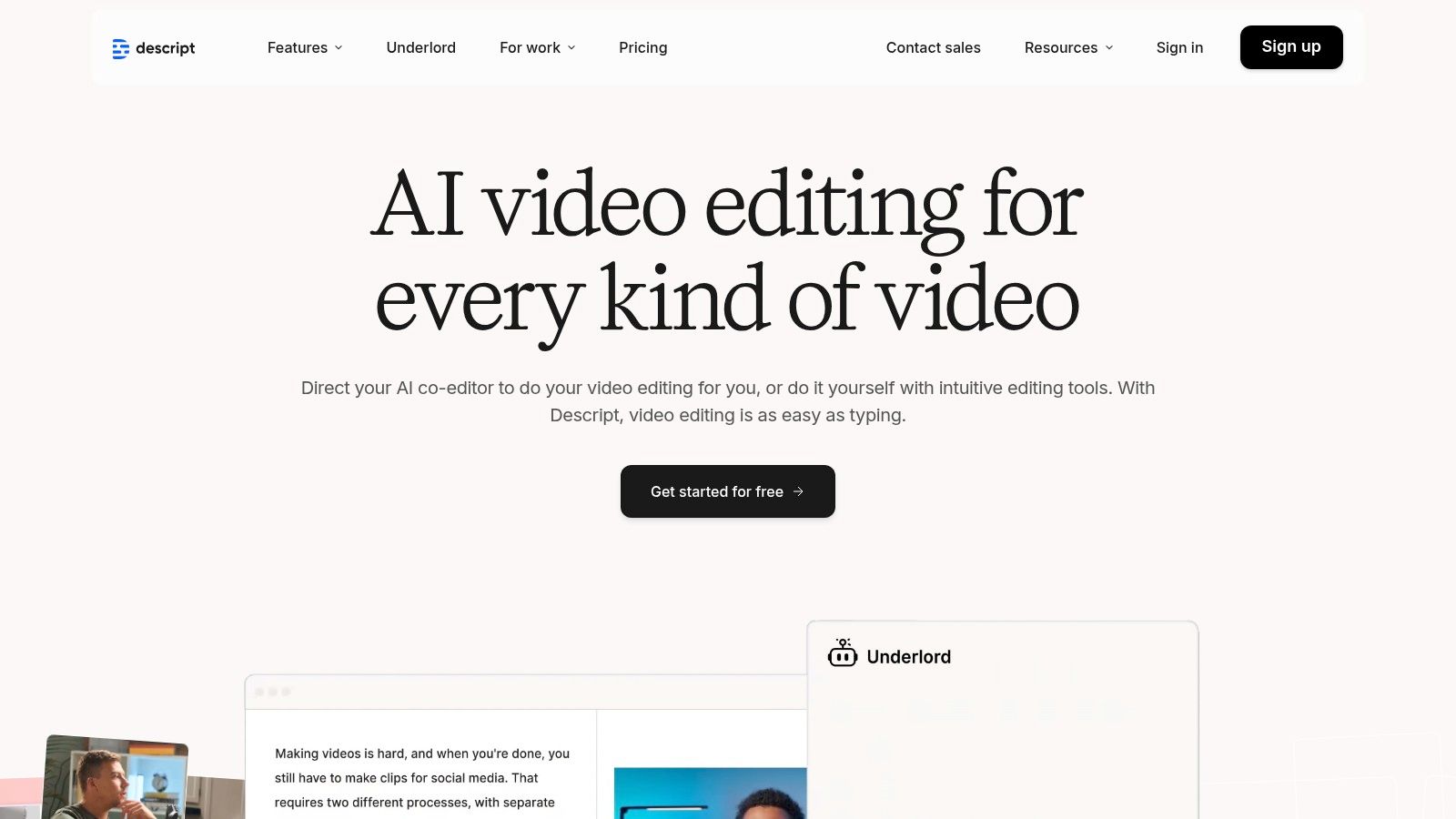
The platform’s core differentiator is its text-based editing interface. After automatically transcribing your file, you can delete words or sentences from the text, and Descript automatically cuts the corresponding sections from the audio or video. This intuitive workflow dramatically lowers the barrier to entry for media editing, making complex tasks like removing mistakes or restructuring content as simple as editing a document.
Descript packages its features into a tiered subscription model, designed to scale from individual creators to collaborative teams.
Descript is ideal for anyone producing spoken-word content. Podcasters can effortlessly remove mistakes and tighten up conversations, while video creators can use the transcription to generate subtitles and edit rough cuts quickly. It's also excellent for repurposing content; you can easily pull text quotes for social media or blog posts directly from a video transcript.
Pro Tip: Use the "Overdub" feature (available on Pro plans) to correct misspoken words. You can type a correction, and Descript’s AI will generate the audio in your own voice, saving you from having to re-record entire sections.
While the monthly hour limits on lower-tier plans can be a constraint for high-volume producers, Descript’s all-in-one functionality provides immense value. By merging a highly accurate transcription engine with a user-friendly editor, it saves creators significant time and streamlines their entire production workflow.
Website: https://www.descript.com
Sonix carves out its niche by combining fast, automated transcription with a suite of powerful in-browser editing and collaboration tools. It positions itself as an excellent best audio to text converter for teams and individuals who need more than just a raw transcript. Its transparent, pay-as-you-go pricing model and user-friendly interface make it highly accessible for both one-off projects and recurring transcription needs, especially for content creators, marketers, and researchers.
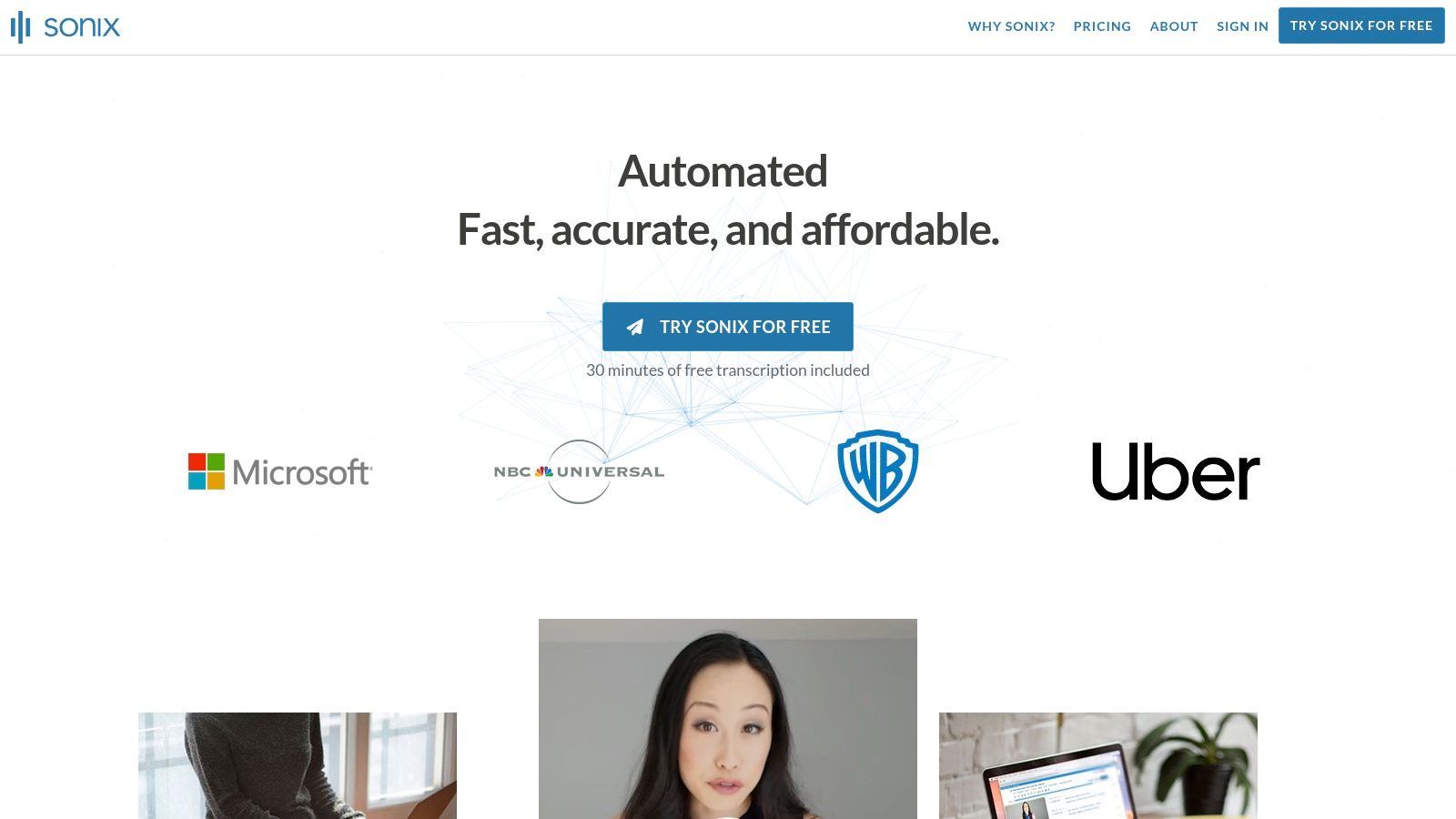
The platform’s standout feature is its highly interactive and collaborative transcript editor. It allows multiple users to review, comment on, and edit transcripts simultaneously, much like a Google Doc. This focus on workflow efficiency, combined with automated speaker labeling and precise word-by-word timestamps, makes it an ideal solution for teams that need to refine and repurpose audio content quickly.
Sonix structures its offerings to scale from individual users to large enterprises, with a clear focus on providing value through its editing and collaboration capabilities.
Sonix is particularly effective for teams producing podcasts, video content, or conducting qualitative research. The collaborative editor allows a producer, editor, and writer to work on the same interview transcript simultaneously, drastically reducing the time from recording to publication.
Pro Tip: Leverage the custom dictionary feature to teach Sonix specific jargon, company names, and speaker names before uploading your audio. This significantly improves the accuracy of the initial AI transcript and minimizes manual correction time.
While Sonix doesn't offer a human transcription service like Rev, its strength lies in empowering users to perfect the AI-generated text themselves with best-in-class tools. The generous 30-minute free trial makes it easy to test its accuracy and workflow on your own files, making it a strong and transparent contender.
Website: https://sonix.ai
Amazon Transcribe is a powerful, developer-focused service from Amazon Web Services (AWS) that offers highly scalable and cost-effective automatic speech recognition (ASR). Unlike consumer-facing platforms, Transcribe is designed to be integrated directly into applications and workflows, making it the best audio to text converter for businesses building products that rely on voice data, such as call center analytics, media content indexing, or voice-activated applications. Its deep integration with the broader AWS ecosystem provides unparalleled scalability and security for enterprise-grade projects.
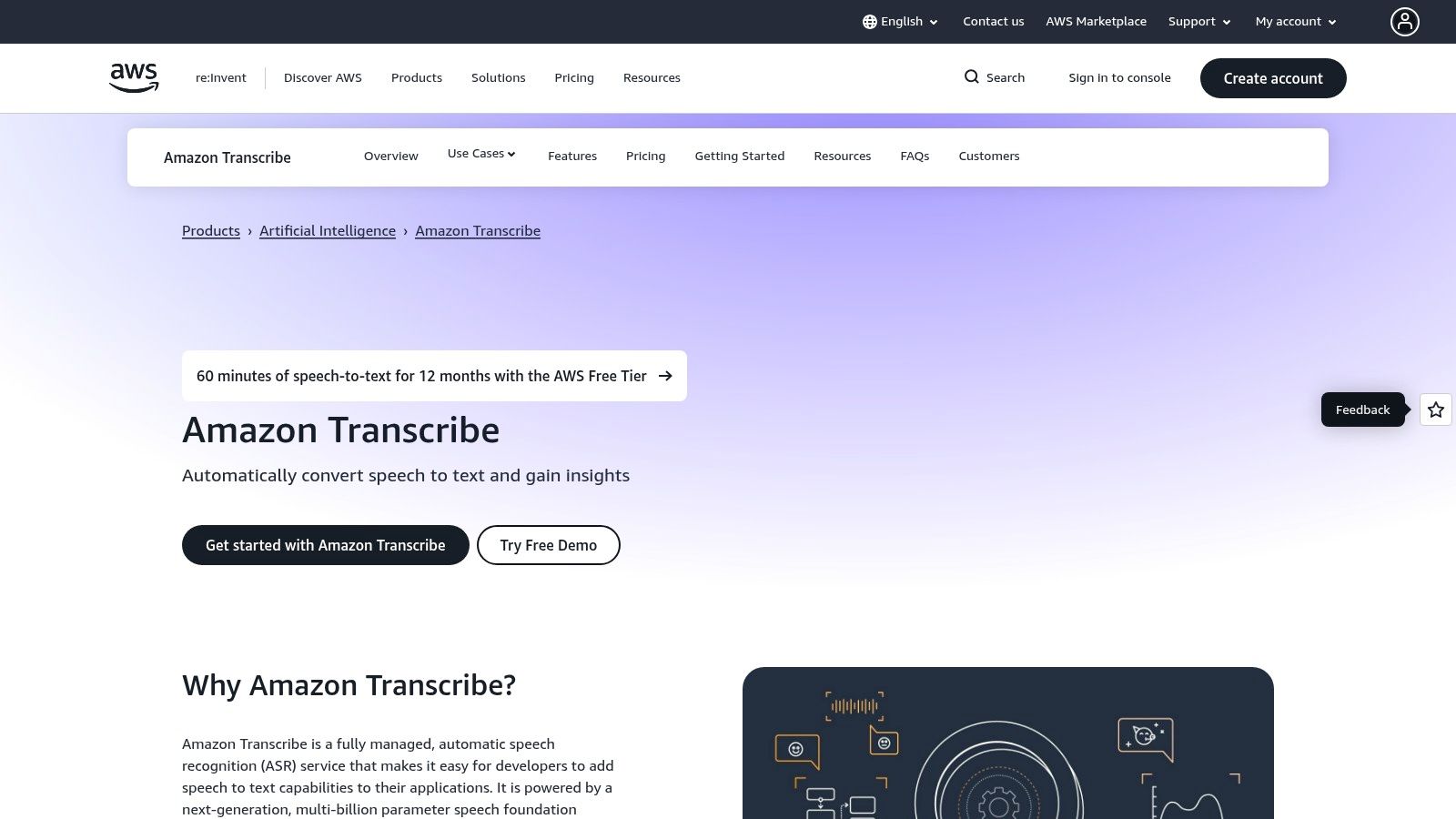
The primary differentiator for Amazon Transcribe is its robust feature set for specialized and regulated industries. It supports both batch processing for large audio files and real-time streaming transcription for live applications. Furthermore, its advanced capabilities like personally identifiable information (PII) redaction and specialized medical vocabulary (Amazon Transcribe Medical) make it a trusted choice for processing sensitive data in compliance with regulations like HIPAA.
Amazon Transcribe’s model is built for developers and businesses, offering granular control and pay-as-you-go pricing that scales with usage.
To leverage Amazon Transcribe effectively, you must be comfortable working within the AWS environment. It is ideal for embedding transcription directly into a product, such as a meeting summarization tool that automatically processes recordings stored in an S3 bucket. For call centers, combining Transcribe with other AWS services like Amazon Comprehend can create a powerful analytics pipeline to gauge customer sentiment and agent performance.
Pro Tip: Use custom vocabularies to improve transcription accuracy for domain-specific terms, product names, or unique acronyms. By providing a list of these words, you can significantly enhance the model's performance for your specific use case.
While it requires engineering effort to set up and integrate, the low per-minute cost at scale and enterprise-grade security make Amazon Transcribe an unbeatable option for businesses building voice-enabled applications. The granular, per-second billing ensures you only pay for what you use, offering a level of cost efficiency that packaged solutions rarely match.
Website: https://aws.amazon.com/transcribe/
OpenAI Whisper stands apart from typical SaaS platforms by offering a powerful, open-source automatic speech recognition (ASR) model that users can self-host. This approach makes it the best audio to text converter for developers, researchers, and privacy-conscious organizations that require complete control over their data and infrastructure. Instead of sending audio to a third-party service, you can run Whisper on your own hardware or private cloud, ensuring that sensitive information never leaves your environment.
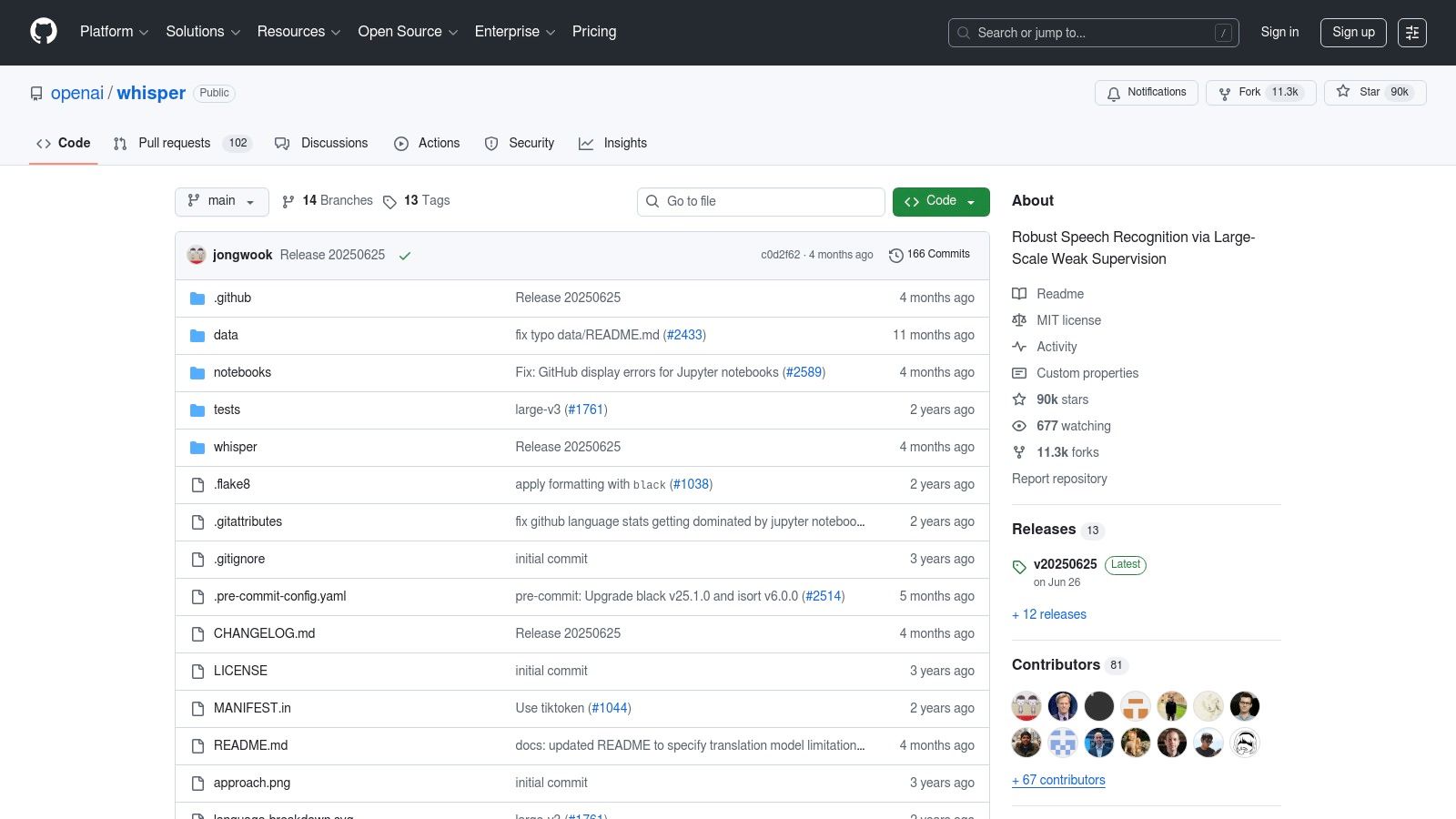
The primary differentiator for Whisper is its combination of high accuracy and ultimate flexibility. Trained on a vast and diverse dataset, its larger models achieve near-human-level performance across a wide range of languages and accents. Because it's open-source, it eliminates vendor lock-in and ongoing subscription fees, making it a highly cost-effective solution for high-volume transcription, provided you have the technical expertise to manage it.
Whisper’s model-centric approach gives users the power to choose the right balance of speed, accuracy, and resource consumption for their specific needs.
tiny (fast, low resource) to large-v3 (highly accurate, resource-intensive). This allows users to trade off speed for accuracy based on their hardware and project requirements.To leverage Whisper effectively, it’s crucial to match the model size to your available hardware. Running the large model on a standard laptop will be slow; a powerful GPU is recommended for near real-time performance. For developers, Whisper can be integrated directly into applications via Python or command-line tools for building custom transcription pipelines.
Pro Tip: For a user-friendly experience without deep technical knowledge, explore community-built GUI applications that wrap Whisper’s core functionality. Tools like MacWhisper or Const-me provide a simple drag-and-drop interface, making the power of Whisper accessible to non-developers.
While the initial setup requires technical expertise and maintaining the infrastructure is the user’s responsibility, the benefits are unparalleled. The lack of per-minute fees and absolute data control make OpenAI Whisper a game-changing option for those willing to manage their own transcription solution.
Website: https://github.com/openai/whisper
| Service | Implementation Complexity 🔄 | Resource Requirements ⚡ | Expected Outcomes ⭐ | Ideal Use Cases 💡 | Key Advantages 📊 |
|---|---|---|---|---|---|
| Lemonfox.ai | Low — simple REST API, developer-first integration | Low — cloud API, minimal client resources | High accuracy (Whisper large-v3), low latency, multi-language support | Cost-sensitive apps needing fast STT/TTS and privacy controls | Very low cost, privacy-first (EU endpoint), STT + human-like TTS |
| Rev | Low — web/API ordering; straightforward workflow | None local — pay-per-job or subscription | AI: good; Human: 99%+ accuracy when chosen ⭐ | Occasional transcripts, high-accuracy needs, captioning and meetings | Human transcription option, built-in editor, SOC2/HIPAA on enterprise |
| Otter.ai | Low — SaaS with native meeting integrations | Minimal — client apps and cloud service | Strong for live meetings; automatic summaries and speaker ID | Real-time meeting transcription, team collaboration, recurring meetings | Live transcription, meeting automation, generous free tier |
| Descript | Moderate — desktop/web editor and multitrack workflow | Moderate — local editing resources; subscription/media hours | Excellent for creator workflows; text-driven audio/video edits ⭐ | Podcasters, video creators, editors needing text-based multitrack editing | Integrated editor + AI audio cleanup, filler removal, multi-format export |
| Sonix | Low — browser-based editor with optional API | Low — pay-as-you-go or subscription; browser use | Reliable automated transcripts, multi-language support | One-off projects to team workflows that prefer predictable billing | Transparent per-hour pricing, 30 free minutes, API for integrations |
| Amazon Transcribe (AWS) | High — requires AWS setup and engineering 🔄 | High — AWS account, cloud compute, possible add-on services ⚡ | Enterprise-grade, configurable transcription with analytics ⭐ | Product integrations, contact centers, regulated enterprise environments | Scales well, per-second billing, HIPAA/BAA options, deep AWS integration |
| OpenAI Whisper | High — self-host or custom pipeline; maintenance required 🔄 | High — significant compute for large models; storage & infra | Strong accuracy (large models), full control over data and customization ⭐ | On-premises/privacy-sensitive deployments, research, custom models | Open-source (MIT), no license fees, offline operation and full control |
Navigating the landscape of audio-to-text conversion tools can feel overwhelming, but as we've explored, the "best" solution is not a one-size-fits-all answer. The ideal choice hinges entirely on your specific use case, technical expertise, budget, and desired workflow. The journey from spoken word to written text is now more accessible and powerful than ever, with each platform offering a unique blend of features designed to serve distinct needs.
Your decision-making process should begin with a clear definition of your primary objective. Are you a developer building a scalable application, a business needing to transcribe customer calls, a journalist conducting interviews, or a content creator producing podcasts and videos? Answering this question is the crucial first step in narrowing down the field from the seven excellent options we have detailed.
To simplify your choice, let's distill the core strengths of each service into a practical guide based on common user profiles:
Choosing the right tool is an investment in your efficiency and the value you extract from your audio data. Don't rush the decision.
The right audio to text converter is more than a utility; it's a catalyst for productivity and insight. By converting spoken content into searchable, editable, and analyzable text, you unlock a wealth of potential that was previously trapped in audio files. Make your choice with care, and you will equip yourself with a powerful tool to streamline your work and achieve your goals more effectively.
Ready to experience cutting-edge transcription at a fraction of the cost? For developers and businesses seeking the ultimate balance of affordability, accuracy, and robust features, Lemonfox.ai offers a compelling solution. Explore our powerful and privacy-first API to see why we are a leading choice for the best audio to text converter on the market by visiting us at Lemonfox.ai.