
First month for free!
Get started
Published 10/12/2025
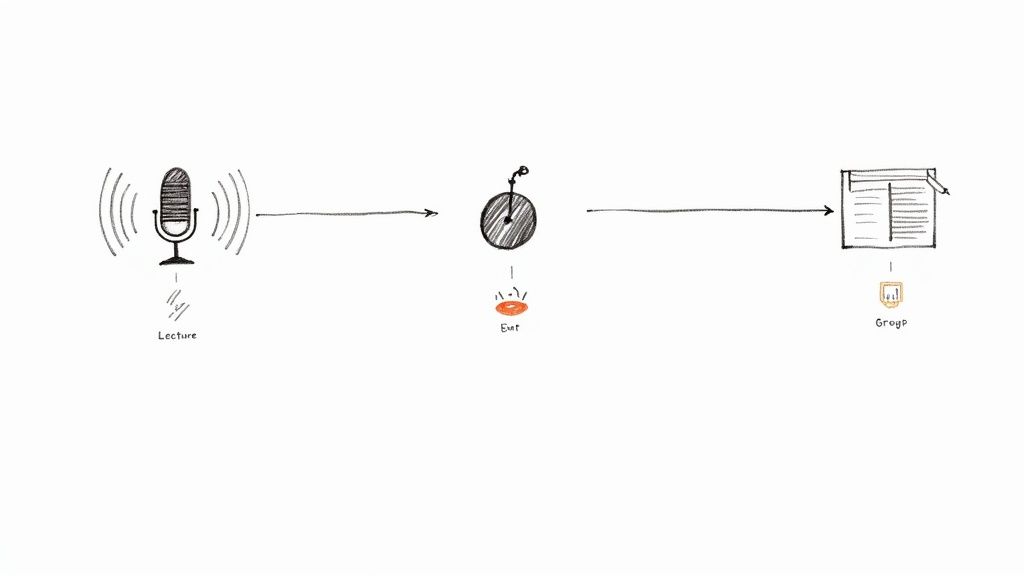
Yes, but it's a bit of a team effort. While ChatGPT is a text-based AI at its core, it leans on OpenAI's Whisper model to transcribe audio. The easiest way to think about it is that Whisper is the set of ears that listens and types, while ChatGPT is the brain that polishes and perfects the final text.
So, can ChatGPT transcribe audio? The short answer is yes, but the real story is about a powerful partnership. On its own, ChatGPT is like a brilliant editor who needs a manuscript to work with; it can’t listen to your podcast or meeting recording directly.
To solve this, OpenAI brought in Whisper, a specialized automatic speech recognition (ASR) system. This two-part process is what makes audio transcription possible in the OpenAI ecosystem. Whisper does the heavy lifting of turning spoken words into a raw transcript, and then ChatGPT steps in to refine that text into something clear and usable.
The infographic below shows exactly how this two-step workflow operates, taking a raw audio file and turning it into a polished document.
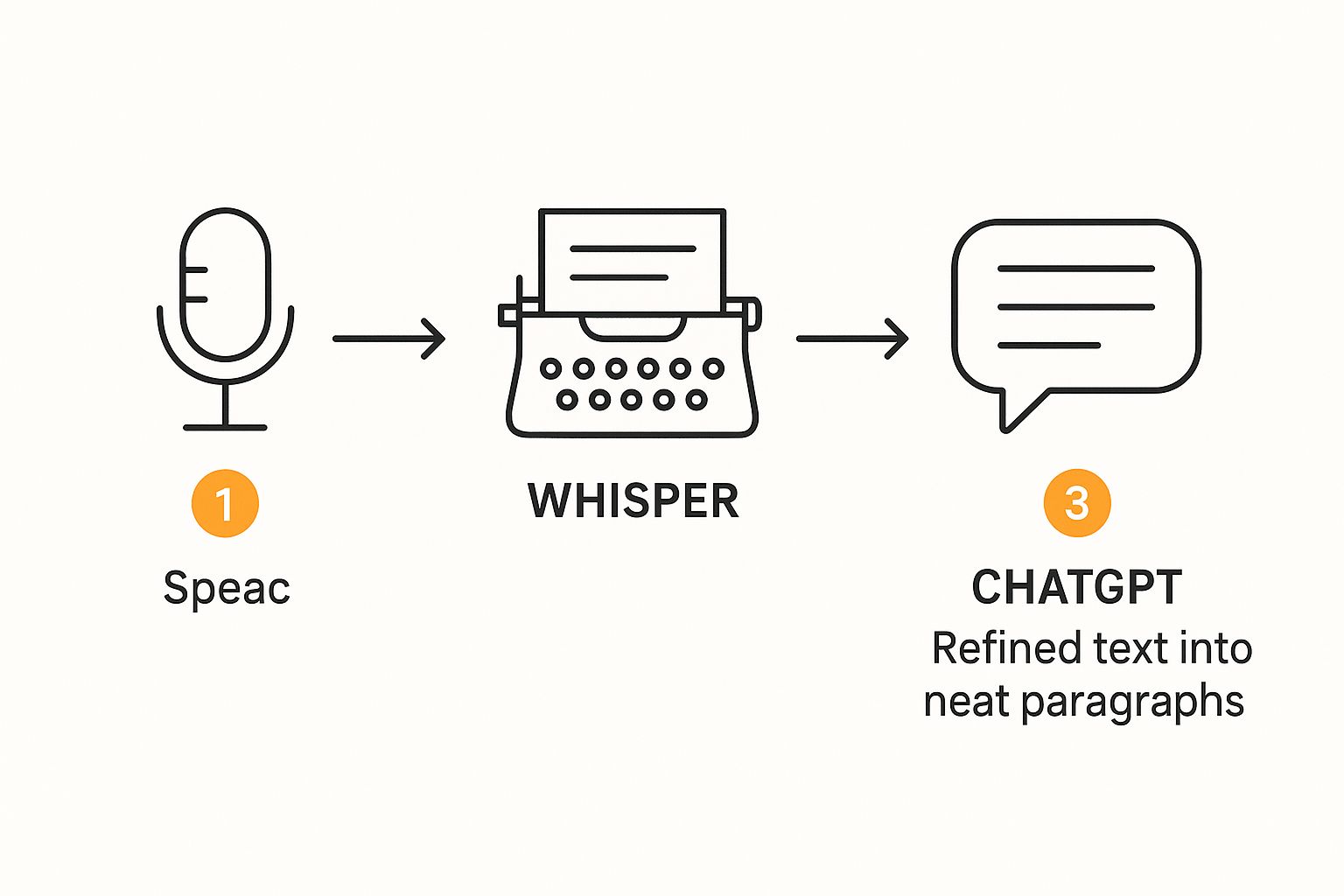
As you can see, Whisper first processes the audio file. After that, ChatGPT takes over to organize, summarize, or reformat the text into a final, useful output.
Whisper is the unsung hero here. It was trained on a massive and diverse dataset of audio, which is why it's so good at understanding different accents, dialects, and even niche technical jargon with incredible accuracy. Its job is simple but crucial: listen to audio and convert it into a text file.
And it's impressively accurate. In good conditions—like clear audio with one speaker and little background noise—Whisper can hit a Word Error Rate (WER) below 5%. That's a level of precision that competes with, and sometimes even beats, what you'd get from traditional human transcription services. For a deeper dive into how this all works, you can find some great insights about AI transcription over at getcockpit.io.
Analogy: Think of Whisper as the highly skilled stenographer in a courtroom, flawlessly capturing every single word spoken. ChatGPT is the lawyer who later takes those raw notes, organizes them into a compelling argument, and pulls out the most important points.
To make the distinction crystal clear, here’s a quick comparison of the distinct functions that ChatGPT and Whisper handle during the transcription process.
| Feature | Whisper AI | ChatGPT |
|---|---|---|
| Primary Function | Converts speech to raw text (ASR) | Refines, formats, and analyzes existing text |
| Input | Audio files (MP3, WAV, etc.) | Raw text transcript |
| Core Strength | High-accuracy speech recognition, accent handling | Language understanding, summarization, formatting, analysis |
| Output | A plain, unformatted block of text | Polished documents, summaries, action items, speaker labels |
| Role in Workflow | The initial "transcriber" | The final "editor" and "analyst" |
This table highlights how Whisper lays the foundation by creating the transcript, while ChatGPT builds upon it to deliver a final, intelligent document.
Once Whisper hands over the raw text, ChatGPT’s real magic begins. You can ask it to do all sorts of things with the transcript, like:
This powerful combination is what transforms a simple audio file into an organized, actionable, and insightful document.
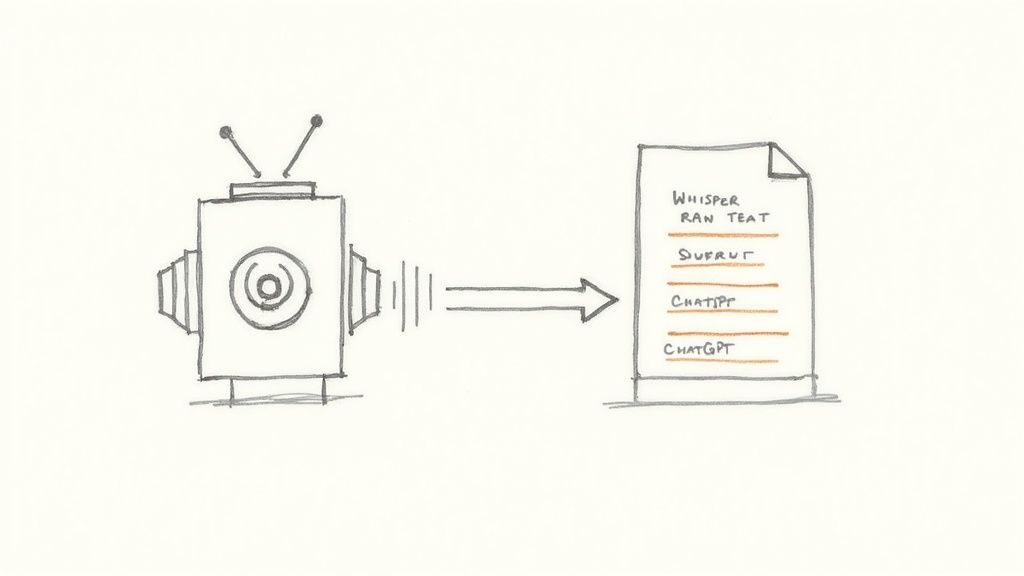
To really get what's happening when your audio file becomes a clean, readable document, you need to look under the hood. It’s not a single magic trick but a clever, two-part process. Think of it like a tag team: one AI is the expert listener, and the other is the expert writer. Each one plays to its own strengths.
First up is Whisper. This is the transcription engine, the digital version of a highly trained stenographer. Its entire purpose is to listen carefully to your audio and turn every single spoken word into raw text.
This is the core speech-to-text (STT) conversion. Whisper is fantastic at this part. It can cut through different accents, jargon, and even a bit of background noise to produce a surprisingly accurate, if a bit rough, block of text.
Once Whisper has done its job, ChatGPT steps in. While Whisper is great at hearing, ChatGPT is an expert at understanding and structuring language. It takes that unformatted, punctuation-free text from Whisper and acts like a top-notch editor.
This is where you get to steer the ship. You aren't just getting a raw transcript; you're getting a polished document shaped to your exact needs. If you’re curious about the technologies that make this possible, looking into broader AI development services can give you a great overview of how these complex models are created.
Here’s a quick breakdown of how that refinement looks in practice:
This collaboration is what makes the whole system so effective. It pairs world-class speech recognition with world-class language processing to give you a final product that's so much more than just words on a page.
The real game-changer is what you can ask ChatGPT to do after the initial transcription is done. Your options are practically limitless. You can command it to perform all sorts of tasks that go way beyond just cleaning up grammar and punctuation.
Key Insight: The initial transcription is just the starting point. The true value comes from using a large language model like ChatGPT to analyze, summarize, and reshape the text into something that genuinely saves you time and effort.
Let's say you just transcribed a 30-minute customer feedback call. Instead of slogging through pages of dialogue, you could use prompts like these:
This ability to interact with and transform the text is what turns a simple tool into a productivity powerhouse. You're no longer just converting audio to text; you're pulling real intelligence out of it. This dynamic duo is precisely why so many people are asking, "can ChatGPT transcribe audio?"—because the combination of the two is what delivers the powerful results they're looking for.
So, we've covered the what and the why behind ChatGPT's transcription abilities. Now, let's get our hands dirty and actually turn some audio into text.
There are really two main ways to go about this. For most people, the easiest route is using the transcription feature built right into a ChatGPT Plus subscription. It's straightforward and gets the job done quickly. The second path is for the more tech-savvy folks: using the OpenAI API. This offers a lot more power and flexibility, but you'll need to be comfortable with a bit of code.
We'll walk through both, starting with the simple one.
If you're a ChatGPT Plus subscriber, you're in luck. Transcribing audio is baked right into the chat interface you already know. This is perfect for those one-off tasks—transcribing a quick meeting, a voice memo you recorded on your phone, or a short interview—without any technical fuss.
The whole process is designed to be as simple as attaching a file to an email.
You'll start from the familiar ChatGPT screen. Just look for the attachment icon, and you're ready to go.
The beauty of this method is its sheer convenience. You don't have to juggle different apps or follow a complicated workflow. Everything happens in one place.
Here’s how you do it, step-by-step:
This method handles a bunch of common file types, including MP3, MP4, MPEG, M4A, WAV, and WEBM. But there's one big catch you need to know about.
You'll likely run into this sooner or later: the 25 MB file size limit for uploads. A high-quality audio file can hit that limit surprisingly fast, making it seem like you can't transcribe longer recordings.
Thankfully, there’s a pretty easy fix. You can use a free audio editor like Audacity to chop your large file into smaller pieces. Just split the recording into a few segments, each under 25 MB, and upload them one after the other.
Pro Tip: Once you have all your transcribed chunks, you can just paste them all back into a new ChatGPT prompt and ask it to "Combine these transcripts into a single, cohesive document." It will stitch them together seamlessly for you.
For developers, businesses, or anyone needing to transcribe audio in bulk, the OpenAI API is the way to go. This approach gives you far more control and the ability to automate the entire process, but it does require some basic coding skills.
Instead of uploading a file through a web interface, you send it directly to the Whisper model via the API and get the text back in a structured format. This is the secret sauce for building transcription features into your own apps or creating automated workflows for your business.
While the API also has a 25 MB file limit per request, developers typically write simple scripts to automatically break up larger files before sending them. This method bypasses the ChatGPT interface entirely, giving you a direct pipeline to the transcription engine for more scalable and efficient results.
Before you jump in and start transcribing everything with ChatGPT, it's smart to take a step back and look at the whole picture. No tool is a silver bullet, and understanding where this one shines—and where it stumbles—will save you a lot of headaches later on.
Let's start with the good stuff. The biggest win here is, without a doubt, its accuracy. Give it a clean audio file with one person talking and minimal background noise, and the results from Whisper are genuinely jaw-dropping. We're talking performance that often matches, and sometimes even beats, a professional human transcriber.
This makes it a fantastic choice for transcribing clean interviews, a professor's lecture, or your own voice memos where getting every word right is crucial.
But it's not just about getting the words right. The combination of ChatGPT and Whisper brings a few other major perks to the table, making it a really attractive option for a lot of different people.
Here's a quick rundown of the main benefits:
This trio of accuracy, speed, and low cost is exactly why so many people are asking if ChatGPT can handle their transcription needs.
Now for the reality check. The system isn't perfect, and its impressive accuracy can take a nosedive when the audio quality isn't pristine.
The number one enemy? Background noise. If you recorded your audio in a bustling coffee shop, a noisy conference room, or on a windy day, Whisper is going to have a tough time separating the voices from the chaos. You'll likely end up with a transcript full of mistakes and missing words.
It also gets tripped up when multiple people talk over each other. The AI struggles to figure out who's saying what when the conversation isn't a clean back-and-forth, often mashing sentences together or assigning words to the wrong person. Expect to do a lot of manual editing in these cases.
Important Takeaway: Think of it this way: "garbage in, garbage out." This method is powerful, but it can't magically fix a bad recording. The cleaner your source audio, the better your transcript will be.
Finally, you'll run into a couple of technical walls. The 25 MB file size limit for both the API and the ChatGPT Plus interface is a real pain for anyone with longer recordings like podcasts, webinars, or lengthy meetings. Sure, you can chop your files into smaller pieces, but that's an extra, tedious step you probably don't want to deal with. These kinds of roadblocks are exactly why more specialized tools exist for bigger or more complex transcription jobs.
It's one thing to talk about technology in theory, but where does the rubber really meet the road with AI transcription? The true value shines through in how it's changing work and study habits every single day. From buzzing newsrooms to quiet university libraries, automated transcription is giving people back their time and uncovering insights that were once buried in audio files.
Let's dive into a few scenarios where tools like ChatGPT and Whisper are making a real difference. These examples show just how quickly you can turn a raw recording into something genuinely useful.
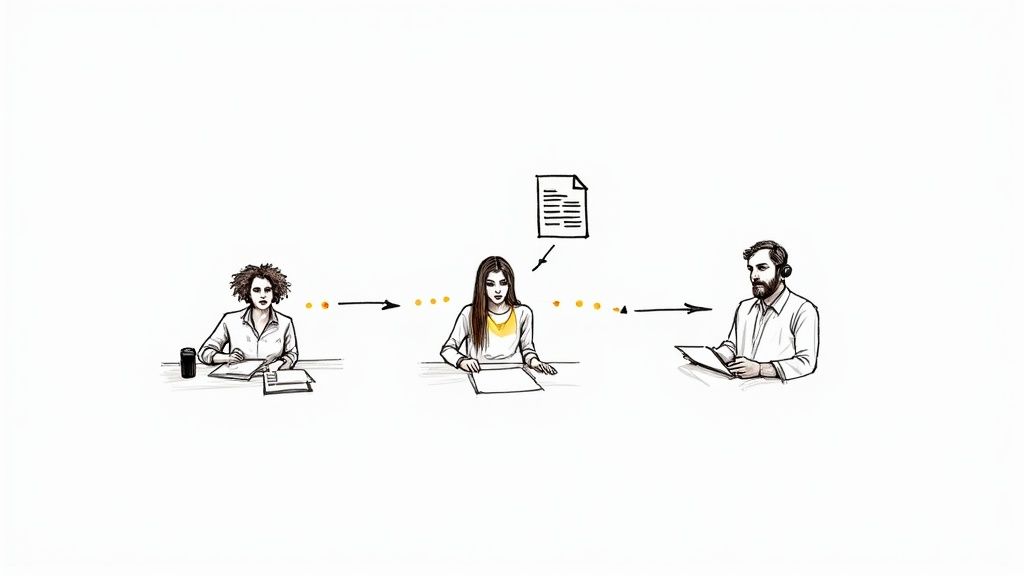
Picture this: a reporter has just wrapped up a crucial, hour-long interview for a breaking story. The clock is ticking. In the old days, they’d be stuck—either buckle down for three to four hours of tedious manual transcription or pay a premium for a service and hope it comes back in time.
AI completely flips that script.
Now, just minutes after uploading the audio file, the journalist has a full, searchable transcript. They can instantly jump to key quotes, double-check facts, and start weaving the narrative while the conversation is still fresh in their mind.
University students know the struggle. You're sitting through hours of lectures every week, trying to scribble down every last important detail. Recording the lecture helps, but trying to find that one specific point about cellular mitosis for a final exam means scrubbing through hours of audio. It’s a huge time sink.
This is exactly where AI transcription becomes a student's best friend.
A student can record a two-hour lecture, generate a full transcript, and then use ChatGPT to create a custom study guide. This transforms a passive listening experience into an active, powerful learning tool.
Real-World Impact: Instead of re-listening to an entire lecture, a student can simply search the transcript for a keyword like "quantum mechanics" or ask ChatGPT to "summarize the professor's main points about the French Revolution."
Marketing and product teams live and breathe customer feedback. They run interviews, usability tests, and focus groups—all of which produce a mountain of valuable audio data. But trying to analyze all those conversations by hand is a notorious productivity killer.
In fact, many professionals waste an average of 48 minutes per day—which adds up to nearly four hours a week—on manual transcription alone. AI gives that time back, freeing up teams to think about strategy instead of just typing. For instance, ChatGPT can strip out filler words, fix minor errors, and format the text for research analysis. You can read more about how AI helps recapture lost productivity and make workflows smoother.
By transcribing customer calls, a marketing team can spot recurring themes, pain points, and feature requests in no time. They can prompt ChatGPT to analyze the overall sentiment, count how many times a competitor was mentioned, or even pull a list of compelling quotes for their next presentation. It’s all about turning unstructured chatter into structured, actionable data that drives better decisions.
ChatGPT's audio transcription is impressive, no doubt about it. It's a fantastic tool for quick, everyday tasks. But when transcription becomes a serious part of your job, you start to feel the friction. You'll quickly run into its limitations, like the frustrating 25 MB file size limit that forces you to chop up longer recordings.
Suddenly, you're spending more time manually splitting files and fighting with background noise than actually getting work done. This is the point where a general-purpose tool just doesn't cut it anymore.
For projects that can't compromise on accuracy or efficiency, you need a tool built for the specific task of transcription. When you're dealing with massive audio files or recordings from less-than-perfect environments, it’s time to look at a dedicated service.
This is where a service like Lemonfox.ai comes into play. It's designed for people who have outgrown the basic features—businesses, researchers, and content creators who can't afford to get bogged down by workarounds and manual edits.
Instead of wrestling with file splitters or cleaning up transcripts full of errors from a noisy cafe, Lemonfox.ai gives you a straight path from audio to accurate text. It’s built from the ground up to handle the messy, real-world audio that often trips up more generalized AI.
Key Takeaway: When transcription becomes a core part of your workflow, relying on a general tool is like trying to build a house with only a hammer. Specialized platforms are designed for the scale, accuracy, and advanced features that professional projects demand.
Services engineered for professional transcription bring a whole different set of tools to the table—capabilities that just aren't a priority for the standard ChatGPT interface. These platforms are fine-tuned for high-stakes situations where every word matters. When faced with more complex transcription demands, dedicated AI transcription services like AssemblyAI offer advanced features and higher accuracy.
Lemonfox.ai, for instance, really shines in a few key areas:
So, if you're asking, "can ChatGPT transcribe audio for my professional work?" the answer is often, "Yes, but..." A dedicated alternative like Lemonfox.ai gets rid of the "but," delivering the reliable, high-volume performance you actually need.
As you get ready to try out AI transcription, you probably have a few questions floating around. Let's tackle some of the most common ones to clear things up.
The short answer is no, not really. While the Whisper model itself is open-source, using it through the simple ChatGPT interface requires a ChatGPT Plus subscription. That’s the paid plan that bundles in this easy-to-use feature.
There is another route for more technical folks: the OpenAI API. This isn't free either, but it works on a pay-as-you-go basis. You're charged per minute of audio you process, which can be a lot cheaper than a monthly subscription if you only have occasional transcription needs.
This is where Whisper really shines. The model was trained on a massive, diverse dataset, so it’s impressively accurate for dozens of languages beyond English. If you work with international teams or create global content, it's a fantastic tool.
But it's not perfect. It does a great job with widely spoken languages like Spanish, French, and German. However, you might see a slight dip in accuracy for less common dialects or if the speaker has a very strong, non-native accent.
Here's the bottom line: Whisper's broad training is its biggest strength. But for mission-critical projects in a niche language, you should always give the final transcript a quick review. No matter the language, the quality of your original audio is still the most important factor for getting a clean result.
This is probably the most common roadblock people run into. If you're uploading an audio file directly in the ChatGPT Plus interface or using the standard API, you're stuck with a 25 MB file size limit. That's a huge pain if you're working with anything long, like an hour-long interview, a webinar, or a podcast.
Thankfully, you're not out of luck. There are a couple of ways around this:
For anyone doing this professionally or at high volume, a dedicated service will save you a ton of time and frustration.
Ready to stop worrying about file size limits and get fast, accurate transcriptions every time? Lemonfox.ai offers a powerful, developer-friendly API built for efficiency and scale, handling large files and multiple languages with ease. Start your free trial today and experience a smarter transcription workflow.