
First month for free!
Get started
Published 1/24/2026
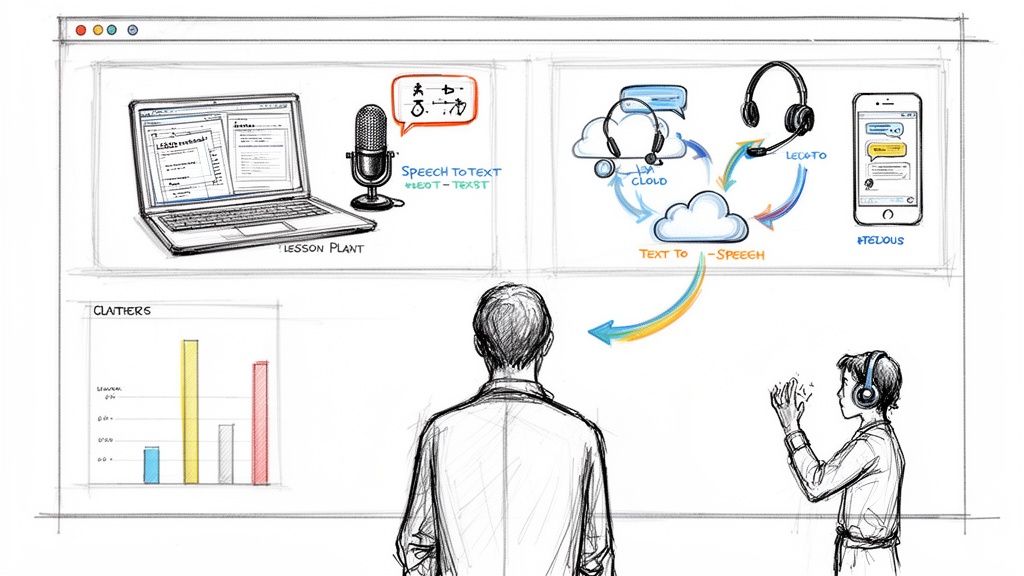
The modern classroom is constantly evolving, and technology is at the forefront of this transformation. Navigating the vast landscape of digital resources can be overwhelming, but the right educational technology tools for teachers can unlock new levels of student engagement, streamline administrative tasks, and personalize learning like never before. This guide cuts through the noise to provide a comprehensive look at the most impactful platforms available today.
We will move beyond generic feature lists to offer practical, real-world analysis. Whether you're a tech-savvy veteran or just beginning your digital journey, you'll find valuable insights to enhance your teaching practice and empower your students. Our goal is to help you find the best websites and platforms for your specific classroom needs, saving you valuable time and effort.
This curated list dives deep into each tool, providing a clear and honest assessment. For every platform, you will find:
We'll also explore how advanced features, like speech-to-text APIs such as Lemonfox.ai, can be integrated to automatically transcribe lectures for review or provide real-time captions for accessibility. Each entry includes screenshots and direct links, allowing you to quickly explore and evaluate the educational technology tools that will best serve your classroom. Let's get started.
Google for Education is an integrated ecosystem of tools and platforms designed to streamline digital workflows for K-12 and higher education institutions. Centered around Google Workspace for Education and the Chromebook ecosystem, it offers a cohesive solution for classroom management, content creation, and collaboration. It stands out due to its widespread adoption, making it one of the most familiar and accessible educational technology tools for teachers and students alike.
The platform’s core, Google Classroom, acts as a central hub for assignments, announcements, and grading, seamlessly integrating with Drive, Docs, Forms, and Meet. This interconnectedness allows teachers to create, distribute, and collect student work entirely within one system, simplifying lesson planning and student feedback.
Google for Education's biggest strength is its comprehensive, no-cost entry point. The free 'Education Fundamentals' tier provides robust tools that can transform a school's digital learning environment without significant financial investment.
Pros:
Cons:
Website: https://edu.google.com/
Microsoft Education offers a comprehensive suite of tools built around its Microsoft 365 platform, providing an integrated environment for schools deeply invested in the Windows ecosystem. Centered on Microsoft Teams for Education, it combines communication, collaboration, and classroom management into a single hub. It stands out for its enterprise-grade security, device management, and robust support for both web and desktop applications, making it a powerful choice for districts with complex IT needs.
Microsoft Teams serves as the core of the classroom experience, featuring built-in assignments, grading, and app integrations. This allows educators to manage lesson delivery, student collaboration, and assessment within one application, fully connected to familiar tools like Word, PowerPoint, OneNote, and OneDrive for seamless content creation and sharing.
Microsoft Education's key advantage is its unified platform approach. By integrating classroom workflows directly into Teams and Office 365, it provides a familiar and powerful environment that scales from individual classrooms to entire districts with robust security and compliance controls.
Pros:
Cons:
Website: https://www.microsoft.com/education
Apple Education represents an ecosystem of hardware, software, and services specifically tailored for K-12 and higher education. Rather than a single platform, it's a comprehensive approach that combines iPad and Mac devices with powerful classroom apps and robust management tools. It stands out by offering a highly integrated, secure, and creative environment that many educators find intuitive and engaging for students.
The ecosystem is anchored by Apple School Manager (ASM), which works with Mobile Device Management (MDM) solutions to deploy devices, purchase apps in volume, and create Managed Apple IDs. This infrastructure allows schools to provide a personalized yet controlled learning experience, ensuring students have access to the right educational technology tools on their devices.
Apple’s main advantage lies in its seamless hardware and software integration. The unified experience from device setup to classroom application use creates a reliable and powerful environment for both teaching and learning.
Pros:
Cons:
Website: https://www.apple.com/education/
CDW Education operates as a full-service technology reseller and integrator for K-12 and higher education, specializing in procurement and deployment at scale. Rather than a single tool, it’s a comprehensive partner for districts looking to source, manage, and implement everything from classroom hardware and software licenses to network infrastructure. Its key value lies in simplifying complex, large-scale technology acquisitions and modernizations.
For a school district planning a 1:1 device rollout or a major audiovisual upgrade, CDW provides a centralized procurement channel. Their teams manage vendor relationships, negotiate licensing, and coordinate deployment services, saving administrative staff significant time and effort. This makes it an indispensable resource for technology directors and curriculum leaders overseeing systemic tech initiatives.
CDW Education's primary advantage is its expertise in large-scale deployments. For a district technology director, having a single point of contact for hardware, software, and implementation services streamlines what would otherwise be a logistical nightmare.
Pros:
Cons:
Website: https://www.cdw.com/industries/k-12-education-technology/
B&H EDU Advantage is not a software platform but a specialized purchasing program from B&H Photo Video that gives verified educators access to discounted pricing on professional-grade technology. For teachers looking to equip their classrooms, media labs, or personal offices with high-quality cameras, microphones, computers, and AV equipment, this program makes premium hardware more accessible. It serves a crucial niche, bridging the gap between consumer-grade tools and the professional equipment often needed for modern educational technology initiatives.
The program allows individual teachers, staff, and even students from accredited institutions to purchase from a vast catalog of technology that supports everything from a school’s broadcasting club to a teacher’s hybrid learning setup. By providing educator-specific pricing, B&H helps schools and instructors acquire reliable, professional-level hardware that is built to last.
B&H EDU Advantage excels by making professional-level technology financially viable for educators, empowering them to build robust, high-fidelity learning environments without settling for consumer-grade compromises.
Pros:
Cons:
Website: https://www.bhphotovideo.com/edu
Best Buy Education serves as a mainstream retail channel for procuring educational technology tools for teachers and schools. While not a traditional edtech platform, it provides immediate access to essential hardware like laptops, Chromebooks, tablets, and interactive displays. Its primary advantage is convenience, offering a familiar consumer buying experience with widespread U.S. retail availability for quick purchases, small orders, or urgent hardware replacements.
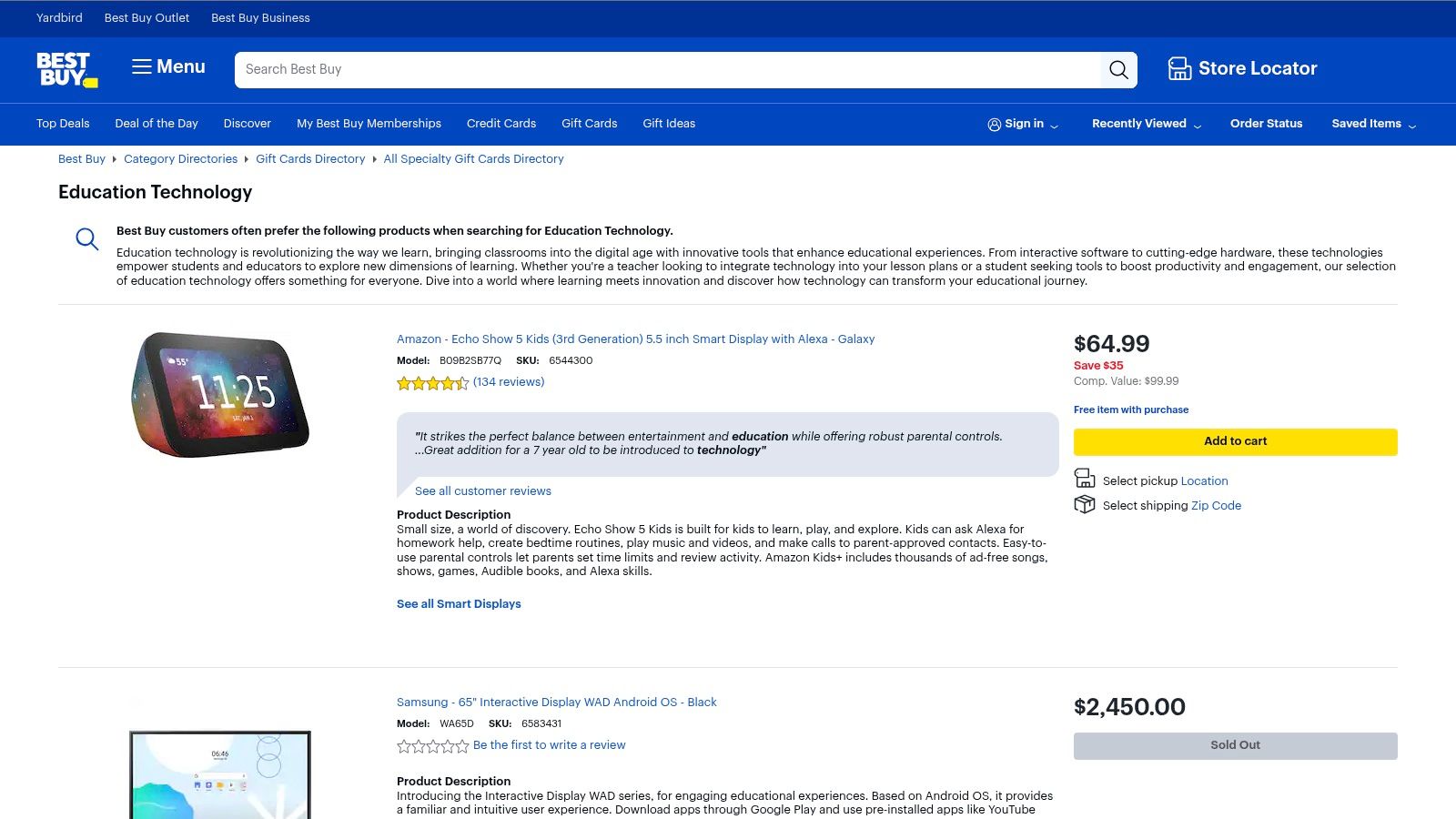
The platform is particularly useful for individual educators or small schools that don't meet the volume requirements for dedicated edtech resellers. Teachers can leverage student deals or seasonal promotions to acquire devices and peripherals without navigating complex procurement contracts, making it a practical solution for immediate classroom needs.
For an individual teacher or a small department needing to spend a grant or budget quickly, Best Buy Education offers an unmatched level of speed and simplicity compared to traditional, large-scale procurement vendors.
Pros:
Cons:
Website: https://www.bestbuy.com/site/shop/education-technology
Amazon Business adapts the familiar Amazon marketplace for the specific procurement needs of schools and districts. It serves as a centralized platform for purchasing everything from classroom supplies and furniture to educational technology tools for teachers. The platform streamlines the acquisition process by offering multi-user accounts, tax-exempt purchasing options, and powerful analytics for budget tracking.
This platform solves a significant logistical challenge for educational institutions: sourcing a wide variety of goods quickly and efficiently. Instead of managing multiple vendors, schools can consolidate purchases through a single portal with the speed and reliability of Amazon's fulfillment network, which is particularly useful for last-minute or recurring supply needs.
Amazon Business’s primary advantage is leveraging Amazon's world-class logistics for educational procurement. It offers an unmatched combination of product variety and rapid fulfillment that traditional school supply vendors often struggle to match.
Pros:
Cons:
Website: https://business.amazon.com/
Teachers Pay Teachers (TPT) is the world's largest online marketplace for original educational resources. Created by educators for educators, it provides a vast library of lesson plans, worksheets, interactive activities, and classroom decor, significantly reducing teacher prep time. It stands out as a peer-driven ecosystem where practicing teachers share what works, making it one of the most practical educational technology tools for teachers seeking ready-to-use materials.
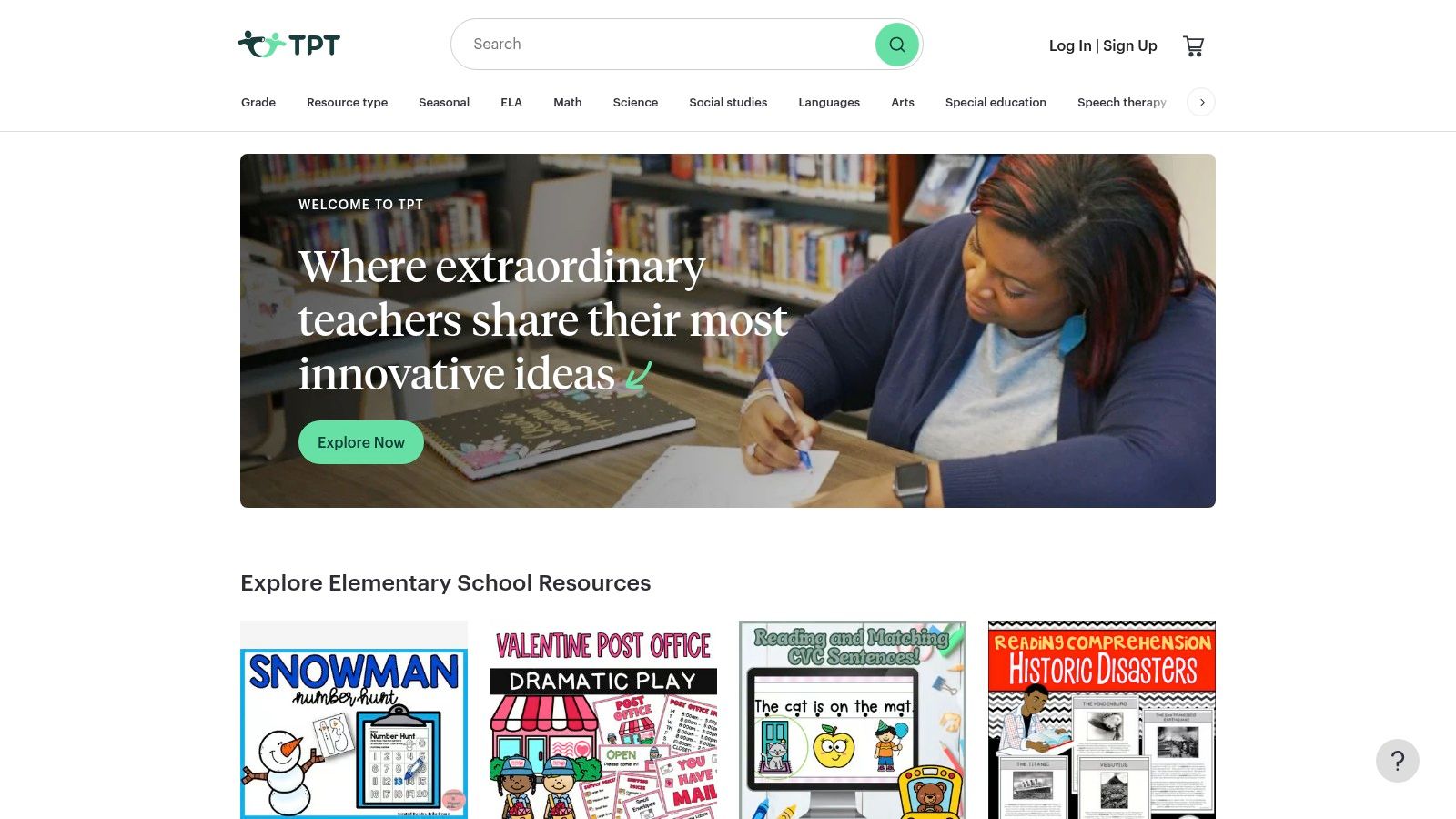
The platform has evolved beyond static PDFs with its Easel by TPT tool, which allows educators to turn resources into interactive, device-ready activities for students. This functionality bridges the gap between traditional worksheets and digital learning environments, enabling teachers to assign, collect, and grade work online, often integrating with existing learning management systems like Google Classroom.
TPT's core strength is its community-driven model. It empowers teachers to find immediate solutions for their classrooms while also providing a platform for them to share their own expertise and earn income.
Pros:
Cons:
Website: https://www.teacherspayteachers.com/
Nearpod is an interactive instructional platform that transforms static presentations into engaging, collaborative experiences. It allows teachers to create or select lessons embedded with activities like polls, quizzes, collaborative boards, and virtual reality field trips. It stands out by giving educators real-time insight into student understanding, making it one of the most effective educational technology tools for teachers focused on formative assessment and active participation.
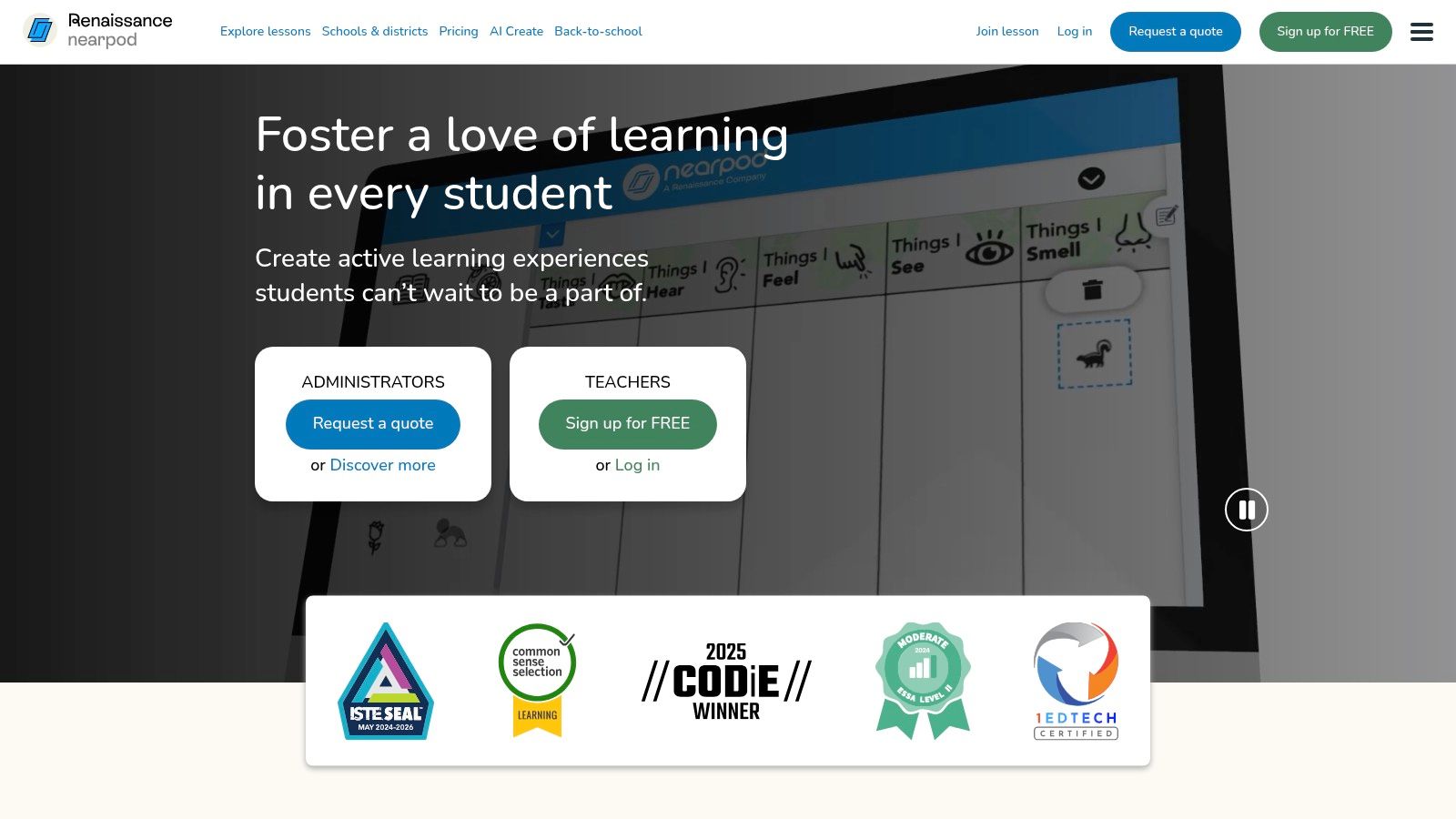
The platform operates in both live, teacher-paced and asynchronous, student-paced modes, offering flexibility for various classroom models. Teachers can easily convert existing Google Slides or PowerPoints into interactive Nearpod lessons or utilize the extensive library of pre-made, standards-aligned content, significantly reducing prep time while boosting engagement.
Nearpod’s strength is its ability to make every student an active participant. The real-time feedback loop ensures no student is left behind, allowing teachers to address misconceptions on the spot.
Pros:
Cons:
Website: https://nearpod.com/
Kahoot! for Schools transforms learning into an engaging, game-based experience. This platform allows teachers to create and host interactive quizzes, discussions, and surveys, known as "Kahoots," which students participate in using their own devices. It excels at creating a high-energy environment for formative assessments, review sessions, and quick checks for understanding, making it a favorite educational technology tool for teachers focused on student participation.
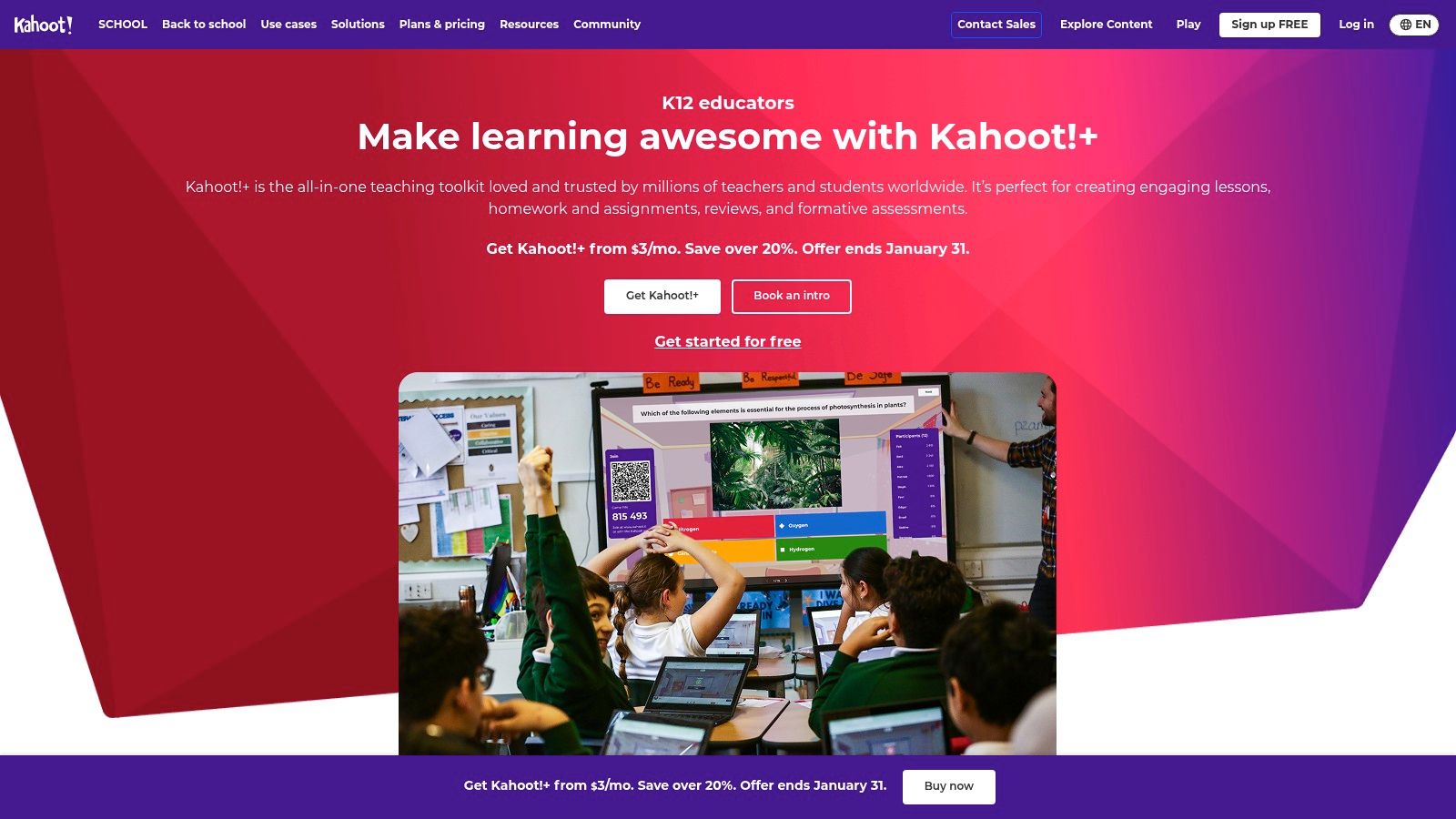
The platform offers both live game modes for in-class competition and self-paced assignments that students can complete on their own time. While a basic version is available for free, the "for Schools" subscription unlocks powerful features for collaboration and administration, such as a shared team space for creating and editing Kahoots with colleagues.
Kahoot!'s strength lies in its simplicity and the immediate, palpable energy it brings to the classroom. The game-show style format intrinsically motivates students to participate and focus on the material.
Pros:
Cons:
Website: https://kahoot.com/schools/
Seesaw is a K-5 learning experience platform centered on multimodal student portfolios, instruction, and deep family engagement. It empowers even the youngest learners to demonstrate their understanding using a variety of intuitive tools like photos, videos, drawings, and voice recordings. This focus on authentic, student-driven work makes it one of the most effective educational technology tools for teachers in the elementary grades.
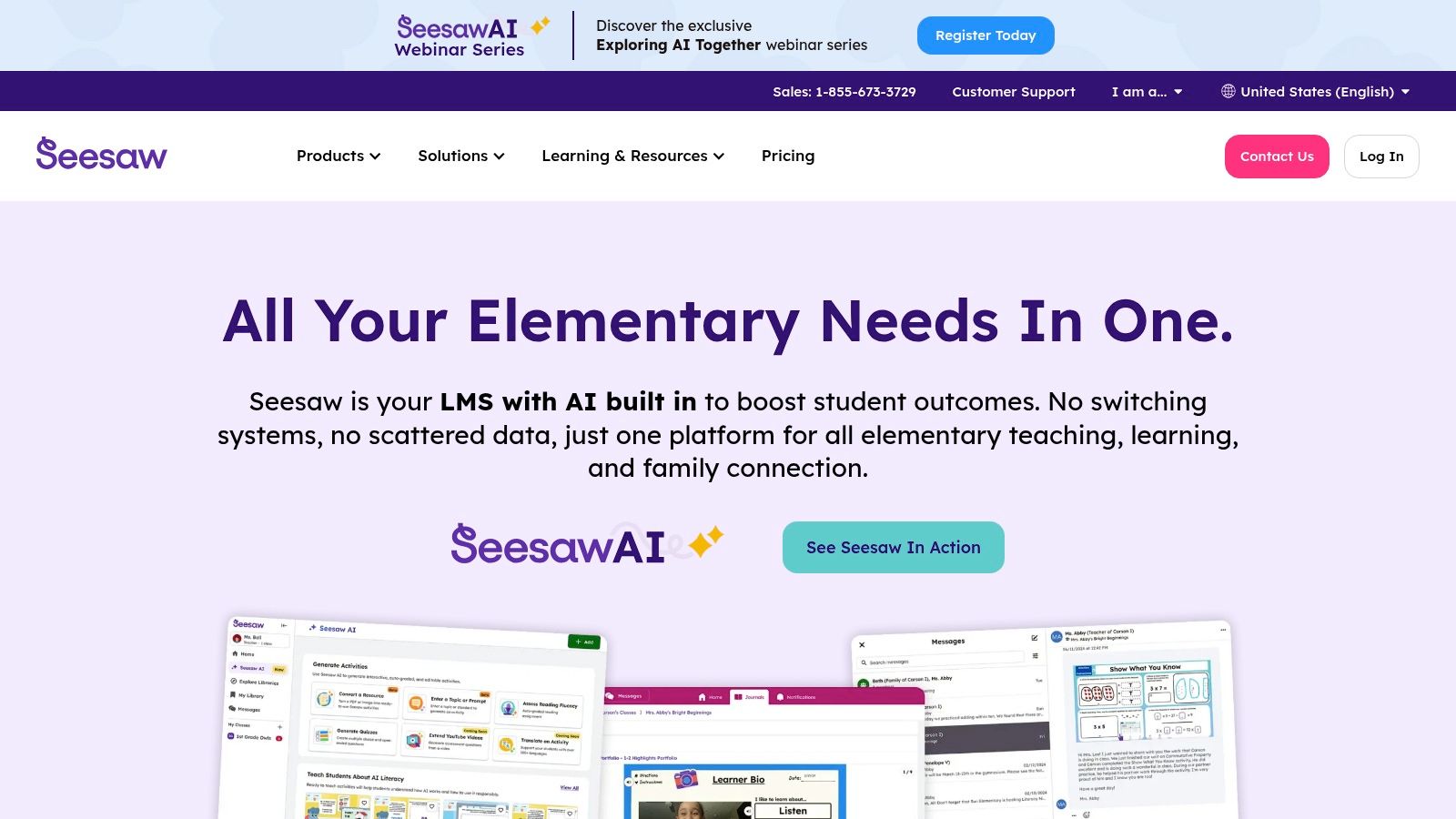
The platform functions as a digital portfolio where students can add their creations to a personal journal, which teachers can then approve and share with families. This creates a powerful and continuous home-school connection, allowing parents to see and comment on their child’s work in near real-time, fostering a supportive learning community.
Seesaw's greatest advantage is its ability to capture learning in a way that standardized tests cannot. It gives students a voice and choice in showing what they know, making learning visible and celebratory for students, teachers, and families.
Pros:
Cons:
Website: https://seesaw.com/
Common Sense Education is a non-profit organization offering a free, trusted directory of expert, rubric-based reviews for educational technology tools, lesson plans, and digital citizenship resources. Instead of being a tool itself, it serves as an essential evaluation platform that empowers teachers and administrators to make informed decisions about the software and apps they bring into the classroom. It stands out for its independent, research-backed approach to vetting technology for pedagogical value and privacy.
The platform’s strength lies in its detailed reviews, which break down each tool's learning potential, features, and privacy policies. This allows educators to move beyond marketing claims and understand how a specific tool supports skills like collaboration, critical thinking, or creativity, making it a critical first stop when searching for new educational technology tools for teachers.
Common Sense Education's greatest value is its commitment to privacy and pedagogical quality. It helps educators cut through the noise of the crowded edtech market to find tools that are not only effective but also safe for students.
Pros:
Cons:
Website: https://www.commonsense.org/education/
| Product | Core offering | 👥 Target audience | ✨ Key USPs | 💰 Pricing / value | ★ Quality & 🏆 Strength |
|---|---|---|---|---|---|
| Google for Education | Integrated K–12 productivity & Classroom suite | 👥 Districts, teachers, scale deployments | ✨ Free base tier, SSO, Gemini AI, Chromebook ecosystem | 💰 Free tier; paid upgrades for advanced features | ★★★★★ / 🏆 Widely adopted & scalable |
| Microsoft Education | Microsoft 365 for Education + Teams workflows | 👥 Districts needing Windows/desktop & enterprise IT | ✨ Teams assignments/grades, A3/A5 security, identity controls | 💰 A1 free web; A3/A5 paid (reseller pricing) | ★★★★★ / 🏆 Enterprise security & desktop apps |
| Apple Education | Device purchasing & edu programs (iPad/Mac) | 👥 Districts prioritizing Apple hardware & apps | ✨ MDM/ASM device management, app ecosystem, edu discounts | 💰 Hardware premium; edu discounts available | ★★★★☆ / 🏆 Strong device integration |
| CDW Education | Reseller, deployment & lifecycle services | 👥 District procurement teams, large deployments | ✨ Procurement, deployment bundles, sales engineering | 💰 Quote-based; value via services & scale | ★★★★☆ / 🏆 Procurement expertise |
| B&H EDU Advantage | EDU discounts for AV & creator hardware | 👥 Educators buying pro-AV and creator tools | ✨ Educator verification discounts, broad AV catalog | 💰 Discounted pricing after verification | ★★★★☆ / 🏆 Strong AV selection & support |
| Best Buy Education | Retail education tech with local pickup | 👥 Small orders, quick replenishment, local schools | ✨ Local pickup, promotions, easy returns | 💰 Retail pricing with frequent deals | ★★★☆☆ / 🏆 Convenient retail access |
| Amazon Business | Centralized marketplace & procurement tools | 👥 Districts & schools needing fast fulfillment | ✨ Multi-user accounts, analytics, broad catalog | 💰 Competitive; dynamic pricing, volume discounts | ★★★★☆ / 🏆 Fast logistics & catalog breadth |
| Teachers Pay Teachers | Marketplace for teacher-created resources | 👥 Classroom teachers seeking ready-made lessons | ✨ Millions of resources, Easel tools, instant downloads | 💰 Low-cost materials; seller-dependent pricing | ★★★★☆ / 🏆 Huge content library |
| Nearpod | Interactive lessons, assessments & sims | 👥 Teachers focused on formative assessment | ✨ Real-time engagement, standards-aligned library | 💰 Free tier limited; enterprise licensing for districts | ★★★★☆ / 🏆 Strong engagement & assessment |
| Kahoot! for Schools | Game-based quizzes & engagement platform | 👥 Teachers, assemblies, PD & large groups | ✨ Live quizzes, assignment mode, scalable play | 💰 Tiered subscriptions; higher tiers for scale | ★★★★☆ / 🏆 High engagement & ease of use |
| Seesaw | K–5 student portfolios, instruction & family comms | 👥 K–5 teachers, elementary schools & families | ✨ Multimodal portfolios, family communication tools | 💰 District licenses for premium features | ★★★★☆ / 🏆 Excellent K–5 fit |
| Common Sense Education | Free rubric-based edtech reviews & privacy guides | 👥 Administrators & teachers evaluating tools | ✨ Independent reviews, privacy evaluations, guidance | 💰 Free to use | ★★★★★ / 🏆 Trusted independent resource |
The journey through the expansive landscape of educational technology tools for teachers can feel overwhelming, but it is also filled with incredible potential. As we've explored, the right digital resources can fundamentally reshape the learning experience, transforming traditional classrooms into dynamic, interactive, and inclusive environments. From comprehensive ecosystems like Google for Education and Microsoft Education to specialized platforms like Nearpod and Seesaw, the options are as diverse as the students we serve. The key is not to adopt every new, shiny tool but to thoughtfully curate a digital toolkit that aligns with your specific pedagogical philosophy and classroom needs.
The most effective educational technology tools for teachers are those that act as a bridge, not a barrier. They should enhance your teaching, not complicate it. They should empower students, not distract them. The goal is to move beyond simple digital substitution, where a worksheet becomes a PDF, and toward true redefinition of tasks, where technology allows for creation, collaboration, and exploration in ways previously impossible.
Making a final decision requires a strategic approach. Before committing to a new platform or device, it's crucial to reflect on the core purpose it will serve in your instructional design. Consider the tools we've discussed not just as standalone products, but as components of a larger, interconnected ecosystem.
Here is a simple framework to guide your selection process:
Ultimately, technology is just a medium. The magic happens when a passionate, skilled educator wields these tools to create meaningful learning experiences. The most powerful educational technology tools for teachers are those that amplify your ability to connect with students, foster their curiosity, and support their individual growth. They should enable you to spend less time on logistics and more time on what truly matters: teaching and learning.
As you build and refine your digital toolkit, remember to be patient with yourself and your students. Implementation is a process of trial, error, and adaptation. Seek out professional development, connect with other educators in online communities, and don't be afraid to experiment. By making deliberate, student-centered choices, you can harness the power of technology to create a classroom where every learner has the opportunity to thrive.
Ready to enhance accessibility and engagement in your classroom? Explore how Lemonfox.ai provides powerful, affordable, and easy-to-integrate Speech-to-Text and Text-to-Speech APIs to transcribe lectures, create accessible materials, and support diverse learners. Visit Lemonfox.ai to see how you can build a more inclusive learning environment today.