
First month for free!
Get started
Published 1/12/2026
The demand for accurate, fast, and affordable transcription is skyrocketing. From developers building the next generation of voice-enabled applications to businesses needing to analyze customer calls, the need to convert audio into actionable text is universal. Manually transcribing audio is not just slow; it's a significant drain on resources that could be better spent on core business activities. This shift reflects a broader trend of AI automating content creation workflows, such as generating videos with AI, indicating a future where many traditionally manual tasks are handled by intelligent systems.
Automated transcription tools solve this problem directly, offering instant results that range from simple dictation to complex, timestamped, and speaker-diarized transcripts. Finding the right solution, however, can be challenging. The market is filled with options, from basic built-in OS features to powerful developer APIs, each with its own strengths, limitations, and pricing models. This guide is designed to cut through the noise and provide a clear, comprehensive comparison of the best free speech to text programs available.
We will dive deep into 12 leading options, evaluating them on key criteria like accuracy, language support, privacy, and ease of use. You'll find detailed breakdowns, screenshots, and direct links for each tool, helping you choose the perfect fit for your specific needs, whether you're a student transcribing lectures, a business analyzing meeting recordings, or a developer integrating a robust transcription API. We cover everything from simple tools like Google Docs Voice Typing to powerful, privacy-focused APIs like Lemonfox.ai, which offers a generous 30-hour free trial. This resource will help you find the right tool to eliminate manual transcription for good.
Lemonfox.ai secures the top spot as a standout choice for developers and businesses seeking a powerful, private, and remarkably affordable speech processing platform. It distinguishes itself by bundling high-accuracy Speech-to-Text (STT) and human-like Text-to-Speech (TTS) into a single, developer-first API, making it one of the most versatile free speech to text programs for getting started.
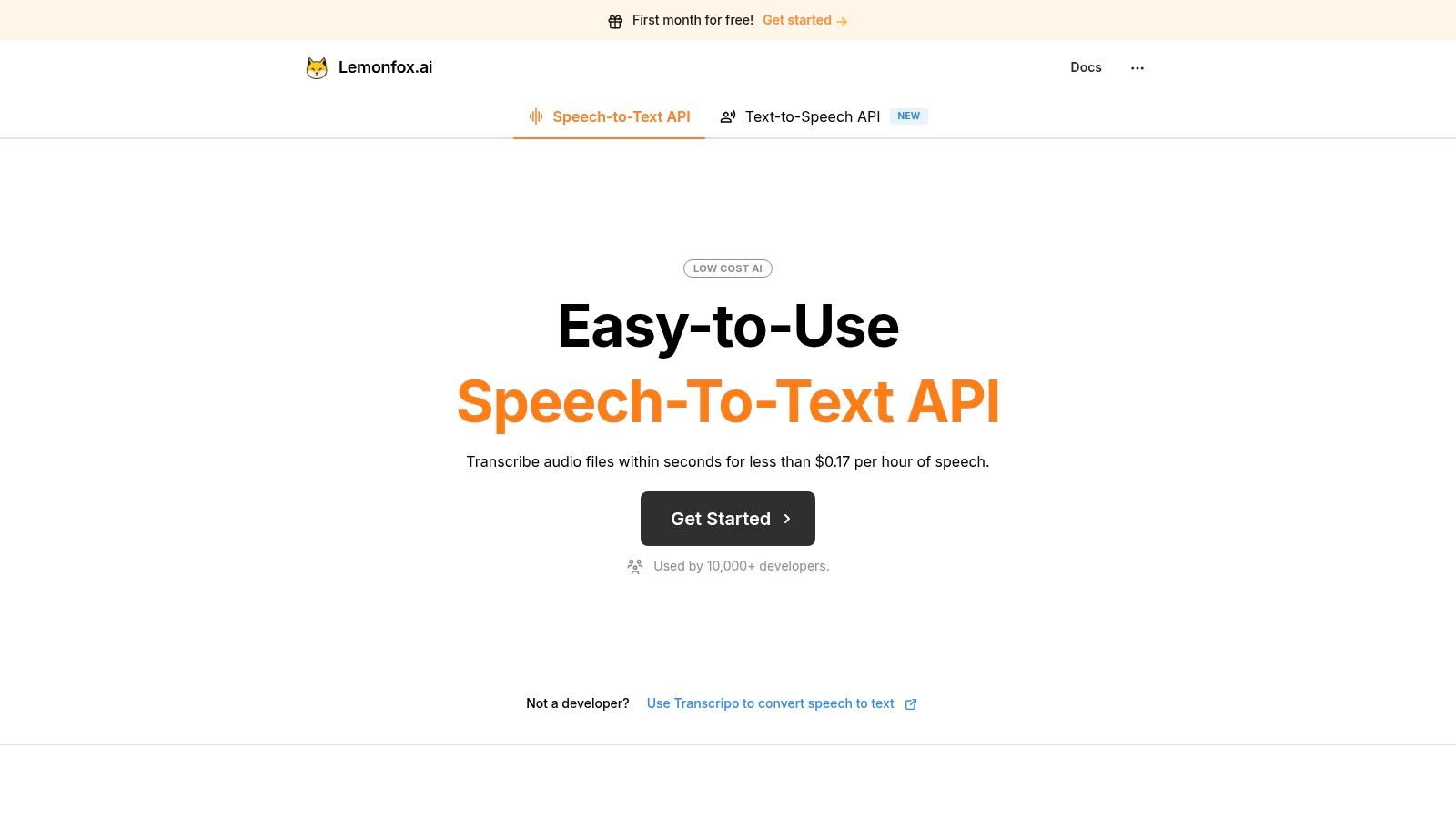
The platform is engineered for performance, leveraging OpenAI's Whisper large-v3 model to deliver precise transcriptions across an impressive 100+ languages. This isn't just basic transcription; Lemonfox.ai includes critical features like speaker recognition (diarization) and low-latency processing directly within its API. This makes it ideal for building sophisticated applications, from transcribing multilingual meetings and identifying different speakers to powering real-time voice command systems.
Lemonfox.ai’s architecture is built around efficiency and privacy. A key differentiator is its data handling policy: all data is deleted immediately after processing, a crucial assurance for applications handling sensitive information. Furthermore, it provides EU-based API endpoints, simplifying GDPR compliance for businesses operating in Europe.
Here’s a breakdown of its core strengths:
Accessing Lemonfox.ai is straightforward. The free one-month trial provides 30 hours of transcription, which is ample for thorough testing and development. Post-trial, the $5/month subscription includes 10 million credits, equivalent to approximately 30 hours of STT or 2 million TTS characters. This simple, credit-based system makes it easy to predict costs and scale usage affordably.
Website: https://www.lemonfox.ai
For individuals already immersed in the Google Workspace ecosystem, the built-in Voice Typing tool within Google Docs is one of the most accessible free speech to text programs available. It requires no installation, running directly within a supported desktop browser like Chrome. This makes it an excellent choice for writers, students, and professionals who need to draft documents, take notes, or compose emails hands-free.
The tool excels at real-time dictation. As you speak, your words appear on the page with impressive speed and solid accuracy for common vocabulary. Its primary advantage is convenience; if you are writing a report in Google Docs, you can activate voice typing with a simple click (or keyboard shortcut) and start dictating immediately.
Beyond basic transcription, Voice Typing supports a range of voice commands for editing and formatting. You can say "select paragraph," "bold that," or "go to the end of the line" to manipulate your text without touching the keyboard.
Our Take: While it isn't a developer-focused API or a batch transcription service, Google Docs Voice Typing is arguably the best truly free tool for real-time dictation, seamlessly integrated where many users already do their work.
Website: https://docs.google.com
For Windows users, one of the most seamlessly integrated free speech to text programs is the native Voice Typing feature, activated with a simple keyboard shortcut (Windows key + H). This tool is built directly into the operating system and leverages Microsoft's powerful Azure Speech services, offering cloud-powered dictation that works in virtually any text field, from a web browser's search bar to a word processor or a messaging app.
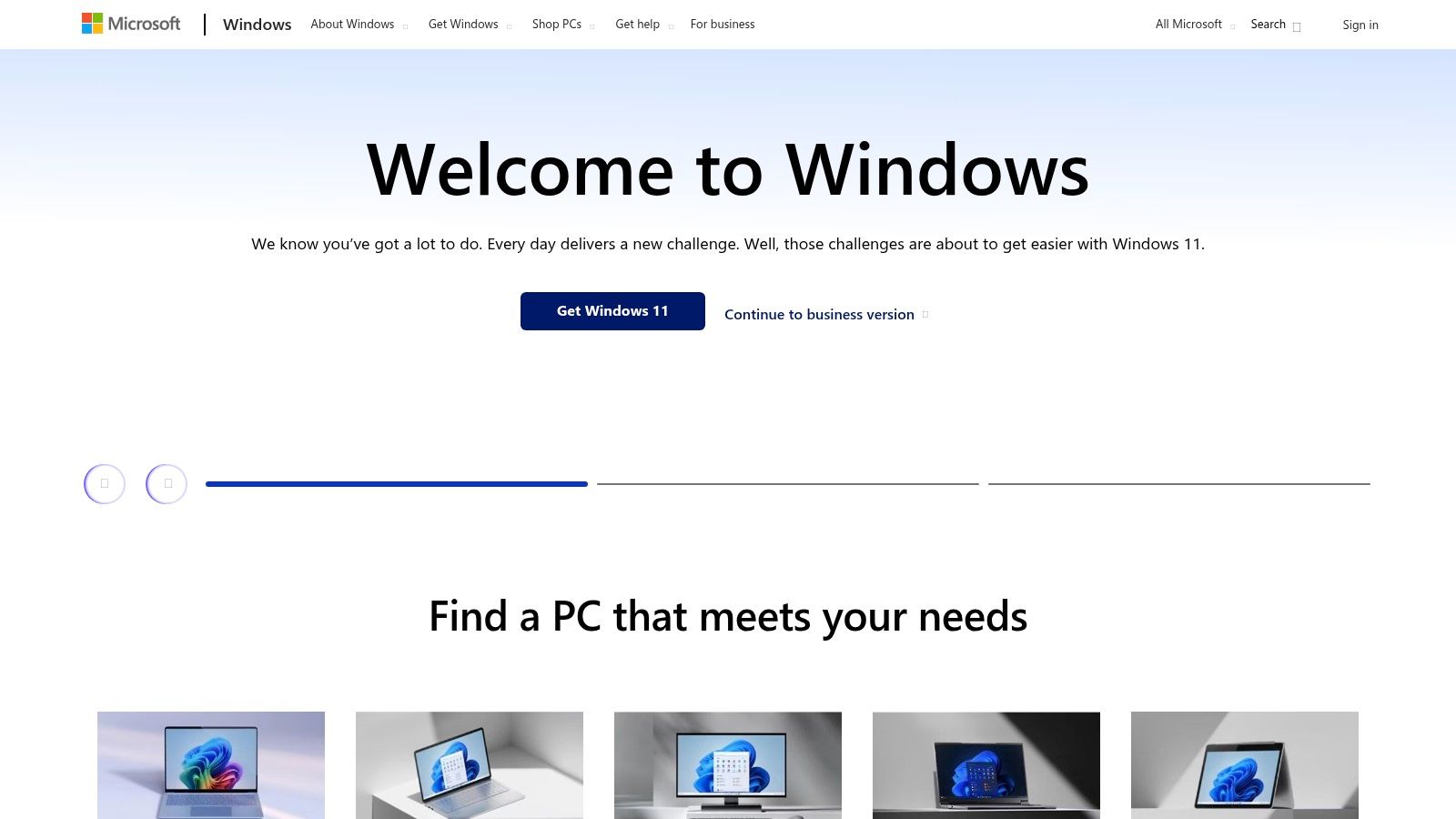
Its primary strength is universal accessibility. Unlike tools confined to a specific application, Windows Voice Typing provides a system-wide solution for hands-free input. The accuracy is impressive for general dictation, and it includes practical features like automatic punctuation and a profanity filter, which can be toggled on or off to suit user preference. This makes it an incredibly versatile tool for everyday tasks.
Beyond simple dictation, Voice Typing is designed for efficiency across the entire Windows environment. Its ability to work in any application without installation or setup removes friction, allowing users to instantly switch from typing to speaking whenever needed.
Our Take: Windows Voice Typing is the ultimate tool for convenience and system-wide integration. While it doesn't replace specialized transcription services, its ability to "just work" everywhere makes it an indispensable free feature for any Windows user.
Website: https://www.microsoft.com/windows
For users embedded in the Apple ecosystem, the native Dictation feature is one of the most seamlessly integrated free speech to text programs available. Built directly into macOS, iOS, and iPadOS, it requires no downloads or separate accounts, offering system-wide voice-to-text capabilities in nearly any application where you can type. This makes it an incredibly convenient tool for composing texts, writing emails, or jotting down notes on the go.
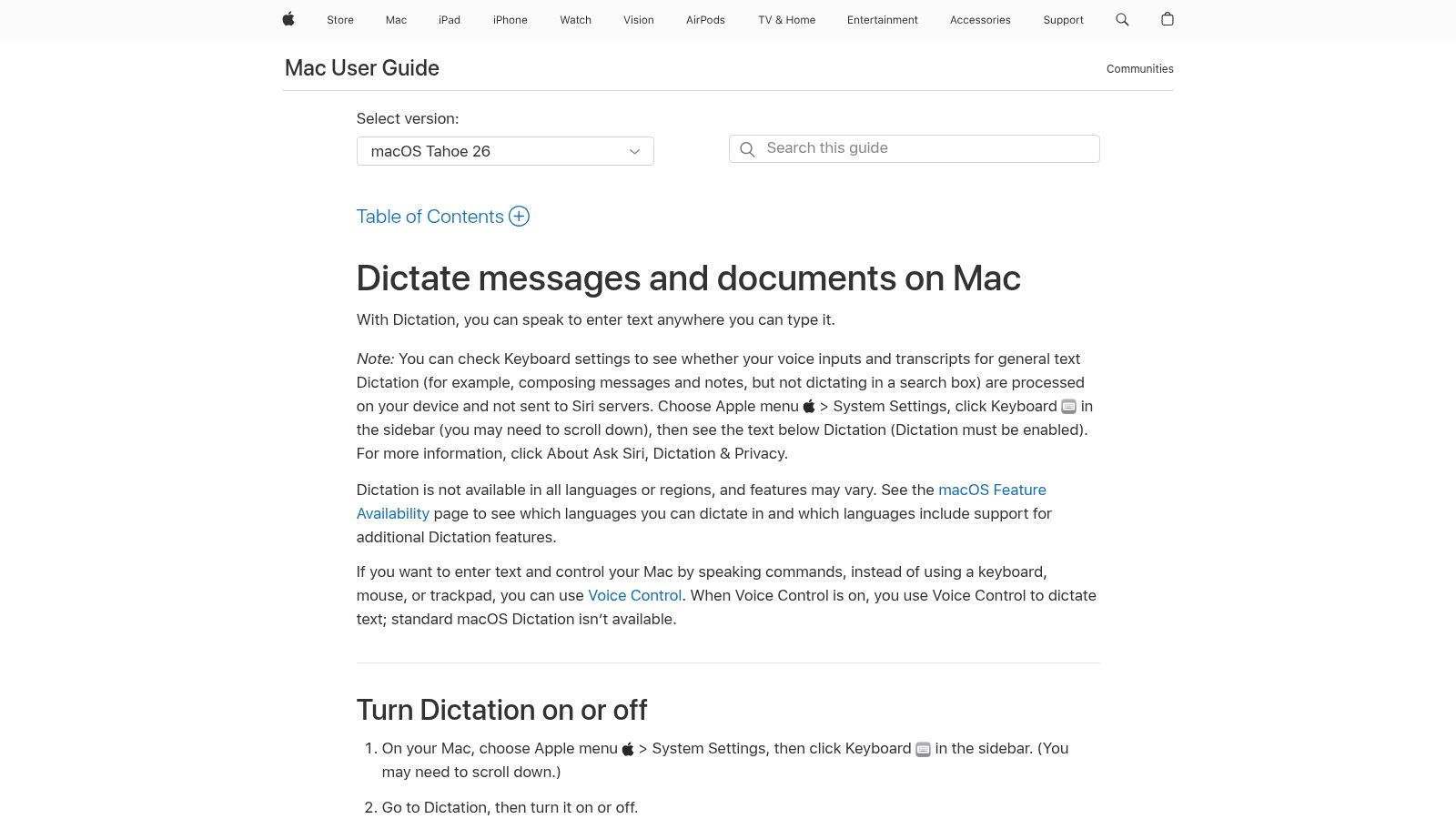
Its key strength is its deep integration and privacy-centric approach. On newer Apple devices with modern processors, dictation requests are processed on-device for many languages, meaning your voice data doesn't need to be sent to a server. This enhances both speed and security, providing a reliable experience without an internet connection.
Beyond simple transcription, Apple Dictation includes voice commands for punctuation, formatting, and even inserting emojis. The more advanced Voice Control feature provides comprehensive hands-free navigation and control of the entire device, which is a significant accessibility win.
Our Take: Apple Dictation is the ultimate in convenience for Mac and iPhone users. Its on-device processing is a major advantage for privacy and offline use, making it a top-tier choice for everyday dictation tasks baked right into the OS.
Website: https://support.apple.com/guide/mac-help/-mh40584/mac
Otter.ai has carved out a niche as one of the most popular free speech to text programs specifically designed for transcribing meetings, interviews, and lectures. Its strength lies in its ability to provide real-time transcription, identify different speakers, and integrate directly with popular conferencing tools like Zoom, Google Meet, and Microsoft Teams. This makes it an indispensable tool for students, journalists, and professional teams.
The platform functions as an intelligent, AI-powered meeting assistant. It not only captures audio but also generates rich, searchable notes complete with speaker tags, timestamps, and highlighted keywords. The web and mobile apps sync automatically, ensuring users can record on the go and review or edit transcripts later from their desktop.
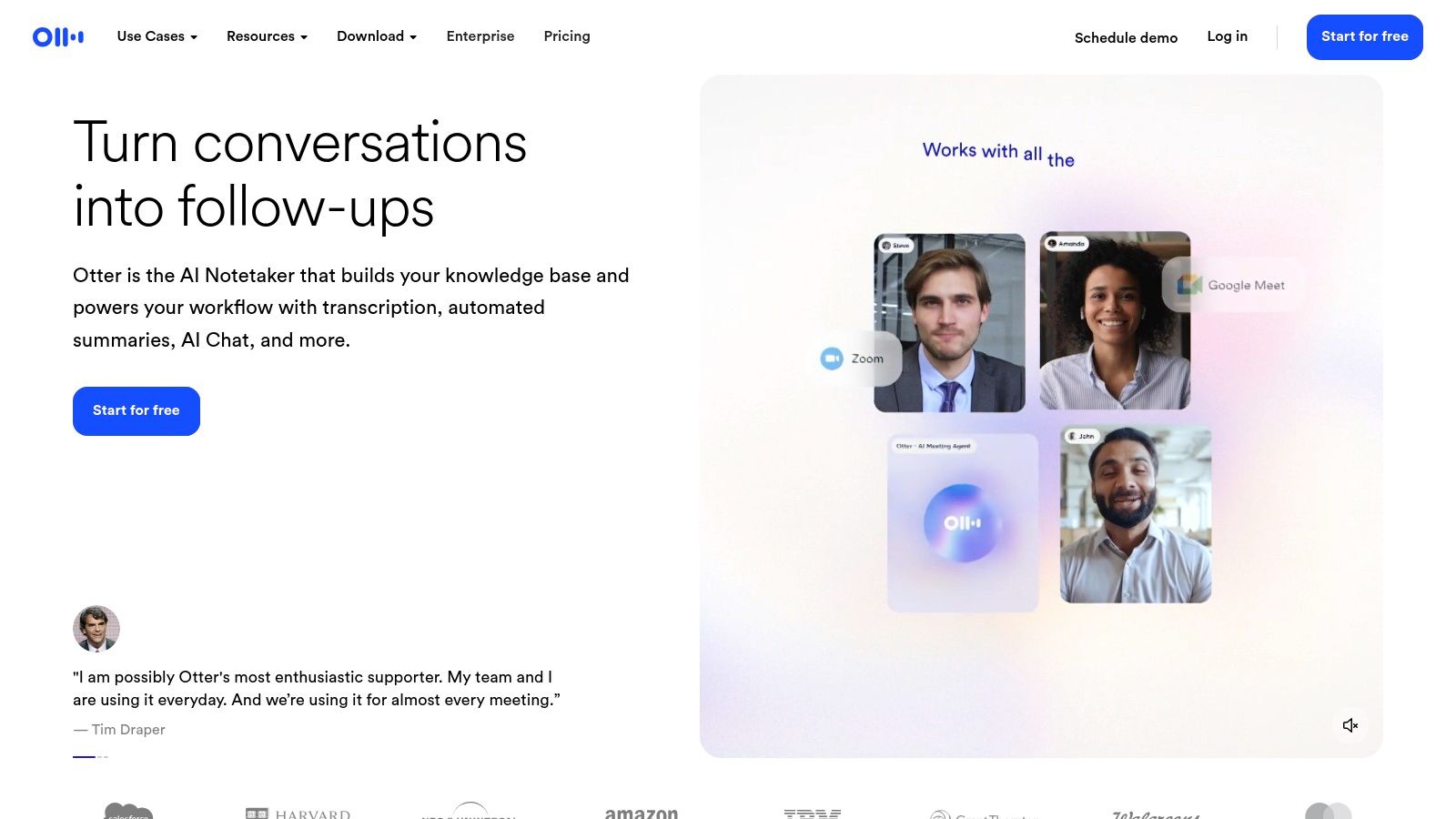
Otter.ai's collaborative features are a key differentiator. Users can highlight sections of a transcript, add comments, and share the conversation with team members, turning a simple recording into an actionable record. Its calendar integration can automatically have the "OtterPilot" join and transcribe scheduled meetings.
Our Take: For anyone who regularly attends meetings and needs to capture conversations accurately, Otter.ai's free tier is an exceptional starting point. It excels at live, multi-speaker transcription, offering a polished user experience that few competitors match for this specific use case.
Website: https://otter.ai
For developers and businesses seeking a powerful, scalable, and API-driven transcription solution, Amazon Transcribe is a leading cloud service within the Amazon Web Services (AWS) ecosystem. While not perpetually free, its inclusion in the AWS Free Tier makes it one of the most robust free speech to text programs for an initial trial period, offering enterprise-grade features for both batch processing of pre-recorded audio and real-time streaming transcription.
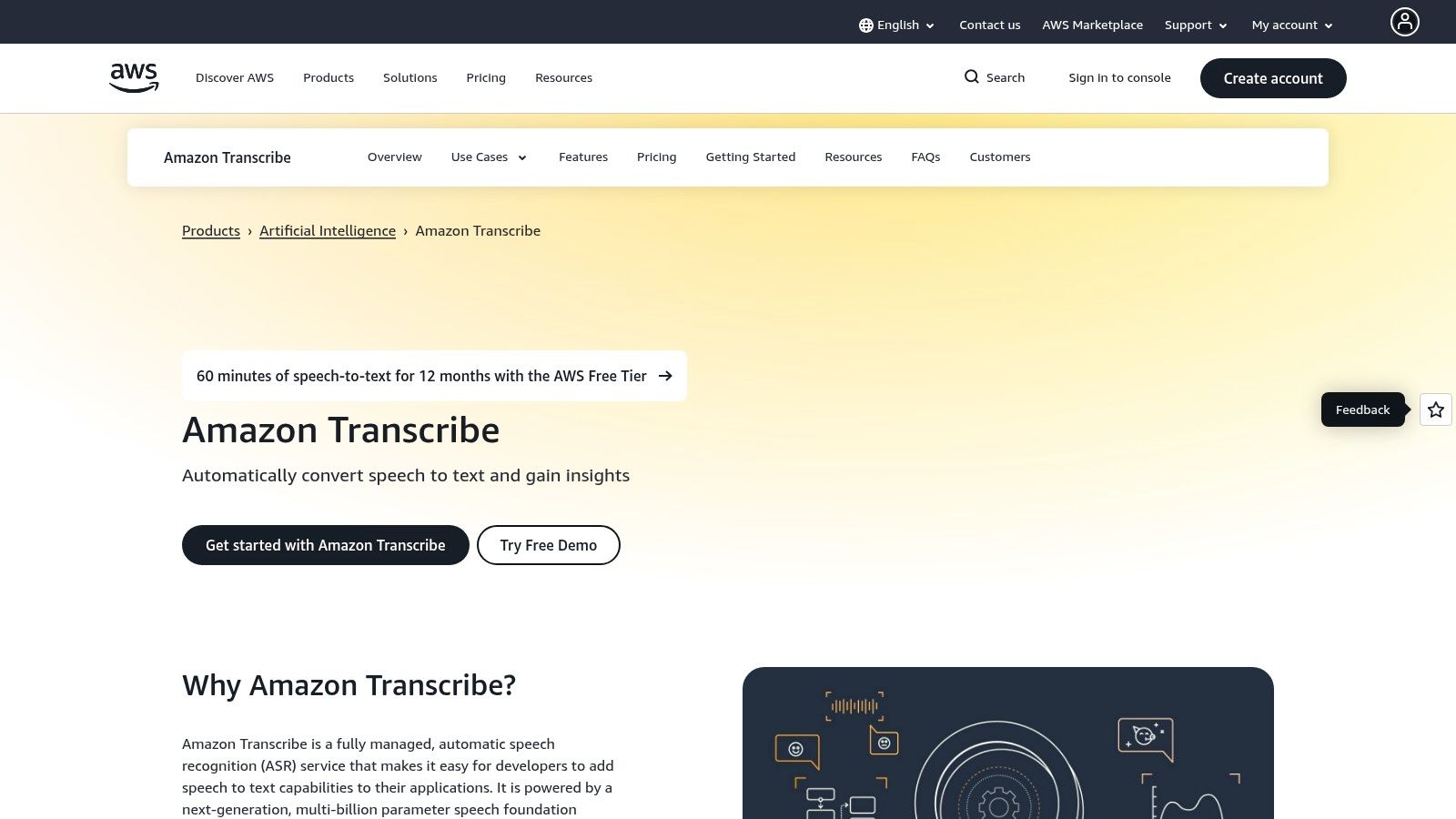
The service is engineered for technical users who need to integrate transcription directly into their applications and workflows. Its key differentiator is its suite of advanced, domain-specific features, such as custom vocabularies to improve accuracy for niche terminology, speaker diarization to identify who spoke when, and specialized models for use cases like call center analytics.
Amazon Transcribe is built for programmatic use, offering extensive SDKs and developer tooling that allow for deep integration with other AWS services like S3 for storage and Lambda for serverless processing. This makes it a cornerstone for building complex, automated transcription pipelines.
Our Take: Amazon Transcribe is the go-to choice for developers building on AWS who need a highly reliable and feature-rich transcription engine. The Free Tier provides a generous runway to build and test a proof-of-concept before committing to its pay-as-you-go pricing.
Website: https://aws.amazon.com/transcribe
For developers and businesses operating within the Microsoft ecosystem, Azure AI Speech offers one of the most robust and scalable free speech to text programs available through its cloud platform. While geared towards programmatic use rather than direct consumer dictation, its "Always Free" (F0) tier provides a permanent monthly allocation of transcription hours. This makes it a powerful option for building applications, conducting small-scale transcription projects, or evaluating enterprise-grade features without a trial deadline.
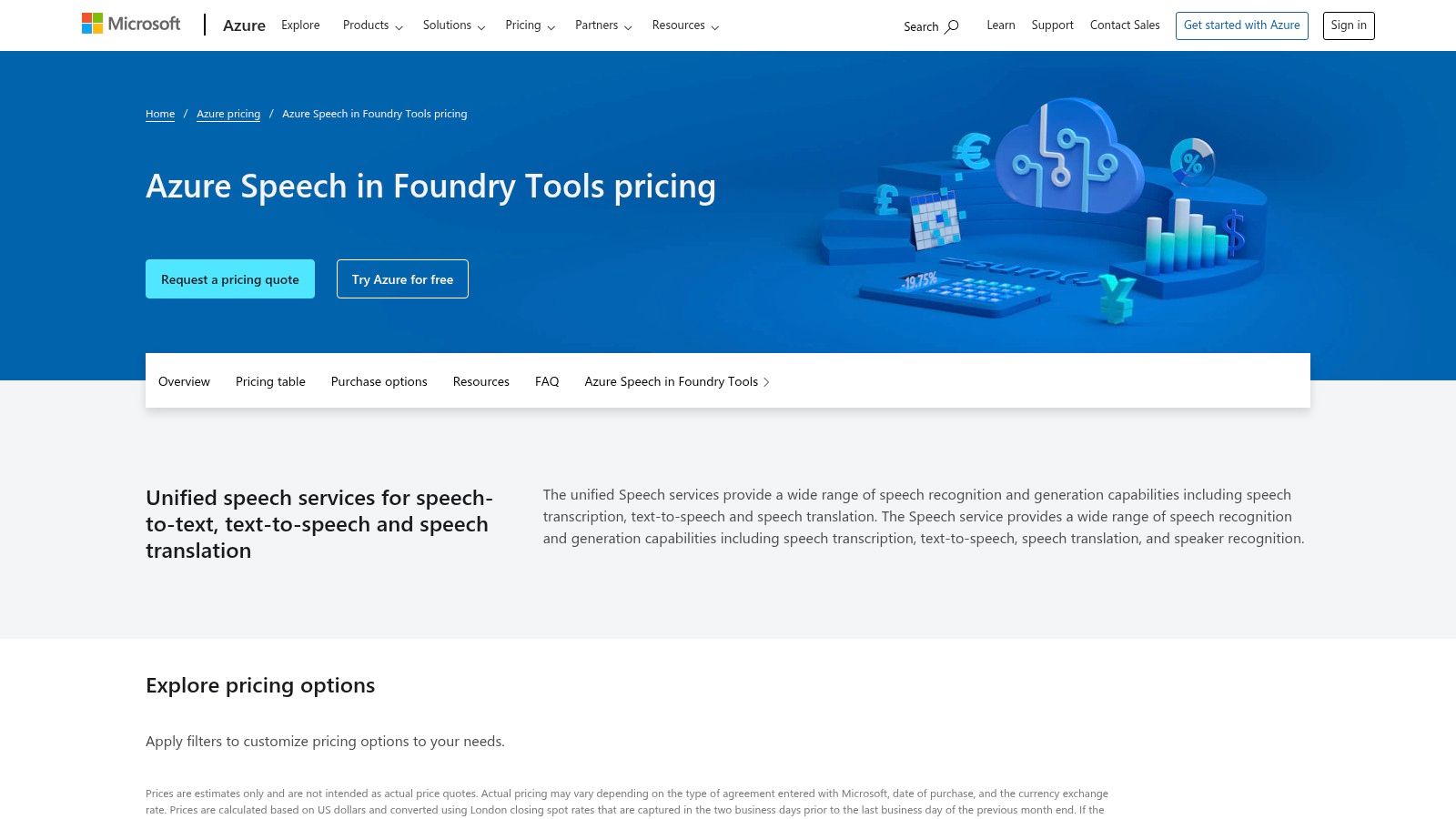
The service excels in both real-time and batch transcription, supporting a vast array of languages and dialects. Its key advantage lies in customization; users can train custom speech models with domain-specific vocabulary (like medical or legal terms) to significantly boost accuracy. Integration is handled via Azure SDKs, making it a natural fit for applications built on the Azure stack.
Azure AI Speech provides a comprehensive suite of tools for advanced transcription needs, including speaker diarization (identifying who spoke when) and punctuation restoration. Setting up requires creating an Azure account, but the free tier is generous enough for extensive testing and light production workloads.
Our Take: Microsoft Azure AI Speech provides an exceptional developer-focused free tier. It's not a simple dictation tool, but an enterprise-ready service that lets you build sophisticated voice features into your own products for free, up to a recurring monthly limit.
Website: https://azure.microsoft.com/pricing/details/cognitive-services/speech-services/
For developers seeking a high-performance API, Deepgram positions itself as a powerful, modern alternative in the speech-to-text space. While not a perpetually free consumer tool, its generous introductory offer makes it one of the most accessible free speech to text programs for evaluation and initial development. New users receive $200 in free credits, providing substantial runway to test its various models, features, and overall performance without an upfront commitment.
This developer-first approach is evident in its comprehensive documentation, multiple model tiers like Nova and Flux, and robust feature set. Deepgram is built for applications that require speed and accuracy, such as live transcription for virtual meetings, voice-bot interactions, or large-scale media analysis. The pay-as-you-go model after the free credits are used ensures you only pay for what you need.
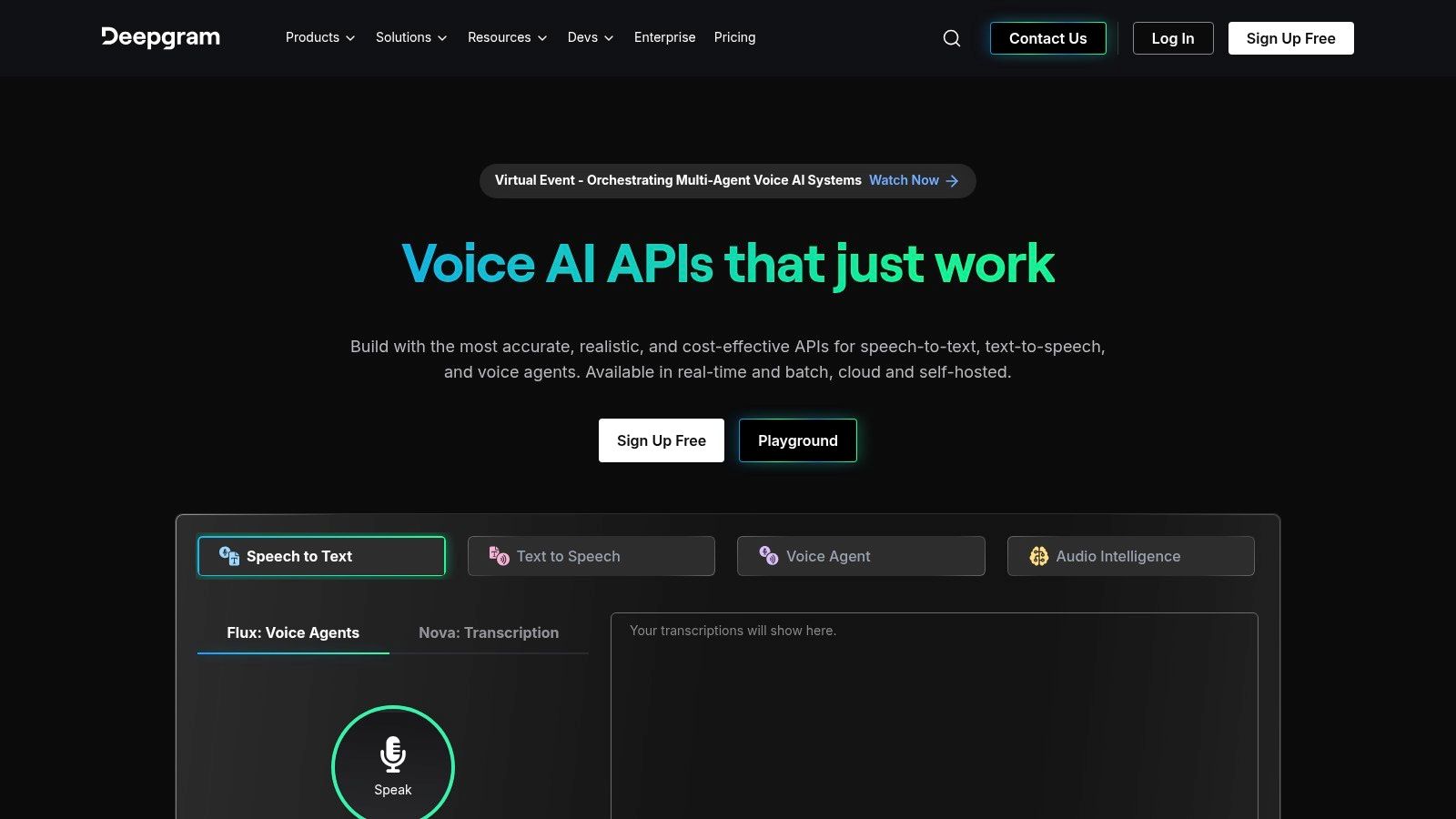
Deepgram's API is packed with advanced functionalities that go beyond simple transcription. Features like diarization (speaker separation), smart formatting (e.g., punctuation, numerals), and language detection are easily configurable. This makes it a flexible solution for building sophisticated voice-enabled products.
Our Take: Deepgram's $200 free credit is an unbeatable trial for developers. It offers a risk-free way to test an enterprise-grade API that delivers impressive speed and a rich feature set, making it a top contender for any serious transcription project.
Website: https://deepgram.com
For developers and organizations with technical expertise, OpenAI's open-source Whisper model represents a powerful and highly flexible option among free speech to text programs. Unlike a hosted service, Whisper is a state-of-the-art model and codebase that you can download and run on your own hardware, from a local machine to a cloud server. This self-hosting approach eliminates per-minute fees, making it exceptionally cost-effective for high-volume transcription.
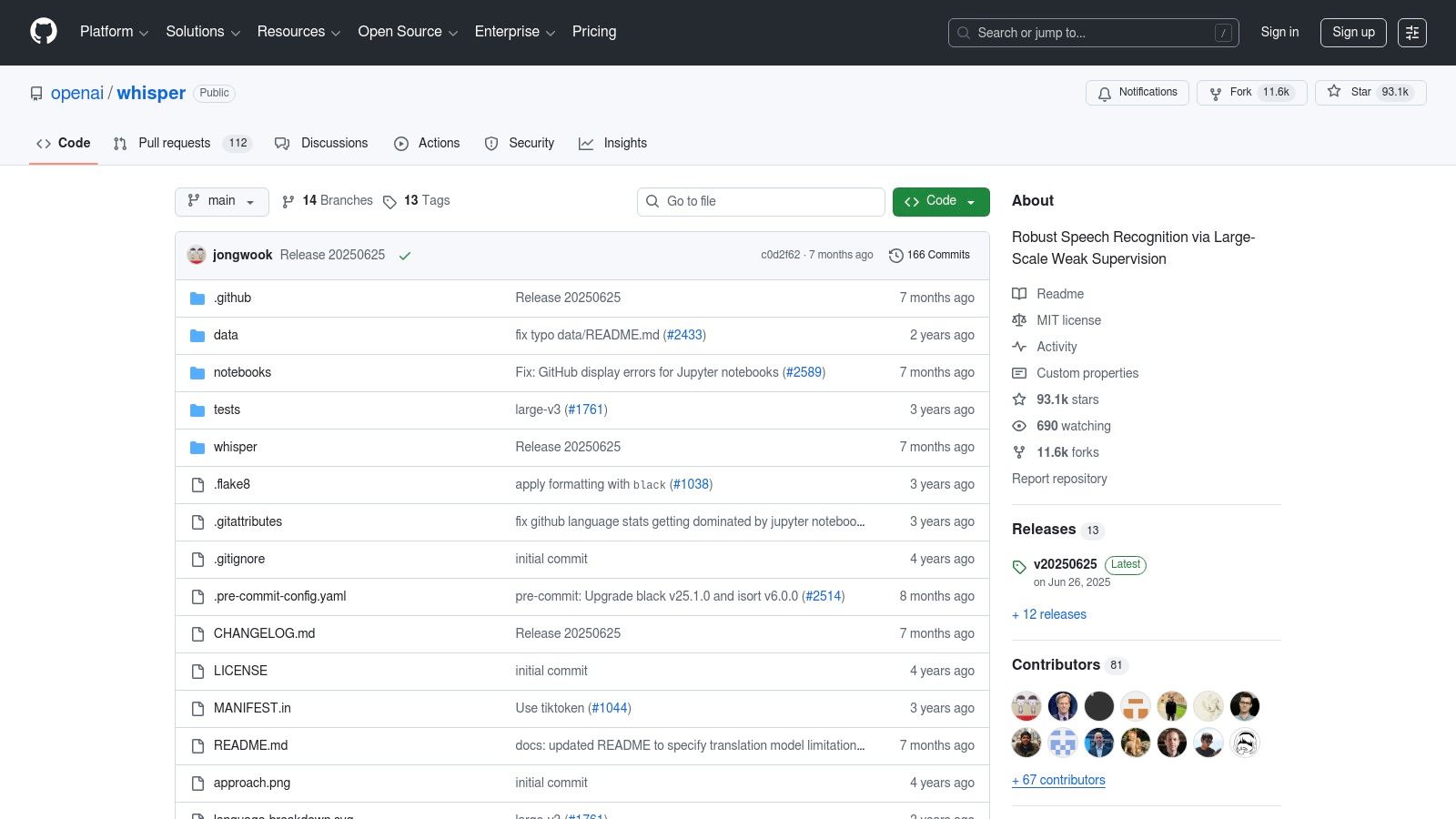
The model is renowned for its remarkable accuracy, robustness against background noise, and extensive multilingual support. Its MIT license provides permissive use, and a vibrant community has built numerous tools and wrappers around it, simplifying deployment. The primary trade-off is the need for technical setup and compute resources, as larger, more accurate versions of the model require a GPU for efficient performance.
Whisper excels at transcribing pre-recorded audio files with high accuracy and can also handle translation from other languages into English. Its open-source nature means you have full control over your data, a critical factor for applications dealing with sensitive information.
Our Take: Whisper is the gold standard for developers seeking a free, self-hosted transcription solution. While it demands technical effort, its best-in-class accuracy and lack of ongoing API fees make it an unparalleled choice for custom, high-volume projects.
Website: https://github.com/openai/whisper
For developers building privacy-focused or offline applications, Vosk stands out as one of the most capable and lightweight free speech to text programs. It is an open-source, offline speech recognition toolkit designed to run on a variety of platforms, from powerful servers to low-resource devices like a Raspberry Pi. Its core strength is its ability to perform transcription entirely on-device, ensuring that no audio data ever leaves the local machine.
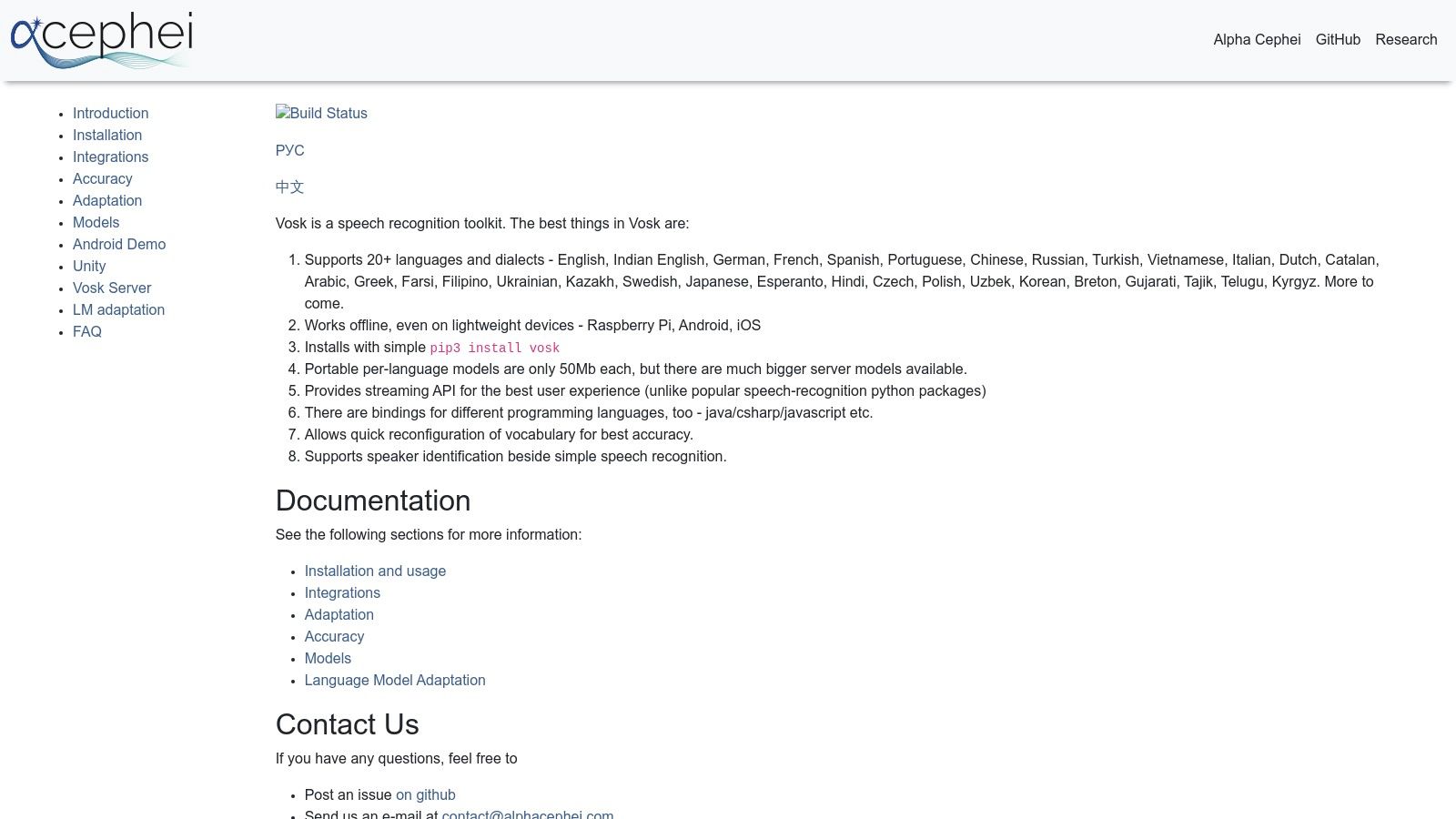
Unlike cloud-based APIs, Vosk gives developers complete control over their speech-to-text pipeline. It supports over 20 languages with a range of models, from compact versions under 50 MB to larger, more accurate ones for server use. This flexibility makes it an excellent choice for mobile apps, smart home devices, or desktop software where an internet connection is not guaranteed.
Vosk provides a streaming API that is ideal for real-time recognition and offers bindings for popular programming languages like Python, Java, and C++. It also includes speaker identification capabilities, adding another layer of functionality for more advanced voice applications.
Our Take: Vosk is the go-to solution for developers who need robust, offline, and truly free speech recognition. Its performance on low-resource hardware is remarkable, offering a level of privacy and control that cloud services simply cannot match.
Website: https://alphacephei.com/vosk
Speechnotes is a highly accessible, web-based dictation notepad that prioritizes simplicity and speed. It operates directly in your browser, primarily Chrome, without requiring any downloads, registration, or logins for its core dictation feature. This makes it one of the quickest free speech to text programs to start using for real-time note-taking, drafting emails, or writing long-form content like articles and books.
Its interface is clean and minimalist, focusing entirely on the task of converting your voice into a digital notepad. Speechnotes leverages the browser's built-in speech recognition engine, so accuracy is generally reliable for standard dictation. The platform also offers a paid, professional service for transcribing pre-recorded audio and video files.
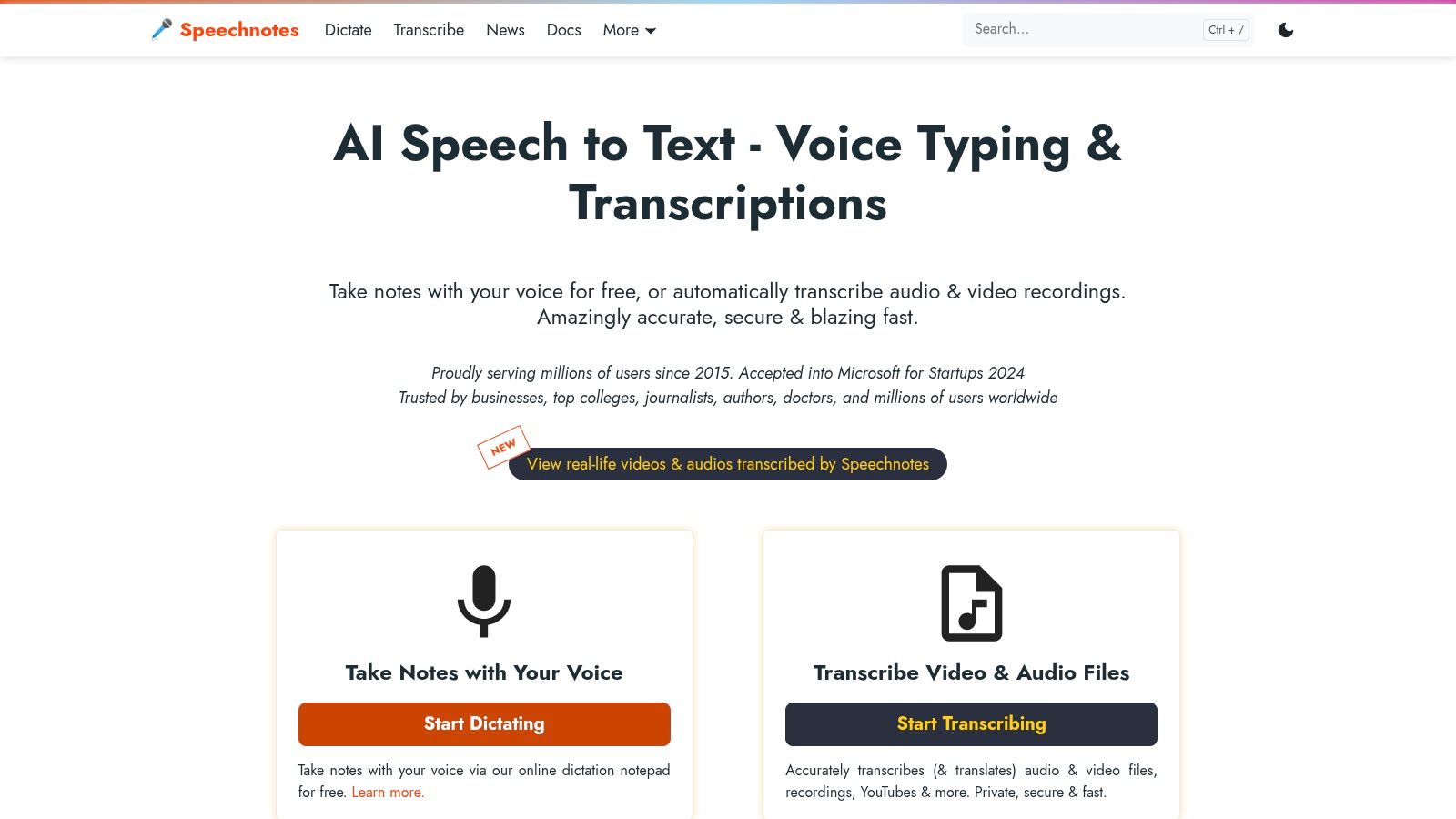
The platform is designed for straightforward, continuous dictation and includes handy features like auto-saving and the ability to export text easily. Its paid service adds professional-grade features like timestamps and speaker diarization, making it useful for more than just personal notes.
Our Take: Speechnotes excels in its simplicity and immediate utility. It is the perfect "digital scratchpad" for converting thoughts to text on the fly, with a transparent pay-as-you-go option for more demanding transcription tasks.
Website: https://speechnotes.co
For users seeking a no-frills, privacy-focused tool for instant dictation, Dictation.io is one of the most straightforward free speech to text programs available. It is a minimalist web application that operates entirely within a supported browser, primarily Google Chrome. There is no software to install or account to create, making it perfect for quickly capturing thoughts, drafting emails, or taking notes without any setup.
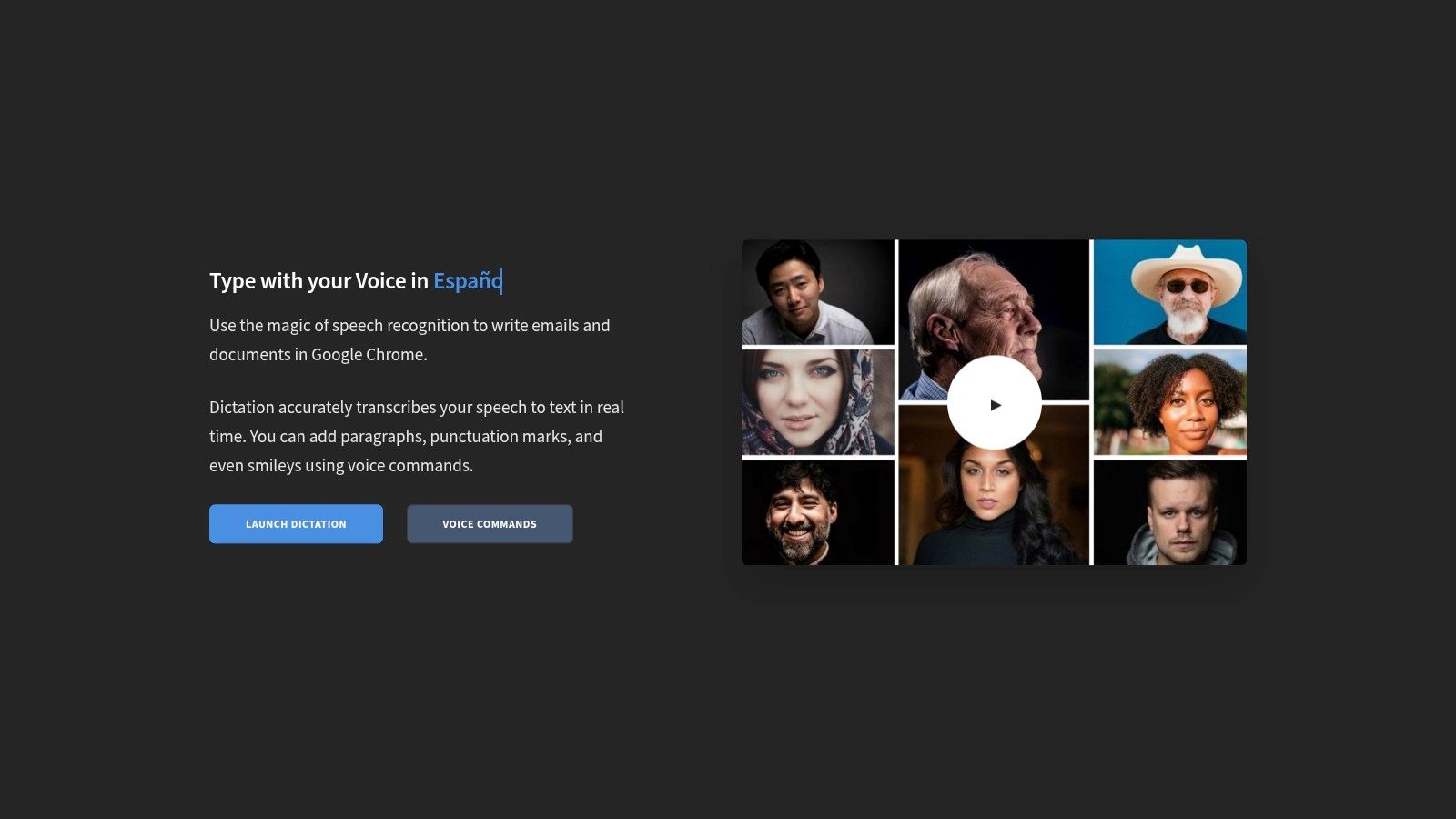
The platform leverages the browser's native speech recognition engine, so your text is processed and stored locally on your machine, never sent to the Dictation.io servers. This emphasis on privacy is its key differentiator. The interface is exceptionally clean, presenting a blank page where your spoken words appear in real-time with impressive accuracy for a web-based tool.
Dictation.io supports a wide array of languages and includes basic voice commands for punctuation and new paragraphs, such as saying "new line" or "full stop." Its simplicity is its greatest strength, offering a distraction-free environment for pure voice-to-text conversion.
Our Take: Dictation.io is the epitome of a quick and simple utility. For anyone needing to instantly convert speech to text with a strong privacy angle and zero cost, it is an unbeatable option for on-the-fly tasks.
Website: https://dictation.io
| Product | Core features | Quality (★) | Pricing (💰) | Target audience (👥) | USP / Unique points (✨) |
|---|---|---|---|---|---|
| 🏆 Lemonfox.ai | STT & TTS API; 100+ languages; diarization; low latency | ★★★★☆ high (Whisper large‑v3) | 💰 <$0.17/hr STT; $5/mo (30h) + $0.50/1M credits; 30h free trial | 👥 Developers, SMBs, apps | ✨ Privacy‑first (immediate deletion), EU API, affordable TTS |
| Google Docs – Voice Typing | Real‑time dictation & voice formatting in Docs | ★★★☆☆ solid for live dictation | 💰 Free | 👥 Students, writers, Workspace users | ✨ In‑browser, no install; voice commands |
| Microsoft Windows 11 Voice Typing | System‑wide dictation (Win+H); auto punctuation | ★★★★☆ reliable (Azure backend) | 💰 Free | 👥 Windows desktop users | ✨ Works across apps; quick shortcut |
| Apple Dictation (macOS/iOS) | System dictation; voice control; on‑device processing | ★★★★☆ strong (on‑device privacy) | 💰 Free | 👥 Apple ecosystem users | ✨ On‑device processing on modern silicon; privacy focus |
| Otter.ai | Live meeting transcription; speaker ID; search/edit | ★★★★☆ reliable for meetings | 💰 Free tier; paid plans for more mins | 👥 Teams, educators, meeting note takers | ✨ Zoom/Calendar integrations; collaborative editing |
| Amazon Transcribe (AWS) | Batch & streaming STT; custom vocab & analytics | ★★★★☆ enterprise grade | 💰 Pay‑as‑you‑go; limited Free Tier | 👥 Enterprises, AWS developers | ✨ Deep AWS integrations; SLAs & compliance |
| Microsoft Azure AI Speech | Real‑time & batch; custom models; F0 free tier | ★★★★☆ customizable accuracy | 💰 Free F0 allocation; paid beyond quota | 👥 Azure customers, enterprises | ✨ Permanent free allotment; enterprise tooling |
| Deepgram | Multiple neural models; diarization; smart formatting | ★★★★☆ strong streaming & scale | 💰 $200 free credit; pay as you go | 👥 Developers at scale | ✨ Multiple models, keyword boosting, dev docs |
| OpenAI Whisper (open‑source) | Multilingual STT, translation, language ID | ★★★★☆ strong (self‑hosted) | 💰 Free OSS (compute costs only) | 👥 Researchers, self‑hosting devs | ✨ Open‑source flexibility; local control |
| Vosk (Alpha Cephei) | Offline recognition; tiny to large models; bindings | ★★★☆☆ varies by model/domain | 💰 Free (open‑source) | 👥 Embedded/mobile, privacy apps | ✨ Fully offline; runs on RPi/mobile |
| Speechnotes | In‑browser dictation + optional file transcription | ★★★☆☆ quick & simple | 💰 Free basic; paid for file transcriptions/ad‑free | 👥 Authors, quick note takers | ✨ Fast start, SRT export, Chrome extension |
| Dictation.io | Minimal web real‑time voice typing (browser engine) | ★★☆☆☆ browser‑dependent | 💰 Free | 👥 Quick note users | ✨ Local browser processing; no account needed |
The journey through the world of speech-to-text technology reveals a dynamic and accessible landscape. We've explored everything from the simple, no-cost dictation tools built into your operating system to sophisticated, developer-focused APIs designed for massive scale. The key takeaway is that the "best" solution is not a one-size-fits-all answer; it is entirely dependent on your specific goals, technical expertise, and budget. For those looking for free speech to text programs for casual use, the choice is clear and immediate.
If your primary need is quick, occasional transcription for drafting emails, taking personal notes, or writing documents, you likely don't need to look further than the tools already at your fingertips. Google Docs Voice Typing, Microsoft's native Voice Typing (Win + H), and Apple Dictation are powerful, integrated, and completely free. They offer a frictionless way to convert your spoken words into text without any setup or additional cost, making them ideal for students, writers, and everyday productivity tasks.
As your requirements become more complex, the decision-making process requires more careful consideration. For professionals, journalists, and teams who frequently record meetings or interviews, a dedicated service like Otter.ai offers a compelling package with its real-time transcription, speaker identification, and collaborative features. Its freemium model provides a great entry point to experience these advanced functionalities before committing to a paid plan.
However, when the focus shifts to building applications, processing large volumes of audio data, or integrating transcription into business workflows, the conversation moves squarely into the realm of APIs. This is where developers and businesses must weigh factors like accuracy, speed, language support, scalability, and, critically, cost. Open-source solutions like OpenAI's Whisper and Vosk offer unparalleled control and privacy, but they demand significant technical resources for setup, maintenance, and optimization.
When evaluating API-based solutions, several crucial factors will guide your choice. It's not just about the raw accuracy of the transcription; implementation and operational considerations are just as important.
Audio Quality and Pre-processing: The performance of any speech-to-text system is heavily reliant on the quality of the input audio. Clear, noise-free audio from a quality microphone will always yield better results. Before sending audio to an API, consider if you need to perform any pre-processing, like noise reduction or channel separation. Understanding how to optimize your input by customizing audio and sound settings on your phone or other recording devices can dramatically improve transcription accuracy.
Scalability and Cost-Effectiveness: For businesses and developers, the ability to scale operations without incurring prohibitive costs is paramount. While powerful platforms like AWS Transcribe and Azure Speech offer robust, enterprise-grade features, their pricing models can become expensive at scale. This is where newer, more efficient models present a significant advantage. A provider that offers a generous free tier or a substantial trial, like Lemonfox.ai's 30 free hours, allows for thorough testing and validation before any financial commitment.
Developer Experience and Ease of Integration: A well-documented API with clear code snippets and a straightforward setup process can save countless hours of development time. Look for services that prioritize a smooth developer experience, making it easy to get from a concept to a functional implementation quickly.
Ultimately, the vibrant market for free speech to text programs and affordable APIs ensures that a solution exists for every use case. By carefully assessing your needs against the criteria of ease of use, feature set, scalability, and cost, you can confidently select a tool that not only meets your current requirements but also supports your future growth.
Ready to build with a next-generation speech-to-text API that balances world-class accuracy with unbeatable affordability? Explore Lemonfox.ai and discover how our efficient model can slash your transcription costs. Start for free with our 30-hour trial and see the difference for yourself at Lemonfox.ai.