
First month for free!
Get started
Published 12/8/2025
In 2025, the demand for efficiency has never been higher. From drafting emails and taking meeting notes to coding and transcribing audio files, traditional typing can be a significant bottleneck. This is where voice-to-text technology transforms productivity, allowing you to capture ideas, commands, and conversations as fast as you can speak them. The challenge isn't finding a tool; it's finding the right one for your specific needs.
Finding the best free talk to text software depends entirely on your use case. Are you a student who needs to quickly record lectures, a content creator drafting a script, or a developer looking for a transcription solution to integrate into an application? This guide cuts through the noise to provide a detailed, practical comparison of the 12 best free and freemium solutions available today. We’ll explore their strengths, weaknesses, and ideal scenarios, from simple, built-in OS tools like Apple Dictation and Windows Voice Typing to more powerful platforms like Otter.ai and developer-focused options like Vosk.
This resource is designed to help you make an informed decision quickly. For each tool, we provide a concise analysis covering:
Each entry includes screenshots and direct links to get you started immediately. We'll even discuss when it makes sense to move beyond free tools and consider a paid, high-accuracy API like Lemonfox.ai for more demanding professional or development projects. Let's find the perfect voice-to-text solution to boost your workflow.
As one of the most accessible pieces of free talk to text software available, Google Docs’ Voice Typing tool is a powerhouse for anyone needing to quickly convert spoken words into text. It requires no installation and is built directly into the Google Docs web interface, making it an excellent choice for drafting documents, taking notes during a meeting, or brainstorming ideas without touching the keyboard.
What sets it apart is its deep integration with the Google ecosystem. Your dictated text is automatically saved to Google Drive, complete with version history. This seamless workflow is invaluable for users who already rely on Google's suite of tools for collaboration and cloud storage.
The user interface is exceptionally simple. After opening a new document, you just navigate to Tools > Voice Typing and click the microphone icon. It supports a vast array of languages and understands a wide range of voice commands for formatting and navigation, such as "new line," "bold that," or "go to the end of the line." While accuracy is generally high for clear speech, it can struggle with heavy accents or background noise.
Best For: Students, writers, and professionals who need a quick, no-cost dictation tool for drafting documents and who work primarily within the Google ecosystem.
| Feature | Details |
|---|---|
| Platform | Web (best performance in Google Chrome) |
| Cost | Completely Free with a Google account. No time limits or usage caps. |
| Primary Use Case | Live dictation and voice-based document formatting. |
| Limitations | Not designed for transcribing pre-recorded audio files. |
Get Started: Visit docs.google.com, open a document, and activate Voice Typing from the "Tools" menu.
As one of the most accessible pieces of free talk to text software available, Google Docs’ Voice Typing tool is a powerhouse for anyone needing to quickly convert spoken words into text. It requires no installation and is built directly into the Google Docs web interface, making it an excellent choice for drafting documents, taking notes during a meeting, or brainstorming ideas without touching the keyboard.
What sets it apart is its deep integration with the Google ecosystem. Your dictated text is automatically saved to Google Drive, complete with version history. This seamless workflow is invaluable for users who already rely on Google's suite of tools for collaboration and cloud storage.
The user interface is exceptionally simple. After opening a new document, you just navigate to Tools > Voice Typing and click the microphone icon. It supports a vast array of languages and understands a wide range of voice commands for formatting and navigation, such as "new line," "bold that," or "go to the end of the line." While accuracy is generally high for clear speech, it can struggle with heavy accents or background noise.
Best For: Students, writers, and professionals who need a quick, no-cost dictation tool for drafting documents and who work primarily within the Google ecosystem.
| Feature | Details |
|---|---|
| Platform | Web (best performance in Google Chrome) |
| Cost | Completely Free with a Google account. No time limits or usage caps. |
| Primary Use Case | Live dictation and voice-based document formatting. |
| Limitations | Not designed for transcribing pre-recorded audio files. |
Get Started: Visit docs.google.com, open a document, and activate Voice Typing from the "Tools" menu.
For users deeply embedded in the Windows ecosystem, the built-in Voice Typing feature is one of the most convenient pieces of free talk to text software available. Activated with a simple keyboard shortcut (Win + H), this tool provides system-wide dictation, allowing you to speak instead of type in virtually any application or text field, from your web browser to a sticky note.
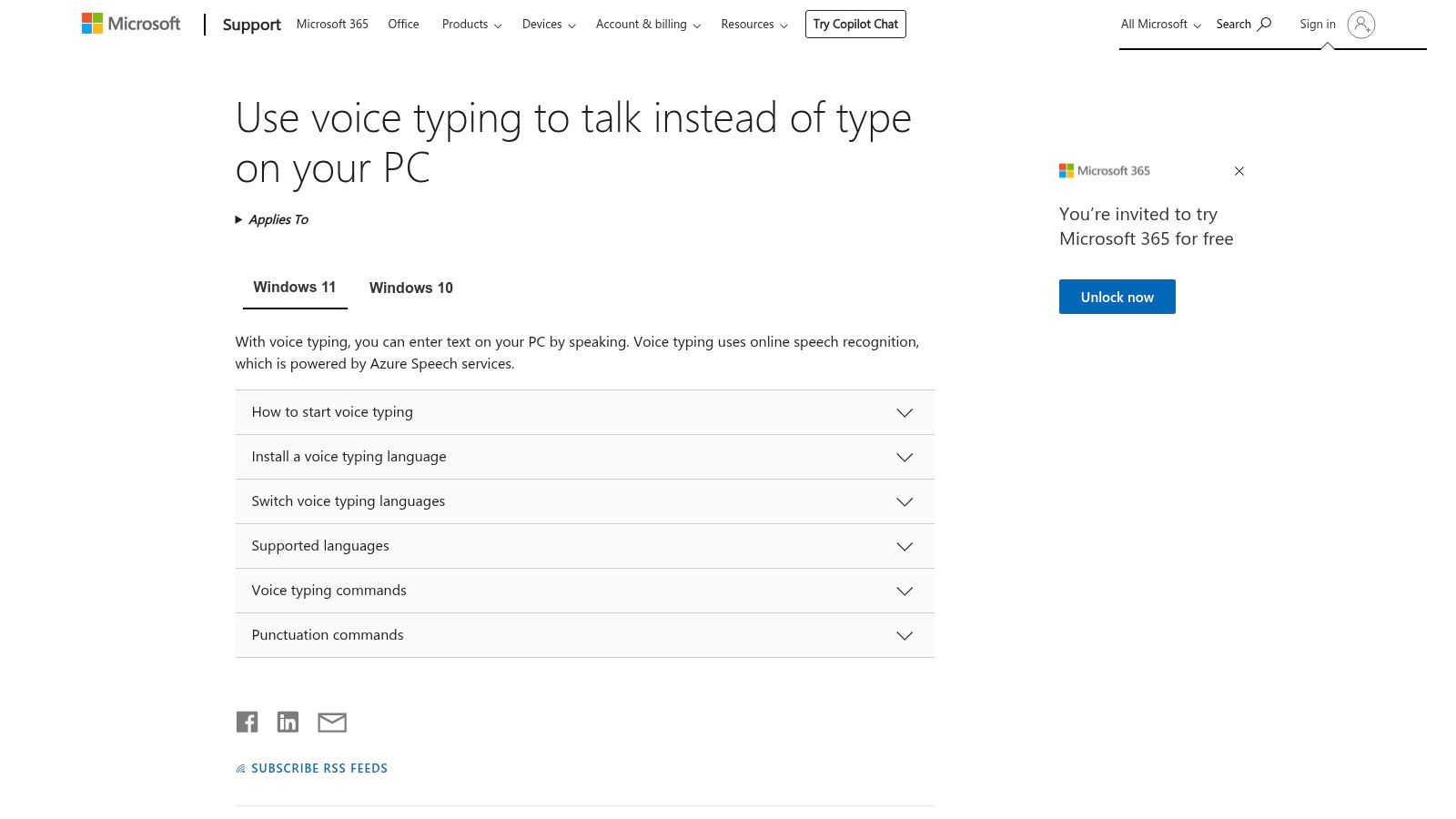
What makes Windows Voice Typing stand out is its seamless OS integration. There’s no software to install or website to visit; the functionality is ready to use out of the box. It leverages Microsoft’s online speech recognition, which ensures high accuracy and supports modern features like auto-punctuation, making it a powerful tool for everyday tasks.
The user experience is designed for speed and efficiency. Pressing Win + H brings up a small, unobtrusive microphone toolbar that you can place anywhere on your screen. It starts listening automatically, or with a click, and transcribes your speech in real-time into the active window. It supports dozens of languages and dialects, which can be easily managed through Windows settings. While highly accurate with an internet connection, its performance can dip when offline.
Best For: Windows 11 and 10 users who need a fast, system-wide dictation solution for composing emails, filling out forms, or writing in any application without installing third-party software.
| Feature | Details |
|---|---|
| Platform | Windows 11 & Windows 10 (integrated into the OS) |
| Cost | Completely Free with a licensed copy of Windows. No hidden costs. |
| Primary Use Case | System-wide live dictation in any text box or application. |
| Limitations | Requires an active internet connection for the highest accuracy. |
Get Started: Press the Windows logo key + H on your keyboard in any text field to launch the Voice Typing toolbar.
For users embedded in the Apple ecosystem, the built-in Dictation feature on macOS, iPhone, and iPad is a seamless and powerful piece of free talk to text software. It works anywhere you can type, from sending a quick text message to drafting an email or writing a document in Pages. Its greatest strength is its native integration, requiring no downloads or setup to start using.
What truly sets it apart is its focus on privacy through on-device processing. For many major languages, your spoken words are converted to text directly on your device, meaning your voice data isn't sent to a server. This privacy-first approach is a significant advantage for users handling sensitive or confidential information.
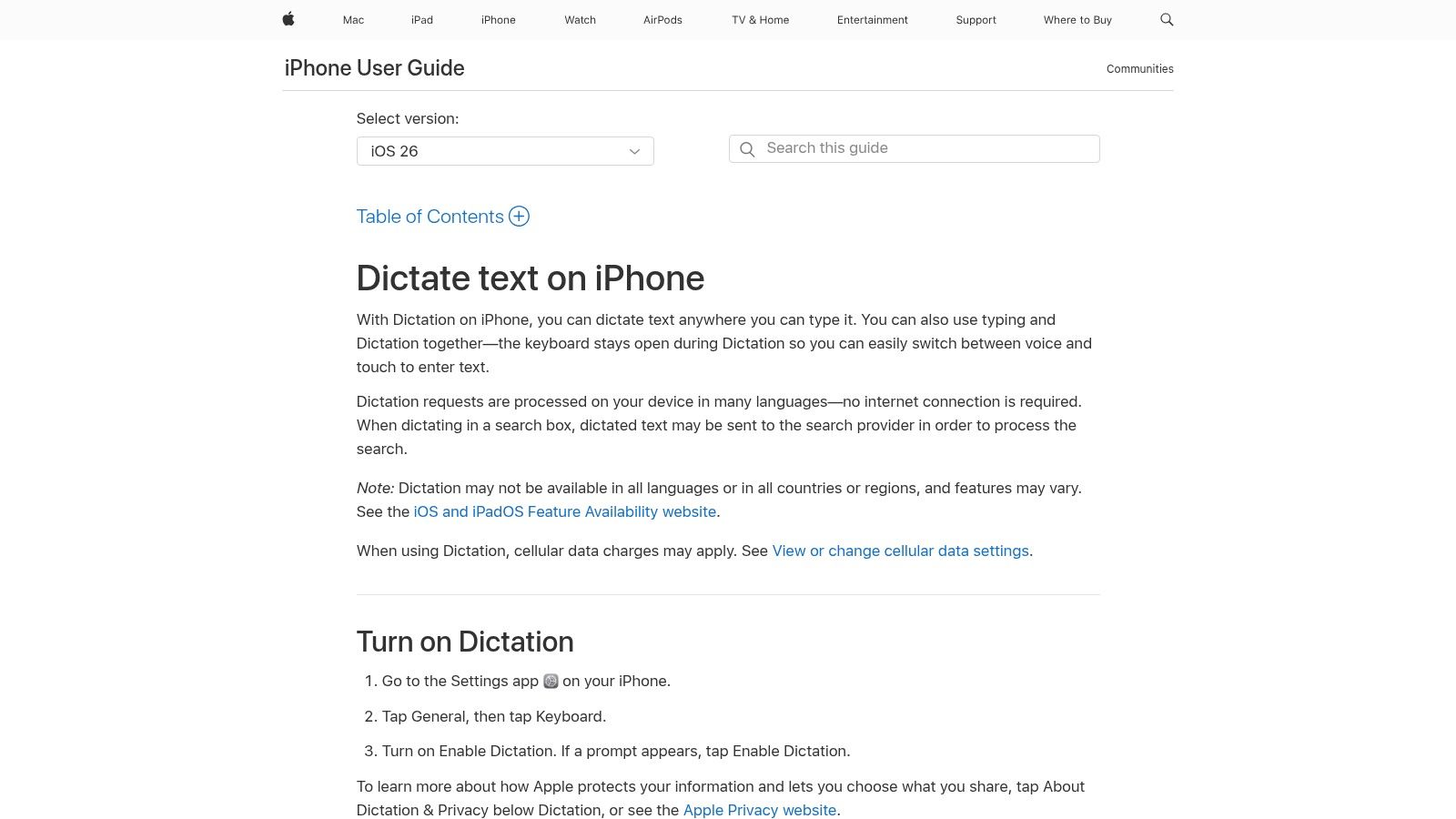
Activating Dictation is as simple as tapping the microphone icon on the iOS keyboard or pressing a keyboard shortcut on a Mac. The experience is designed to be fluid, allowing you to switch between speaking and typing without interruption. It supports modern communication with voice commands for inserting emojis and punctuation, such as "smiling face with sunglasses emoji" or "exclamation point." Accuracy is high for on-device processing, and it adapts to your voice over time.
Best For: Apple users who need a convenient, secure, and integrated dictation tool for everyday tasks like messaging, note-taking, and composing emails across their devices.
| Feature | Details |
|---|---|
| Platform | macOS, iOS, iPadOS (built-in) |
| Cost | Completely Free with the purchase of an Apple device. No limits. |
| Primary Use Case | In-app dictation for messaging, emails, and document creation. |
| Limitations | Only available on Apple hardware; feature sets can vary by language. |
Get Started: Enable Dictation in your device's Keyboard settings, then tap the microphone icon on the keyboard to begin.
While not a standalone desktop application, Gboard is arguably one of the most widely used pieces of free talk to text software on the planet, integrated directly into the mobile keyboard experience. Available for both Android and iOS, it allows users to dictate text into any application that accepts keyboard input, from messaging apps and emails to notes and web browsers. This ubiquity is its greatest strength, turning every text field into a potential dictation pad.
What sets it apart is the seamless, on-the-go nature of its voice typing. For users who need to quickly capture thoughts, send messages without typing, or draft content while away from their desks, Gboard offers a fast and surprisingly accurate solution. On many Android devices, it comes pre-installed, making it a zero-friction entry point into voice-to-text.
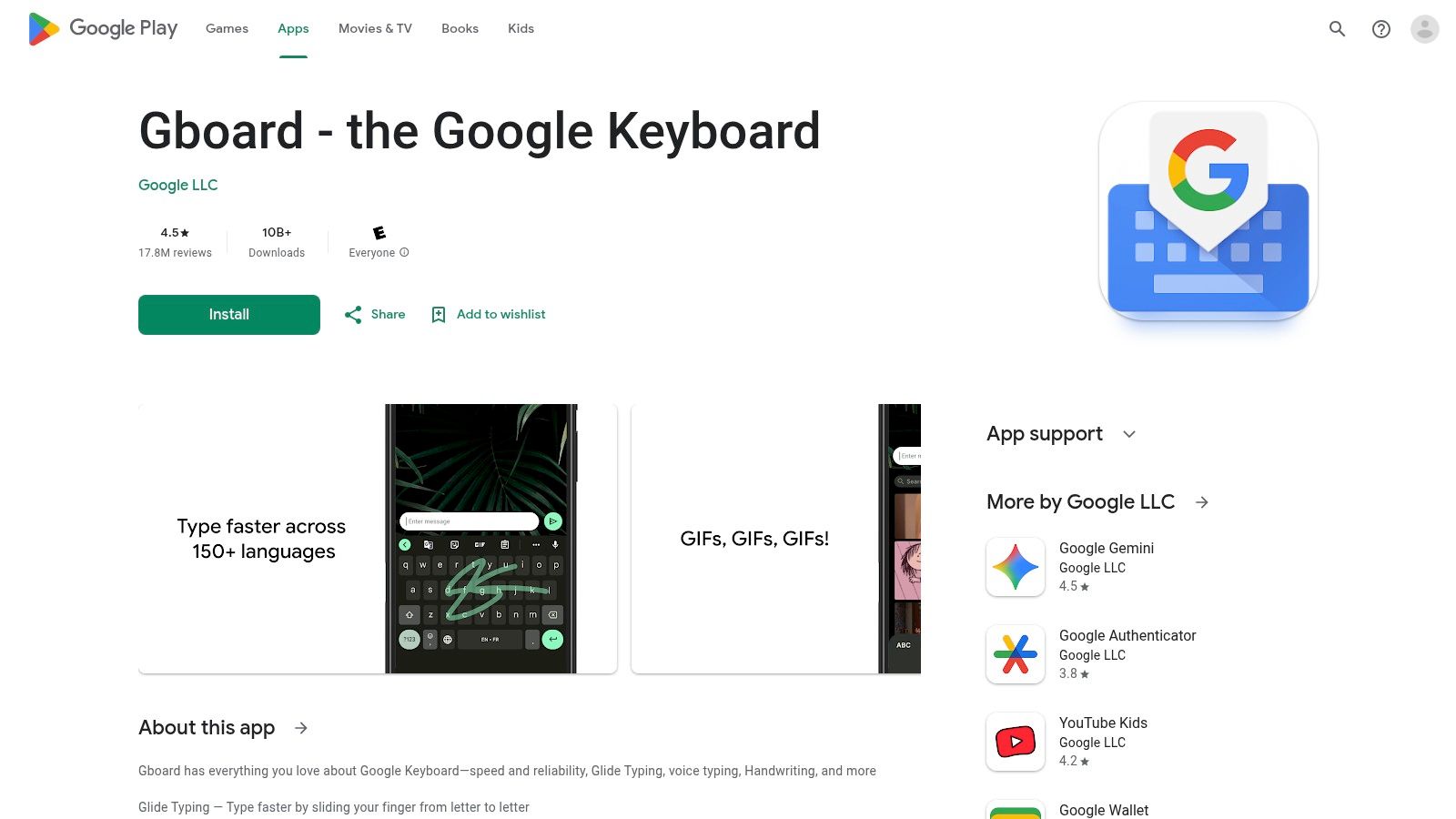
The interface is as simple as it gets: a single tap on the microphone icon on the keyboard activates voice input. It excels at real-time transcription with impressive accuracy, even with moderate background noise. The keyboard supports multilingual voice dictation, allowing you to switch languages easily. For users with select Google Pixel phones, the experience is enhanced with "Assistant voice typing," which adds hands-free voice commands for editing and sending.
Best For: Mobile users on Android and iOS who need a universally available, quick-tap solution for dictating messages, emails, and notes in any application.
| Feature | Details |
|---|---|
| Platform | Android, iOS |
| Cost | Completely Free. No ads or feature limitations based on payment. |
| Primary Use Case | Mobile dictation for short-form text entry across all apps. |
| Limitations | Lacks desktop equivalent; advanced voice commands are exclusive to certain Pixel devices. |
Get Started: Download from the Google Play Store or Apple App Store and set it as your default keyboard.
While many tools focus on live dictation, Otter.ai excels as a piece of free talk to text software designed specifically for meetings and conversations. It acts as an AI-powered assistant that joins your online meetings on platforms like Zoom, Google Meet, and Microsoft Teams to provide real-time transcription, automated notes, and even generates a summary of the discussion afterward.
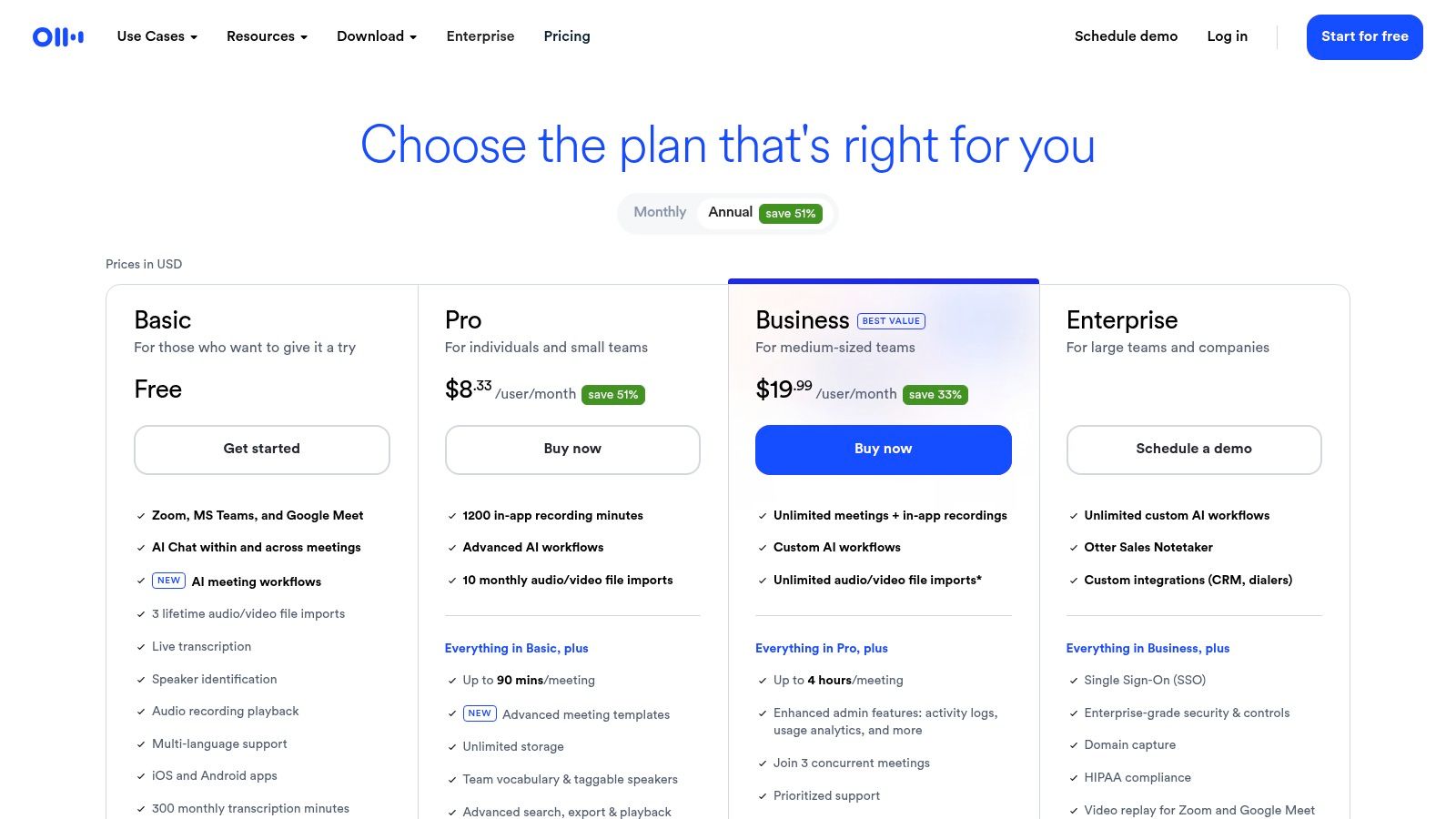
What sets it apart is its ability to differentiate between speakers and create a smart, searchable transcript of the entire conversation. This transforms unstructured audio into organized, actionable data, making it an indispensable tool for team collaboration, academic research, and journalism.
The platform is incredibly user-friendly, allowing you to connect your calendar and have the Otter Assistant automatically join and record your scheduled calls. Transcripts are easy to search, highlight, and share with colleagues. The accuracy is particularly strong in multi-speaker environments, which is a common challenge for other general-purpose dictation tools. The free plan provides a generous amount of monthly transcription minutes, but it's important to monitor your usage.
Best For: Professionals, teams, and students who need to capture, search, and share notes from meetings, interviews, or lectures with multiple speakers.
| Feature | Details |
|---|---|
| Platform | Web, iOS, Android, and browser extensions. |
| Cost | Free Basic Plan includes a set number of transcription minutes per month and per conversation. |
| Primary Use Case | Real-time transcription and note-taking for meetings and interviews. |
| Limitations | Free tier has caps on transcription minutes, file imports, and conversation length. |
Get Started: Visit otter.ai, sign up for a free account, and connect it to your calendar to start transcribing your meetings.
Speechnotes is a powerful, browser-based notepad designed specifically for long-form dictation. As a piece of free talk to text software, its main appeal lies in its simplicity and focus on uninterrupted transcription. It provides a clean, minimalist interface where you can speak for hours, and the text will continuously appear without the time-outs common in other tools.
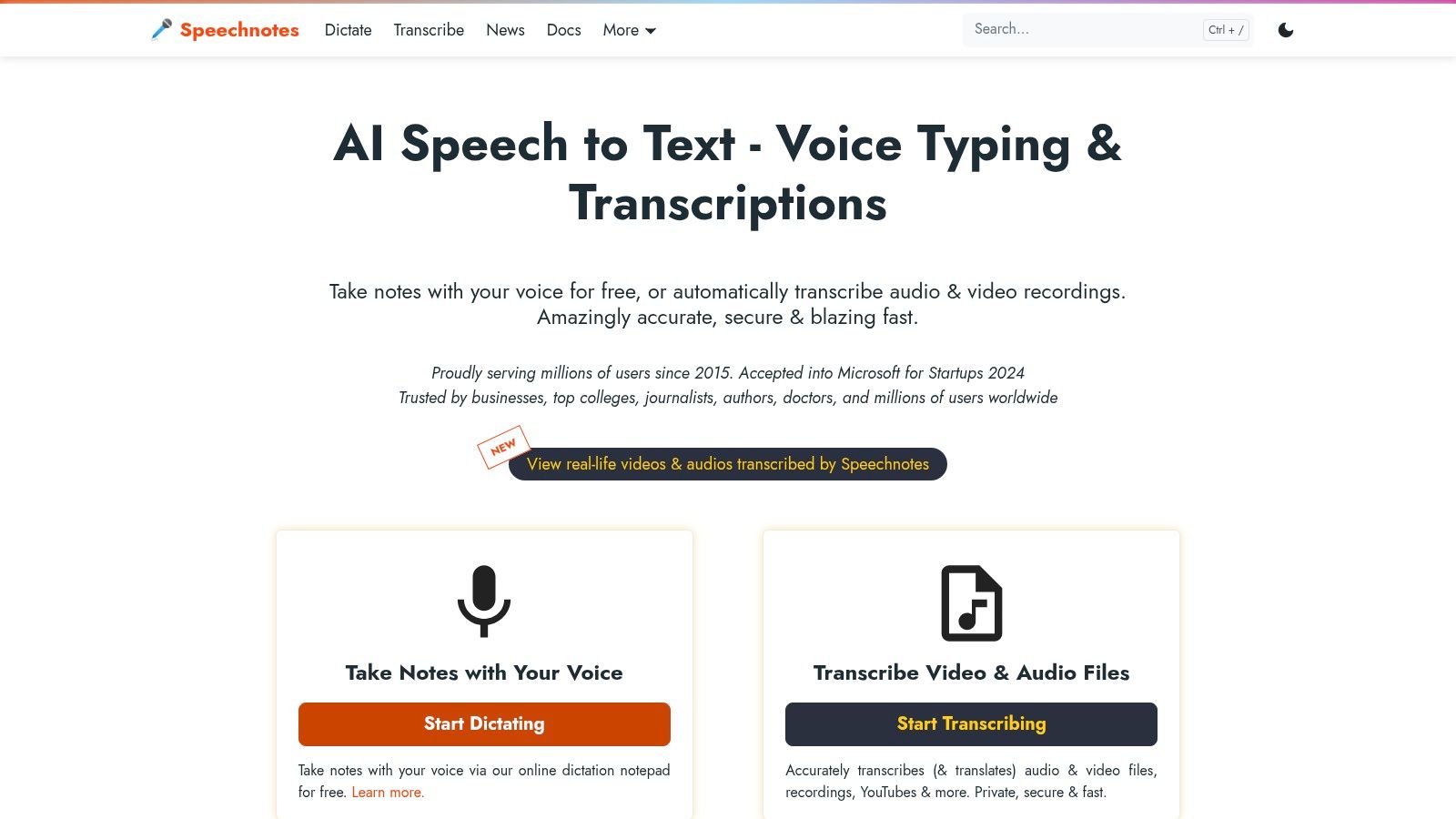
What sets it apart is its dedication to being a "dictation pad." It automatically capitalizes the beginning of sentences and saves your work in real-time to your browser session, preventing data loss. This makes it an incredibly reliable tool for writers, journalists, and anyone needing to draft extensive texts without the friction of a full word processor.
The user experience is incredibly straightforward. You visit the website, click the microphone icon, and start talking. There are no logins or setups required for immediate use. Speechnotes also supports custom voice commands, allowing users to insert specific punctuation or phrases with a spoken keyword. While the free version is robust, it is ad-supported, and transcribing pre-recorded audio files requires a separate paid service.
Best For: Authors, bloggers, and professionals who need a simple, reliable tool for long-form, continuous dictation directly in their browser.
| Feature | Details |
|---|---|
| Platform | Web (best performance in Google Chrome), with a dedicated Chrome extension. |
| Cost | Completely Free for unlimited live dictation (ad-supported). |
| Primary Use Case | Continuous, long-form live dictation and quick note-taking. |
| Limitations | The core free tool does not transcribe uploaded audio files; this is a paid feature. |
Get Started: Visit speechnotes.co and click the microphone icon to begin dictating immediately.
For users seeking the ultimate in simplicity and privacy, Dictation.io stands out as a powerful piece of free talk to text software that runs entirely in your browser. It requires no accounts, no installations, and no cloud syncing, offering a pure, focused environment for turning your voice into text. Its minimalist approach is its greatest strength, making it ideal for quick notes, drafting emails, or capturing thoughts without any setup friction.
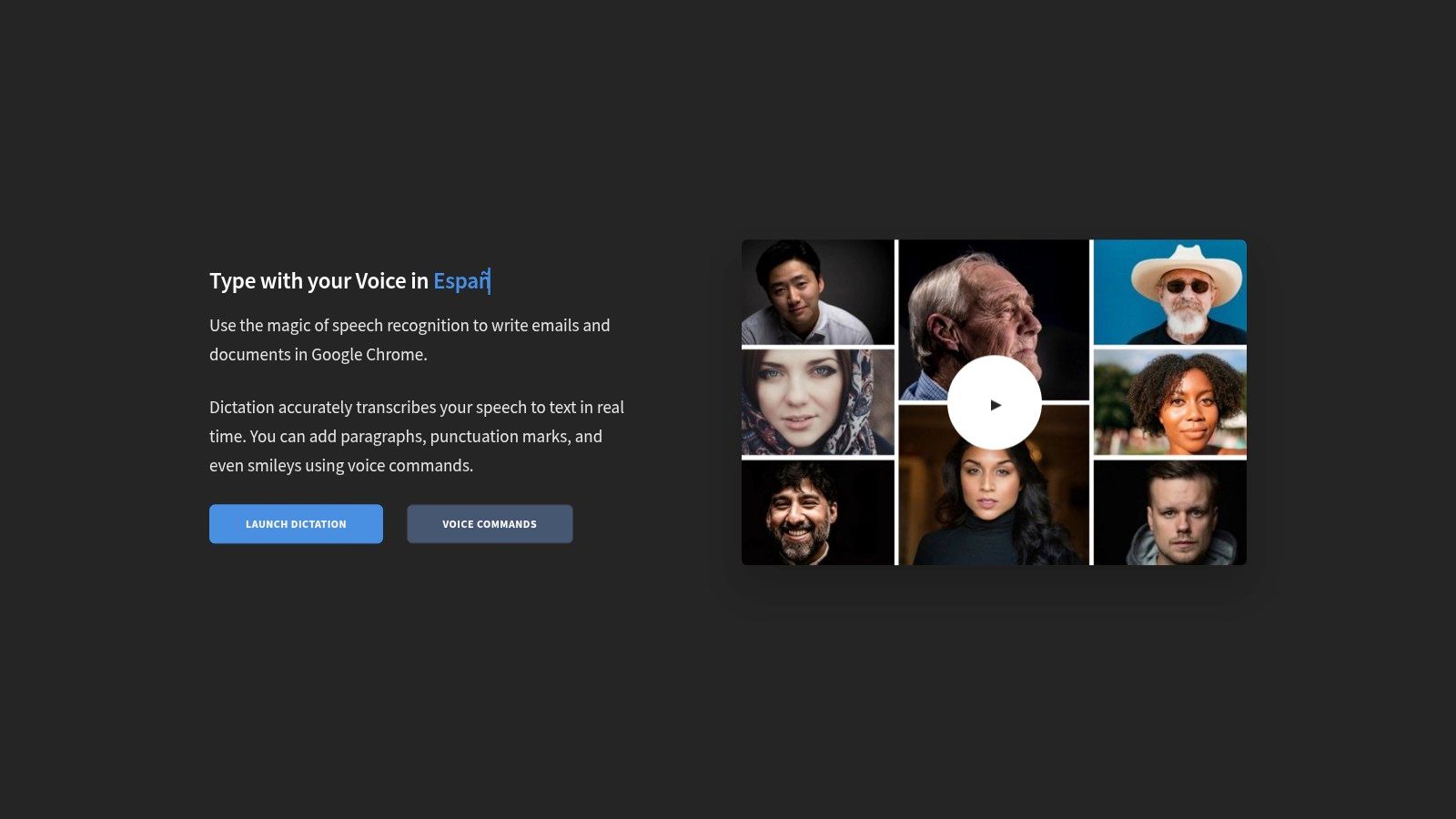
What makes Dictation.io unique is its commitment to local processing. All your dictated text is stored directly within your browser's local storage, meaning your words never touch an external server. This makes it an excellent choice for users concerned about data privacy or those who simply need a lightweight tool for occasional use without creating yet another online account.
The interface is as clean as it gets: a blank page and a start button. Once activated, the software provides real-time transcription with impressive accuracy for clear speech. It supports a wide range of languages and includes a handy list of voice commands for adding punctuation ("comma," "new paragraph") and special characters. Because it’s so lightweight, it’s exceptionally fast and responsive.
Best For: Privacy-conscious individuals, journalists, and anyone needing a quick, no-frills dictation tool on the go without the need for cloud storage or collaboration features.
| Feature | Details |
|---|---|
| Platform | Web (optimized for Google Chrome) |
| Cost | Completely Free. No sign-up, ads, or hidden costs. |
| Primary Use Case | Instant, private, in-browser dictation for notes and drafts. |
| Limitations | Does not save work to the cloud; text is lost if you clear browser cache. |
Get Started: Visit https://dictation.io/, and click the "Start" button to begin dictating immediately.
SpeechTexter offers a fast and straightforward browser-based experience for anyone seeking free talk to text software without the need for registration or software installation. It presents a clean, distraction-free text editor that immediately gets to work, making it an excellent tool for drafting quick emails, taking notes, or writing blog posts directly in your browser.
What makes SpeechTexter a compelling option is its simplicity combined with powerful multilingual support. It provides real-time transcription with a high degree of accuracy for clear speech and allows users to add their own custom voice commands for punctuation or frequent phrases, offering a layer of personalization not always found in free tools.
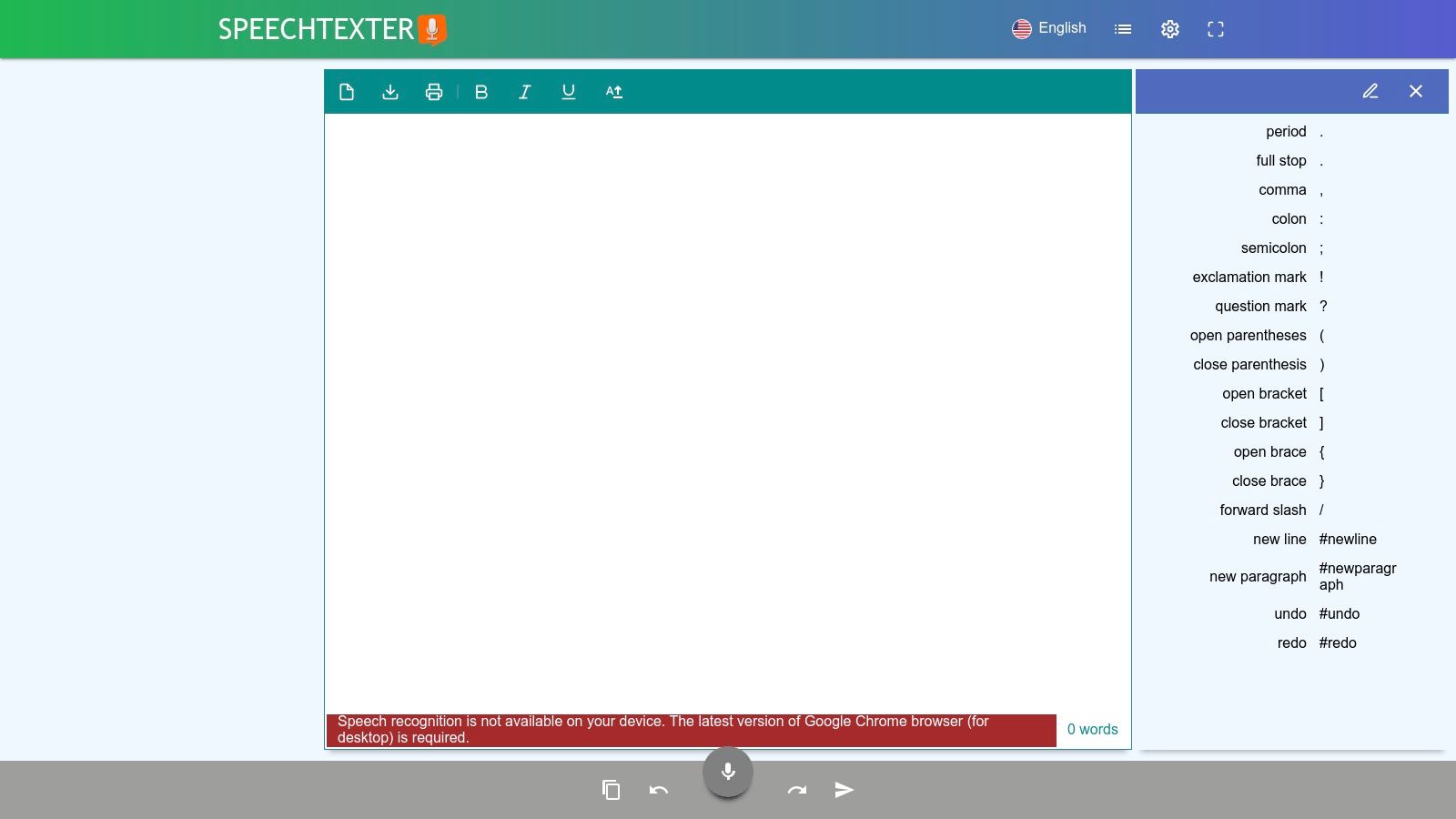
The user interface is minimalist: a large text field and a "Start" button are all you need to begin. Users can select from over 70 languages and dialects before initiating dictation. The platform's accuracy is impressive for a no-cost web tool, and the text appears on the screen almost instantaneously as you speak. The auto-save feature ensures your work isn't lost if you accidentally close the tab.
Best For: Bloggers, writers, and individuals who need a quick, no-signup dictation tool for drafting text and who can benefit from custom voice commands for improved workflow.
| Feature | Details |
|---|---|
| Platform | Web (officially recommended for desktop Chrome) |
| Cost | Completely Free. The service is supported by ads on the page. |
| Primary Use Case | Real-time dictation for notes, articles, and general text creation. |
| Limitations | Not optimized for mobile browsers (iOS is not supported) and lacks team features. |
Get Started: Visit www.speechtexter.com, select your language, and click the "Start" button to begin dictating.
Notta positions itself as a powerful meeting transcription and note-taking assistant, offering a suite of features that go beyond simple dictation. As a piece of free talk to text software, its strength lies in capturing conversations, whether live from a meeting or from an uploaded audio file. This makes it an excellent alternative to tools like Otter.ai for users who need to transcribe and summarize discussions occasionally.
What makes Notta stand out is its focus on productivity around transcribed content. Even on its free plan, it provides AI-powered summaries and speaker identification, turning a raw transcript into actionable notes. This focus on post-transcription processing is a significant advantage for professionals and teams looking to quickly distill key takeaways from meetings.
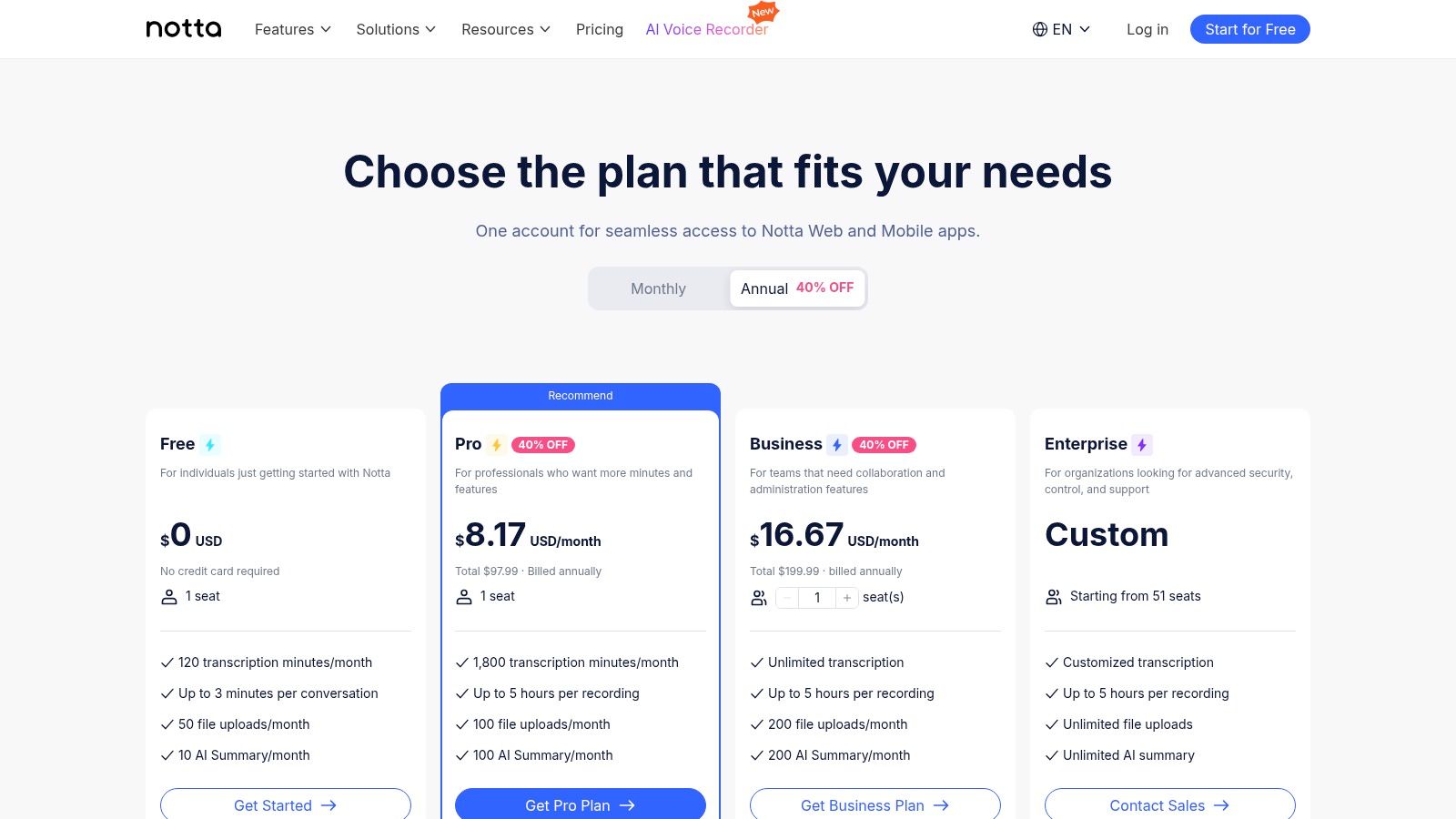
Notta offers a polished and intuitive user experience across its web and mobile apps. Getting started is fast, and the interface cleanly separates live transcriptions from file uploads. Users can connect it to their calendars to automatically record and transcribe Zoom, Google Meet, or Microsoft Teams calls. The Chrome extension further simplifies capturing audio from any browser tab.
Best For: Professionals, students, and teams who need to transcribe meetings, interviews, or lectures and want AI-powered tools to summarize the content efficiently.
| Feature | Details |
|---|---|
| Platform | Web, iOS, Android, Chrome Extension. |
| Cost | Freemium. The free plan includes a monthly allowance of transcription minutes with some limitations. |
| Primary Use Case | Live meeting transcription, audio/video file transcription, and AI-powered summarization. |
| Limitations | The free plan has a short duration limit per recording (e.g., 3-5 minutes) and lacks export options. |
Get Started: Sign up for a free account at notta.ai to start transcribing your meetings.
For developers and privacy-conscious users seeking complete control over their voice data, Vosk stands out as a powerful open-source, offline speech recognition toolkit. Unlike cloud-based services, Vosk runs entirely on your device, ensuring that your spoken words are never sent to a third-party server. This makes it an ideal piece of free talk to text software for building custom applications where data security is paramount.
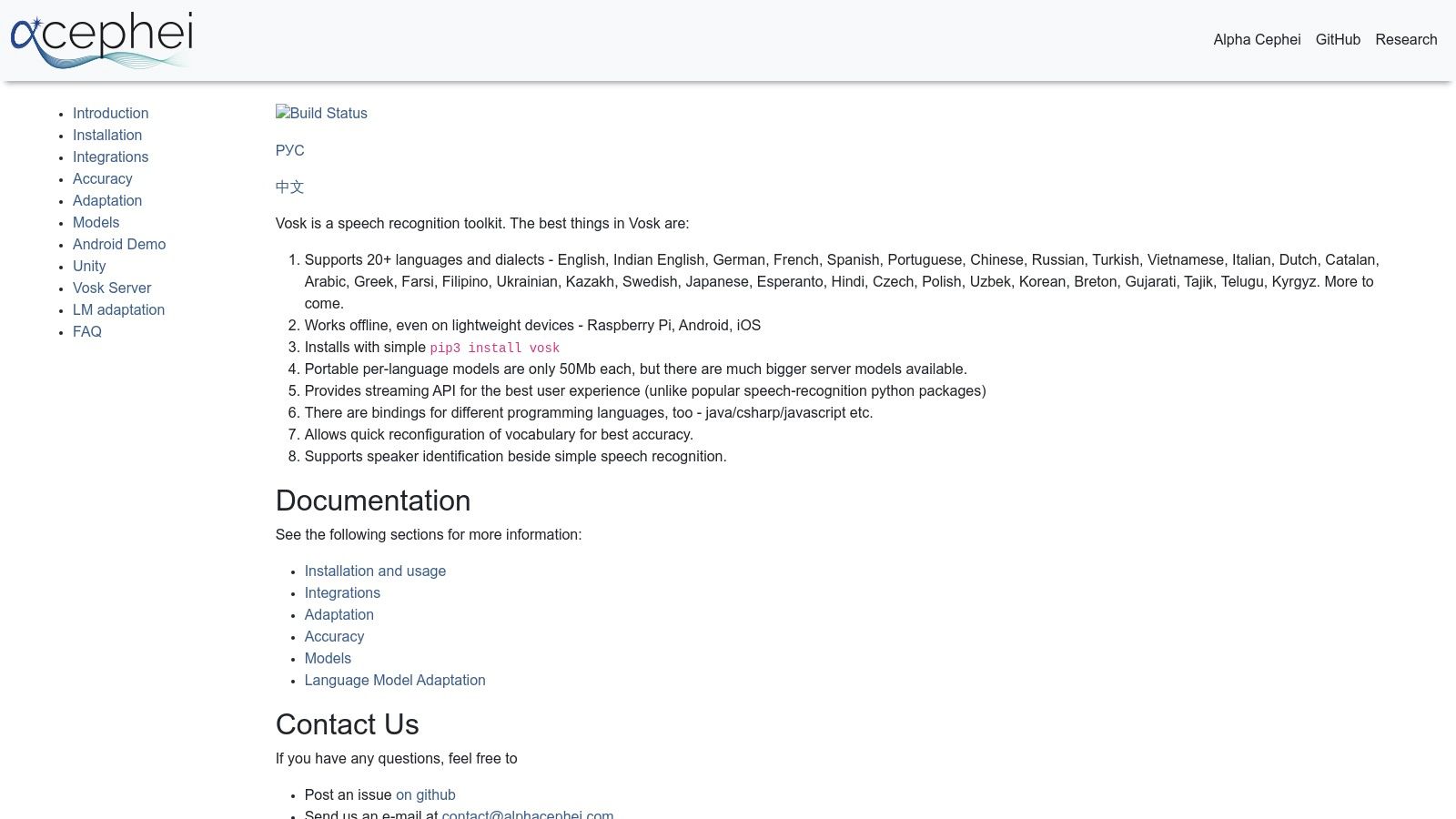
What makes Vosk unique is its developer-centric approach. It's not a ready-to-use application but a toolkit with lightweight models and APIs for multiple programming languages like Python, Java, and C#. This allows for integration into desktop software, mobile apps, or even embedded systems like a Raspberry Pi, offering unparalleled flexibility.
Setting up Vosk requires some technical knowledge, as you need to download the appropriate language models and integrate its library into your project. It supports over 20 languages with both compact and larger, more accurate models. The offline nature means transcription speed is dependent on your local hardware, but it eliminates latency issues associated with internet-based services.
Best For: Developers, hobbyists, and businesses that need to build custom, offline voice-enabled applications where privacy and data control are non-negotiable.
| Feature | Details |
|---|---|
| Platform | Cross-platform (Linux, Windows, macOS, Android, iOS, Raspberry Pi) |
| Cost | Completely Free under the Apache 2.0 license. No usage fees. |
| Primary Use Case | Integrating offline speech recognition into custom software and hardware. |
| Limitations | Requires programming skills and setup; it is a toolkit, not a turnkey app. |
Get Started: Visit the Vosk website to find documentation, download language models, and view code examples.
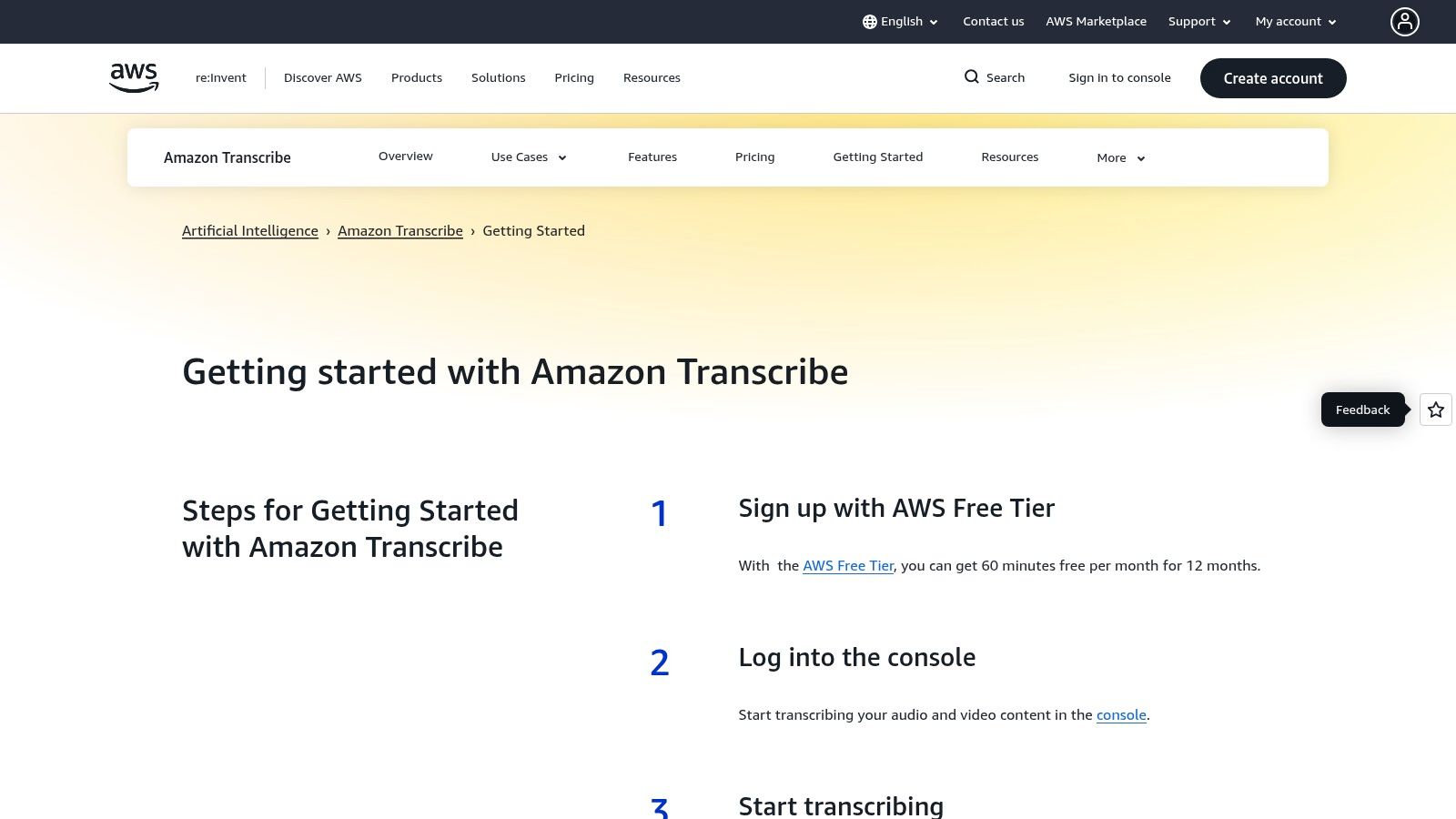
While primarily an enterprise-grade service, Amazon Transcribe offers a generous free tier that makes it a powerful piece of free talk to text software for developers and businesses. Part of the Amazon Web Services (AWS) suite, it’s designed for transcribing pre-recorded audio files with high accuracy, whether it's customer service calls, clinical conversations, or media content.
Its strength lies in its scalability and advanced features. Unlike simple dictation tools, Transcribe can handle batch processing of audio files stored in Amazon S3, identify different speakers (diarization), and use custom vocabularies to recognize specific product names or industry jargon. This makes it a go-to for technical users needing automated, API-driven transcription.
Setting up Transcribe requires an AWS account, which involves a slightly more technical onboarding process than typical web apps. Users can upload audio files directly through the AWS Management Console or integrate the service into their applications via the API. The service supports both real-time streaming and batch transcription, offering flexibility for different use cases. Its domain-specific models, like Transcribe Medical, deliver exceptionally high accuracy for specialized fields.
Best For: Developers, startups, and businesses needing to integrate high-quality, automatic transcription into their workflows, and who are comfortable working within the AWS ecosystem.
| Feature | Details |
|---|---|
| Platform | Cloud-based (via AWS Console or API) |
| Cost | Free Tier for 12 months for new AWS accounts (includes 60 minutes/month). |
| Primary Use Case | Transcribing pre-recorded audio files, real-time transcription for applications. |
| Limitations | Requires an AWS account and billing setup. The free tier is not perpetual. |
Get Started: Visit aws.amazon.com/transcribe to create an AWS account and explore the free tier.
| Product | Core features | Quality ★ | Price/value 💰 | Target audience 👥 | Unique selling points ✨ |
|---|---|---|---|---|---|
| Lemonfox.ai 🏆 | STT & TTS API, 100+ languages, speaker diarization, EU API | ★★★★☆ (high accuracy, low latency) | 💰 ≈$0.17/hr; $5/mo tier (30h); 1‑month free trial (30h) | 👥 Developers, SMBs, product teams | ✨ Privacy-first (immediate deletion), budget pricing, Whisper large-v3 |
| Google Docs – Voice Typing | In‑doc dictation, formatting voice commands, Drive autosave | ★★★★☆ | 💰 Free (best in Chrome) | 👥 Casual users, students | ✨ No install, built into Docs with autosave |
| Windows 11 Voice Typing | System-wide dictation (Win+H), auto‑punctuation, multi‑language | ★★★★☆ | 💰 Free with Windows | 👥 Windows users, professionals | ✨ OS-wide reach, quick launch across apps |
| Apple Dictation | Device-wide dictation, on‑device processing, emoji/punctuation | ★★★★☆ | 💰 Free on Apple devices | 👥 Apple users, privacy-conscious | ✨ On-device privacy, Voice Control integration |
| Gboard (Google Keyboard) | One‑tap mic, multilingual dictation, Assistant features on Pixel | ★★★★☆ | 💰 Free | 👥 Mobile users (Android/iOS) | ✨ Integrated keyboard access; fast in-app dictation |
| Otter.ai | Live meeting transcription, speaker ID, searchable transcripts, sharing | ★★★★☆ | 💰 Free tier (limits); paid plans for more mins | 👥 Teams, meeting note-takers, students | ✨ Zoom/Meet/Teams captions, searchable records |
| Speechnotes | Browser dictation pad, custom voice commands, Chrome extension | ★★★☆☆ | 💰 Free (ad-supported); premium to remove ads | 👥 Long-form dictation, note-takers | ✨ Unlimited free web dictation, simple UI |
| Dictation.io | Minimal web dictation, voice commands, local browser storage | ★★★☆☆ | 💰 Free | 👥 Quick dictation users, travelers | ✨ No login required, stores text locally |
| SpeechTexter | 70+ languages, customizable voice commands, no registration | ★★★☆☆ | 💰 Free | 👥 Multilingual users, writers | ✨ Broad language support, easy to use |
| Notta | Live meeting transcription, AI summaries, speaker ID, sync | ★★★★☆ | 💰 Free plan (limits); paid tiers for exports | 👥 Teams, occasional meeting capture | ✨ AI summaries, cross-device sync, Chrome extension |
| Vosk (Alpha Cephei) | Offline STT toolkit, 20+ languages, multi-language APIs | ★★★☆☆ | 💰 Free, open-source (Apache‑compatible) | 👥 Developers, privacy/offline use | ✨ Fully offline, no cloud dependency |
| Amazon Transcribe | Streaming & batch, custom vocab, channel/medical variants, AWS integra. | ★★★★☆ | 💰 Pay-as-you-go; limited free tier | 👥 Enterprises, AWS users, dev teams | ✨ Scalable enterprise features, domain‑specific models |
The journey through the world of free talk to text software reveals a surprisingly rich and accessible landscape. As we've explored, the right tool for you doesn't depend on finding a single "best" option, but on matching a specific solution to your unique task, workflow, and technical requirements. The sheer variety ensures that whether you're a student, a professional, a content creator, or a developer, a powerful speech recognition tool is likely already at your fingertips.
A crucial takeaway from this guide is the clear distinction between tools designed for live dictation and those built for asynchronous transcription and development. This distinction is the most important factor in making an informed choice.
For immediate, on-the-fly transcription needs, the native solutions integrated into your existing devices are often the most efficient starting point.
While the free options are powerful, it's vital to recognize their inherent limitations. Most free consumer-grade tools are not designed for processing pre-recorded audio files, handling high-volume transcription, or providing the data security required for professional and commercial applications. They often struggle with multiple speakers, background noise, and specialized terminology.
This is the point where your needs pivot from casual use to professional-grade requirements. You should consider upgrading when you face any of the following scenarios:
Ultimately, the landscape of free talk to text software serves as an excellent entry point. It empowers you to integrate voice into your workflow, boost your productivity, and explore the potential of speech recognition. Use these tools to understand your needs, refine your processes, and identify exactly where the boundary of "free" ends and the need for professional power begins. Once you hit that wall, you'll be equipped with the knowledge to make a confident and strategic leap to a more powerful, scalable solution.
Ready to move beyond the limitations of free tools and unlock professional-grade transcription accuracy and scalability? Explore Lemonfox.ai to see how our developer-friendly API delivers exceptional performance at an industry-leading price, with a generous free trial to get you started. Experience the next level of speech-to-text at Lemonfox.ai.