
First month for free!
Get started
Published 1/28/2026
In a world saturated with audio content, from podcasts and interviews to critical business meetings, the ability to quickly convert speech into text is no longer a luxury; it's a necessity. The primary challenge is finding reliable and accurate tools without a hefty price tag. This comprehensive guide dives deep into the best options for free transcription audio available today, designed to serve a diverse audience. Whether you're a developer needing a robust API for an application, a business looking to transcribe meeting minutes, or a content creator needing subtitles for a video, this listicle has a solution for you.
We cut through the noise to provide a curated roundup of top-tier tools. Our focus is on practical application, offering a clear-eyed view of each platform's strengths and weaknesses. You will find everything from powerful, self-hosted open-source models that give you complete data control to user-friendly web platforms perfect for quick, one-off tasks. We will also explore the generous free tiers offered by major cloud providers, giving you access to enterprise-grade technology without the initial investment.
This article is structured to help you make an informed decision quickly. Each entry includes an honest assessment of its features, ideal use cases, potential privacy considerations, and any limitations you should be aware of. You'll find direct links and screenshots to guide you. We'll explore powerful options like OpenAI's Whisper, cloud-based APIs from providers like Amazon and Microsoft, and popular web services such as Otter.ai and Descript. Our goal is to equip you with the knowledge to select the perfect free transcription audio tool for your specific project, and to understand when it makes sense to upgrade to a paid, high-performance solution like Lemonfox.ai for greater accuracy and scale.
Lemonfox.ai is an API-first speech platform that presents a compelling, production-ready solution for developers and businesses needing high-volume, free transcription audio processing. Its standout feature is an exceptionally generous introductory offer: new users receive their first month free, which includes 30 hours of speech-to-text transcription. This allows for extensive testing and even initial project deployment without any upfront cost, making it a powerful starting point for any team.
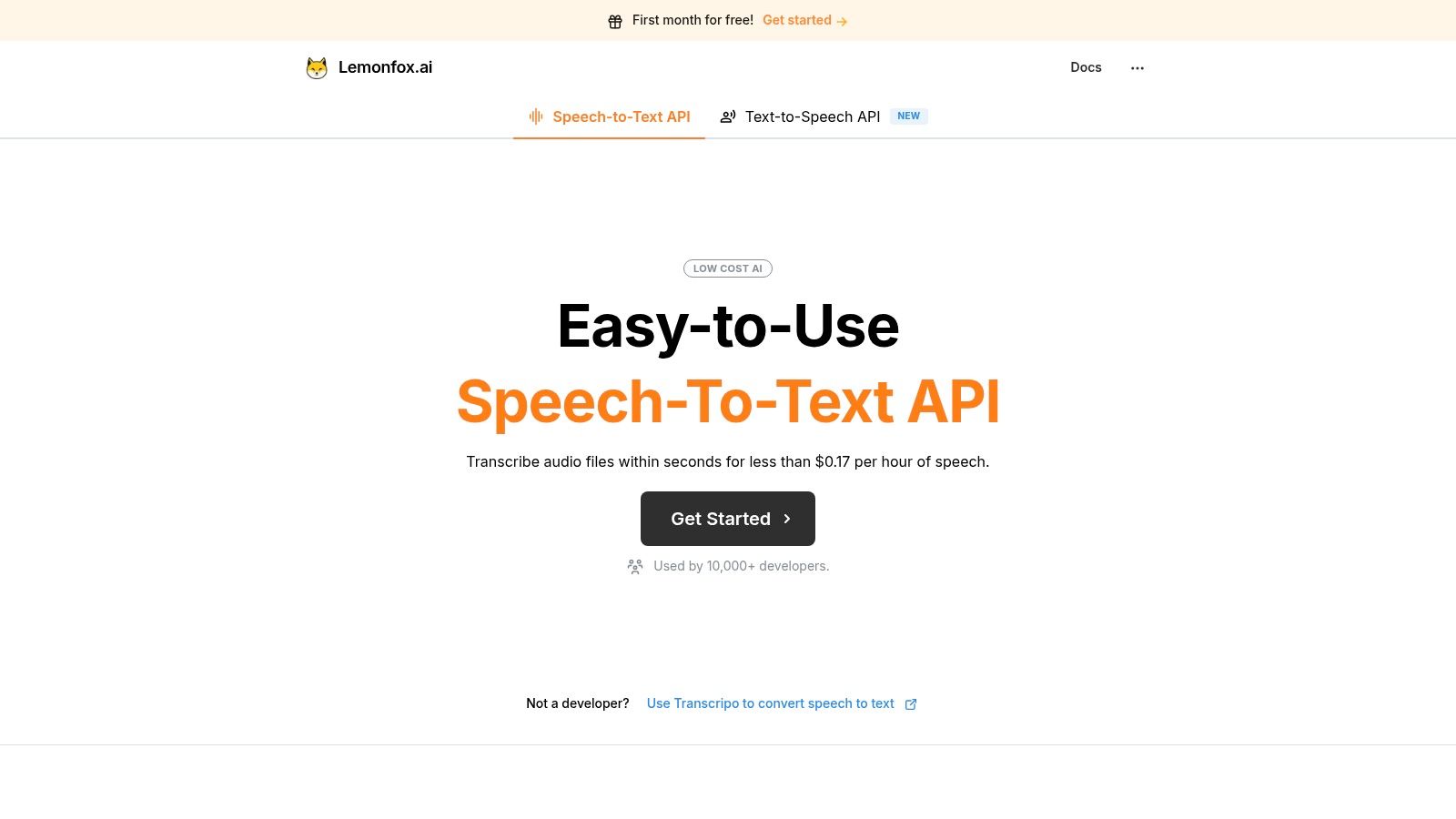
The platform is engineered for performance, leveraging the Whisper large-v3 model to deliver high-accuracy transcriptions with minimal latency. This makes it suitable for demanding, real-time applications. Beyond the initial free tier, its pricing structure remains one of the most aggressive in the market, with a standard plan costing just $5/month for the equivalent of approximately 30 hours of transcription. This translates to an industry-leading rate of under $0.17 per hour.
Lemonfox.ai distinguishes itself with a feature set that balances cost, accuracy, and compliance.
This platform is ideal for developers building voice-enabled products, businesses automating meeting transcriptions, or content creators generating subtitles at scale. Its API-first nature means it integrates directly into custom workflows, applications, and services. While its developer focus is a core strength, non-technical users can access its power through its consumer-facing tool, Transcripo.
Website: https://www.lemonfox.ai
For developers and organizations prioritizing data privacy and cost control, OpenAI's Whisper offers a powerful, open-source alternative to cloud-based services. Available on GitHub, Whisper is a state-of-the-art automatic speech recognition (ASR) model that you run on your own local machine or private servers. This self-hosted approach completely eliminates per-minute fees and vendor lock-in, making it a standout choice for projects requiring bulk free transcription audio processing.
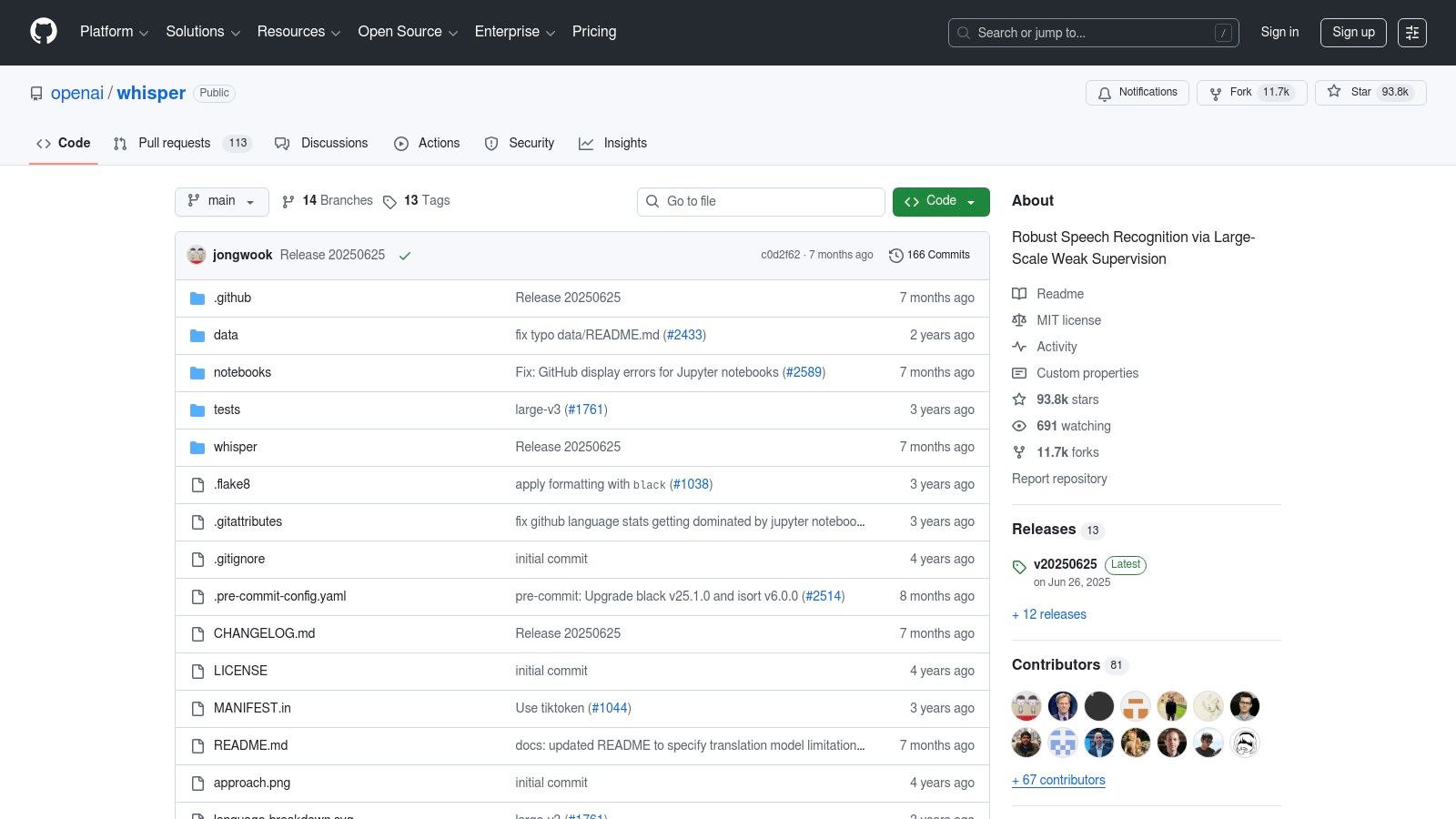
Its primary advantage is full control. Because the model runs offline, your audio data never leaves your infrastructure, a critical feature for handling sensitive information. The model is highly accurate, even with background noise and diverse accents, and supports over 90 languages for both transcription and translation.
Whisper is ideal for developers comfortable with Python and managing their own compute resources. While the model itself is free under the MIT license, you are responsible for the hardware (a GPU is recommended for optimal performance) and setup.
Website: https://github.com/openai/whisper
For developers who need a lean, high-performance, and offline transcription solution, whisper.cpp is an exceptional choice. This project is a plain C/C++ port of OpenAI's Whisper model, meticulously optimized for CPU performance. It strips away the Python dependencies and overhead, making it ideal for deployment on a wide range of hardware, including laptops, embedded systems like Raspberry Pi, and devices with Apple Silicon, offering powerful free transcription audio capabilities directly on-device.
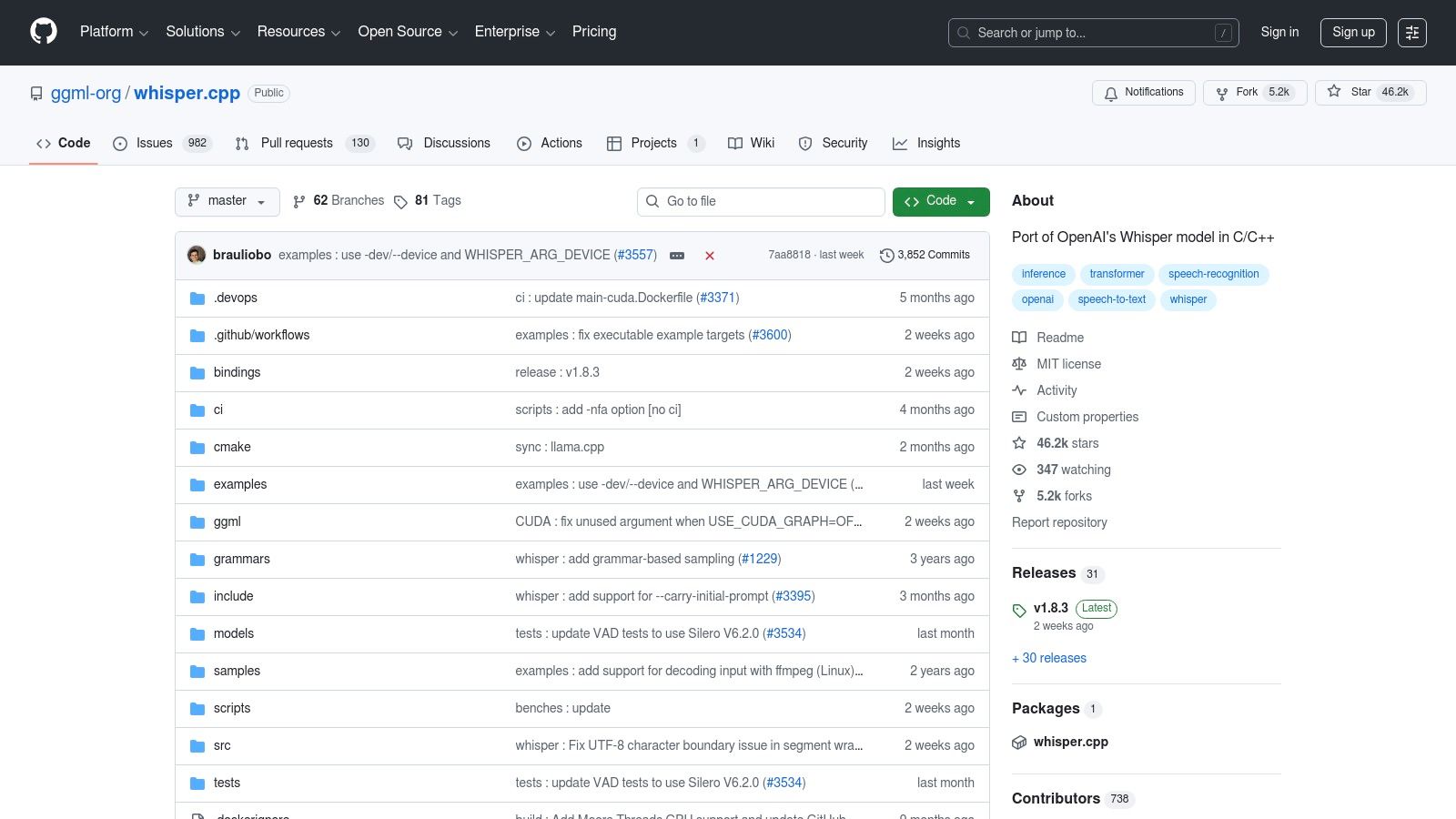
The primary benefit of whisper.cpp is its efficiency and portability. Its low memory footprint and minimal dependencies allow for faster startup times and easier integration into native applications without a complex software stack. This focus on performance makes it perfect for near real-time, privacy-first transcription tasks where audio data cannot leave the local machine. The project provides command-line tools for straightforward inference, making it accessible for technical users.
This port is best suited for developers building applications where resource efficiency and offline functionality are paramount. While the C/C++ nature requires compilation and manual model management, the performance gains are significant. It is a fantastic tool for on-device voice commands, local audio logging, or creating desktop transcription utilities.
Website: https://github.com/ggml-org/whisper.cpp
For developers building applications for mobile, embedded systems, or edge devices, Vosk offers an open-source speech recognition toolkit designed for offline operation and minimal resource consumption. Unlike cloud-based APIs or heavy-duty models, Vosk excels with its small-footprint models (some as small as 50 MB) that run directly on devices like Raspberry Pi, Android, and iOS. This makes it an exceptional choice for projects where internet connectivity is unreliable or data must remain on the device.
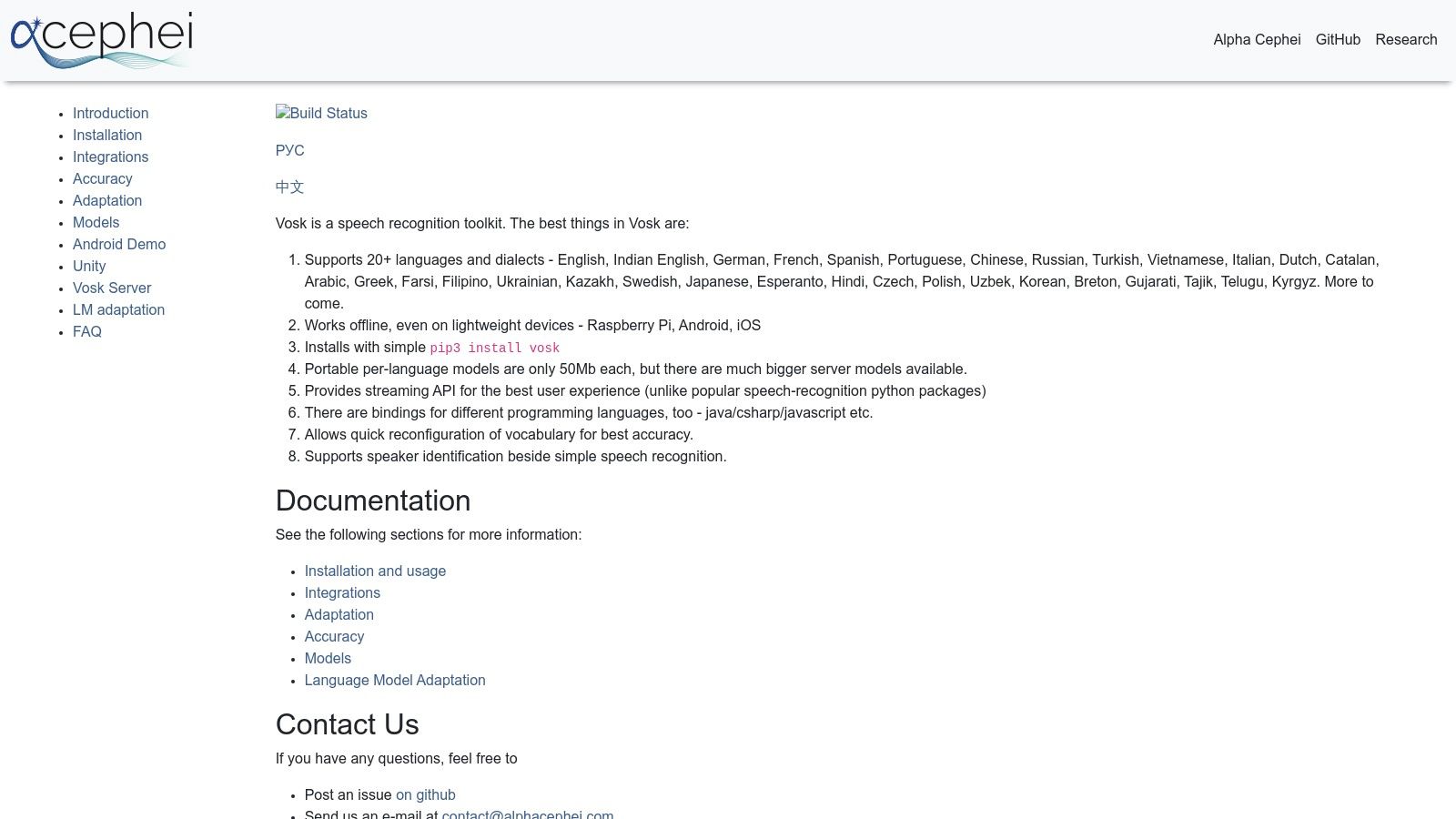
Vosk's key advantage is its lightweight efficiency and versatility. It provides a completely offline solution for free transcription audio, which is crucial for privacy-centric voice assistants, robotics, and interactive applications. The toolkit supports over 20 languages and provides simple bindings for popular programming languages like Python, Java, and C#, facilitating quick integration and prototyping without any ongoing costs.
Vosk is best suited for developers who need reliable offline transcription on low-power hardware. While it is free to use, achieving the highest accuracy may require selecting and testing different language models, as performance can vary. Its primary value is in enabling voice interaction on devices that cannot depend on a constant cloud connection.
Website: https://alphacephei.com/vosk/
For developers and businesses already within the Amazon Web Services ecosystem, Amazon Transcribe offers a highly scalable, managed transcription service. While primarily a paid, enterprise-grade solution, its generous Free Tier provides an excellent entry point for testing and small-scale projects. This makes it a compelling option for those needing reliable free transcription audio processing without managing their own infrastructure.
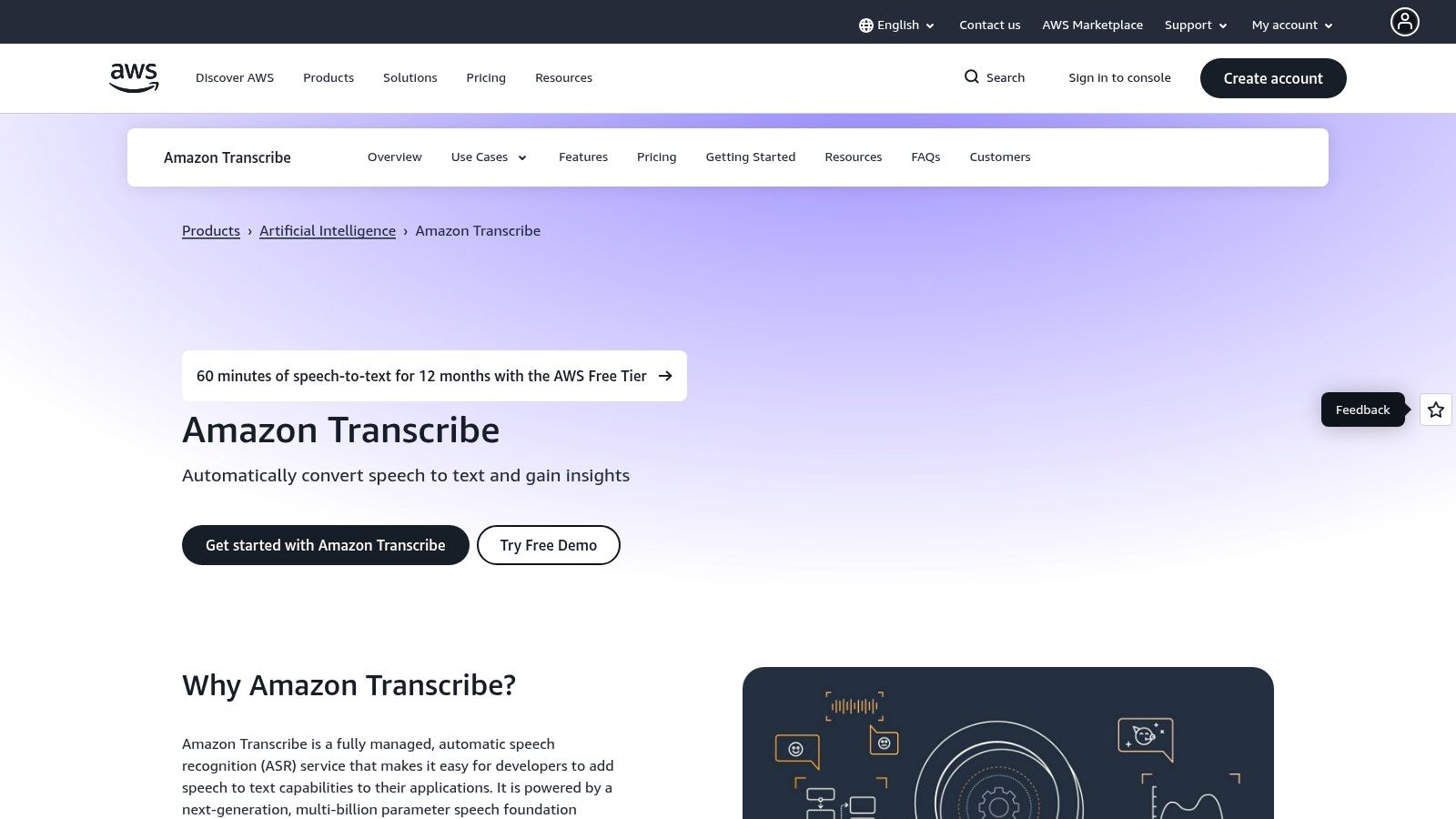
The service is deeply integrated with other AWS products like S3 for storage and Lambda for event-driven processing, enabling powerful automated workflows. It supports both batch processing for existing files and real-time streaming transcription. Advanced features like speaker diarization, custom vocabularies, and specialized medical models set it apart from simpler tools.
Amazon Transcribe is ideal for organizations that plan to scale their transcription needs and value the reliability and security of the AWS cloud. The Free Tier is limited to 60 minutes of audio per month for the first 12 months after signing up, making it suitable for evaluation or very light usage.
Website: https://aws.amazon.com/transcribe/
For developers and organizations already invested in the Microsoft ecosystem, or those needing enterprise-grade reliability, Azure Speech Services provides a powerful cloud-based solution. Its perpetual Free (F0) tier offers a generous monthly allowance, making it an excellent entry point for testing, development, and handling light workloads without any initial cost. This tier is designed to give users access to a robust, scalable platform for free transcription audio projects.
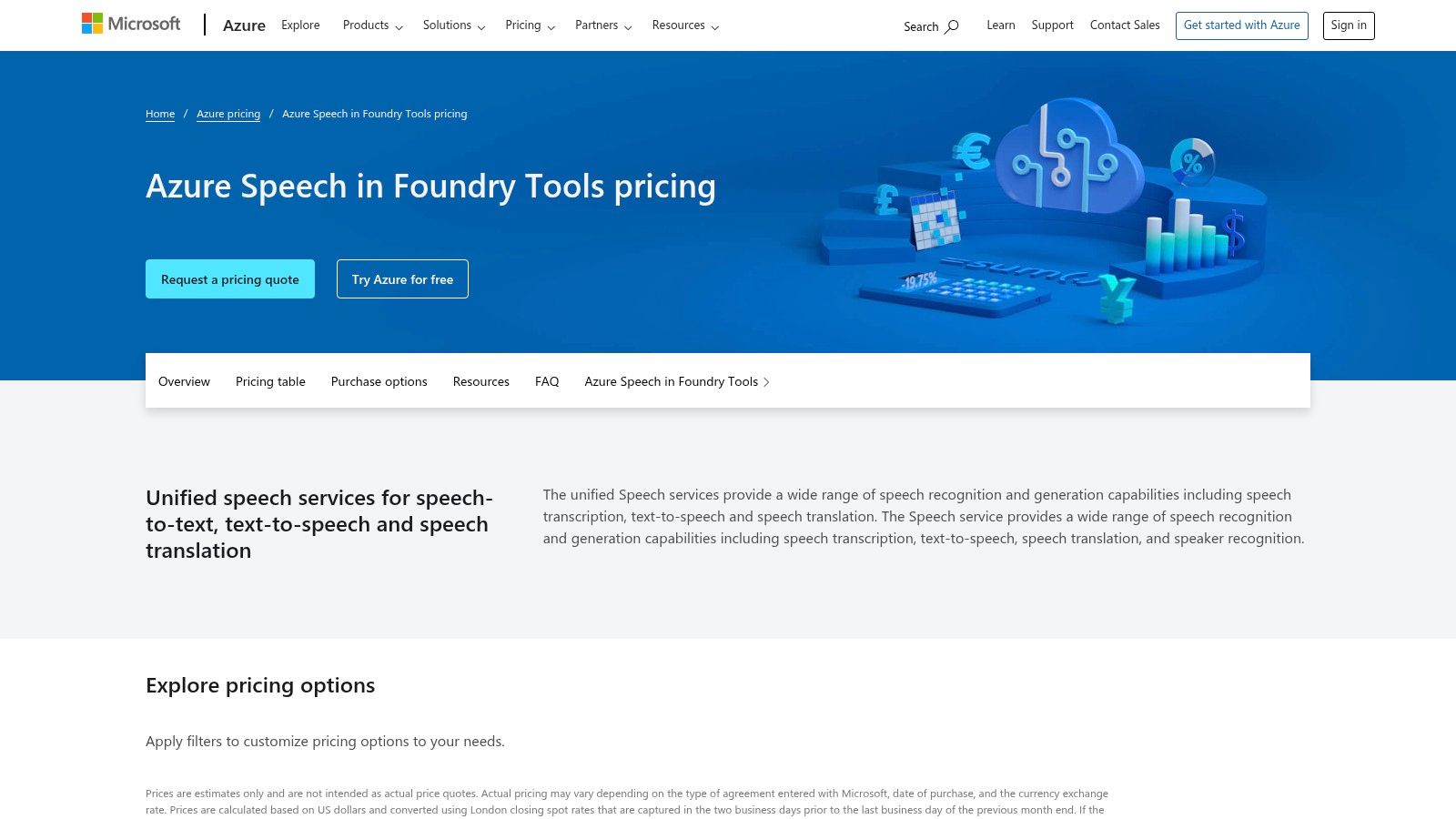
The platform stands out with its comprehensive SDKs for various programming languages, enabling seamless integration into existing applications. Beyond standard transcription, it supports advanced features like speaker diarization, language identification, and real-time streaming transcription. Because it’s part of the broader Azure AI suite, you benefit from Microsoft’s extensive documentation, security, and compliance standards, which is a significant advantage for business-critical applications.
Azure's free tier is ideal for developers building proof-of-concept applications or small-scale tools that require high-quality transcription with enterprise-level backing. While using the service requires setting up an Azure account, the platform's tooling and documentation make the initial setup process relatively straightforward for those familiar with cloud services.
Website: https://azure.microsoft.com/pricing/details/speech/
For developers and enterprises seeking a mature, cloud-based API with ongoing free access, IBM Watson Speech to Text offers a compelling Lite plan. Unlike many services that provide a limited-time trial, IBM's offering includes a recurring monthly allowance of free minutes, making it ideal for low-volume applications, prototyping, and sustained testing. This makes it a reliable source for free transcription audio without the pressure of an expiring trial period.
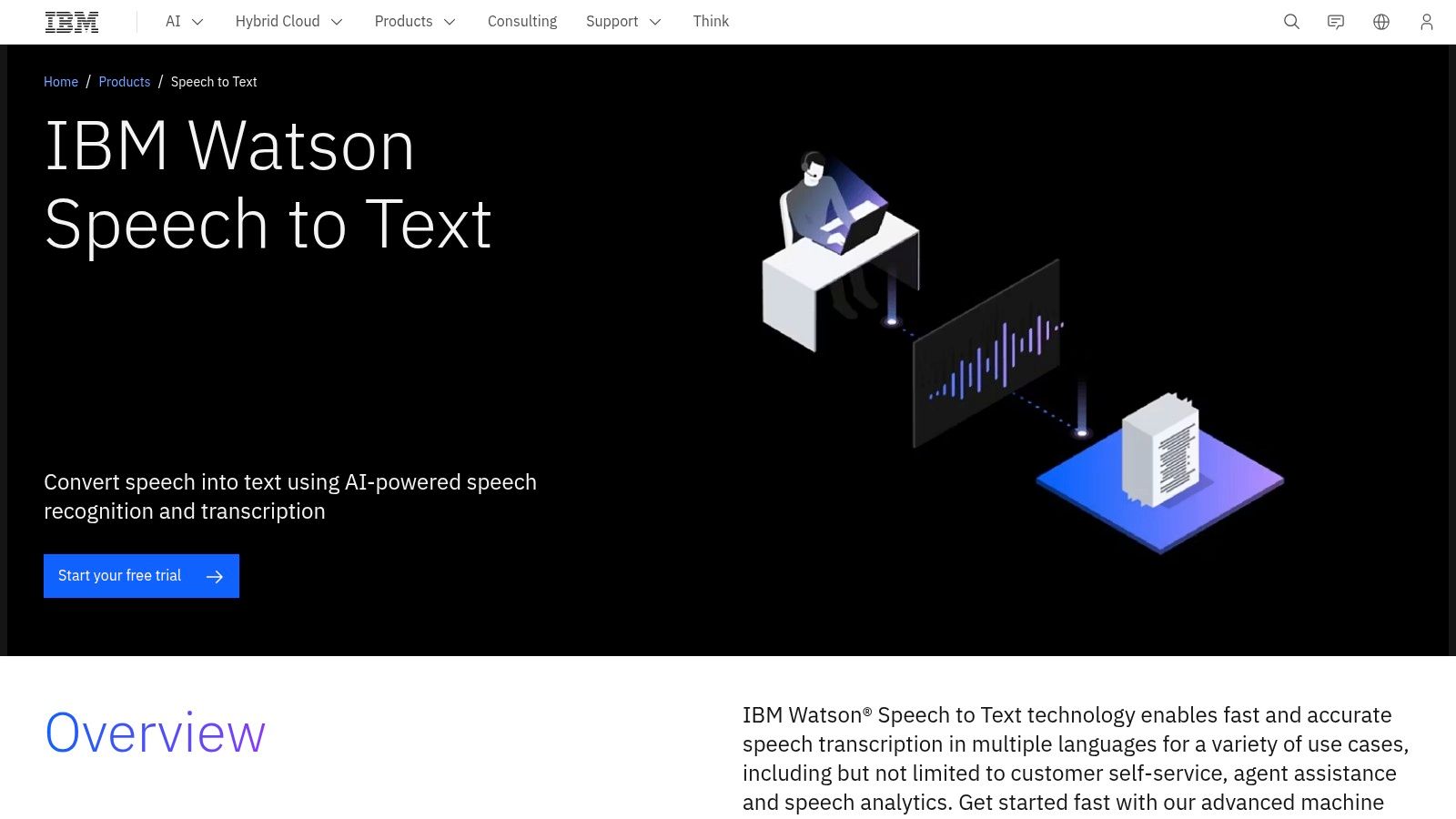
IBM's platform stands out with enterprise-grade features available even on its accessible tiers, such as robust speaker diarization and real-time transcription results. It supports over 38 pre-trained language and acoustic models, with a strong focus on use cases like customer care and contact center analytics. While advanced model customization is reserved for paid tiers, the free plan provides a solid foundation for building sophisticated voice-enabled applications.
The Lite plan is perfect for developers needing a stable, long-term free tier for small projects or for thoroughly evaluating the Watson API before committing to a paid plan. The recurring free minutes reset each month, providing predictable, no-cost access for applications with modest transcription needs.
Website: https://www.ibm.com/products/speech-to-text
For developers who need a production-grade, cloud-based API with a generous starting trial, Deepgram is an exceptional choice. It offers a suite of modern, highly accurate ASR models like Nova-2 and Whisper Cloud, accessible via fast streaming and pre-recorded audio APIs. The platform stands out by providing new users with $200 in free credits, which is substantial enough to process large volumes of free transcription audio for prototyping, testing, or initial project development.
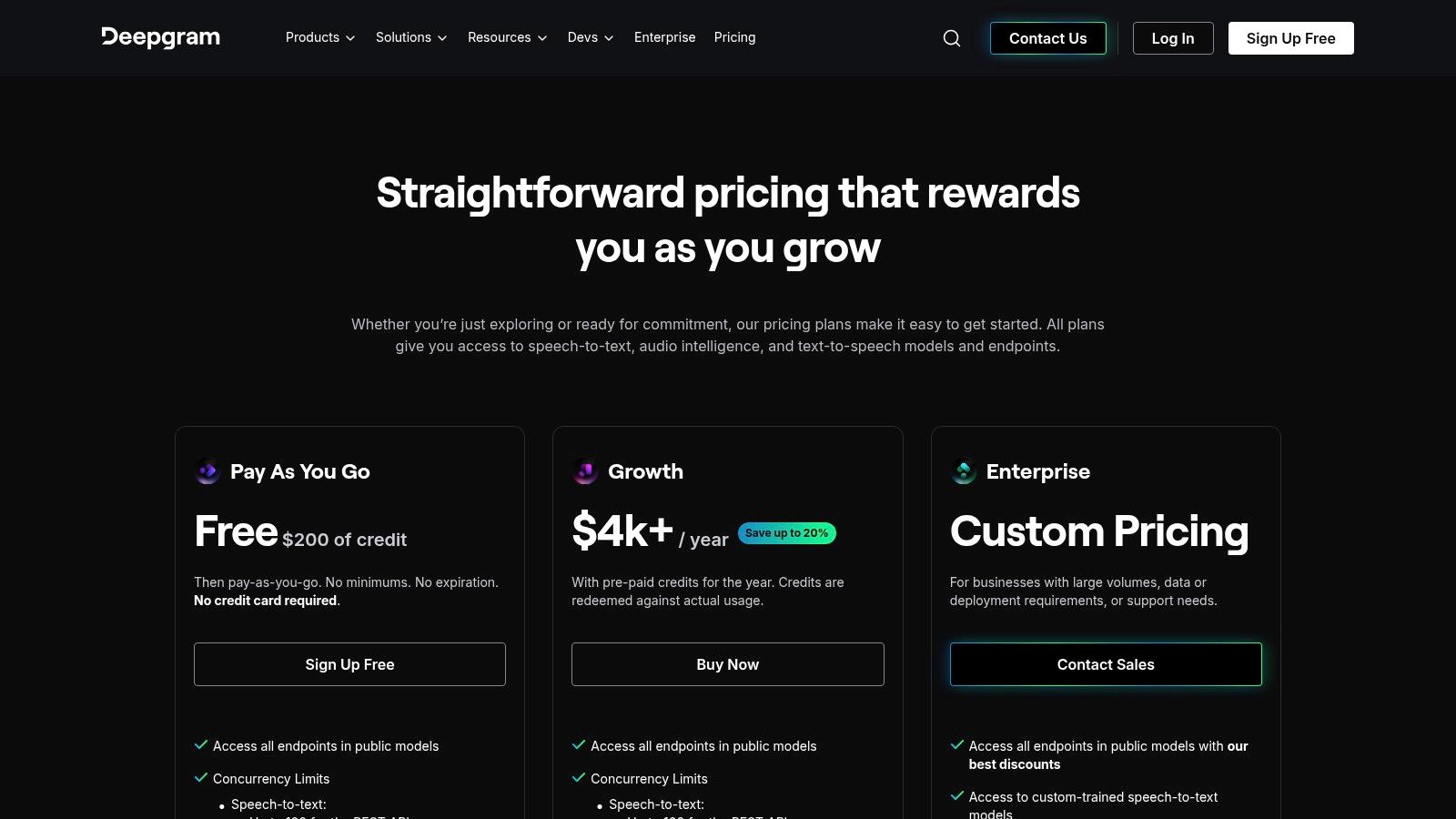
Deepgram is built for scale and performance, featuring advanced capabilities like diarization, smart formatting, and keyword boosting right out of the box. Its developer-focused tooling and documentation make integration straightforward for applications requiring real-time transcription or batch processing. The free credit model allows you to fully explore these enterprise-level features without any initial financial commitment.
This platform is ideal for developers building applications that need reliable, high-speed transcription and can later scale to a paid plan. The initial free credits offer a risk-free way to validate its performance for use cases like call center analytics, media transcription, or voice-controlled applications.
Website: https://deepgram.com/pricing
For content creators like podcasters and video editors, Descript offers a unique, all-in-one workflow that seamlessly blends transcription with media editing. Instead of a traditional timeline, Descript transcribes your audio and video, allowing you to edit the media simply by editing the text. Its free plan provides a generous starting point for those needing occasional free transcription audio integrated directly into a production environment.
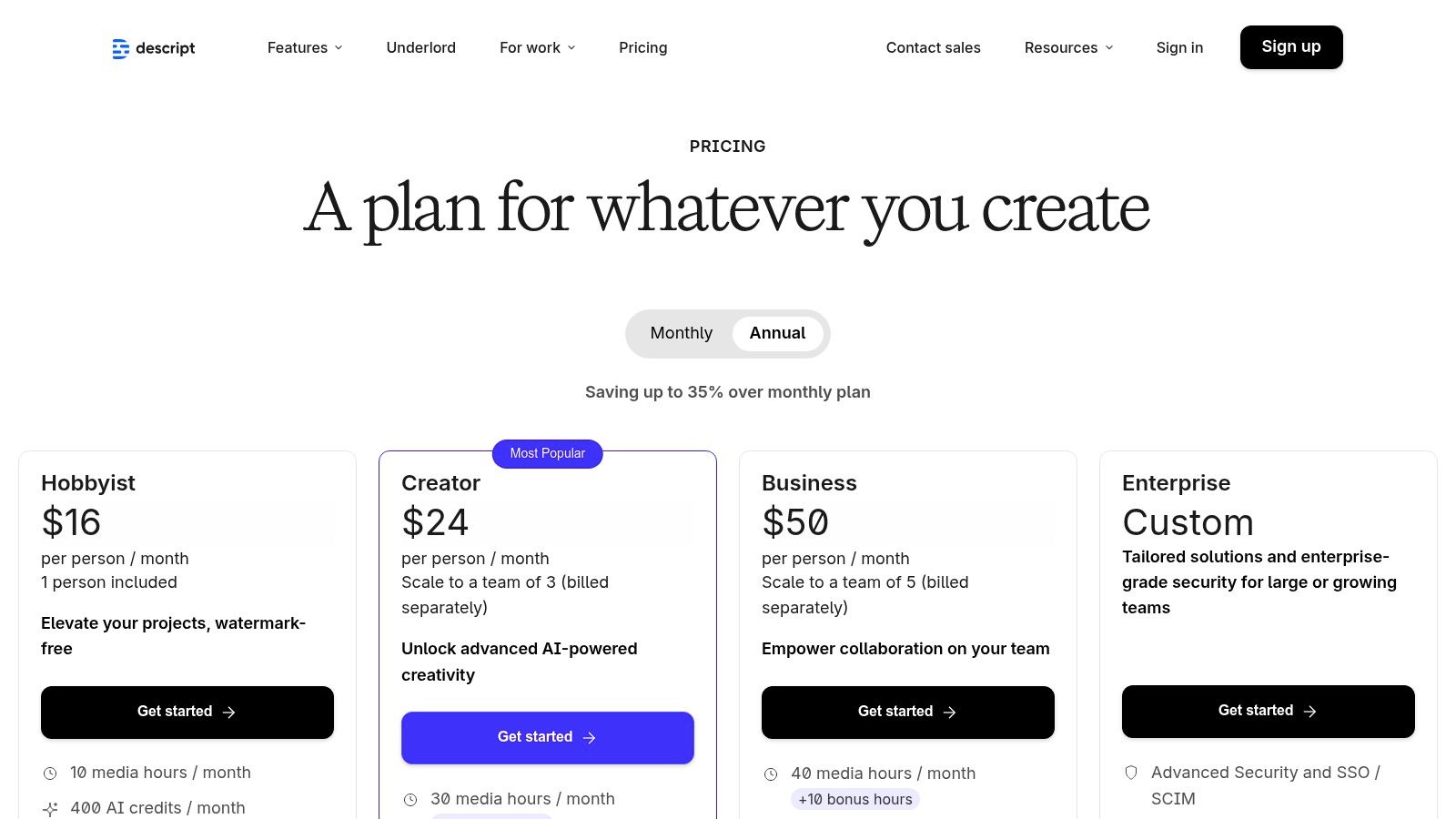
The platform's standout feature is this "edit-by-text" functionality. Deleting a word in the transcript removes it from the audio, and features like one-click filler word removal ("um," "uh") can save hours. The free tier is not just a trial; it offers a recurring monthly allowance, making it a sustainable choice for small-scale projects.
Descript is ideal for users who need more than just a raw transcript. Its text-based video and audio editing, screen recording, and collaboration tools make it a powerful production suite. The free plan includes 60 media minutes of transcription per month, one watermark-free video export, and access to core editing features.
Website: https://www.descript.com/pricing
Otter.ai is specifically designed for transcribing meetings and conversations, making it a go-to tool for professionals, students, and teams. Its Basic free plan offers a generous starting point for users who need real-time notes and summaries from live discussions. By integrating directly with popular conferencing tools, Otter.ai automates the process of capturing and organizing meeting content, providing an accessible solution for anyone seeking free transcription audio for their collaborative workflows.
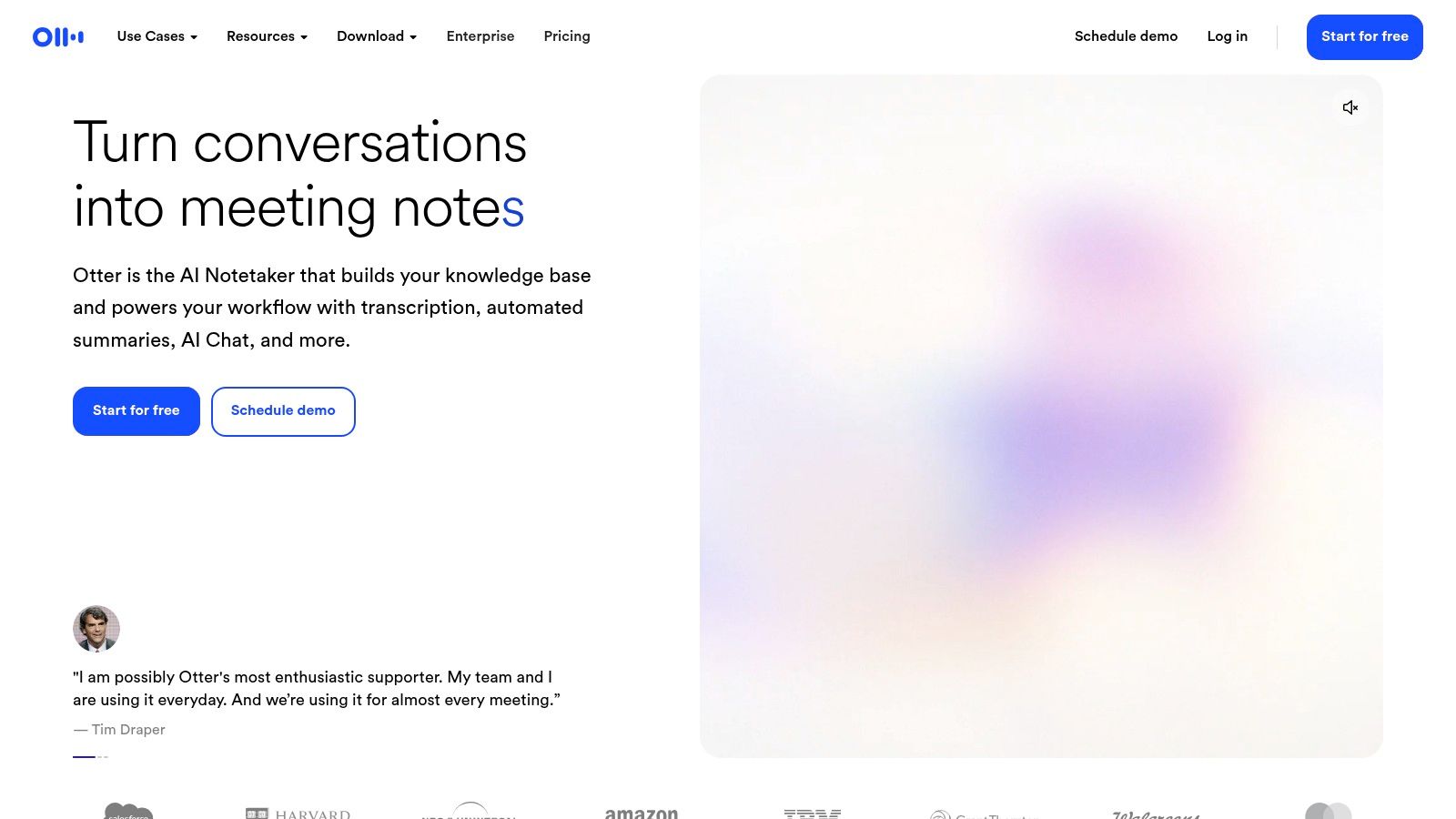
The platform excels at live transcription with speaker identification, which differentiates it from general-purpose services. The "OtterPilot" can automatically join your Zoom, Google Meet, or Microsoft Teams meetings, take notes, and share the summary afterward. This seamless integration transforms how teams document decisions and action items, saving significant manual effort. The mobile and web apps ensure your transcripts are synchronized and accessible from anywhere.
Otter.ai is ideal for individuals and small teams who frequently participate in virtual meetings and need an automated note-taker. The free plan is a great way to test its capabilities, but users with high transcription volume will quickly encounter the monthly limits.
Website: https://otter.ai/
Notta.ai provides a polished, all-in-one transcription service through its web and mobile apps, offering a generous free plan for individuals with light usage needs. It’s designed for quickly transcribing meetings, lectures, and interviews from live audio or uploaded files. The platform excels at creating structured, actionable notes by including features like speaker identification and AI-generated summaries, even on its free tier, making it more than just a simple transcription tool.
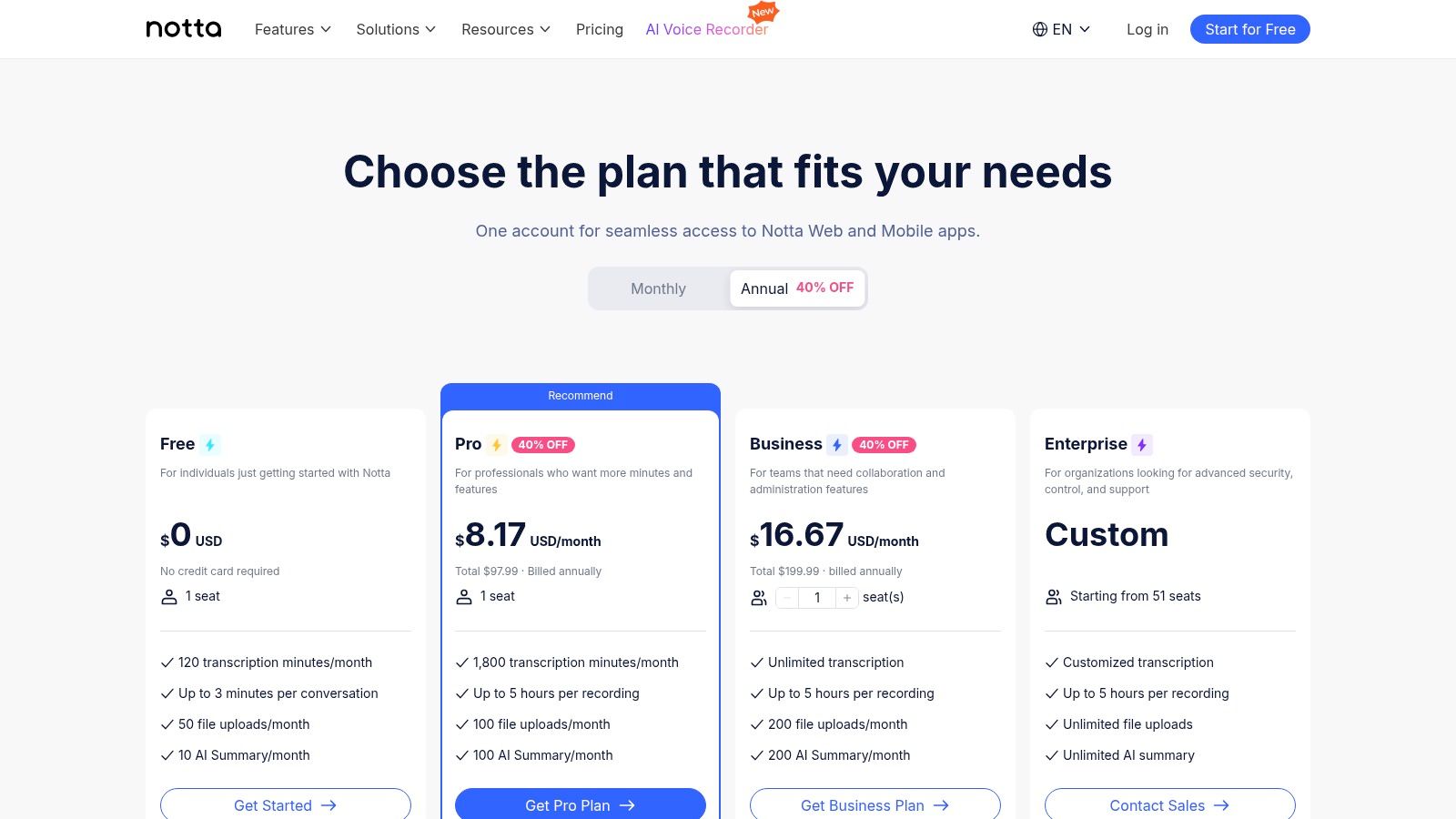
Its main appeal is the convenience and recurring free credits. Unlike one-time trials, Notta’s free plan offers 120 minutes of free transcription audio processing every month. This makes it a sustainable choice for students, podcasters, or professionals who need to transcribe short recordings consistently without committing to a paid subscription. The platform also includes a handy Chrome extension for capturing and transcribing audio directly from a browser tab.
Notta.ai is best suited for users who need a user-friendly, feature-rich platform for occasional transcription without any technical setup. While the free plan is robust, it has limitations on recording duration per file and reserves advanced features like some export formats for its paid plans.
Website: https://www.notta.ai/en/pricing
For a surprisingly accessible source of transcripts from public content, YouTube offers a built-in solution that is often overlooked. The platform auto-generates captions for a massive volume of videos, and for many, it provides an interactive transcript panel. This feature allows any viewer to read, search, and copy the text directly from the video page, making it a powerful tool for quickly capturing free transcription audio from interviews, lectures, and other public media without needing external software.
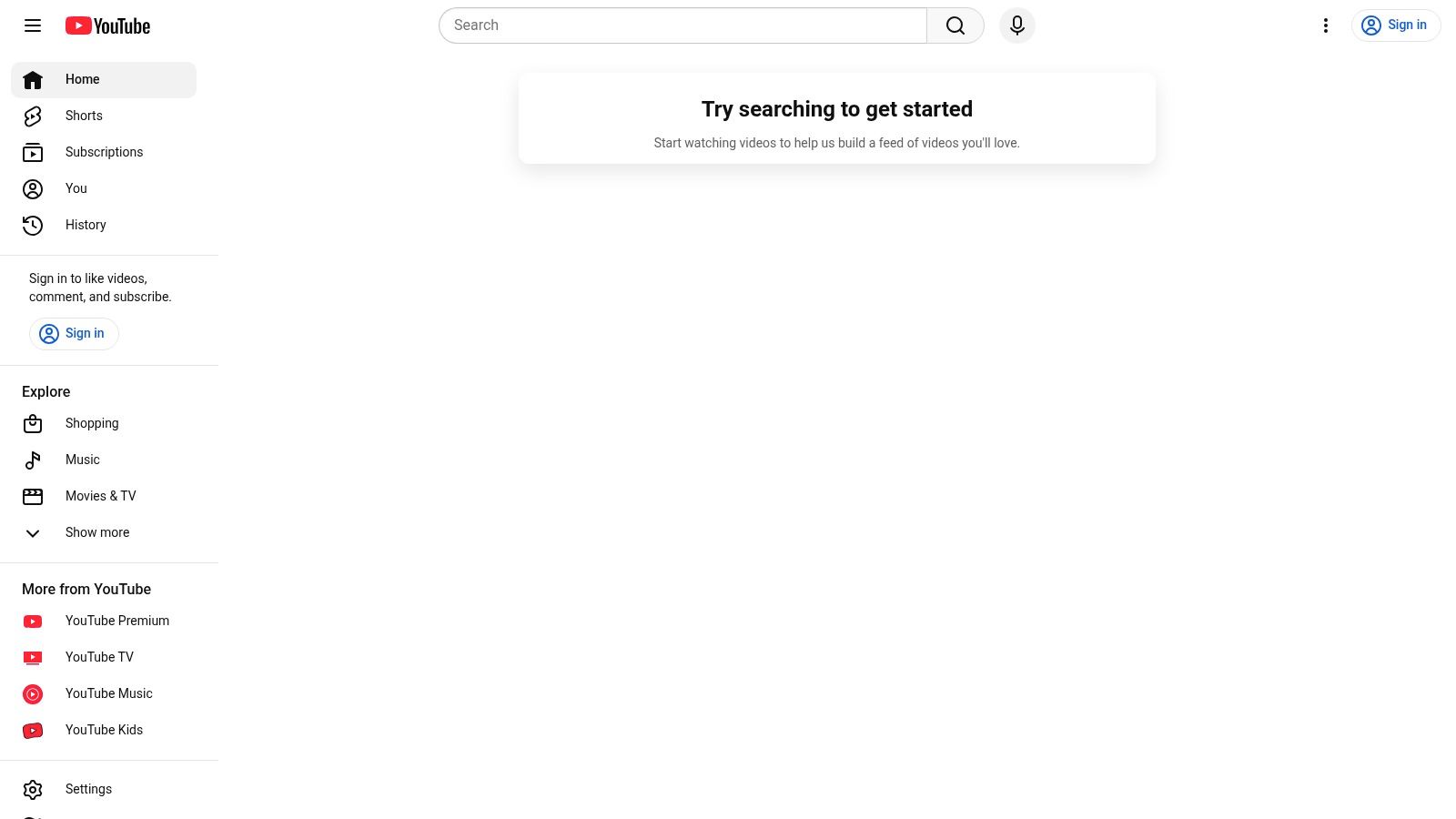
The primary advantage is its ubiquity and zero-cost accessibility. For content creators, YouTube Studio provides a direct way to download their own auto-generated or manually uploaded caption files (in formats like .srt). This functionality turns the platform into a de facto transcription service for their own content, which can then be repurposed for blog posts, show notes, or articles.
YouTube's transcript feature is ideal for students, researchers, and content creators who need a quick, no-fuss transcript of publicly available video content. It shines for extracting quotes or summarizing discussions. However, accuracy is not guaranteed, and the quality of the automated captions can vary significantly based on audio clarity, accents, and background noise.
Website: https://www.youtube.com/
| Product | Key features | Quality ★ | Price/value 💰 | Target 👥 | Standout ✨ |
|---|---|---|---|---|---|
| Lemonfox.ai 🏆 | STT + TTS API; 100+ langs; diarization; EU API; immediate data deletion | ★★★★☆ | 💰 <$0.17/hr STT; $5/mo (10M credits); 30h free trial | 👥 Developers & cost-sensitive businesses | 🏆 ✨ Combined low-cost STT/TTS; privacy-first; simple integration |
| OpenAI Whisper (GitHub) | Open-source ASR; 90+ langs; run locally | ★★★★☆ | 💰 Free model; compute costs only | 👥 Developers wanting on‑prem control | ✨ No vendor fees; full data control |
| whisper.cpp | C/C++ optimized port; CPU-friendly; CLI tools | ★★★★☆ | 💰 Free; low CPU runtime cost | 👥 Edge developers & hobbyists | ✨ Efficient on-device inference (Raspberry Pi, Apple Silicon) |
| Vosk (Alpha Cephei) | Offline lightweight models (~50MB); mobile/edge bindings | ★★★☆☆ | 💰 Free; small models reduce runtime cost | 👥 Embedded/mobile & offline apps | ✨ Very low footprint; easy edge deployment |
| Amazon Transcribe (AWS) | Managed cloud ASR; streaming/batch; custom vocab | ★★★★☆ | 💰 Free tier 60min/mo (12mo); pay-as-you-go | 👥 Enterprises on AWS | ✨ Deep AWS integration & scalability |
| Microsoft Azure Speech | SDKs, diarization, lang ID; Free (F0) tier | ★★★★☆ | 💰 Free F0 (5 hrs/mo); paid tiers for scale | 👥 Azure customers & enterprises | ✨ Enterprise security, tooling & integrations |
| IBM Watson Speech to Text | Diarization; 38+ models; tuning & enterprise options | ★★★★☆ | 💰 Lite plan free minutes; paid for high capacity | 👥 Contact centers & enterprises | ✨ Ongoing Lite minutes; enterprise deployment options |
| Deepgram | Modern models (Nova/Flux/Whisper Cloud); streaming; diarization | ★★★★★ | 💰 $200 dev credits; pay-per-minute after | 👥 Developers & enterprises prototyping | ✨ Multiple high-performance models; high concurrency |
| Descript | Text-based timeline editor; filler removal; audio cleanup | ★★★★☆ | 💰 Free plan (60 media min/mo); paid for pro features | 👥 Creators & non‑engineers | ✨ All-in-one editing + transcription workflow |
| Otter.ai | Real-time meeting STT; speaker ID; conferencing integrations | ★★★★☆ | 💰 Basic free plan with monthly caps | 👥 Meeting attendees & teams | ✨ Zoom/Meet integrations; live meeting summaries |
| Notta.ai | Meeting & file transcription; speaker ID; AI summaries & translation | ★★★☆☆ | 💰 Free 120 min/mo | 👥 Individuals & light users | ✨ Monthly-renewing free minutes; Chrome extension |
| YouTube (Auto-captions) | Auto-generated captions; transcript viewer for public videos | ★★☆☆☆ | 💰 Free | 👥 Viewers & content consumers | ✨ Free quick transcripts for public content |
Navigating the world of free transcription audio tools reveals a vibrant and diverse ecosystem, offering a solution for nearly every initial need. As we've explored, your journey begins with a crucial choice: control versus convenience. The path you select will depend entirely on your project's specific demands, technical capabilities, and long-term vision.
For developers and organizations prioritizing data privacy, customizability, and zero ongoing costs, self-hosted models are the definitive choice.
For those seeking the power of enterprise-grade models without the infrastructure overhead, cloud provider free tiers are a fantastic starting point.
Finally, for users who need a seamless, feature-rich experience for direct application, SaaS platforms are unparalleled.
The common thread among all free solutions is a built-in ceiling. Whether it's a hard limit on minutes, a cap on concurrent requests, a restriction on file size, or the sheer operational cost of scaling your own hardware, every "free" path eventually leads to a growth barrier. When your application gains traction, your data volume increases, or your need for reliability becomes mission-critical, these limitations transform from minor inconveniences into major roadblocks.
This is the critical inflection point where transitioning to a dedicated, production-ready API is not just an option but a necessity. The goal is to find a service that preserves the affordability you started with while delivering the performance, reliability, and scale you now require. This is precisely the gap that a purpose-built, cost-effective API is designed to fill.
To make the right choice, start by clearly defining your project's lifecycle.
The journey from a simple script using a free transcription audio tool to a robust, scalable service is a natural evolution. By leveraging free resources to start and strategically transitioning to a cost-effective API when the time is right, you can build powerful, voice-enabled applications sustainably and successfully.
Ready to bridge the gap between free limitations and scalable power? With its massive 30-hour free trial, production-grade accuracy, and market-leading low cost, Lemonfox.ai is the perfect next step for developers and businesses ready to grow. Experience enterprise-level performance without the enterprise price tag by starting your free trial today at Lemonfox.ai.