
First month for free!
Get started
Published 1/3/2026
In a world saturated with audio content-from podcasts and interviews to team meetings and lectures-the need to convert spoken words into searchable, editable text has never been more critical. Whether you're a developer building the next great app, a journalist on a deadline, or a student trying to capture every detail from a lecture, finding a reliable and cost-effective solution for transcribing audio is key. The good news is that the market for free transcription audio to text has exploded, offering a diverse range of options from powerful developer APIs with generous free tiers to completely free, self-hosted open-source models.
However, navigating this landscape can be overwhelming. What are the hidden limits of 'free'? How do you balance cost, accuracy, privacy, and ease of use? This comprehensive guide cuts through the noise. We'll explore 12 of the best free and freemium transcription tools available today, breaking down their strengths, weaknesses, and ideal use cases with direct links and screenshots for each. We'll cover everything from enterprise-grade APIs offered by tech giants and innovative new players like Lemonfox.ai, to self-hosted solutions like OpenAI's Whisper that give you complete control. When exploring the landscape of AI-powered transcription services beyond the specific tools highlighted, you may also encounter providers such as auralumeai.
This resource is designed to be your definitive roadmap. By the end, you'll have a clear understanding of which tool best fits your project, budget, and technical comfort level, empowering you to turn your audio into valuable text without breaking the bank.
Lemonfox.ai emerges as a powerful, developer-centric solution that redefines the balance between cost, accuracy, and features. While not perpetually free, its one-month free trial is exceptionally generous, offering 30 hours of transcription or 2 million characters of text-to-speech, making it an ideal platform to handle substantial initial projects or thoroughly evaluate its capabilities at no cost. This trial provides more than enough runway for developers and small businesses to integrate and test a production-grade free transcription audio to text workflow.
The platform’s core strength lies in its use of Whisper large-v3, ensuring industry-leading accuracy across more than 100 languages. Unlike basic services, Lemonfox.ai includes advanced features like speaker diarization (recognizing who spoke when) and low-latency processing, which are critical for applications like meeting transcriptions, podcast analysis, or interactive voice systems. Its simple API and clear documentation facilitate rapid integration into any project.
What truly sets Lemonfox.ai apart is its commitment to affordability without compromise. After the trial, its pricing model is one of the most competitive available, with transcription costs falling below $0.17 per hour. This makes it a sustainable choice for startups and teams scaling their applications.
Lemonfox.ai strikes an exceptional balance, offering enterprise-grade features within a framework that is both accessible and affordable, starting with a robust free trial that delivers immediate, tangible value.
Visit Lemonfox.ai
Google Cloud Speech-to-Text offers a developer-focused, API-driven solution for high-accuracy audio transcription. While primarily an enterprise-grade paid service, its free tier provides a valuable entry point for developers and small-scale projects. Users get up to 60 minutes of free transcription audio to text processing per month, which applies to its standard (V1) models. This is ideal for testing, building proof-of-concept applications, or handling occasional, low-volume transcription needs without any upfront cost.
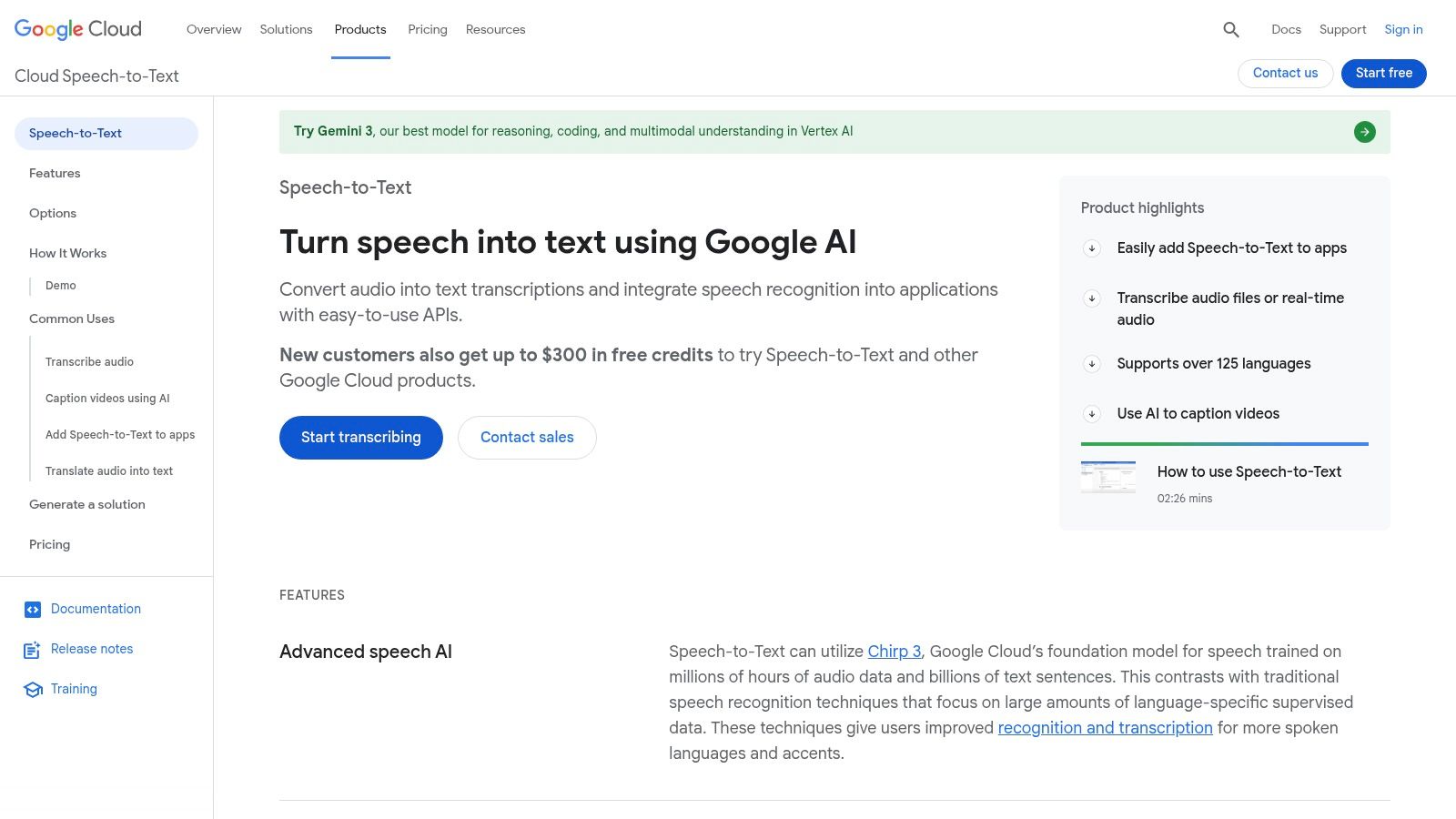
The platform stands out for its extensive model selection tailored to specific audio types, such as phone_call, video, and even specialized medical vocabularies. This ensures higher accuracy than generic models when you know your audio source. The robust documentation, client libraries for various programming languages (like Python, Java, and Go), and integration with the broader Google Cloud Platform ecosystem make it a scalable and powerful option.
Getting started requires setting up a Google Cloud project and enabling the API, which can be a bit more involved than a simple web uploader. However, this setup unlocks professional-grade tools.
Pros:
Cons:
Website: https://cloud.google.com/speech-to-text
Microsoft’s Azure AI Speech service is another powerful, developer-centric platform that competes directly with Google Cloud. It provides a generous "Always Free" tier, making it an excellent choice for pilot projects, developers learning the ropes, or those with consistent, low-volume needs. This free plan includes 5 audio hours of free transcription audio to text processing per month using its standard models, as well as access to custom model transcription, which is a significant value-add for specialized use cases.
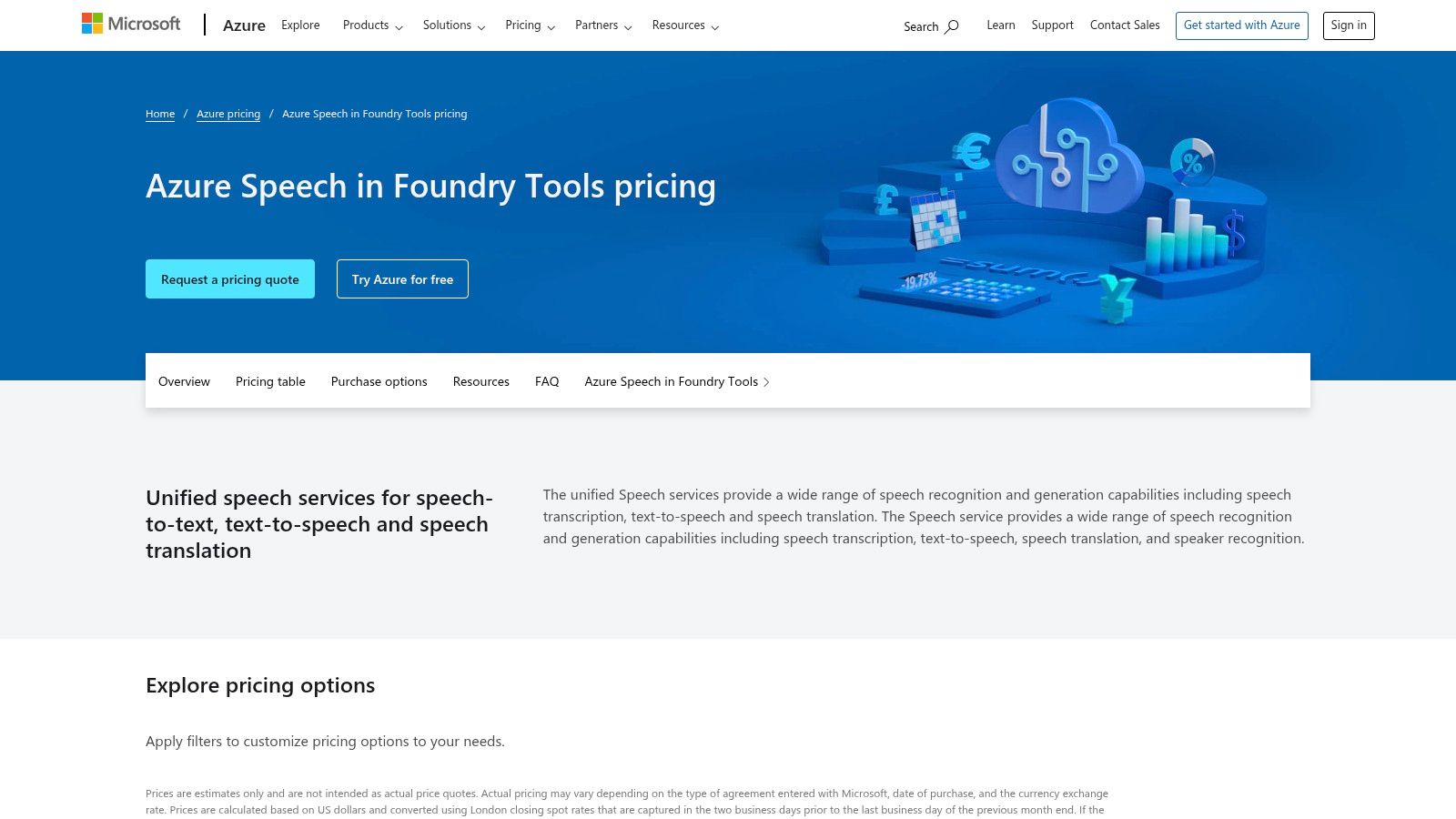
The platform is deeply integrated into the Microsoft ecosystem, offering robust SDKs for languages like .NET, Python, and Java. It supports both real-time streaming and batch processing of audio files. A key differentiator for Azure is its emphasis on enterprise-grade governance, offering specific compliance certifications and regional data residency options, which can be critical for organizations with strict data handling requirements. This makes it a scalable and secure choice for businesses building applications on the Microsoft stack.
Like other cloud API providers, getting started involves setting up an Azure account and creating a Speech service resource to obtain API keys. While this requires more effort than a simple web uploader, it unlocks a suite of professional tools designed for serious development.
Pros:
Cons:
Website: https://azure.microsoft.com/pricing/details/cognitive-services/speech-services/
Amazon Transcribe, part of Amazon Web Services (AWS), is a powerful, API-driven service for converting speech to text. While primarily a commercial tool, its AWS Free Tier offers a significant on-ramp for developers and businesses. New AWS customers receive 60 minutes of free transcription audio to text processing per month for the first 12 months. This is perfect for testing the service, building prototypes, or handling initial low-volume transcription tasks within the AWS ecosystem.
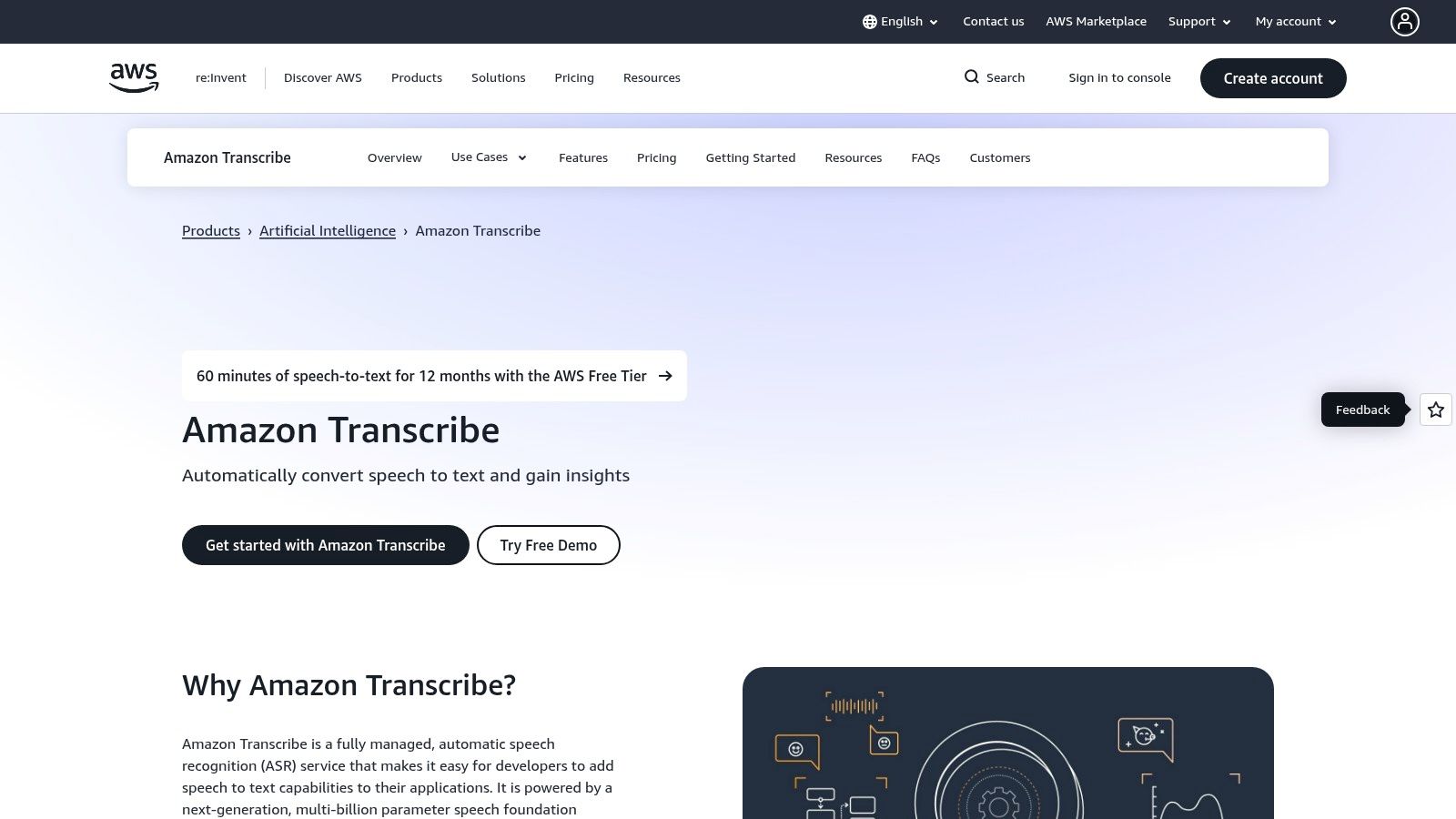
The service excels in its deep integration with other AWS products, allowing for seamless workflows. For example, you can automatically trigger a transcription job when a new audio file is uploaded to an S3 bucket. Amazon Transcribe supports both real-time streaming and batch processing of pre-recorded audio files. It also includes advanced features like speaker diarization (identifying who spoke when), custom vocabulary creation, and PII (Personally Identifiable Information) redaction, making it a robust choice for professional applications.
Similar to Google Cloud, setting up Amazon Transcribe requires an AWS account and some configuration, which is more involved than a simple web app. However, this unlocks access to a comprehensive suite of cloud tools designed for scalability and professional use.
Pros:
Cons:
Website: https://aws.amazon.com/transcribe/
Deepgram is another developer-first platform that provides a powerful speech-to-text API, distinguishing itself with a focus on speed, transparent pricing, and a generous free starting credit. New users on its Pay-As-You-Go plan receive $200 in free credits, which can be used to explore all its features without requiring a credit card upfront. This substantial trial makes it an excellent option for prototyping applications or handling a significant volume of initial free transcription audio to text tasks before committing to a paid plan.
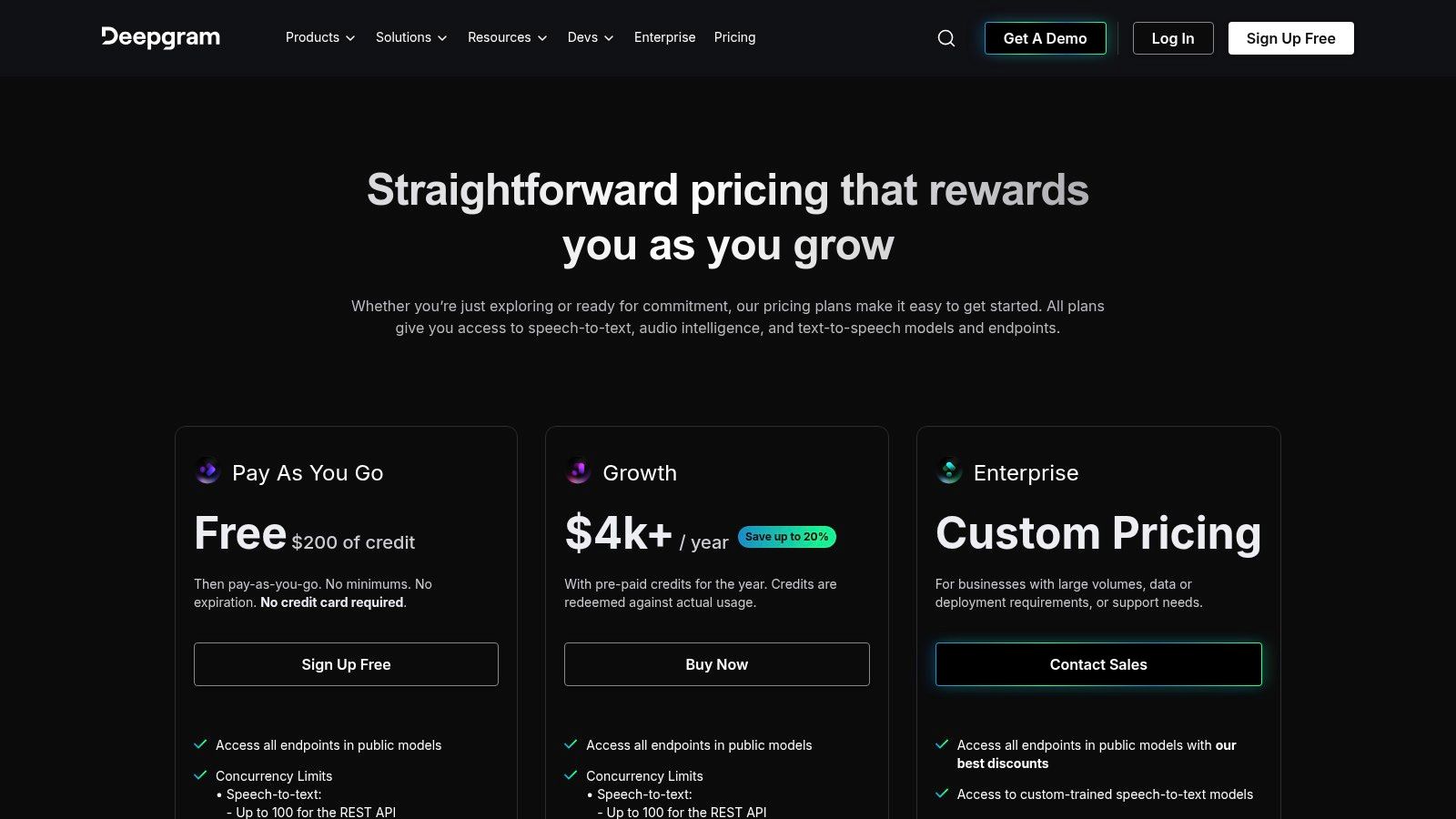
The platform is known for its high-performance models like Nova-2, which is designed for low latency in real-time streaming scenarios. This makes it ideal for applications like live captioning, voice bots, and real-time analytics. Deepgram's API is well-documented and supports features like diarization (speaker separation), language detection, and punctuation, providing a comprehensive toolkit for developers building sophisticated voice-enabled products. The clear, per-second billing model also simplifies cost estimation as projects scale.
Getting started involves signing up for an account and generating an API key, a standard process for developer-focused services. The initial credits offer a risk-free way to test its full capabilities, including its most advanced transcription models.
Pros:
Cons:
Website: https://deepgram.com/pricing
AssemblyAI is an API-first platform that provides powerful audio intelligence and transcription services for developers. While it is a commercial product, its highly generous free tier makes it an excellent choice for prototyping, testing, and even small-scale production use. New users receive a substantial credit allowance, often translating to hundreds of hours of free transcription audio to text processing, which is far more than what most competitors offer for initial testing.
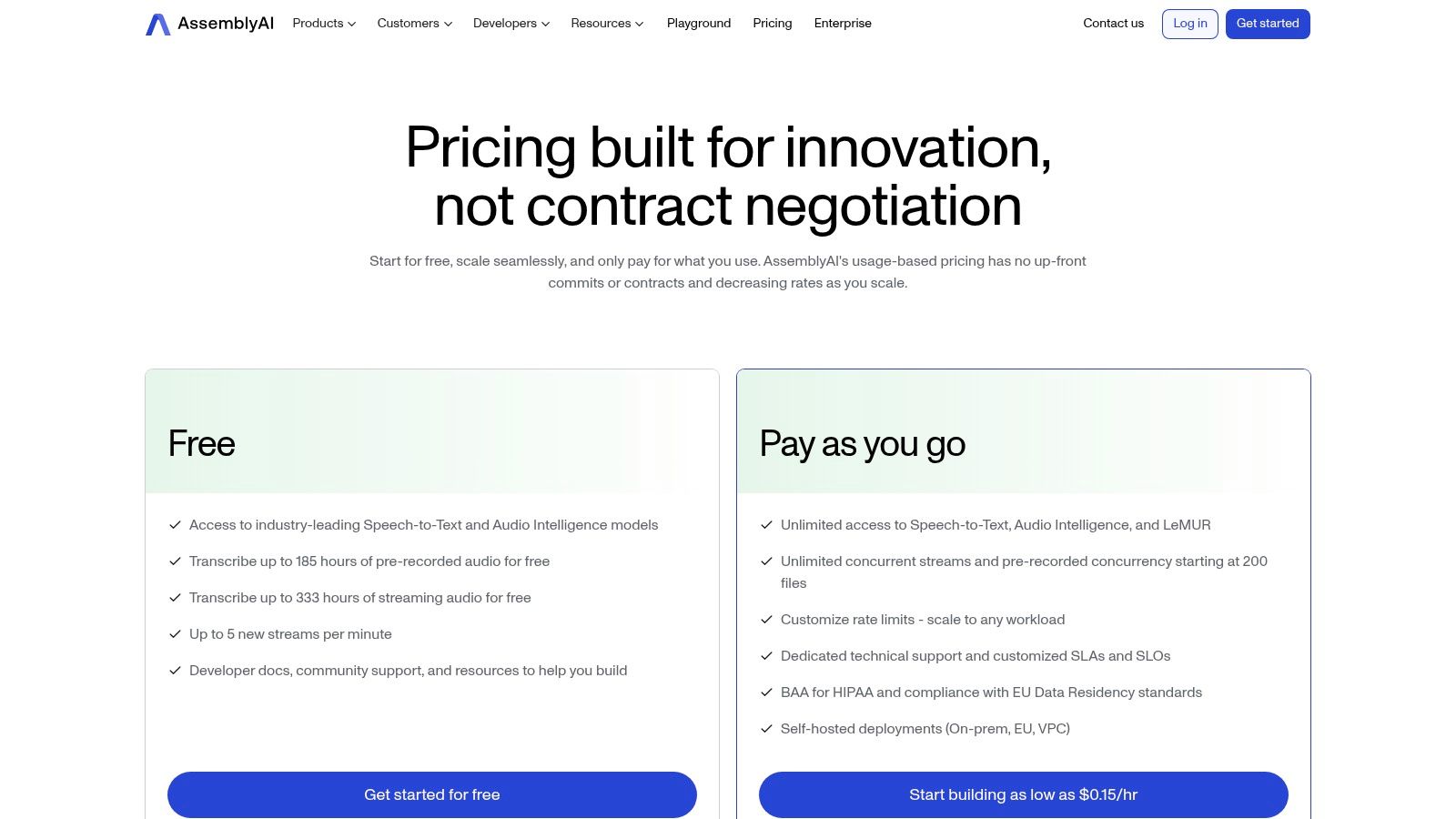
The platform’s strength lies in its comprehensive audio intelligence features that go beyond simple transcription. With a single API call, developers can access services like automatic summarization, topic detection, sentiment analysis, and content moderation. This makes AssemblyAI a one-stop shop for anyone building sophisticated applications that need to understand audio data deeply, not just convert it to text. The API is well-documented and supports both asynchronous and real-time streaming transcription.
Getting started involves signing up for an API key, which is a straightforward process. The free credits are applied automatically, allowing you to immediately start building without providing a credit card.
Pros:
Cons:
Website: https://www.assemblyai.com/pricing/
IBM's Watson Speech to Text, now integrated into the watsonx platform, provides a robust, enterprise-grade transcription service with a generous always-free plan. This Lite plan offers users 500 minutes of free transcription audio to text processing every month, making it an excellent choice for developers, small businesses, and researchers with consistent, low-volume needs. Unlike free trials that expire, IBM’s offering is a persistent free tier, allowing for ongoing use in small-scale applications or extensive testing before committing to a paid plan.
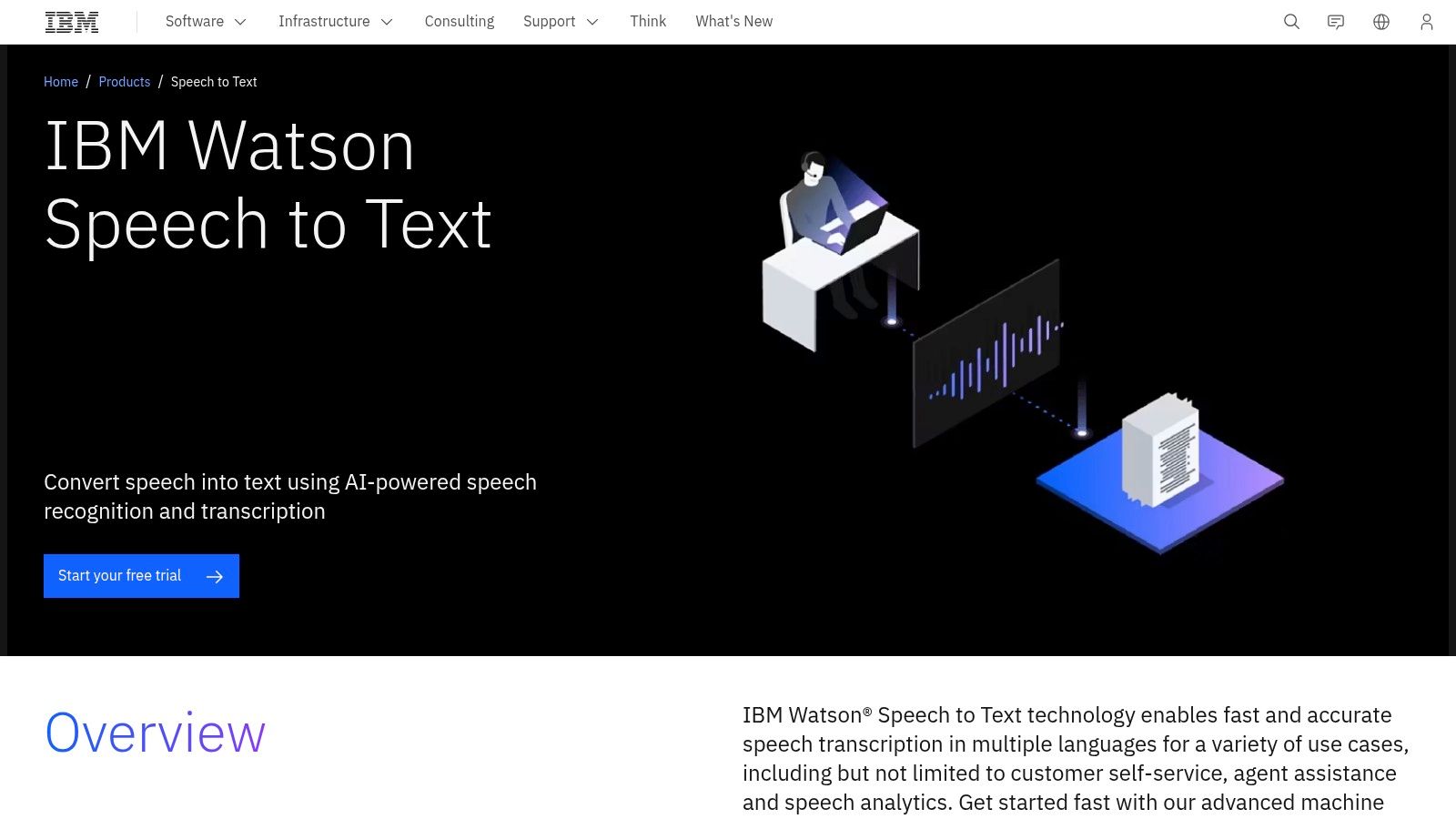
The platform supports a wide array of languages and dialects with over 38 pre-trained models. It also includes advanced features like speaker diarization (identifying who spoke when) and the ability to receive interim results for real-time transcription applications. The service is API-driven and designed for integration into larger workflows, backed by IBM's reputation for security and enterprise support. The user interface and setup process are geared toward a technical audience, similar to other cloud provider offerings.
Getting started requires an IBM Cloud account, but once configured, the API access is straightforward for developers. The free tier provides substantial value for anyone needing a reliable, ongoing transcription solution without a budget.
Pros:
Cons:
Website: https://www.ibm.com/products/speech-to-text
For users prioritizing privacy, cost-effectiveness, and control, OpenAI Whisper is an exceptional open-source solution. Instead of a cloud service, Whisper is a powerful automatic speech recognition (ASR) model you can run on your own hardware. This approach eliminates per-minute fees entirely, making it a truly free transcription audio to text option where your only cost is the compute power you provide. It's an ideal choice for developers, researchers, and anyone handling sensitive audio who prefers to keep data in-house.
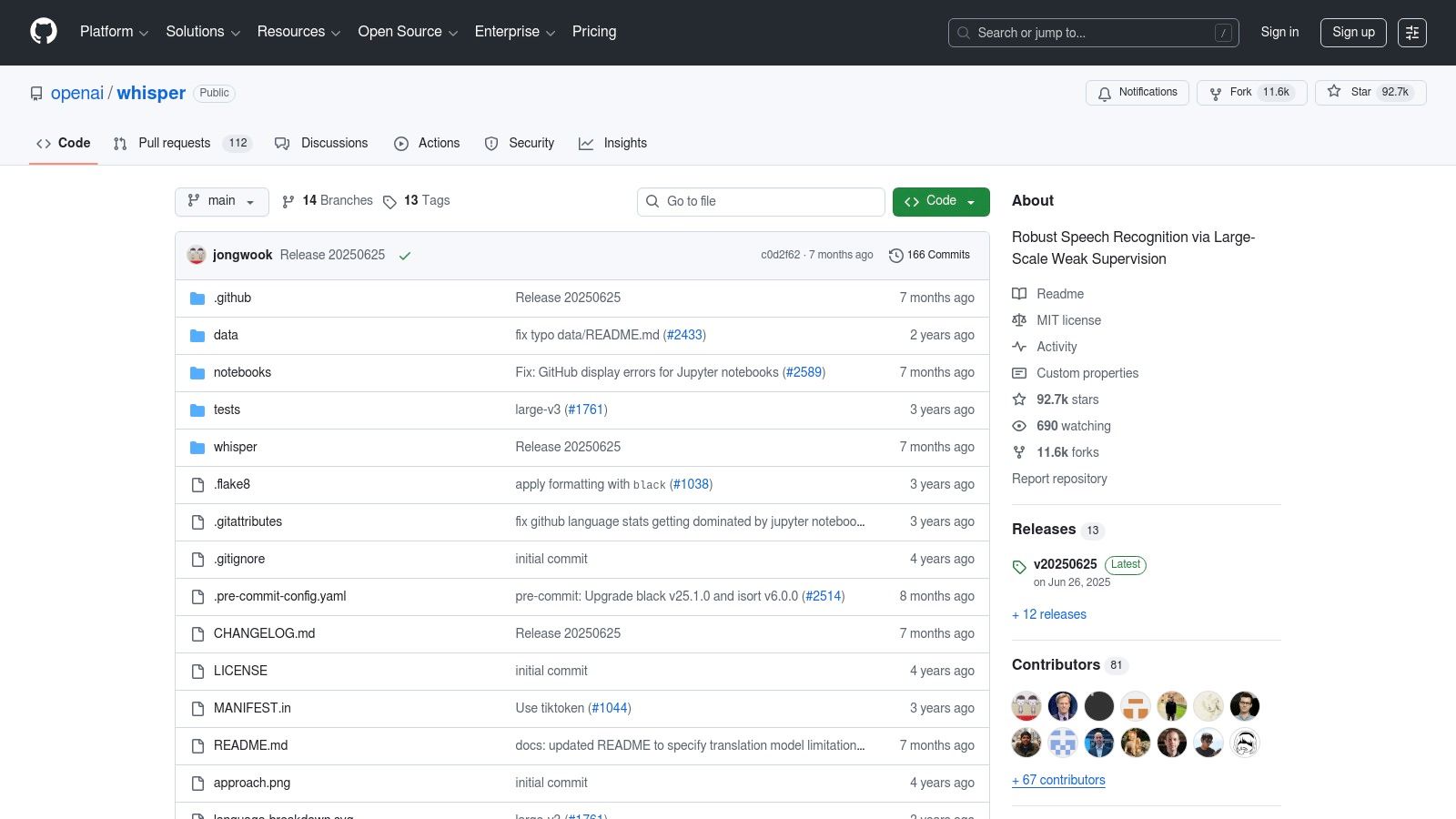
Whisper stands out for its remarkable multilingual performance and robustness against background noise. It offers a range of model sizes, from tiny for low-resource environments to large-v3 for near-human accuracy. This flexibility allows users to balance speed and precision based on their hardware capabilities and needs. The project is distributed under the permissive MIT license and includes a straightforward command-line interface (CLI) and a Python API for easy integration into custom applications.
Getting started requires some technical comfort with Python and the command line, and running the larger models efficiently often necessitates a modern GPU. However, the one-time setup grants unparalleled freedom from ongoing service costs.
Pros:
Cons:
Website: https://github.com/openai/whisper
Vosk is an open-source, offline speech recognition toolkit that prioritizes privacy and on-device processing. Unlike cloud-based APIs, Vosk runs entirely on your local machine, whether it's a server, a Raspberry Pi, or a mobile device. This makes it an exceptional choice for applications where data privacy is critical, internet connectivity is unreliable, or server costs must be eliminated. Its ability to provide completely free transcription audio to text locally sets it apart for developers building embedded systems or privacy-first applications.
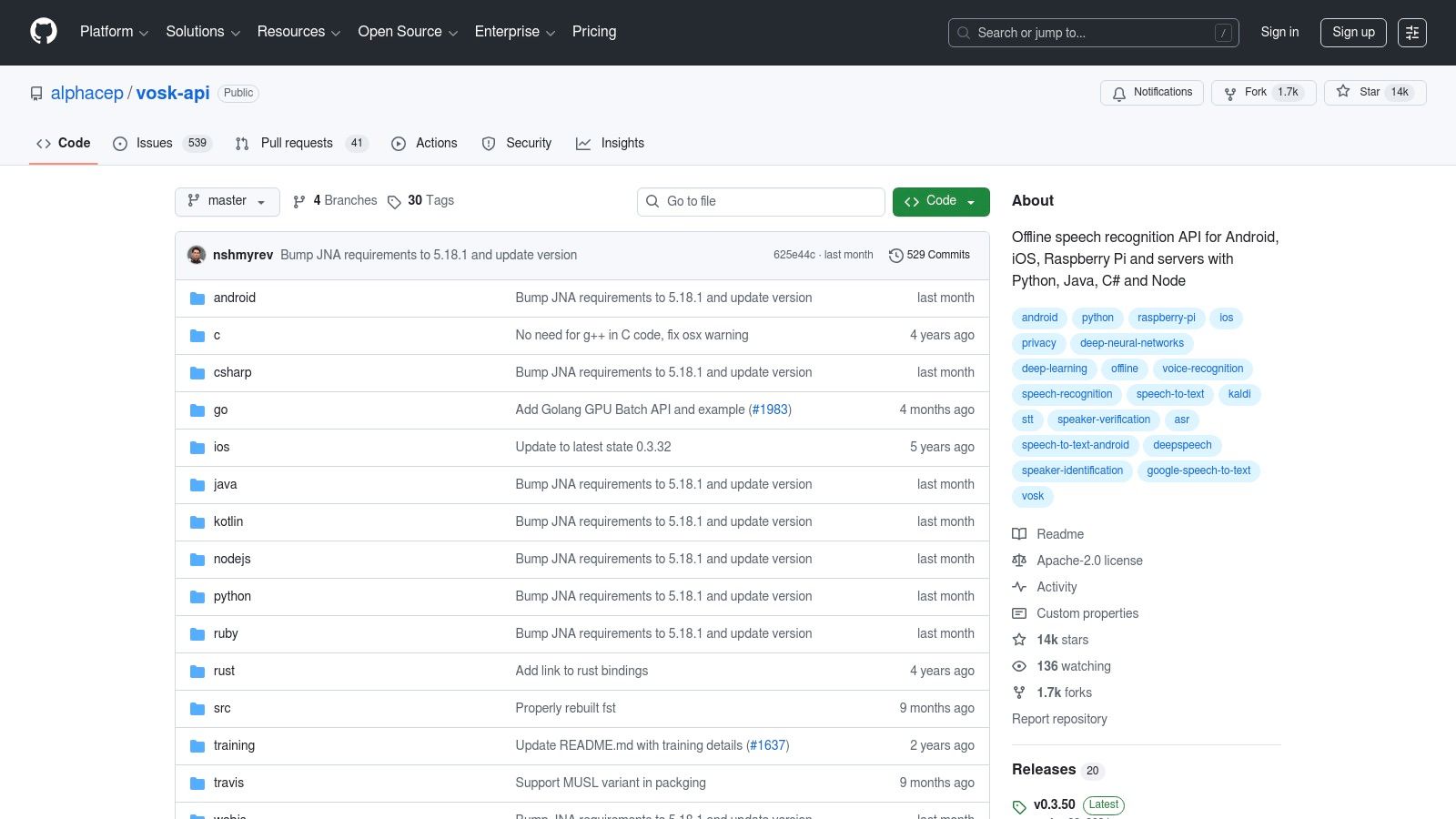
The platform is designed for developers, offering bindings for popular languages like Python, Java, and C#. It supports over 20 languages with small, lightweight models (starting from 50MB) that are optimized for low-resource environments. This efficiency allows for real-time streaming transcription on devices with limited processing power. The setup involves downloading language-specific models and integrating the library into your project, giving you full control over the transcription pipeline without external dependencies.
Getting started requires some development effort, including downloading the correct acoustic models and integrating the API into your code. However, this one-time setup grants you unlimited, cost-free transcription capabilities.
Pros:
Cons:
Website: https://github.com/alphacep/vosk-api
Otter.ai is a popular AI-powered meeting assistant designed for transcribing live conversations and audio files, with a strong focus on collaboration. Its perpetual free Basic plan offers a generous starting point for individuals and small teams, providing 300 minutes of transcription per month with a cap of 30 minutes per conversation. While primarily geared toward live meetings through its integrations, it's a solid option for anyone needing occasional free transcription audio to text for pre-recorded files.
The platform excels in its user-friendly interface, which makes it easy for non-developers to get started immediately. It automatically identifies speakers, generates summary keywords, and allows for real-time collaboration where users can highlight, comment, and add action items directly within the transcript. The seamless integration with Zoom, Google Meet, and Microsoft Teams automates the process of recording and transcribing meetings, making it an invaluable tool for productivity.
The free plan is an excellent entry point, but it's important to be aware of its specific constraints, especially regarding file imports.
Pros:
Cons:
Website: https://otter.ai
Descript is a comprehensive, all-in-one audio and video editor where transcription is the core of the editing process. Its free plan offers a great entry point for creators who need more than just a text file. Users receive 1 hour of free transcription audio to text processing per month, which is directly integrated into its innovative text-based editor. This unique approach allows you to edit audio or video by simply editing the transcribed text, making it incredibly intuitive for podcasters, YouTubers, and content creators.
The platform stands out by combining a highly accurate transcription engine with a full suite of editing tools. You can remove filler words like "um" and "uh" with a single click, create audiograms, add captions, and even use AI voice cloning (Overdub) on a trial basis. This integrated workflow saves a significant amount of time by eliminating the need to shuttle files between different applications for transcription, editing, and final production.
Descript’s free tier is designed to give you a taste of its powerful ecosystem, making it perfect for small-scale creative projects. While the 1-hour monthly limit is modest, the value comes from the suite of tools that accompany the transcription.
Pros:
Cons:
Website: https://www.descript.com
Lemonfox.ai is an API-first platform aimed at developers seeking a powerful, privacy-conscious, and cost-effective transcription solution. It stands out with an exceptionally generous first-month free trial, offering 10 million credits, which translates to roughly 30 hours of free transcription audio to text processing. This extensive trial allows developers to thoroughly test the API, build out integrations, and process significant initial batches without incurring costs, making it ideal for startups and new projects.
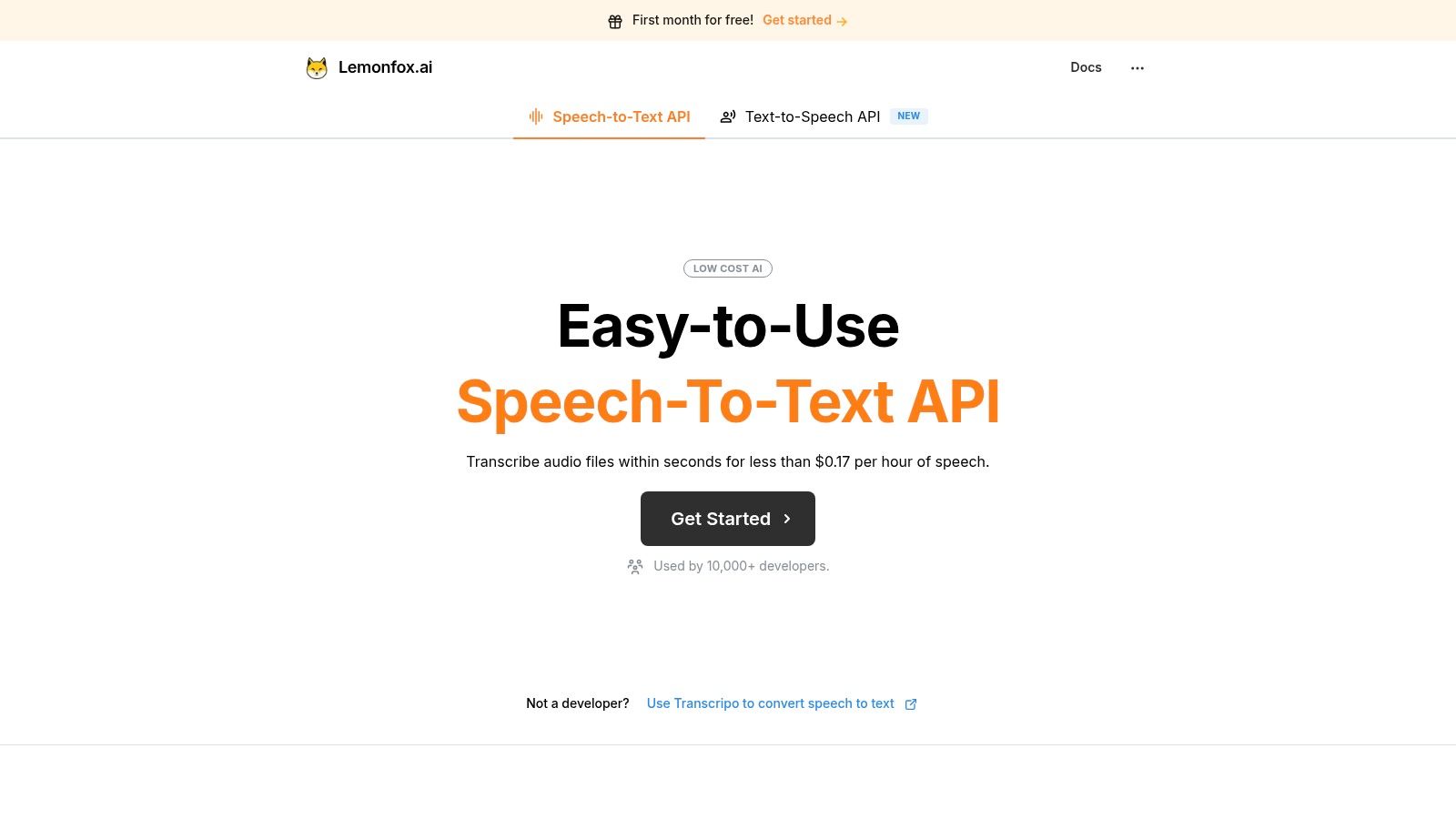
The service is built for easy adoption, featuring OpenAI-compatible endpoints that allow developers to switch from other providers with minimal code changes. Key features include support for over 100 languages, speaker recognition (diarization), and a strong commitment to privacy with EU-based processing options and an immediate data deletion policy after transcription. This makes Lemonfox.ai a compelling choice for teams handling sensitive data or operating under strict regulations like GDPR.
While the platform is developer-centric, its clear documentation and competitive pricing model make it accessible for a wide range of technical users. After the trial, costs are managed through a simple credit-based system.
Pros:
Cons:
Website: https://www.lemonfox.ai/
| Service | Core features | Quality (★) | Price/Value (💰) | Target audience (👥) | Unique selling points (✨/🏆) |
|---|---|---|---|---|---|
| Lemonfox.ai 🏆 | 100+ languages, Whisper large‑v3, diarization, low latency, EU API, immediate data deletion | ★★★★★ | 💰 < $0.17/hr; $5/mo starter; 30h free first month | 👥 Developers, startups, SMBs | ✨ Very low cost + privacy-first; 🏆 recommended |
| Google Cloud Speech-to-Text | Multiple STT models (phone/video/medical), per-sec billing, SDKs | ★★★★★ | 💰 Enterprise pricing; free minutes on some V1 SKUs | 👥 Enterprises, Google ecosystem | ✨ Scalable global regions, strong SLAs |
| Microsoft Azure AI Speech | Real-time & batch, diarization, language ID, SDKs | ★★★★☆ | 💰 Paid (varies by region); F0: 5h/mo free | 👥 Enterprises, Microsoft shops | ✨ Data residency & governance options |
| Amazon Transcribe | Real-time & batch, Call Analytics, PII redaction, channel separation | ★★★★☆ | 💰 Free 60m/mo for 12 months; then pay-as-you-go | 👥 AWS customers, contact centers | ✨ Deep AWS integrations (S3, Kinesis) |
| Deepgram | Low-latency streaming, per-second billing, multiple model tiers | ★★★★☆ | 💰 Pay-as-you-go; $200 free credits on PAYG | 👥 Low-latency streaming apps, devs | ✨ Transparent per-second pricing, strong real-time |
| AssemblyAI | Streaming & async STT, summarization, topic detection | ★★★★☆ | 💰 Generous free credit (~$50 / ~185h pre-recorded) | 👥 Devs & product teams needing audio intelligence | ✨ Built-in summarization & topic detection |
| IBM Watson Speech to Text (watsonx) | 38+ models, diarization, interim results, Lite plan | ★★★★☆ | 💰 Lite: 500 min/mo free; paid for scale | 👥 Enterprises needing support & deployments | ✨ Enterprise support & deployment options |
| OpenAI Whisper (open-source) | Multiple model sizes, translation, local CLI/Python API | ★★★★☆ | 💰 Free SW; compute costs only (self-host) | 👥 Privacy-conscious devs & self-hosters | ✨ Open-source, no per-minute fees |
| Vosk (open-source) | On-device STT, 20+ langs, mobile/edge bindings | ★★★☆☆ | 💰 Free; offline, zero server cost | 👥 Embedded/mobile/edge developers | ✨ Offline, low-resource, privacy-friendly |
| Otter.ai | Meeting transcription, Zoom/Meet/Teams integrations | ★★★★☆ | 💰 Basic free 300 min/mo | 👥 Non-developers, teams, meeting attendees | ✨ Live notes & meeting collaboration UX |
| Descript | Text-based audio/video editing + AI transcription | ★★★★☆ | 💰 Free 1 hr/month; paid tiers for creators | 👥 Creators, podcasters, video editors | ✨ Integrated editing, Overdub & collaboration tools |
Navigating the landscape of free transcription audio to text services can feel overwhelming, but as we've explored, the variety of available options means there's a perfect fit for nearly every project. The most critical step is moving from a general search for "free" to a specific evaluation of which tool’s free offering best aligns with your goals. The journey from spoken word to written text is no longer a costly or time-consuming barrier; it's a solved problem, accessible to everyone from individual creators to enterprise-level developers.
The key takeaway is that "free" comes in many forms, each with its own set of trade-offs. Your final decision should be a calculated balance between cost, accuracy, privacy, and ease of use.
To make a confident choice, consider your needs through this practical lens. Don't just pick the first option you see; instead, audit your requirements against what each platform truly offers for free.
Once you've selected your preferred tool, understanding how to effectively implement it is crucial for optimal performance. Small adjustments in your setup, such as specifying the audio language, using high-quality recording formats, or managing multi-speaker diarization, can dramatically improve accuracy. For developers working with APIs, properly configuring speech-to-text solutions is the difference between a functional prototype and a production-ready system.
The most important next step is to test, test, and test again. Use your own real-world audio files, not just pristine samples. Does the tool handle background noise well? Can it accurately transcribe industry-specific jargon? Is the API latency acceptable for your application? The answers to these questions, discovered during the free trial or testing phase, will validate your choice and prevent future headaches.
Ultimately, the power of free audio to text transcription lies in its ability to unlock the value hidden within your audio data. Whether you're building the next great app, creating compelling content, or simply making information more accessible, the right tool is out there. Start with the free options, understand their limits, and choose the one that empowers you to transform sound into structured, usable text.
Ready to build with a fast, accurate, and private transcription API? Lemonfox.ai offers an extensive free trial designed for developers to test and integrate a world-class speech-to-text solution. Experience top-tier accuracy and a simple, privacy-first API by starting your free trial at Lemonfox.ai today.