
First month for free!
Get started
Published 1/21/2026

Unwanted background noise can significantly degrade audio quality, making dialogue unintelligible and ruining recordings. Whether you're dealing with HVAC hum, street traffic, microphone hiss, or distracting reverb, finding the right software to reduce noise in audio is critical for achieving professional-level clarity. This is especially true when preparing audio for transcription, where clean source material directly impacts the accuracy of services like Lemonfox.ai. A noisy file can lead to significant errors, requiring time-consuming manual correction.
This comprehensive guide is designed to help you navigate the diverse landscape of noise reduction tools. We will evaluate a curated list of the industry's best solutions, from dedicated post-production suites and versatile digital audio workstations (DAWs) to specialized plugins and convenient cloud-based services. Our goal is to provide a practical resource that moves beyond generic feature lists, offering actionable insights for developers, podcasters, videographers, and businesses who need pristine audio.
Throughout this article, you will find:
Each entry includes direct links to the software, allowing you to explore and compare options efficiently. We've structured this list to be a definitive resource, enabling you to select the best software to reduce noise in audio for your unique workflow and budget, ensuring your final product is as clear and professional as possible.
iZotope's RX 11 is widely regarded as the industry benchmark for audio repair and is a go-to software to reduce noise in audio for professionals in post-production, music, and podcasting. Its power lies in a comprehensive suite of modules designed to tackle specific audio problems with surgical precision. Unlike simpler one-click tools, RX provides deep control, allowing users to visually edit audio in its standalone spectral editor to remove isolated noises like a cough or a chair squeak without affecting the surrounding dialogue.
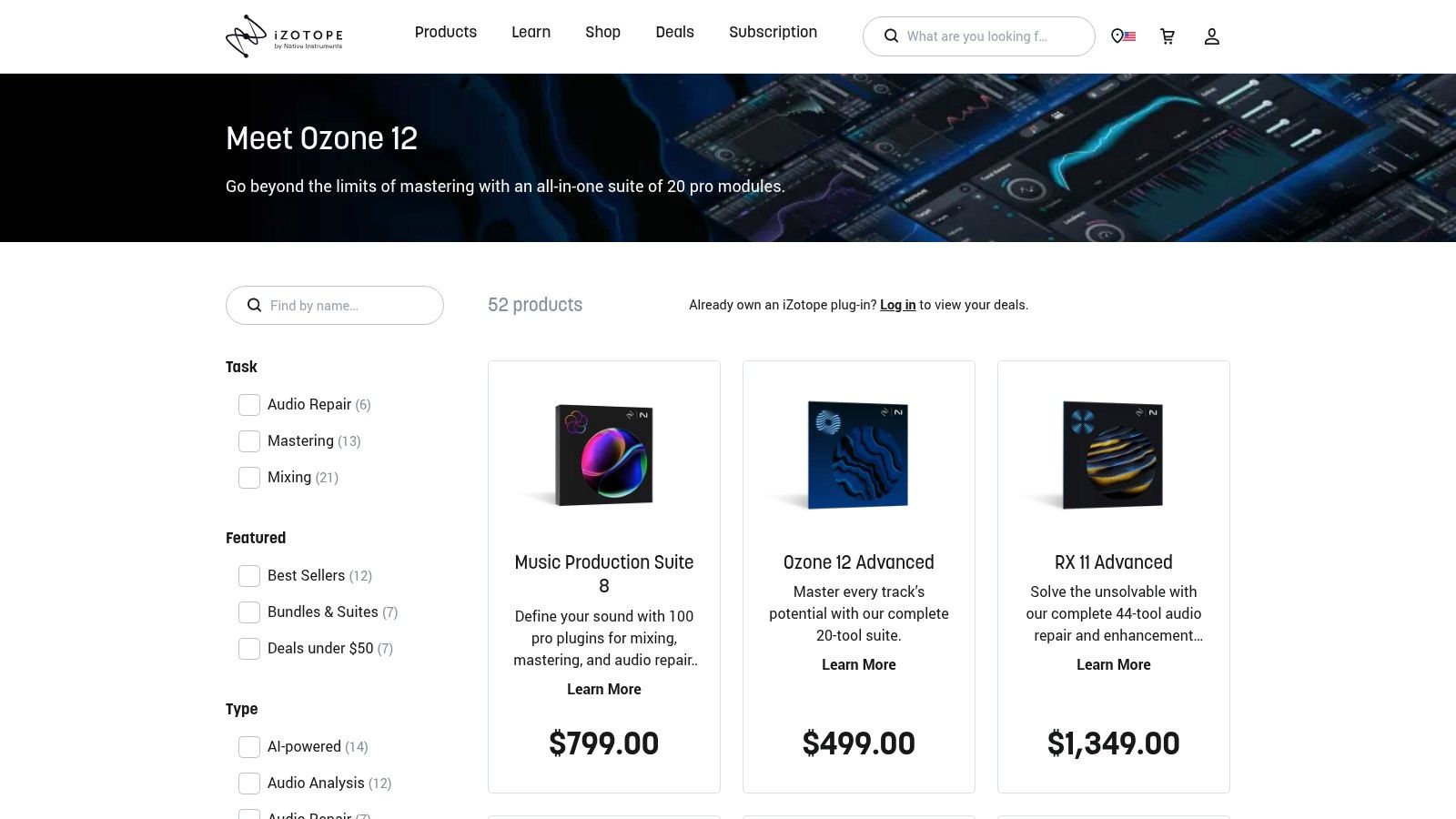
The suite is available in multiple editions, making it accessible for different needs and budgets. The "Elements" version offers essential tools like Voice De-noise and De-click, while the "Standard" and "Advanced" tiers add sophisticated modules like Dialogue Isolate for separating speech from complex background noise. For developers and businesses preparing audio for transcription with services like Lemonfox.ai, using RX’s De-hum or Spectral De-noise modules beforehand can significantly improve accuracy by delivering a cleaner source file. While the interface is professional and the learning curve can be steep for its advanced features, iZotope provides extensive tutorials to help users achieve the best results.
| Feature | Details |
|---|---|
| Best For | Post-production engineers, podcasters, and musicians needing precise, high-quality audio restoration. |
| Platform | macOS, Windows (Standalone Editor, AAX, AU, VST3 plug-ins) |
| Key Modules | Dialogue Isolate, Voice De-noise, De-reverb, Spectral Repair, De-hum. |
| Pricing | RX 11 Elements ($129), Standard ($399), Advanced ($1,199). Frequent sales and bundle deals are available. |
| Website | https://www.izotope.com/en/shop.html |
Adobe Audition is a complete digital audio workstation (DAW) that offers a powerful suite of tools for audio cleanup, making it a top-tier choice for podcasters, video editors, and audio engineers already invested in the Adobe ecosystem. While it functions as a full-featured editor, its noise reduction capabilities are particularly robust. The standout feature for many is the seamless "round-trip" integration with Adobe Premiere Pro, allowing video editors to send audio clips directly to Audition for advanced processing and back again without complex exporting.
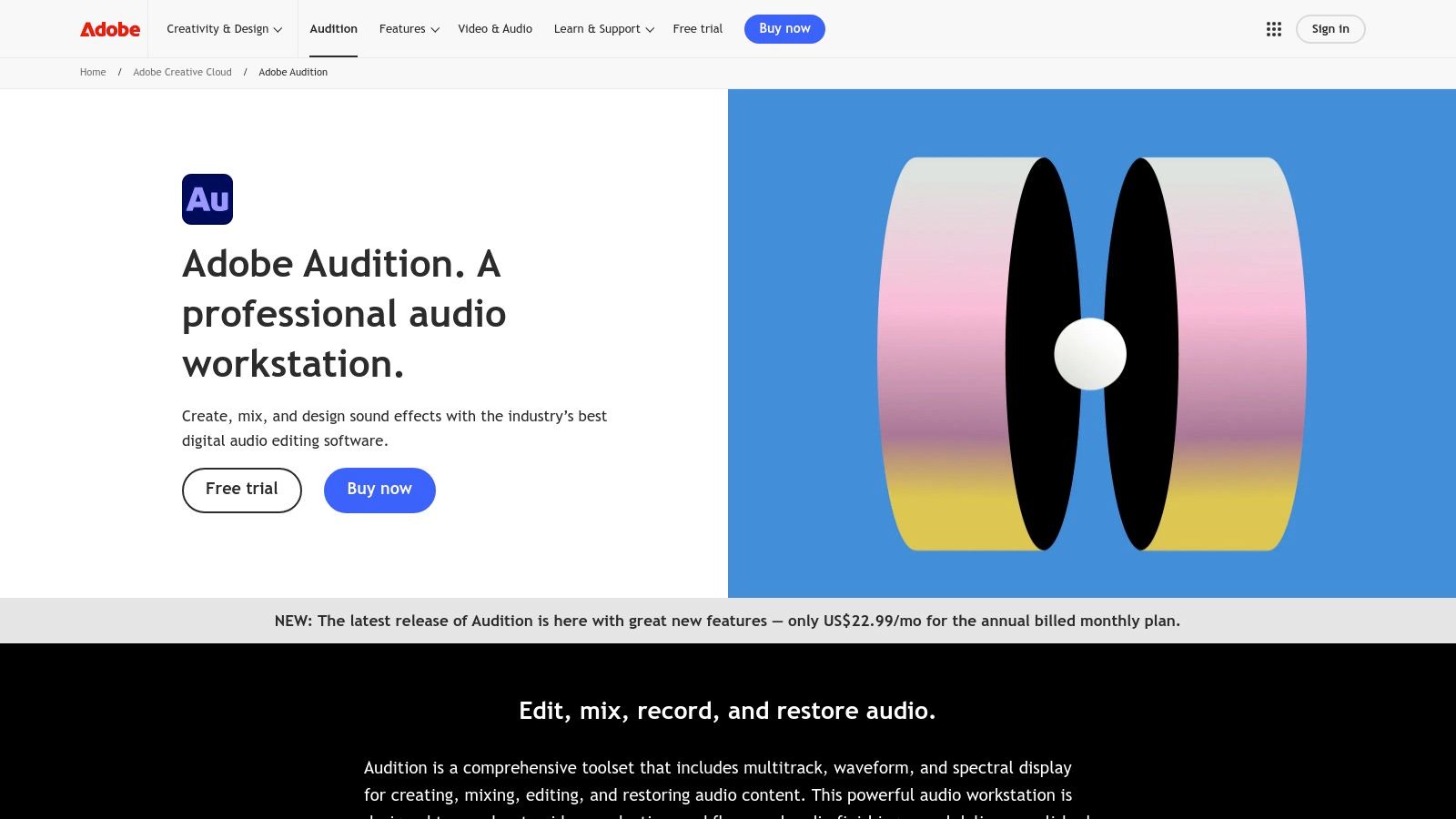
As an excellent software to reduce noise in audio, Audition includes tools like Adaptive Noise Reduction, which intelligently learns a noise profile from your audio, and the Sound Remover effect, which can paint out unwanted sounds from the spectral display. For businesses preparing audio archives for transcription with services like Lemonfox.ai, Audition’s batch processing is a significant time-saver, allowing you to apply consistent noise reduction settings across multiple files at once. The main drawback is its subscription-based model, which can be costly over time compared to a one-time purchase. However, for those using the Creative Cloud suite, it's an indispensable tool that offers both power and convenience.
| Feature | Details |
|---|---|
| Best For | Video editors, podcasters, and content creators working within the Adobe Creative Cloud ecosystem. |
| Platform | macOS, Windows (Standalone Application) |
| Key Modules | Adaptive Noise Reduction, Sound Remover, DeNoise, DeReverb, Spectral Frequency Display. |
| Pricing | Included with Adobe Creative Cloud All Apps plan (starting at $59.99/mo) or as a standalone app ($22.99/mo). |
| Website | https://www.adobe.com/products/audition.html |
Acon Digital’s Restoration Suite 2 strikes an impressive balance between affordability and professional-grade performance, making it a powerful software to reduce noise in audio for creators on a budget. This collection is not a single application but a bundle of four distinct plug-ins: DeNoise 2, DeHum 2, DeClick 2, and DeClip 2. Each plug-in is designed to target a specific problem with a clean, intuitive interface, allowing users to quickly dial in settings without getting lost in overly complex menus. It integrates seamlessly into any digital audio workstation (DAW) that supports VST, VST3, AU, or AAX formats.

The standout feature is its modern algorithm, particularly in the DeNoise 2 module, which can learn a noise profile from the audio and dynamically adjust its processing. This adaptive approach is highly effective for reducing consistent background noise like hiss or air conditioning hum. For businesses preparing audio for transcription services like Lemonfox.ai, using DeHum 2 to remove electrical interference and DeNoise 2 for ambient sound can dramatically clean up source files, leading to more accurate text output. While it lacks the all-in-one spectral editor of more expensive suites, its efficiency and excellent price-to-performance ratio make it a fantastic choice for podcasters, musicians, and video editors who need reliable, focused tools.
| Feature | Details |
|---|---|
| Best For | Podcasters, musicians, and content creators seeking an affordable, high-quality plug-in suite. |
| Platform | macOS, Windows (AAX, AU, VST, VST3 plug-ins) |
| Key Modules | DeNoise 2 (broadband noise), DeHum 2 (hum & buzz), DeClick 2 (clicks & crackle), DeClip 2 (clipping restoration). |
| Pricing | $99.90 for the complete suite. Individual plug-ins can also be purchased separately. |
| Website | https://acondigital.com/products/restoration-suite/ |
Waves Audio offers a diverse catalog of industry-standard plugins, making it a powerful resource for anyone seeking software to reduce noise in audio. Rather than a single suite, Waves provides specialized tools that range from incredibly simple to deeply complex. This approach allows users to pick the right tool for the job, whether it's the instant gratification of a one-knob solution or a more nuanced noise-shaping processor. Their plugins are a staple in music production and post-production studios worldwide.
The lineup includes modern AI-powered tools like Clarity Vx, which excels at isolating spoken dialogue from noisy environments with minimal artifacts, making it ideal for podcasters and video editors. For quick, general-purpose cleanup, the NS1 Noise Suppressor provides effective results with a single fader. More traditional tools like Z-Noise and the W43 offer greater control for tackling persistent hiss and broadband noise. For developers preparing audio datasets for transcription services like Lemonfox.ai, using Clarity Vx can be a game-changer, dramatically improving speech intelligibility and subsequent transcription accuracy by removing distracting background noise before processing. The biggest advantage of Waves is their frequent and aggressive sales, which often make these professional tools accessible for a fraction of their list price.
| Feature | Details |
|---|---|
| Best For | Podcasters, music producers, and video editors looking for both quick fixes and specialized tools. |
| Platform | macOS, Windows (AAX, AU, VST3 plug-ins) |
| Key Modules | Clarity Vx (AI Voice De-noise), NS1 Noise Suppressor (One-knob), Z-Noise (Broadband Noise), W43 (Classic Noise Reduction). |
| Pricing | Individual plug-ins typically range from $29 to $249, but are frequently on sale. Subscription bundles are also available. |
| Website | https://www.waves.com/ |
Boris FX’s CrumplePop is a suite of AI-powered audio tools designed for speed and simplicity, making it an excellent software to reduce noise in audio for video editors, YouTubers, and podcasters. Rather than offering a complex spectral editor, CrumplePop provides a series of targeted plug-ins and a standalone SoundApp, each designed to fix a specific problem with a single knob. This one-click approach allows creators to quickly eliminate common issues like background noise, echo, wind, traffic, and even mic rustle without a steep learning curve.

The strength of CrumplePop lies in its efficiency. Instead of navigating multiple parameters, a user can simply apply the "WindRemove" or "TrafficRemove" plug-in and adjust the strength. This streamlined workflow is ideal for content creators working on tight deadlines who need reliable results without deep audio engineering knowledge. For businesses preparing field recordings or interviews for transcription with services like Lemonfox.ai, using CrumplePop to preprocess the audio can remove distracting environmental sounds, leading to a much cleaner file and more accurate text output. While it lacks the surgical precision of more advanced tools, its effectiveness and ease of use make it a powerful asset.
| Feature | Details |
|---|---|
| Best For | Video editors, YouTubers, and podcasters who need fast, effective, and easy-to-use audio cleanup. |
| Platform | macOS, Windows (Standalone SoundApp, AAX, AU, VST3 plug-ins). |
| Key Modules | PopRemover, RustleRemover, WindRemover, TrafficRemover, ClipRemover, EchoRemover. |
| Pricing | Subscription options start at $22/month. Perpetual licenses for the complete suite are also available. |
| Website | https://borisfx.com/products/crumplepop/ |
Sonnox has built a sterling reputation in the professional audio world, and its Restore suite, featuring the Oxford DeNoiser, is a prime example of why. This software to reduce noise in audio operates as a set of high-precision plug-ins rather than a standalone editor, integrating directly into digital audio workstations. Its strength lies in its detailed, real-time approach to broadband noise reduction. Users can capture a noise profile from a section of audio and then apply finely-tuned reduction, ensuring that the essential character of the original sound remains intact while unwanted hiss and hum are transparently removed.
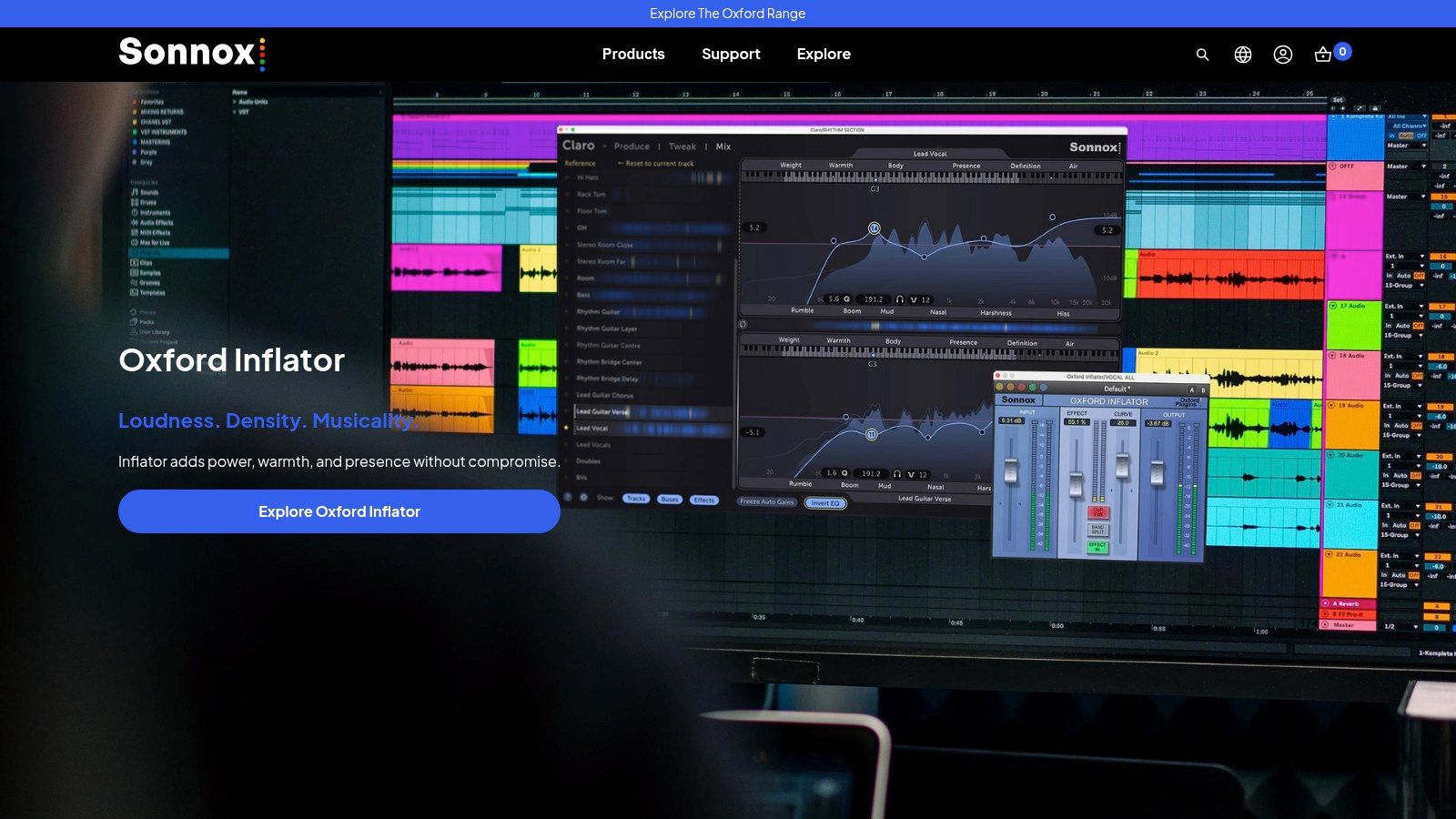
The Oxford DeNoiser offers deep control with separate DeHiss, Detect, and Remove sections, plus a "Warmth" control to reintroduce subtle harmonic content that might be lost during aggressive processing. This level of detail makes it a favorite in post-production and music mastering. For developers preparing audio datasets for transcription services like Lemonfox.ai, using Sonnox to clean recordings of consistent background noise can yield a significantly more accurate output. While the plug-ins are highly effective and stable, the reliance on an iLok for licensing and its professional pricing may be a hurdle for hobbyists or those with smaller-scale needs.
| Feature | Details |
|---|---|
| Best For | Audio engineers and post-production professionals who need transparent, real-time noise reduction in their DAW. |
| Platform | macOS, Windows (AAX, AU, VST plug-ins) |
| Key Modules | Oxford DeNoiser, DeBuzzer, DeClicker (available in the Sonnox Restore bundle). |
| Pricing | Sonnox Restore bundle is approximately $595. Individual plug-ins are also available. Requires iLok. |
| Website | https://www.sonnox.com/ |
Descript takes a unique, workflow-centric approach to audio editing, integrating powerful AI features into its all-in-one platform for creators. Its standout feature, "Studio Sound," is a one-click software to reduce noise in audio that works like magic for podcasters, YouTubers, and anyone creating spoken-word content. Instead of fiddling with complex modules, users simply toggle a switch, and Descript's AI processes the audio in the cloud to remove background noise, eliminate room echo, and enhance vocal frequencies, making it sound as if it were recorded in a professional studio.

The platform's true power lies in its text-based editing interface, where audio is automatically transcribed, and users can edit the recording by simply editing the text. This makes it incredibly intuitive and fast. Applying Studio Sound to a track before exporting it ensures the final audio is clean and clear. For teams preparing audio for high-accuracy transcription with services like Lemonfox.ai, Descript's streamlined process provides a fast and effective way to clean up recordings without requiring specialized audio engineering skills. While it's cloud-dependent and offers less granular control than dedicated tools, its simplicity and integration are unmatched for content creators.
| Feature | Details |
|---|---|
| Best For | Podcasters, video creators, and teams looking for an all-in-one, simple solution for recording and enhancement. |
| Platform | macOS, Windows (Cloud-based Desktop App) |
| Key Modules | Studio Sound (AI noise & echo removal), Overdub (AI voice cloning), Automatic Transcription. |
| Pricing | Free (1 hr transcription/mo), Creator ($12/mo), Pro ($24/mo), and Enterprise plans available. |
| Website | https://www.descript.com/studio-sound |
Adobe Podcast’s Enhance Speech is a remarkably simple yet powerful browser-based tool that leverages AI to offer one-click audio cleanup. Designed primarily for podcasters and content creators, this platform excels at transforming poorly recorded speech into studio-quality audio. As a web-based software to reduce noise in audio, it requires no installation, making it incredibly accessible. Users simply upload their audio file, and Adobe’s AI processes it to remove background noise, room echo, and reverb, while also equalizing the voice for professional clarity and presence.

The free tier is generous, making it a fantastic option for quick fixes or for those just starting out. For professionals who need more control and higher throughput, the Premium plan unlocks features like adjustable enhancement strength, bulk processing, and support for longer files. This makes it a practical tool for cleaning up interview recordings or remote meeting audio before feeding it into a transcription service like Lemonfox.ai. While it lacks the surgical control of a dedicated DAW plugin, its speed and effectiveness on dialogue are often all that’s needed to achieve a clear, professional result with minimal effort.
| Feature | Details |
|---|---|
| Best For | Podcasters, content creators, and professionals needing a fast, automated solution for cleaning up speech. |
| Platform | Web Browser |
| Key Modules | AI-powered Speech Enhancement (noise & echo removal), Mic Check, Browser-based recording studio. |
| Pricing | Free (up to 30 mins per file, 1 hour total per day). Premium included with Adobe Express ($9.99/mo). |
| Website | https://podcast.adobe.com/en/enhancespeech |
Auphonic is a unique cloud-based audio post-production service that automates the entire finishing process, making it a favorite among podcasters and content creators. It functions less like a hands-on editor and more like an intelligent "set it and forget it" tool. Users upload their audio, and Auphonic’s algorithms automatically perform complex tasks like loudness normalization to broadcast standards (LUFS), hum reduction, and intelligent leveling. Its AI-driven noise and reverb reduction are particularly effective at cleaning up common background issues in recordings made outside of a studio.
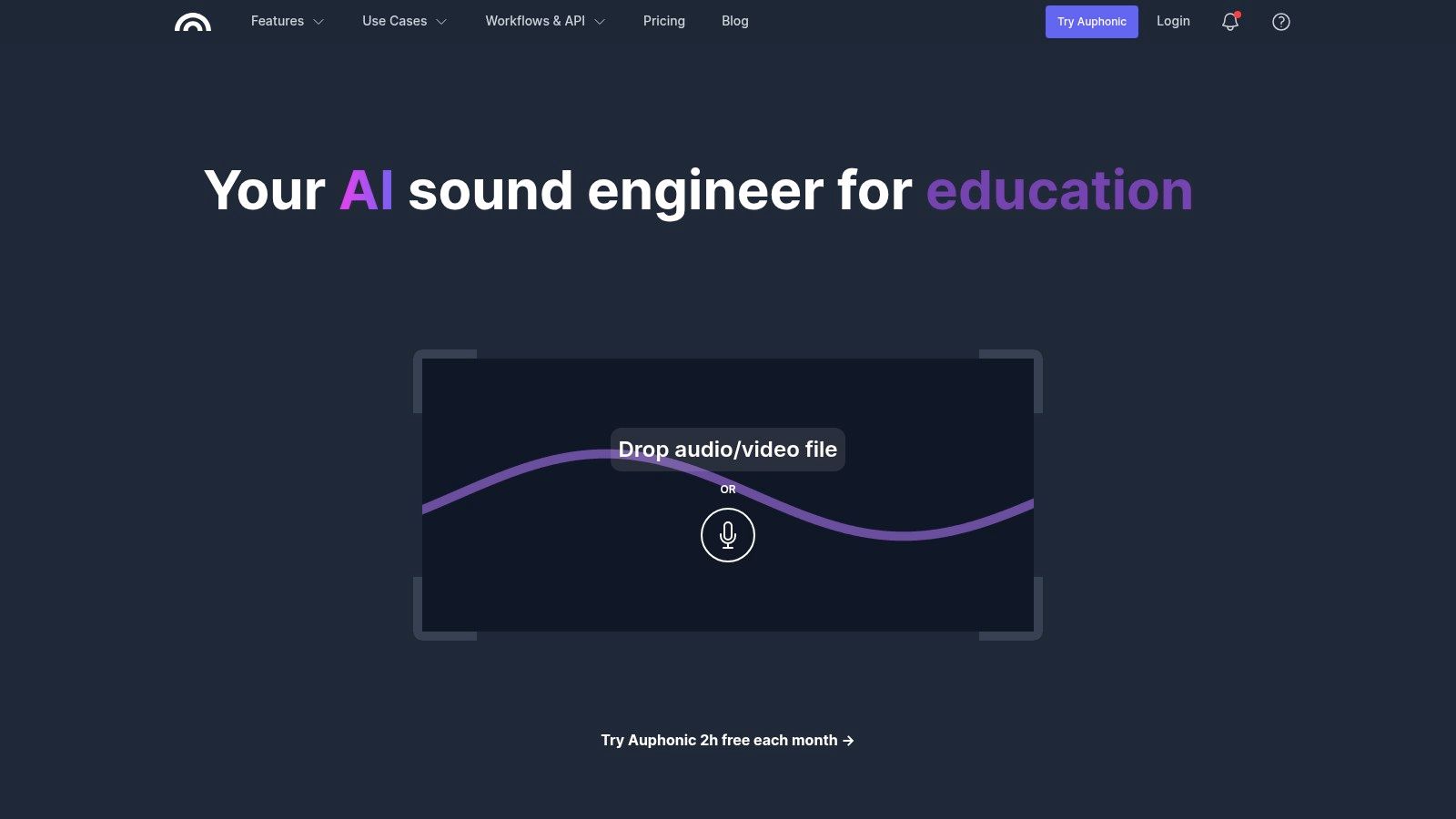
What sets Auphonic apart is its workflow automation. It can be configured to watch folders from services like Dropbox or connect to podcast hosts, automatically processing and publishing new files as they appear. This makes it an invaluable software to reduce noise in audio for those with high-volume production schedules. While it doesn't offer the granular control of a dedicated DAW or plugin, its consistency and time-saving benefits are undeniable. For developers using transcription services like Lemonfox.ai, Auphonic’s batch processing can preprocess entire datasets of audio, ensuring each file is clean and normalized for optimal accuracy.
| Feature | Details |
|---|---|
| Best For | Podcasters, screencasters, and content creators needing automated, consistent audio post-production. |
| Platform | Web-based (cloud processing). Desktop apps for macOS & Windows are available for batch uploading. |
| Key Modules | Adaptive Leveler, Loudness Normalization, AI Noise & Reverb Reduction, Cross Talk Removal. |
| Pricing | Free (up to 2 hours of audio per month). Paid plans start from $11/month for 9 hours of audio credits. |
| Website | https://auphonic.com/ |
Plugin Boutique isn't a single piece of software, but rather a massive online marketplace and retailer specializing in audio plugins. It serves as a one-stop shop for discovering, comparing, and purchasing software to reduce noise in audio from a wide variety of developers. Instead of navigating dozens of individual company websites, users can browse a curated "Noise Reduction" category that features tools from industry leaders like Waves, McDSP, Sonnox, and Acon Digital, often at a discount.
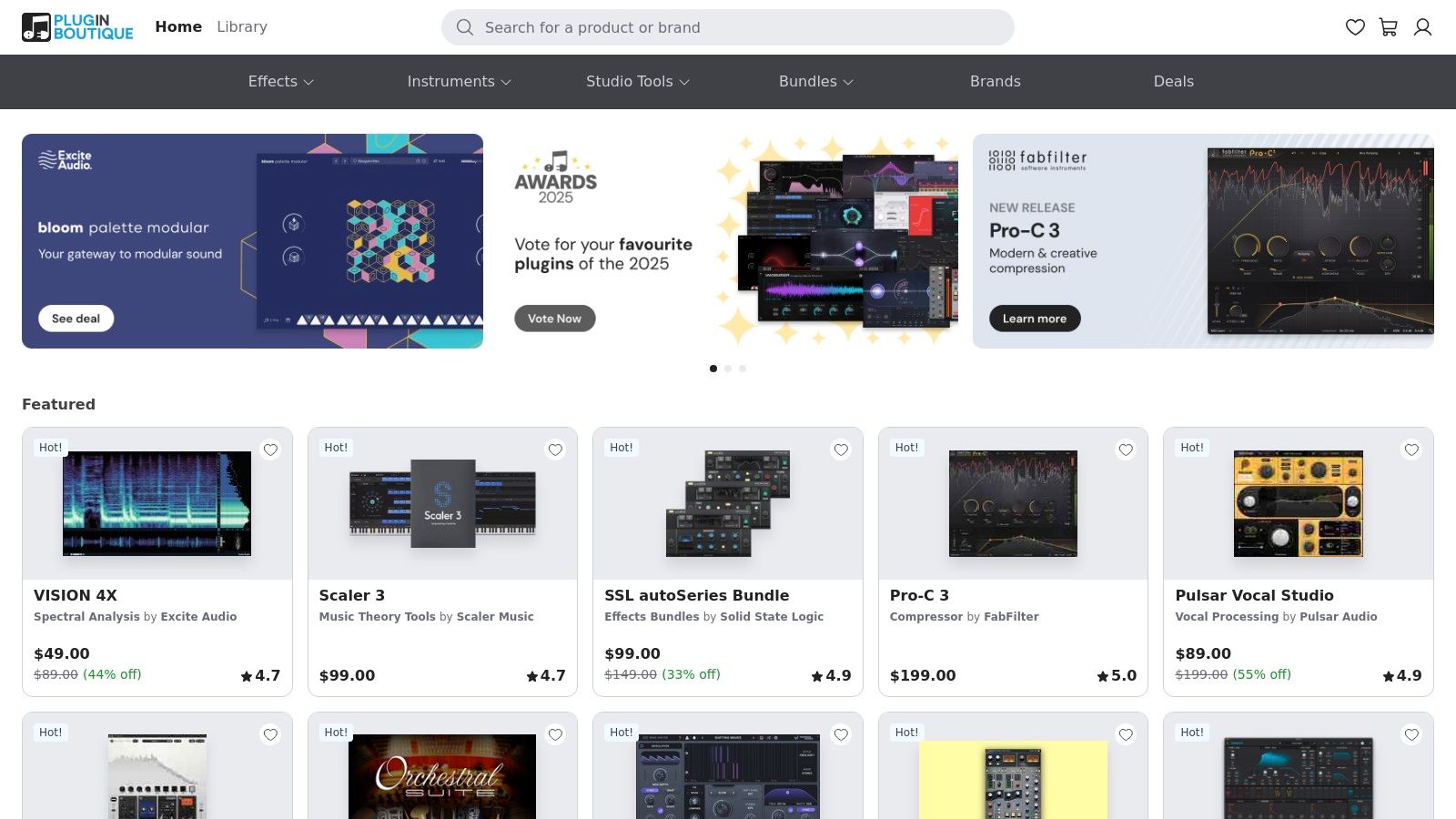
The primary advantage of Plugin Boutique is its competitive pricing and frequent sales, making professional-grade tools more accessible. Users can easily compare features and read reviews from other producers and engineers to find the right fit for their specific needs, whether that's simple background hiss removal or complex spectral repair. For those preparing audio for transcription, this platform is an excellent resource for finding cost-effective plugins to preprocess files. While support is ultimately handled by the individual plugin developers, Plugin Boutique provides a trusted, centralized system for license management and downloads, simplifying the acquisition process significantly.
| Feature | Details |
|---|---|
| Best For | Audio professionals and hobbyists looking to compare and purchase a wide range of noise reduction plugins, often at discounted prices. |
| Platform | Varies by plugin (macOS, Windows). The website acts as a universal storefront for multiple plugin formats (AAX, AU, VST, VST3). |
| Key Modules | Consolidates plugins from various brands, including popular options like Waves Clarity Vx, Acon Digital DeNoise, and McDSP NR800. |
| Pricing | Varies widely by product. The platform is known for its frequent sales, bundle deals, and a loyalty rewards program. |
| Website | https://www.pluginboutique.com/ |
While not a software developer itself, Sweetwater is a leading pro-audio retailer that serves as a crucial hub for purchasing a wide array of audio repair tools. Instead of offering a single solution, it provides a curated marketplace where users can find and compare various industry-standard plug-ins. This makes it an excellent resource for anyone looking to buy legitimate, authorized software to reduce noise in audio, with the added benefit of expert guidance from their highly-regarded sales engineers. For those unsure which tool best fits their workflow, Sweetwater's support can be invaluable.
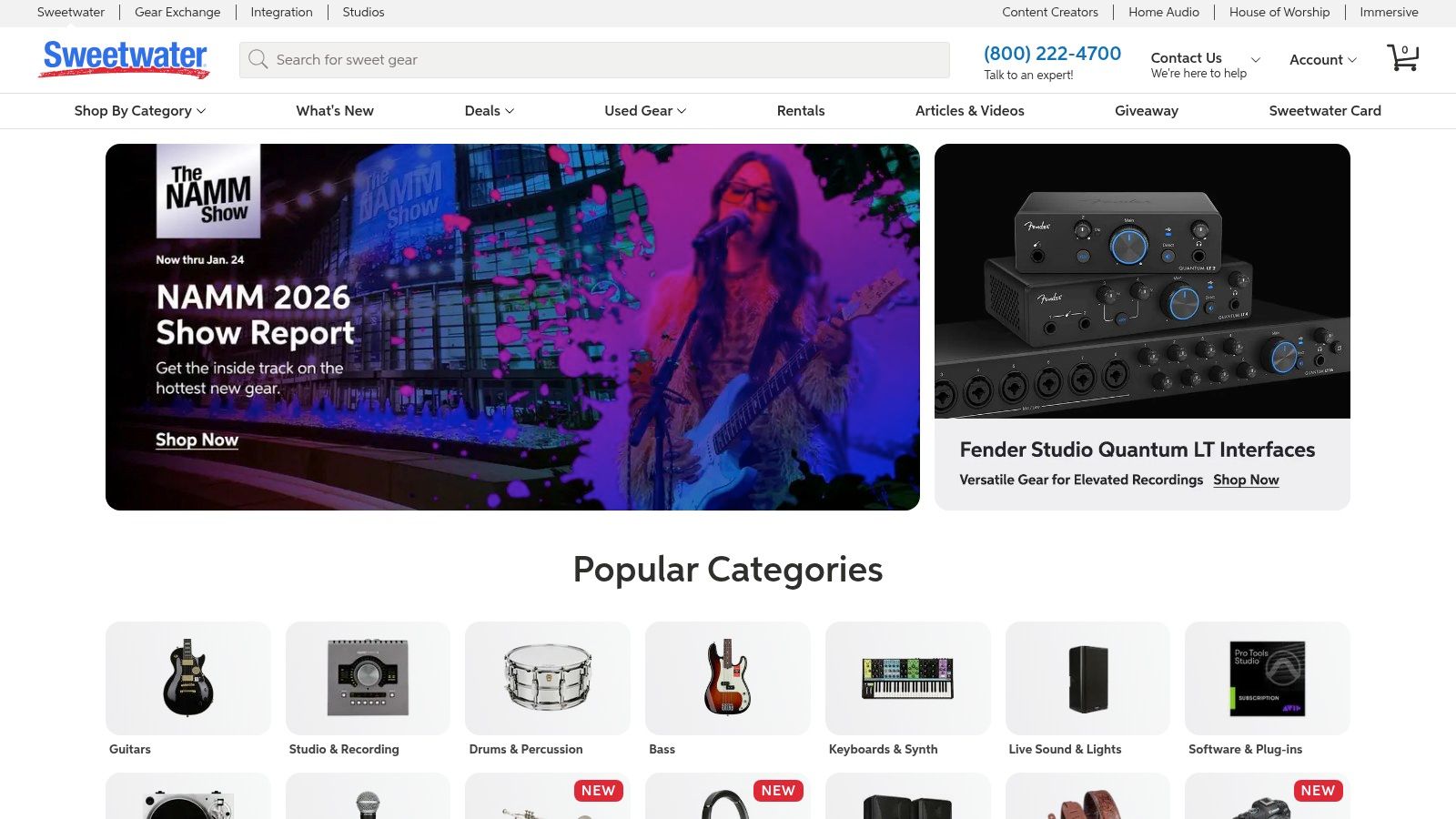
The platform features a dedicated 'Noise Reduction Plug-ins' category, showcasing products from top brands like Waves (Clarity Vx, NS1), iZotope (RX 11), and Universal Audio. This setup allows users to easily discover and purchase tools that can clean up audio before processing it through services like Lemonfox.ai, ensuring higher transcription accuracy. A key advantage of buying through Sweetwater is its reliable customer service, instant license delivery, and financing options on larger purchases, making professional-grade software more accessible. While you might find steeper discounts elsewhere during flash sales, the peace of mind and support offered here are significant benefits.
| Feature | Details |
|---|---|
| Best For | Audio professionals and hobbyists who want to purchase a variety of plug-ins from a single, trusted retailer with expert support. |
| Platform | A retail website selling software licenses for macOS and Windows (AAX, AU, VST, etc., depending on the product). |
| Key Modules | Sells popular noise reduction plug-ins like Waves Clarity Vx, iZotope RX, Sonnox De-Noise, and more. |
| Pricing | Varies by product. For example, Waves Clarity Vx is often listed at $249, but promotions are frequent. Financing is available. |
| Website | https://www.sweetwater.com/ |
Audacity is a cornerstone of the audio editing world, offering a powerful, free, and open-source software to reduce noise in audio that runs on Windows, macOS, and Linux. For decades, it has been the go-to choice for podcasters, musicians, and creators on a budget. Its strength lies in its straightforward and effective built-in tools for cleaning up common audio issues. Unlike fully automated cloud services, Audacity provides a hands-on approach where users can manually select a noise profile and apply reduction with adjustable parameters.
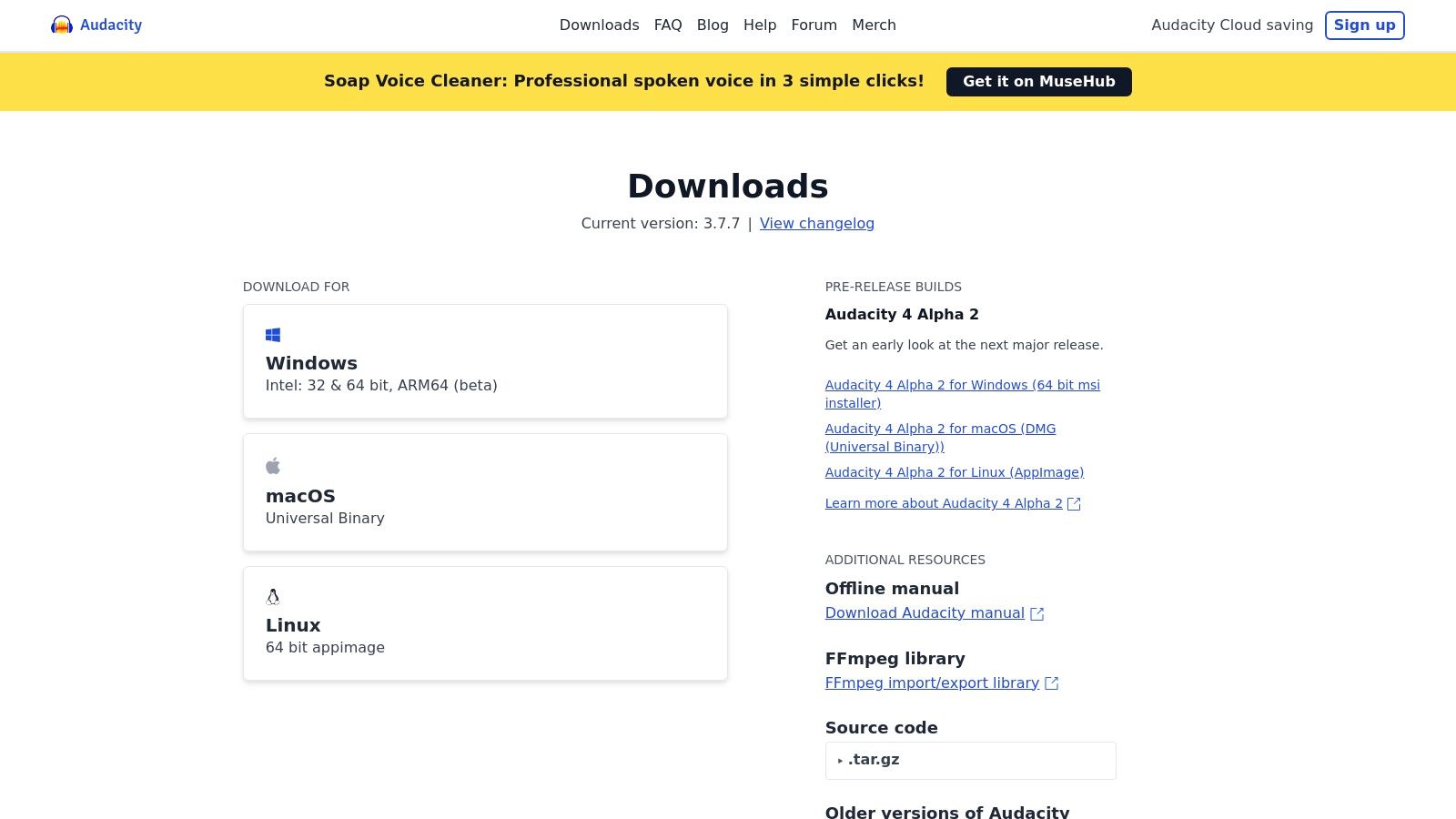
The primary tool, "Noise Reduction," is a two-step process: first, you capture a profile of the background hiss or hum, and then you apply the reduction to the entire track. This makes it highly effective for constant, steady-state noise. For developers preparing audio datasets for transcription with services like Lemonfox.ai, Audacity is an excellent free tool for pre-processing large batches of files to remove simple background noise, which can significantly improve transcription accuracy. While it lacks the sophisticated AI of paid alternatives, its manual control, extensive documentation, and massive community support make it an indispensable utility.
| Feature | Details |
|---|---|
| Best For | Podcasters, students, and developers needing a free, reliable tool for basic noise removal and audio editing. |
| Platform | macOS, Windows, Linux (Standalone Application) |
| Key Modules | Noise Reduction, Noise Gate, Notch Filter, Compressor, Equalization. |
| Pricing | Completely free and open-source. |
| Website | https://www.audacityteam.org/download |
| Product | Core Features ✨ | Quality ★ | Price/Value 💰 | Target Audience 👥 | USP 🏆 |
|---|---|---|---|---|---|
| iZotope – RX 11 | Dedicated restoration modules, spectral editor, Repair Assistant | ★★★★★ | 💰 $$$ (Elements→Advanced) | 👥 Film/music/post engineers | 🏆 Industry-standard, deepest toolset |
| Adobe Audition | DAW + adaptive noise, DeReverb, spectral editing, Premiere integration | ★★★★☆ | 💰 $$ (subscription) | 👥 Podcasters, post-pros in Adobe stack | 🏆 Tight Premiere Pro workflow |
| Acon Digital – Restoration Suite 2 | DeNoise/DeHum/DeClick/DeClip plugins, real-time UI | ★★★★☆ | 💰 $ (affordable) | 👥 Home studios, budget pros | 🏆 Excellent price-to-performance |
| Waves (Clarity Vx, NS1, Z-Noise) | AI voice isolation, one-knob denoise, wide plugin lineup | ★★★★☆ | 💰 $ (frequent deep sales) | 👥 Fast editors, producers | 🏆 Fast AI voice cleaning + discounts |
| Boris FX – CrumplePop | One-click AI cleanup, targeted models, plugins + SoundApp | ★★★★ | 💰 $$ (subs/perpetual) | 👥 Video editors, creators | 🏆 Super-simple cinema/podcast fixes |
| Sonnox – Oxford DeNoiser/Restore | Real-time denoise, noise-profile learning, mid/side control | ★★★★★ | 💰 $$–$$$ (iLok/licensing) | 👥 Pro engineers, studios | 🏆 Surgical, pro-grade restoration |
| Descript – Studio Sound | One-toggle AI cleanup, text-based editing, cloud processing | ★★★★☆ | 💰 $ (free tier + paid) | 👥 Creators, teams, podcasters | 🏆 All-in-one text-based workflow |
| Adobe Podcast – Enhance Speech | Browser one-click cleanup, premium strength/bulk options | ★★★★ | 💰 Free→Premium (daily caps) | 👥 Podcasters needing quick fixes | 🏆 Fast browser-based enhancement |
| Auphonic | AI noise/reverb reduction, loudness leveling, batch/watch-folder | ★★★★ | 💰 $$ (billed by duration) | 👥 Podcasters & publishers | 🏆 Automated bulk workflows & publishing |
| Plugin Boutique | Centralized plugin catalog, deals, demos and license delivery | ★★★★ | 💰 Variable (sale-driven) | 👥 Buyers comparing plugins | 🏆 Single place for deals & demos |
| Sweetwater | Curated noise-reduction category, phone support, financing | ★★★★ | 💰 $$ (retailer pricing) | 👥 Buyers wanting support/guidance | 🏆 Strong customer service & fulfillment |
| Audacity | Noise Reduction, Noise Gate, Notch Filter; open-source editor | ★★★ | 💰 Free | 👥 Hobbyists, budget users, transcription prep | 🏆 Free, cross-platform, community-backed |
Navigating the landscape of software to reduce noise in audio can feel overwhelming, but as we've explored, the modern toolkit offers a solution for nearly every scenario and budget. From industry-leading DAWs and dedicated plugin suites to innovative cloud-based services and reliable open-source options, the power to transform compromised audio into a clean, professional-sounding product is more accessible than ever before.
The key takeaway is that there is no single "best" tool, only the right tool for your specific job. Your final decision will hinge on a careful balance of factors unique to your workflow, technical expertise, and project requirements.
To distill the extensive information covered in this guide, consider these final decision-making criteria when selecting your software:
Remember that even the most advanced software to reduce noise in audio is a tool, not a magic wand. Its effectiveness is magnified by your understanding of fundamental audio principles. Always start with the best possible recording. Proper microphone technique, a quiet recording environment, and appropriate gain staging will do more for your audio quality than any post-production software ever could.
When you do turn to these tools, approach the process with a critical ear. The goal is not total silence, which often sounds unnatural and sterile, but rather reduction. Listen for artifacts, phasing, or a "watery" sound that can result from overly aggressive processing. Often, a subtle application is far more effective than pushing a dial to its maximum setting. Experiment, A/B test your results, and trust your ears to guide you toward a balanced and natural-sounding outcome. Ultimately, the synergy between a skilled operator and the right software is what produces truly exceptional audio.
Now that you know how to prepare crystal-clear audio, the next step is to unlock the valuable data within it. For developers and businesses seeking exceptionally accurate and affordable transcription, Lemonfox.ai leverages advanced AI to convert your clean audio into precise text. Integrate our powerful Speech-to-Text API to build a more robust, data-driven application. Discover the difference at Lemonfox.ai.