
First month for free!
Get started
Published 12/24/2025
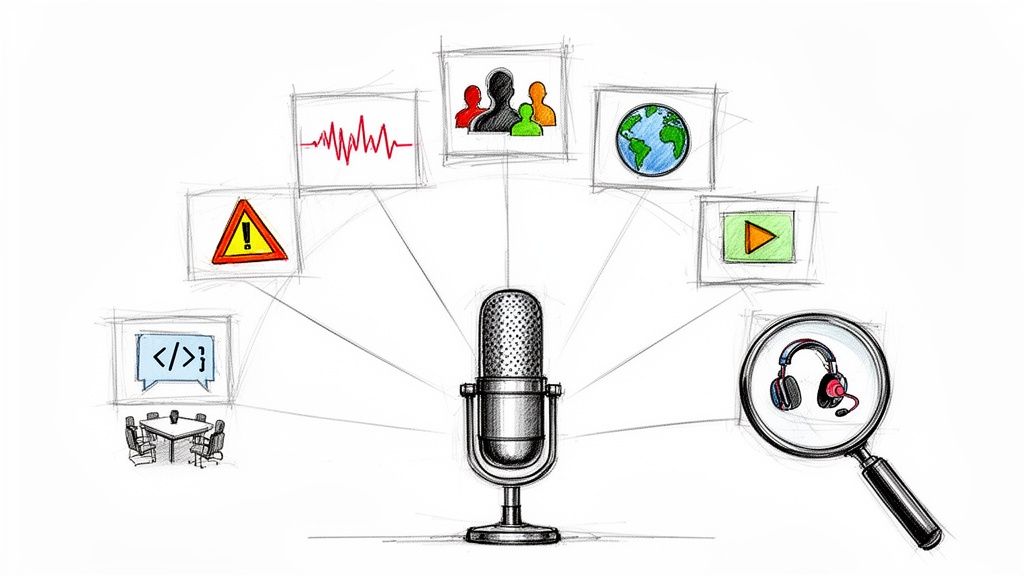
Speech recognition technology has evolved from a futuristic concept into a practical tool, powering everything from smart speakers to sophisticated business software. But understanding its real-world application goes beyond simple commands. How do you implement it effectively? What are the strategic benefits for specific tasks? This article cuts through the theory to provide ten powerful speech recognition example use cases, demonstrating how to turn audio data into actionable, structured text.
We will provide practical, annotated code snippets using the Lemonfox.ai API to illustrate core functionalities like simple transcription, speaker diarization, and multilingual processing. Each example is designed to give developers, product managers, and business leaders a clear roadmap for implementation. You'll see not just what is possible, but how to achieve it and why it matters for your bottom line. We will explore applications ranging from automated call center analysis to enhancing media accessibility with subtitles. For instance, the progress in this field is dramatically reshaping entire sectors. To begin, let's understand the broad impact and promise of voice technology in healthcare, which encompasses all forms of speech recognition. This list will equip you with the strategic insights needed to leverage voice technology efficiently and affordably.
Virtual assistants and smart speakers are perhaps the most widespread and recognizable speech recognition example in modern consumer technology. These devices, like Amazon's Alexa and Google Assistant, use sophisticated always-on, low-power speech recognition to listen for a specific "wake word." Once activated, they stream your spoken command to the cloud for advanced natural language processing to understand intent and execute a task.
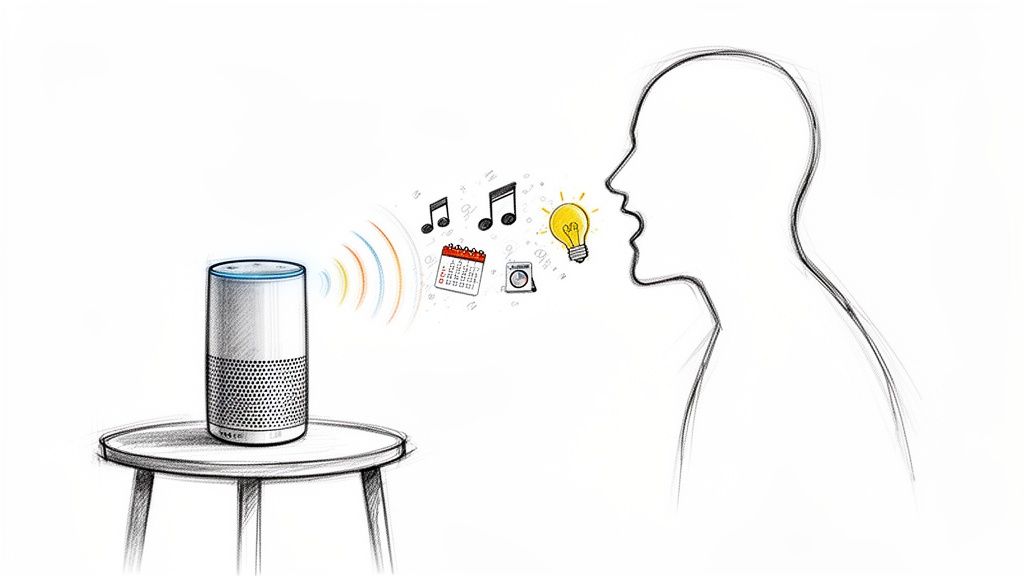
This technology integrates seamlessly into daily life, enabling hands-free control over smart home devices, accessing information, and managing personal schedules. The core innovation lies in its ability to filter out ambient noise and accurately transcribe natural, conversational language in real-time.
The success of virtual assistants hinges on low-latency, high-accuracy transcription that feels instantaneous to the user. This creates a frictionless experience.
In the healthcare sector, speech recognition is a transformative tool for converting physician dictations and patient consultations into accurate, written medical records. This application, exemplified by platforms like Nuance Dragon Medical One and Amazon HealthScribe, significantly reduces the administrative burden on clinicians, allowing them to focus more on patient care. It works by transcribing spoken notes into Electronic Health Records (EHRs) in real-time, creating structured and searchable data.
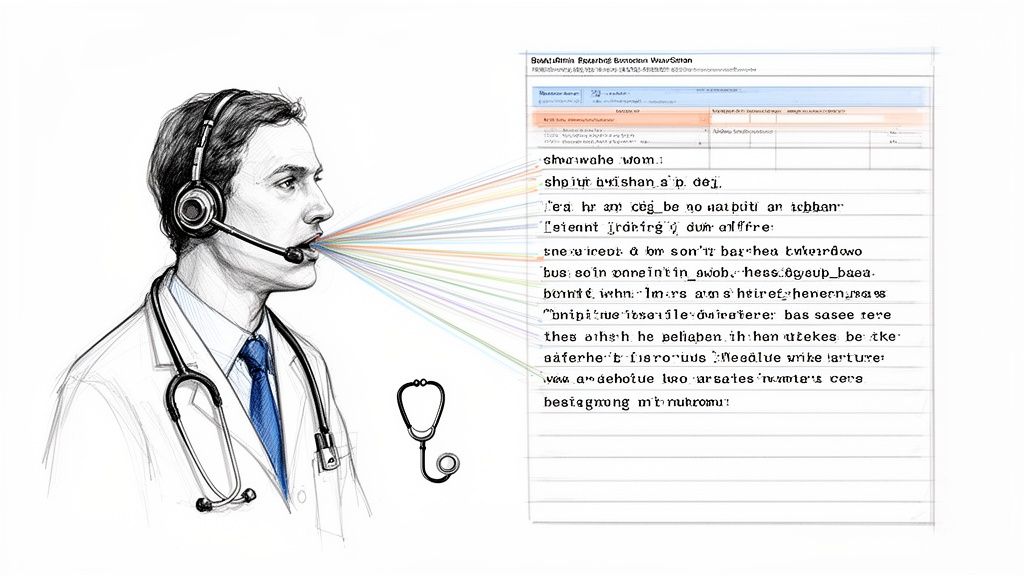
This specific speech recognition example is critical for improving clinical documentation efficiency and ensuring data integrity. The core challenge is the need for extremely high accuracy with complex medical terminology and the strict requirement for HIPAA compliance in handling sensitive patient information. To understand the direct applications, one can explore dedicated medical transcription software which utilizes speech recognition.
The effectiveness of medical transcription hinges on its ability to understand specialized jargon and integrate seamlessly into clinical workflows. Accuracy is paramount, as errors can have serious patient safety implications.
Speech recognition has fundamentally transformed customer service operations, moving beyond simple interactive voice response (IVR) systems. Modern contact centers use this technology to transcribe and analyze calls in real-time, route customers intelligently based on the content of their query, and even power voicebots that can handle entire conversations for common issues like bill payments or appointment scheduling. This is a powerful speech recognition example that directly impacts business efficiency and customer experience.
Platforms like Google Cloud Contact Center AI and Amazon Connect integrate speech recognition to provide agents with live transcripts and suggested responses. This not only speeds up resolution times but also generates vast amounts of data for quality assurance and identifying customer pain points. The technology enables businesses to scale their support capabilities without a linear increase in human agents.
The core goal in this context is to improve key metrics like First Call Resolution (FCR) and Average Handle Time (AHT) while enhancing customer satisfaction. Speech recognition serves as both an automation tool and an invaluable data analytics engine.
Dictation and note-taking applications represent a highly practical and widely adopted speech recognition example, transforming how we create written content. Software like Google Docs voice typing and Otter.ai directly converts spoken words into text, allowing users to draft documents, compose emails, or capture meeting notes hands-free. This technology is built into operating systems and productivity suites, democratizing voice-to-text functionality for everyone.
The core function is to provide a fast alternative to typing, boosting productivity and offering a vital accessibility tool. These systems process continuous speech, often using cloud-based models for high accuracy, and interpret commands for punctuation and formatting, such as "comma" or "new paragraph." The goal is to make content creation seamless and efficient.
The value of dictation software lies in its ability to match the speed of thought more closely than typing, while also serving as a powerful accessibility feature.
Speech recognition is a transformative force in assistive technology, providing independence and accessibility to individuals with physical, visual, or speech-related disabilities. This powerful speech recognition example allows users to navigate digital interfaces, dictate documents, and communicate entirely through voice commands. It breaks down barriers to technology, enabling control over computers and mobile devices without traditional input methods.
Technologies like Apple's Voice Control and Google's Project Euphonia are leading this charge. They translate spoken words into actions, from opening apps to composing emails, effectively making the digital world navigable for everyone. The core innovation is its ability to adapt to diverse speech patterns and provide reliable, hands-free control.
The effectiveness of assistive speech technology is measured by its reliability and the level of independence it grants the user. It must be highly accurate and responsive to be a viable alternative to manual interaction.
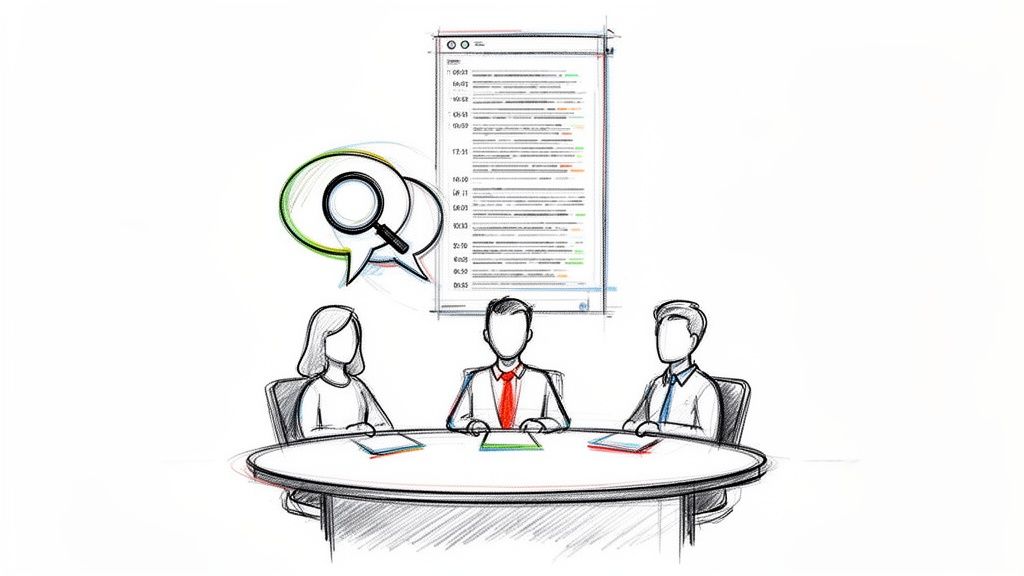
Meeting transcription services are a powerful speech recognition example transforming corporate collaboration and documentation. Platforms like Otter.ai and Fireflies.ai integrate with video conferencing tools to automatically record, transcribe, and even summarize discussions in real-time. This technology converts spoken dialogue from meetings into searchable, time-stamped text.
This automated process enhances accessibility for all participants, creates an accurate record for compliance, and builds a valuable knowledge base from organizational conversations. The core function relies on speaker diarization to correctly attribute dialogue and natural language understanding to identify key topics and action items, turning ephemeral conversations into structured data.
The value of these tools extends beyond simple note-taking; they create structured, analyzable data from unstructured conversations. This allows teams to track commitments and decisions effortlessly.
Speech recognition technology has become a cornerstone of modern language education, offering interactive and personalized feedback that was once only possible with a human tutor. Applications like Duolingo and Babbel integrate speech recognition to assess a learner's pronunciation, comparing their spoken words against a model of native speech. This provides immediate, actionable feedback on accuracy, intonation, and rhythm.
This particular speech recognition example democratizes language acquisition by making sophisticated pronunciation coaching accessible to anyone with a smartphone. The core mechanism involves analyzing phonetic components of the user's speech and scoring them for accuracy, helping learners identify and correct subtle mistakes in real-time.
The effectiveness of these tools lies in their ability to provide instant, non-judgmental feedback, which encourages frequent practice and builds confidence. The AI acts as a patient tutor, available 24/7.
Voice-controlled search is a prime speech recognition example that has fundamentally changed how we access information. Instead of typing queries, users can simply speak into their devices, like smartphones or smart speakers, to search the web or internal databases. Technologies like Google Voice Search or Siri process the spoken words, convert them into a text query, and return relevant results almost instantly.
This capability extends beyond general web searches into enterprise systems, allowing professionals to retrieve data from company knowledge bases hands-free. The core challenge is understanding the nuanced context and keywords of natural language to deliver precise answers, a task that modern natural language understanding (NLU) models handle with increasing sophistication. This has made information retrieval more accessible and efficient.
The power of voice search lies in its speed and convenience, translating conversational language into machine-readable search parameters. This removes the friction of typing, especially on mobile devices.
Automated subtitles are a powerful speech recognition example that transforms accessibility and global content consumption. This technology processes the audio track from videos, podcasts, and live broadcasts, converting spoken words into time-synced text captions. Services like YouTube's auto-captioning and professional tools like Rev.com use advanced ASR models to generate these subtitles quickly and at scale.
This application is crucial for making media accessible to the deaf and hard-of-hearing community. It also enhances viewer engagement in sound-sensitive environments and enables content creators to reach international audiences through automated translation of the generated text, significantly broadening their impact.
The core value here is extending a media asset's reach and inclusivity with minimal manual effort. Accuracy and readability are the key metrics for success, ensuring the captions genuinely help, rather than hinder, comprehension.
Voice authentication is a biometric speech recognition example that uses the unique characteristics of a person's voice for identity verification. Unlike simple command recognition, this technology analyzes the physiological and behavioral patterns of speech, such as pitch, tone, and cadence, to create a distinct "voiceprint." This provides a secure and convenient method for access control in sensitive applications like banking and enterprise systems.
Financial institutions like HSBC and Barclays have successfully implemented voice ID to allow customers to access their accounts securely over the phone. Similarly, Google's Voice Match and Amazon's Voice Profiles use this to personalize experiences and control access on shared devices. The core technology lies in its ability to differentiate individuals with high accuracy, reducing fraud and streamlining user access.
The effectiveness of voice biometrics depends on creating a robust and unique voiceprint that is difficult to forge. This requires high-quality audio and sophisticated analysis algorithms.
| Item | Implementation complexity (🔄) | Resource requirements (⚡) | Expected outcomes (⭐ 📊) | Ideal use cases (💡) | Key advantages |
|---|---|---|---|---|---|
| Virtual Assistants and Smart Speakers | 🔄 Moderate — ASR + NLU + device integration | ⚡ Low–Medium — consumer hardware + cloud services | ⭐ High convenience; 📊 Improved daily task efficiency, variable accuracy in noise | 💡 Smart home control, quick queries, media playback | Hands-free operation; ecosystem integration; low cost |
| Medical Transcription and Documentation | 🔄 High — medical NLP, speaker roles, HIPAA workflows | ⚡ High — secure infra, custom vocab, EHR integration | ⭐ High accuracy when trained; 📊 Major time savings and searchable records | 💡 Clinical documentation, EHR entry, legal medical records | Reduces clinician admin time; improves record completeness; compliance support |
| Customer Service and Call Center Automation | 🔄 High — IVR, intent routing, CRM integration | ⚡ High — telephony, realtime models, monitoring | ⭐ Improved response consistency; 📊 Lower operational costs, faster handling | 💡 High-volume customer support, 24/7 service, peak scaling | Scalability; cost reduction; consistent service and analytics |
| Dictation and Note-Taking Applications | 🔄 Low–Medium — ASR + basic formatting | ⚡ Low — mobile/desktop apps, optional cloud | ⭐ Faster content creation; 📊 Productivity and accessibility gains | 💡 Personal notes, emails, quick document drafting | Fast input; broad availability; easy to adopt |
| Accessibility and Assistive Technology | 🔄 Medium–High — adaptive models, custom commands | ⚡ Medium — specialized software/hardware, personalization | ⭐ Significant independence gains; 📊 Improved access and employment outcomes | 💡 Users with mobility/visual/speech impairments, assistive workflows | Customizable controls; compatibility; life-quality improvements |
| Meeting Transcription and Collaboration Tools | 🔄 Medium — multi-speaker, attribution, integrations | ⚡ Medium — conferencing integration, cloud storage | ⭐ Better accountability; 📊 Searchable archives and summaries | 💡 Remote teams, compliance, knowledge capture | Automated notes; timestamps/summaries; accessibility for participants |
| Language Learning and Pronunciation Training | 🔄 Medium — phonetic scoring and feedback loops | ⚡ Low–Medium — app platforms, speaker models | ⭐ Improved pronunciation with feedback; 📊 Trackable learner progress | 💡 Self-study learners, pronunciation drills, language practice | Immediate feedback; scalable practice; cost-effective vs tutoring |
| Voice-Controlled Search and Information Retrieval | 🔄 Medium — NL query parsing and ranking | ⚡ Medium — search indices, context models | ⭐ Faster hands-free queries; 📊 Better accessibility, limited complex-query depth | 💡 Driving, hands-busy contexts, quick fact lookup | Natural query input; accessibility; device-agnostic |
| Automated Subtitles and Accessibility for Media | 🔄 Medium — captioning, speaker ID, syncing | ⚡ Medium — audio processing, editing workflow | ⭐ Enhanced accessibility and discoverability; 📊 Multilingual reach, variable accuracy | 💡 Video platforms, podcasts, live broadcasts | Reduces manual captioning costs; improves SEO and compliance |
| Voice Authentication and Security | 🔄 High — biometrics, liveness, anti-spoofing | ⚡ Medium–High — secure storage, continuous model updates | ⭐ Convenient secure auth; 📊 Strong UX but possible FRR/FAR tradeoffs | 💡 Banking, telecom verification, enterprise access | Contactless biometric login; reduced credential support; fast auth |
The journey through these diverse speech recognition examples reveals a clear and powerful truth: voice technology is no longer a futuristic concept but a practical, transformative force reshaping industries today. From streamlining medical documentation and automating customer service to enhancing accessibility with real-time subtitles and securing access with voice biometrics, the applications are as varied as they are impactful. We've moved beyond simple dictation to a world where nuanced, multi-speaker, and multilingual conversations can be accurately captured, analyzed, and converted into structured, actionable data.
The core lesson from each speech recognition example is that success hinges on choosing the right tool and a strategic approach. It's not just about converting audio to text; it's about what you do with that text. Do you need to identify who said what? Speaker diarization is critical. Are you serving a global audience? Multi-language support is non-negotiable. Is real-time interaction required? A streaming API is essential. Understanding these nuances is the key to unlocking the true potential of voice AI.
The tactical insights shared throughout this article provide a blueprint for implementation. By focusing on specific use cases, we can see how an API call translates directly into business value.
The power of these examples lies in their replicability. The path forward is not to marvel at what others have built but to recognize the components and apply them to your own challenges. Consider the audio data you already have or could easily capture. Could you transcribe your sales calls to identify top-performing talk tracks? Could you add voice search to your application to improve user experience? Could you create automatic summaries of internal meetings to keep everyone aligned?
The technology to achieve these goals is more accessible and affordable than ever before. Solutions like Lemonfox.ai are designed to remove the traditional barriers of high cost and complexity, offering developers and businesses a straightforward path to integrating state-of-the-art speech recognition. Armed with the knowledge from each speech recognition example in this guide, you are now equipped to move from idea to execution. The next breakthrough in voice-powered innovation is waiting to be built, and you have the foundational knowledge to start building it today.
Ready to build your own powerful speech recognition applications? Explore Lemonfox.ai to see how our high-accuracy, privacy-focused, and remarkably affordable Speech-to-Text API can bring your next project to life. Get started for free at Lemonfox.ai and experience the next generation of voice technology.