
First month for free!
Get started
Published 12/11/2025
In a world dominated by fast-paced communication, the ability to instantly convert spoken words into written text is more than a convenience; it's a productivity superpower. Whether you're a developer prototyping an application, a professional summarizing a meeting, or simply someone who prefers speaking over typing, finding the right tool is crucial. The challenge is navigating the vast ecosystem of speech to text apps for android, each with its own strengths, weaknesses, and intended purpose. Some excel at quick dictation within your keyboard, while others offer powerful AI-driven transcription for meetings, and a few prioritize offline privacy above all else.
This comprehensive guide is designed to help you find the perfect solution. We will explore 12 of the best options available today, breaking them down by their ideal use case, from simple voice typing and note-taking to advanced, collaborative transcription services. Each review includes a practical analysis of its features, user interface, and overall performance, complete with screenshots and direct links to get you started immediately.
We will provide a detailed comparison to help you choose the perfect app for your specific needs. For developers and businesses seeking a more integrated solution, this article also dives into why using a dedicated Speech-to-Text API, like Lemonfox.ai, can be a superior choice for building custom applications. We will compare the app-based approach with API integration, providing practical guidance, code snippets, and a clear overview of implementation to help you make an informed decision for your project. Let's find the right tool to unlock your productivity.
The Google Play Store is the essential starting point for discovering nearly all mainstream speech to text apps for android. As the official marketplace, it serves as a massive, centralized catalog where you can find, compare, and install a wide variety of tools, from simple voice-typing keyboards to sophisticated live transcription services and AI-powered meeting notetakers. Its primary function is not as a speech-to-text app itself, but as the trusted gateway to access them.
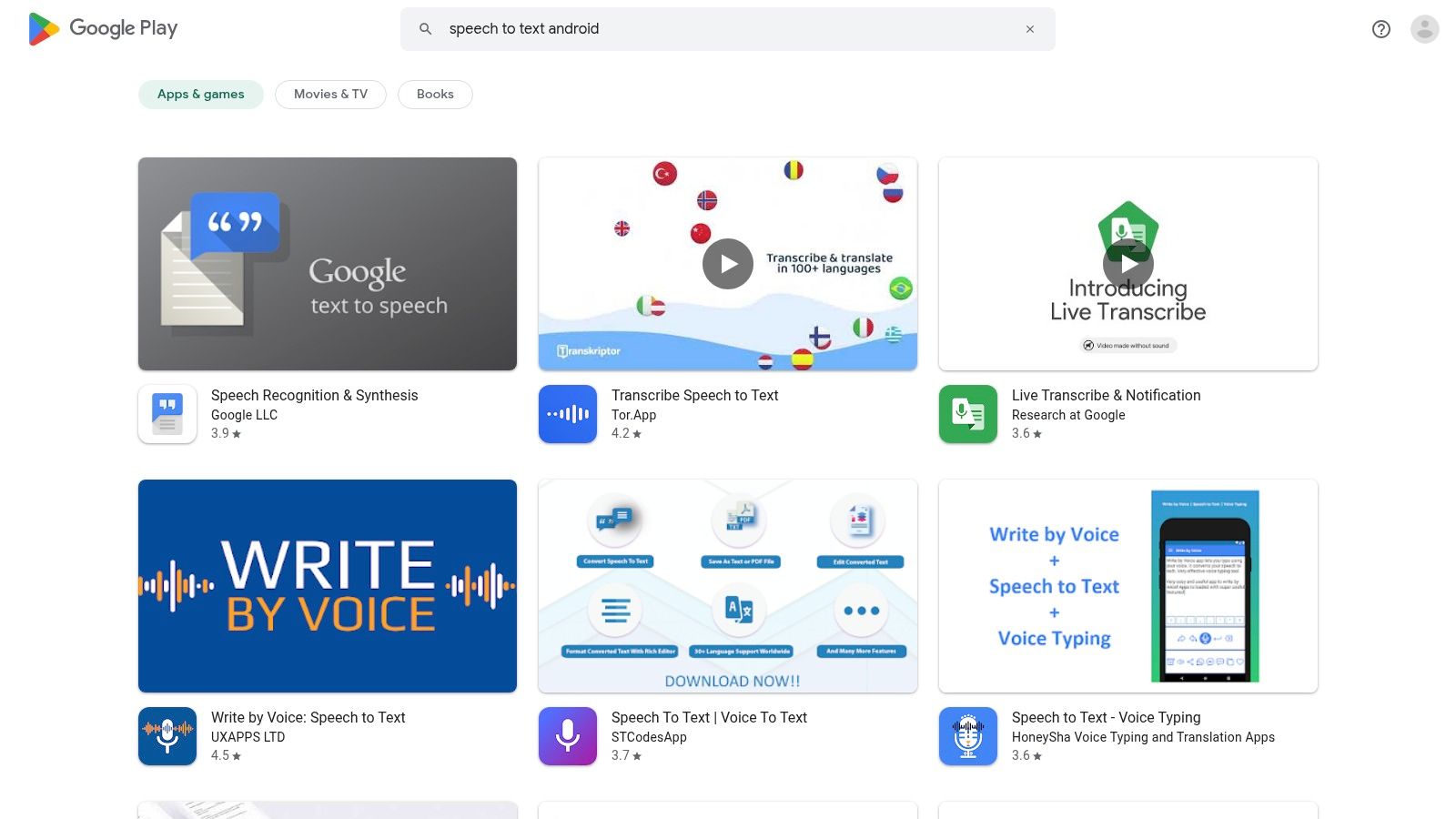
For users, the platform simplifies the entire lifecycle of an app. You can read reviews, view screenshots, and check recent updates before installing. The Play Store also securely handles all financial transactions, including one-time purchases and recurring subscriptions, offering a layer of security and convenience. Developers and businesses benefit from this trust, as users are more likely to install and pay for apps through a familiar, secure system.
Navigating the Play Store is straightforward. Its search and categorization features allow you to filter for specific needs. The user interface provides essential information at a glance, including ratings, download counts, and developer responses, which helps in vetting an app's quality and support level. For developers, it's the primary distribution channel to reach billions of Android users, although it's important to note that not all open-source or niche applications are available here.
For Samsung users, one of the most powerful speech to text apps for android is already built into their device’s ecosystem. The native Voice Recorder app, enhanced with Galaxy AI’s Transcript Assist on compatible models, offers sophisticated transcription capabilities without needing a third-party download. This integration makes it a seamless solution for converting spoken audio, interviews, or even phone call recordings into editable text directly on the device.
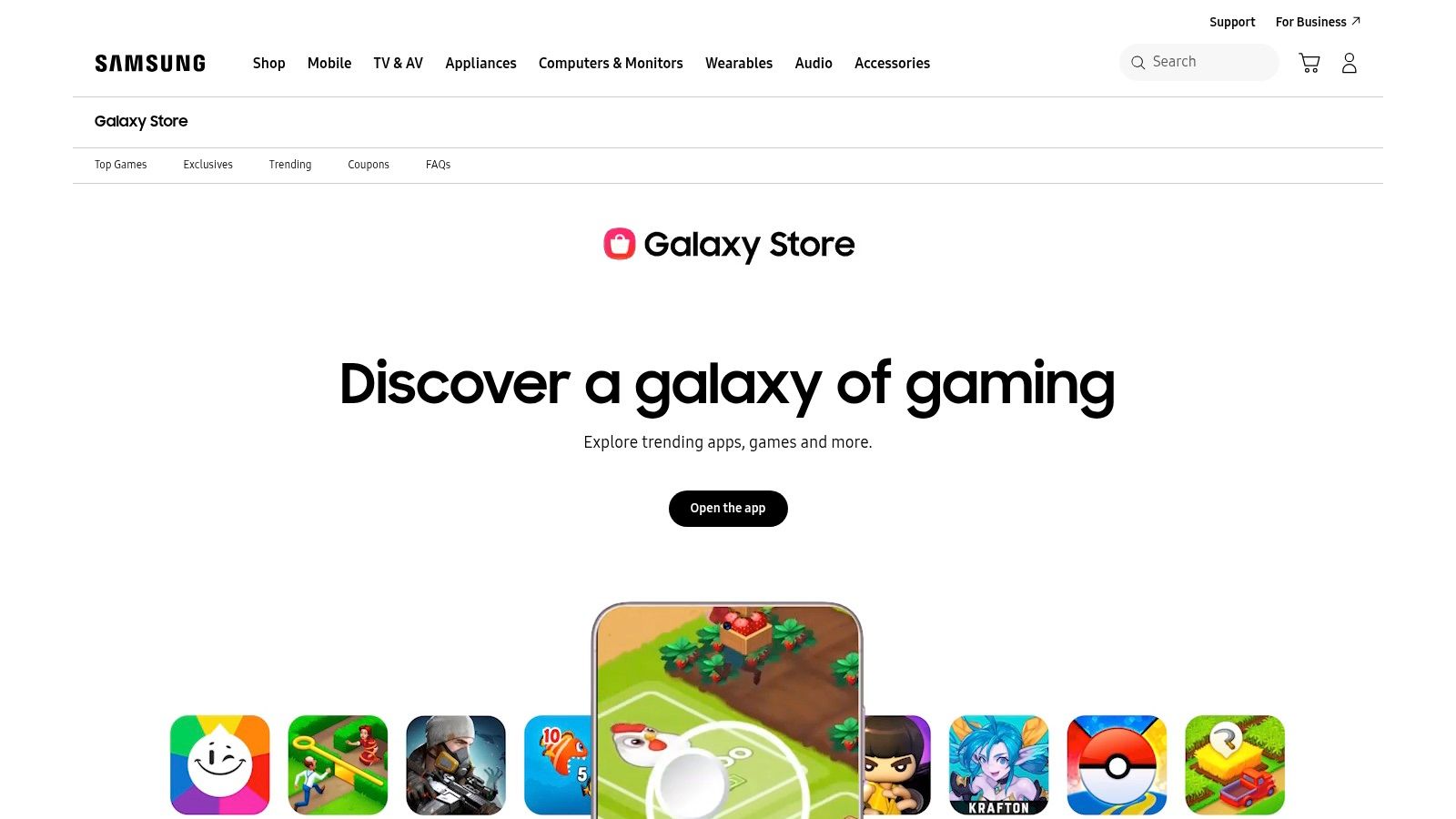
This approach prioritizes privacy and speed by processing audio on-device, meaning your sensitive recordings aren't sent to the cloud. Beyond simple transcription, Transcript Assist can also summarize long recordings into key points and even translate the text into different languages. The app is typically preinstalled or available through the Samsung Galaxy Store, Samsung's dedicated app marketplace for its devices.
The user experience is deeply integrated into Samsung's One UI, feeling like a natural extension of the phone's software. Creating a recording and then tapping to transcribe it is a simple, two-step process. The AI accurately distinguishes between different speakers, labeling them in the transcript for clarity. While the core functionality is free, access to advanced AI features requires a modern Galaxy device with up-to-date firmware and a Samsung account.
Visit the Samsung Galaxy Store
For users prioritizing privacy and open-source software, F-Droid is an essential alternative to the Google Play Store. It is a curated repository of Free and Open Source Software (FOSS) for Android, offering a distinct selection of speech to text apps for android that you won't find elsewhere. Unlike mainstream app stores, F-Droid’s focus is on transparency and user control, making it the go-to platform for privacy-conscious individuals and developers seeking tools free from proprietary trackers and Google dependencies.
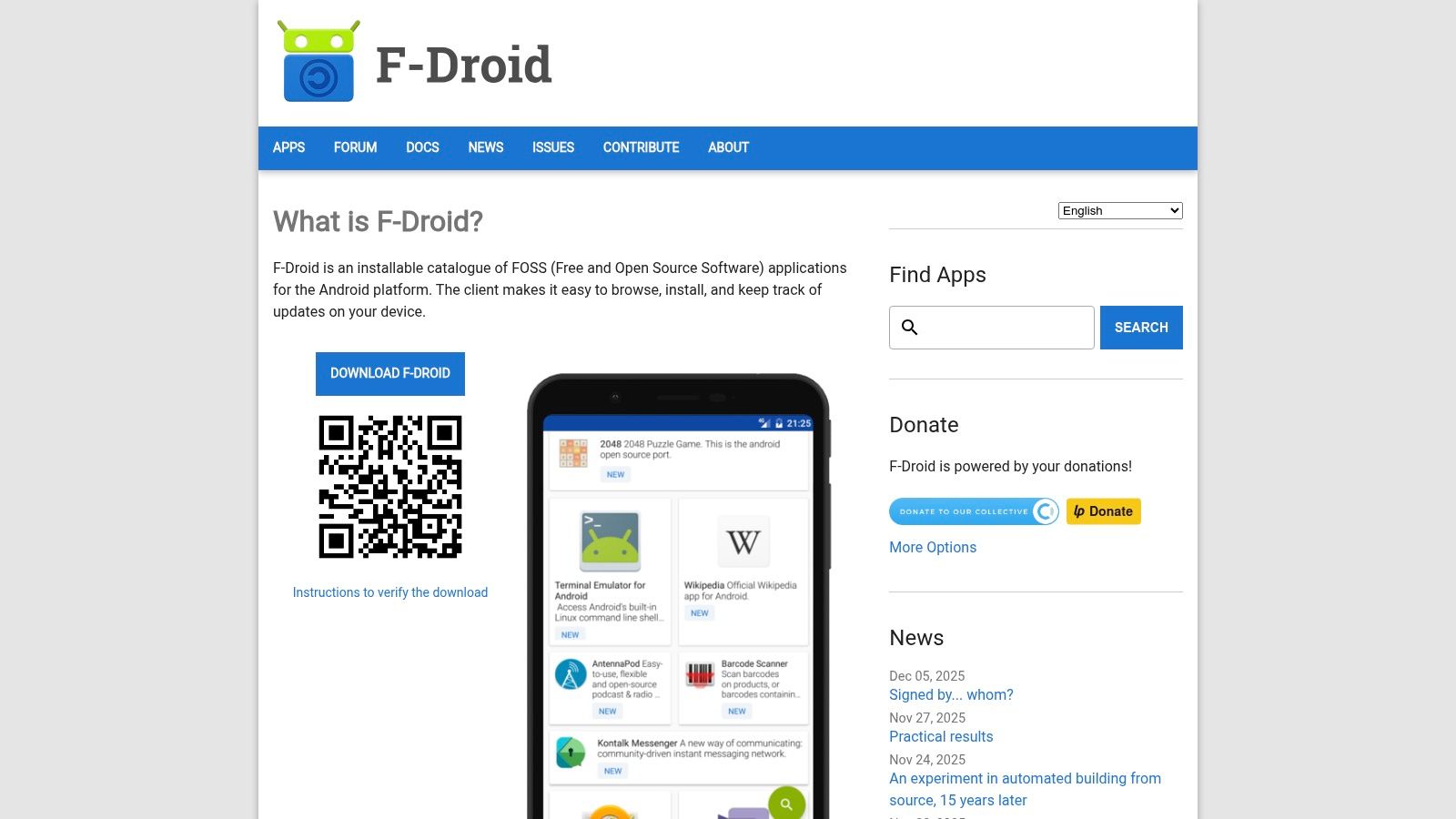
This platform provides access to unique speech utilities, including offline voice input keyboards and front-ends for open-source speech recognition engines. These applications often run entirely on-device, ensuring your voice data never leaves your phone. The F-Droid client app facilitates easy installation and updates without requiring a Google account, and its commitment to reproducible builds allows users to verify that the app's code matches the published source code, providing an unparalleled level of security and trust.
Navigating F-Droid is simple, with apps organized by category and a clear indication of any "anti-features" like tracking or non-free network services. The experience is geared toward function over form, and while some apps may have a less polished UI compared to their Play Store counterparts, their transparency is a major draw. For those seeking to de-Google their digital life, F-Droid is the primary hub for finding effective, privacy-first speech recognition tools.
Otter.ai has carved a niche as a premier meeting and interview transcription service, extending its powerful features to a dedicated Android app. It moves beyond simple voice-to-text dictation, offering an integrated platform for recording, transcribing, and collaborating on spoken content. It is designed for professionals, students, and teams who need accurate, shareable, and AI-summarized notes from meetings, lectures, and interviews.
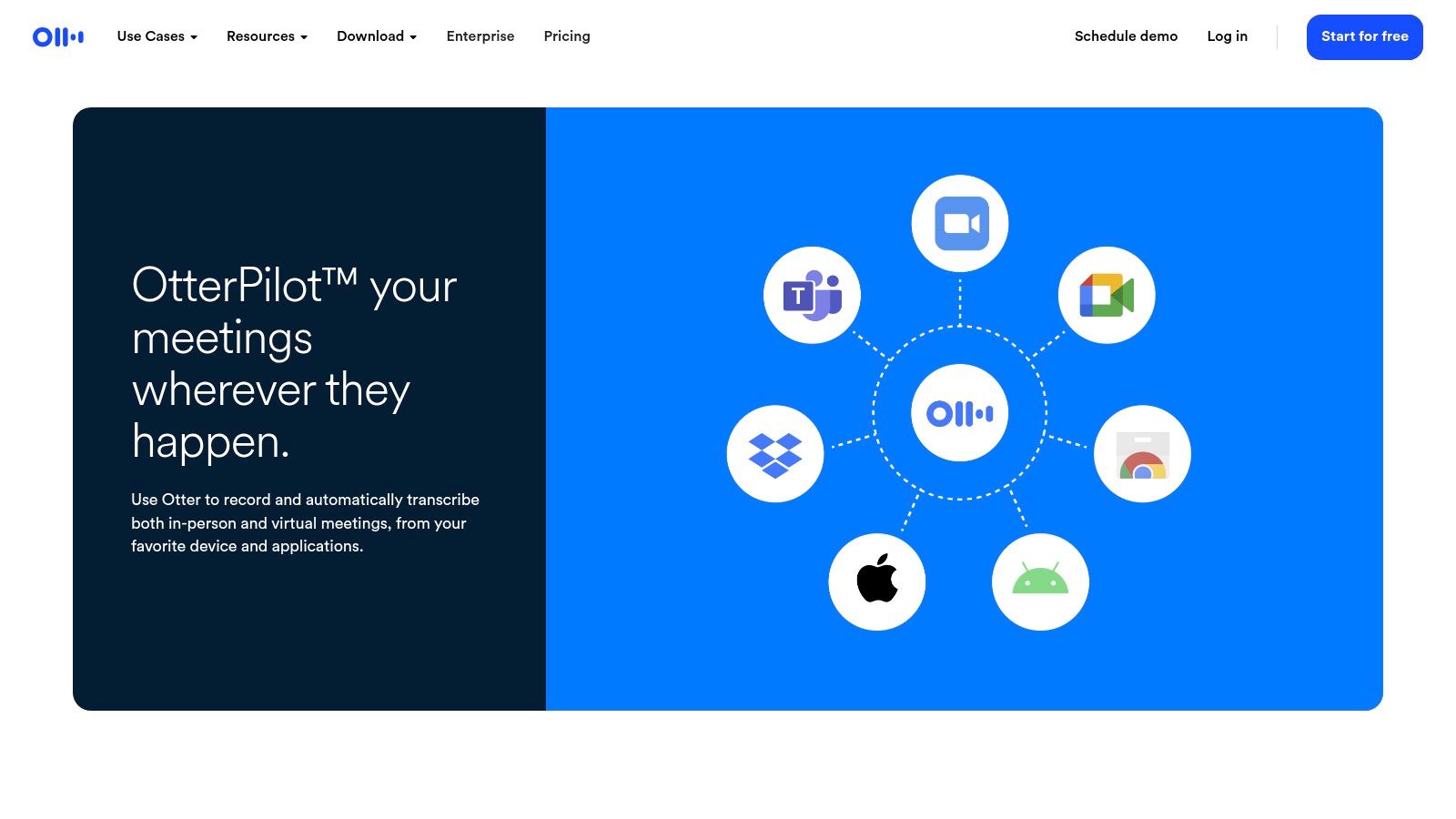
The platform shines with its ability to provide live transcription with real-time speaker identification, making it easy to follow who said what. Notes are synced across devices, allowing you to record on your phone and review or edit the transcript on your desktop. Its core strength lies in its AI-powered features, such as automatic summaries, slide capture, and the ability to generate action items, turning unstructured conversations into organized, actionable records.
The Otter.ai Android app provides a clean interface for managing recordings and transcripts on the go. Its cross-device sync with the web and browser extensions (for Google Meet, Zoom, etc.) creates a seamless workflow. The collaborative features are a standout, allowing users to highlight text, add comments, and share notes with team members directly within the transcript. While the free tier is generous, access to advanced features like custom vocabulary and higher transcription limits requires a paid subscription.
Notta.ai is an AI-powered transcription service that excels in handling live meetings, audio recordings, and file uploads with impressive accuracy. It operates as a cross-platform solution, with a dedicated Android app that syncs seamlessly with its web interface and Chrome extension. This makes it an ideal choice for professionals and teams who need to capture conversations across multiple devices, from recording a call on their phone to transcribing a video conference on their laptop.
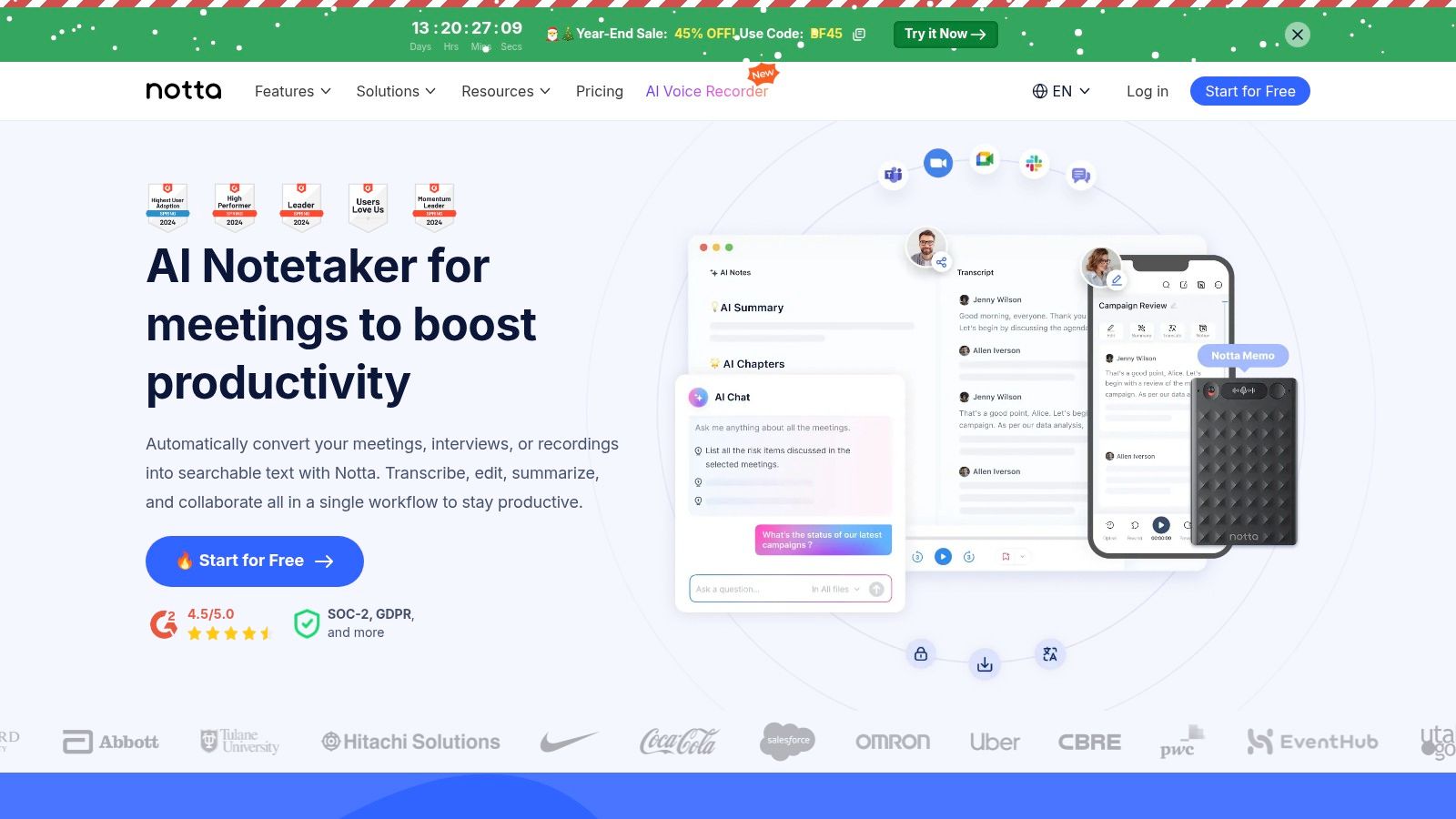
Unlike simple voice-typing tools, Notta is built for productivity. Its standout features include AI-generated summaries that distill long recordings into key takeaways, speaker identification, and the ability to translate transcripts into multiple languages. Its plan-based structure, with tiered monthly minute quotas, is well-suited for users who have consistent and high-volume transcription needs, such as journalists, researchers, or business analysts.
The Notta interface is clean and user-centric, focusing on efficient transcript management and collaboration. Users can easily record directly in the app, upload existing files, or integrate with meeting platforms like Zoom and Google Meet. Higher-tier plans add valuable business features like team workspaces and custom vocabulary to improve accuracy for industry-specific jargon, making it a powerful tool in a corporate environment.
Rev.com offers a unique, hybrid approach to transcription, providing both AI-powered services and professional human transcription through its mobile app. This platform is ideal for users who need a spectrum of accuracy, from quick, cost-effective automated transcripts to near-perfect, human-verified documents for professional use. While not a real-time dictation tool, its app serves as a high-quality voice recorder and a direct portal for submitting audio files for transcription.
This dual-service model makes it a standout choice among speech to text apps for android, catering to both casual and high-stakes needs. A user can record an interview on their phone, order a fast AI transcript to review key points, and then upgrade to a human transcript for official records or publication. The platform also provides services like captions and subtitles, making it a comprehensive solution for content creators and businesses.
The Rev mobile app is streamlined for recording and ordering. Its interface is clean and focuses on capturing high-quality audio, which is crucial for transcription accuracy. Users can easily trim recordings and upload them directly to Rev's service. The choice between a fast, affordable AI transcript and a highly accurate, more expensive human-powered one is presented clearly during the checkout process. This flexibility is Rev's core strength, allowing users to match their budget and accuracy requirements to the specific task.
Designed with accessibility at its core, Google Live Transcribe & Sound Notifications is a powerful, free tool that offers real-time on-device captioning for everyday conversations. While many speech-to-text apps for android focus on note-taking or productivity, Live Transcribe excels at providing instant, privacy-minded transcription for people who are deaf or hard of hearing, or for anyone needing a quick way to capture spoken words without sending data to the cloud.
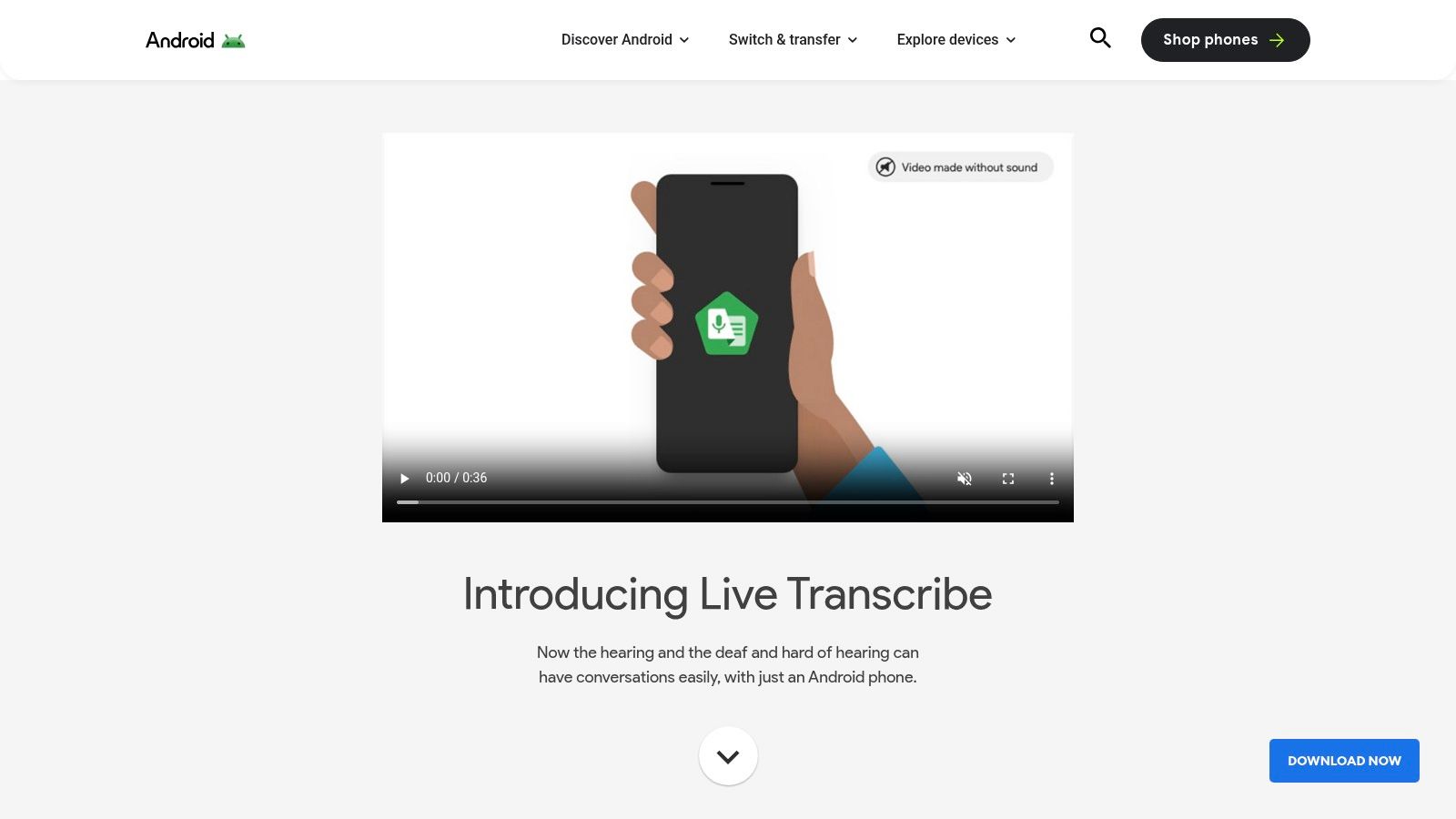
The app's primary strength is its simplicity and speed. It immediately begins listening and displaying text on the screen, supporting over 70 languages and dialects. The added Sound Notifications feature provides alerts for critical household sounds like smoke alarms, doorbells, or a crying baby, further enhancing its utility as an accessibility aid. Its on-device processing ensures that conversations remain private and transcriptions are nearly instantaneous.
The user interface is minimalist and purpose-built for readability. You simply open the app, and it starts transcribing. There are no complex menus or project setups, making it ideal for ad-hoc use cases like understanding a speaker in a noisy environment or communicating with someone across a language barrier. While it saves transcripts for a short period, it is not designed as a long-term storage or advanced editing solution, which distinguishes it from more feature-heavy note-taking apps.
Learn more about Google Live Transcribe
For users with Google Pixel devices, the pre-installed Recorder app is one of the most powerful and privacy-focused speech to text apps for android available. Its standout feature is its ability to perform highly accurate, real-time transcription entirely on-device. This means your audio recordings and their corresponding transcripts never leave your phone unless you choose to share them, offering a significant advantage for sensitive conversations, interviews, or lectures where confidentiality is paramount.
The app's utility goes beyond simple recording. Transcripts are automatically generated and synchronized with the audio playback, allowing you to tap on any word to jump to that moment in the recording. It also intelligently identifies different speakers and categorizes sounds like music or applause. For newer Pixel models, on-device AI can even generate concise summaries of your recordings, making it an exceptional productivity tool that is completely free for Pixel owners.
The user interface is clean, minimalist, and deeply integrated into the Pixel ecosystem. Starting a recording and seeing the live transcript appear is a seamless experience. The generated text is fully searchable, turning hours of audio into an easily referenced document. While its official availability is a major limitation, its performance and privacy features make it a benchmark for on-device transcription, setting a high standard for what’s possible without cloud processing.
Learn more about Google Recorder
Often overlooked as a dedicated app, Gboard is one of the most widely used speech to text apps for android simply because it's built directly into the default Google keyboard. For millions of users, this is the primary way they interact with voice input. Its function is seamlessly integrated: anywhere you can type, you can tap the microphone icon and dictate, making it an incredibly accessible tool for drafting emails, sending messages, or taking quick notes without switching apps.
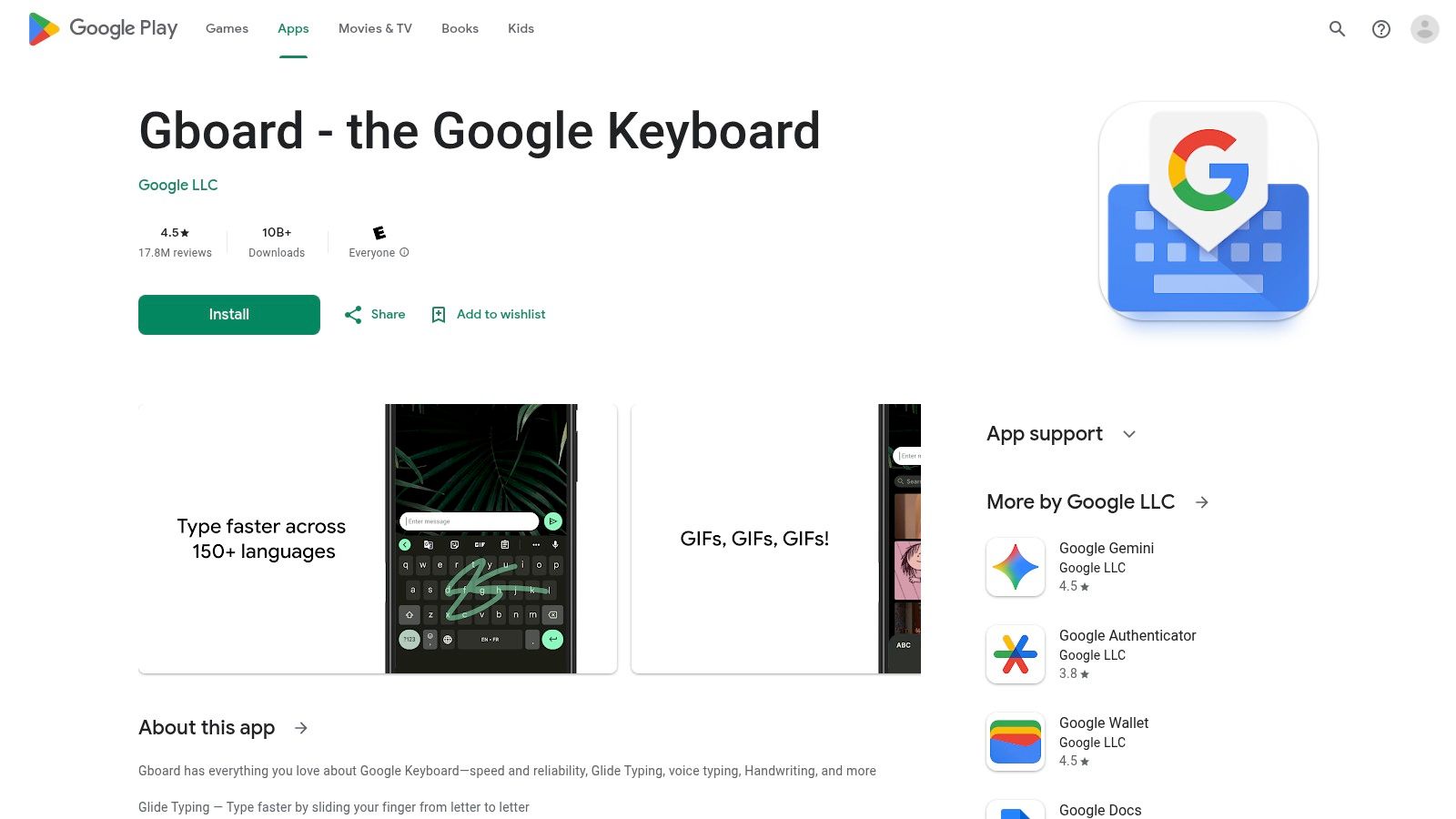
The power of Gboard lies in its ubiquity and simplicity. It leverages Google’s powerful voice recognition engine, which supports a vast number of languages and dialects with impressive accuracy for everyday use. As it’s part of the keyboard, the transcribed text appears directly in the active text field, providing a frictionless user experience that feels like a natural extension of typing. This integration eliminates the need to copy and paste from a separate transcription app.
Gboard’s voice typing is designed for immediate, on-the-go use. The interface is just a small microphone icon on the keyboard, which activates a listening prompt. It handles punctuation commands like "period" and "comma" effectively and offers offline language packs for transcription without an internet connection, though accuracy is best when online. For developers and businesses, its presence highlights the user expectation for integrated voice input in any app with text fields.
Visit Gboard (Google Keyboard)
Microsoft SwiftKey is a renowned third-party keyboard that stands as a powerful alternative to native options, integrating a highly capable voice typing feature. While best known for its exceptional predictive text and swipe-typing capabilities, its speech-to-text functionality is a core part of the experience. It offers a different engine and user interface for voice input compared to Gboard, making it one of the most popular speech to text apps for android integrated directly into the typing workflow.
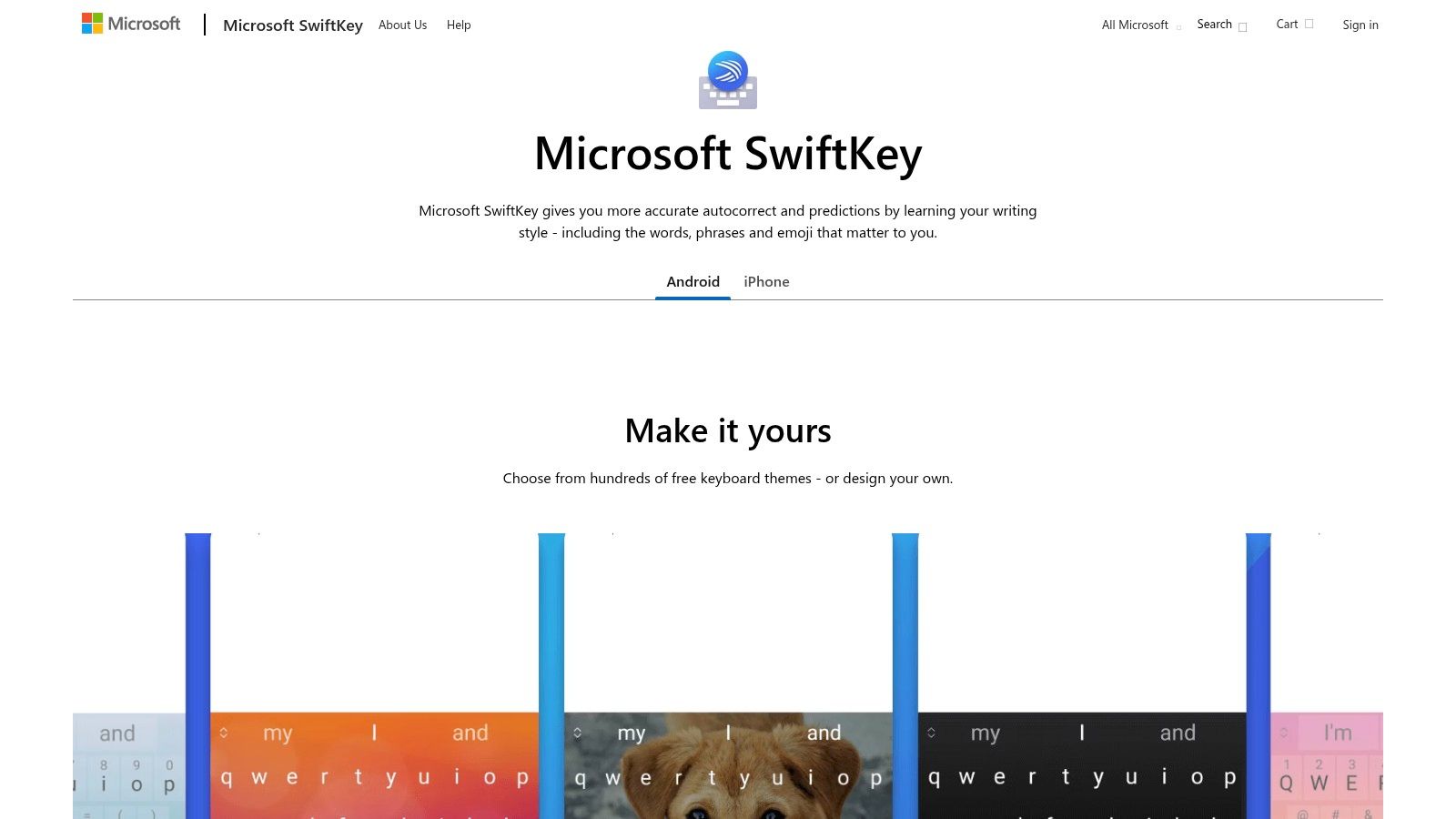
The keyboard leverages Microsoft's AI to learn your writing style, slang, and favorite emojis, syncing this personalized language model across your devices via a Microsoft account. This cloud-sync feature ensures a consistent and increasingly accurate typing and dictation experience, regardless of which Android device you are using. The app is completely free, with no hidden costs for its core transcription and customization features.
Activating voice typing is as simple as tapping the microphone icon on the keyboard. SwiftKey's interface for dictation is clean and minimally intrusive, allowing you to speak naturally and see the text appear in your chosen app. Its standout feature is the synergy between voice input and its industry-leading predictive text engine, which helps you quickly correct any transcription errors. The extensive customization options, including themes and layouts, allow users to tailor the keyboard to their exact preferences.
Visit Microsoft SwiftKey Keyboard
Speechnotes is designed for users who prioritize long-form, continuous dictation over complex meeting-focused features. As a lightweight and fast-launching app, it excels at turning uninterrupted spoken thoughts into text, making it a favorite among writers, students, and professionals who need to draft documents, take detailed notes, or brainstorm ideas hands-free. Its core strength lies in its simplicity and reliability for pure dictation tasks.
Unlike apps built for transcribing multi-speaker meetings, Speechnotes focuses on a single user's voice. The app continues listening even during long pauses, so you can think before you speak without the session ending prematurely. This makes it an ideal tool for creative writing or drafting emails. The app also supports voice commands for punctuation, such as saying "period" or "comma," which streamlines the editing process significantly.
The user interface is minimal and distraction-free, with a large microphone button to start and stop dictation and a clean text field. Notes are automatically saved, and exporting them via email, social media, or other apps is straightforward. While it lacks the sophisticated organizational and collaborative tools of its competitors, its focused feature set ensures a minimal learning curve. This makes Speechnotes one of the more accessible speech to text apps for android for straightforward transcription.
FUTO Voice Input is a privacy-first, on-device speech to text app for android designed for users who prioritize data security and offline functionality. Unlike cloud-based services that send your voice data to remote servers for processing, FUTO handles all transcription directly on your device. It can be set as the system-wide voice input provider, allowing it to work seamlessly with Gboard, other keyboards, and any app that uses the standard Android voice input API.
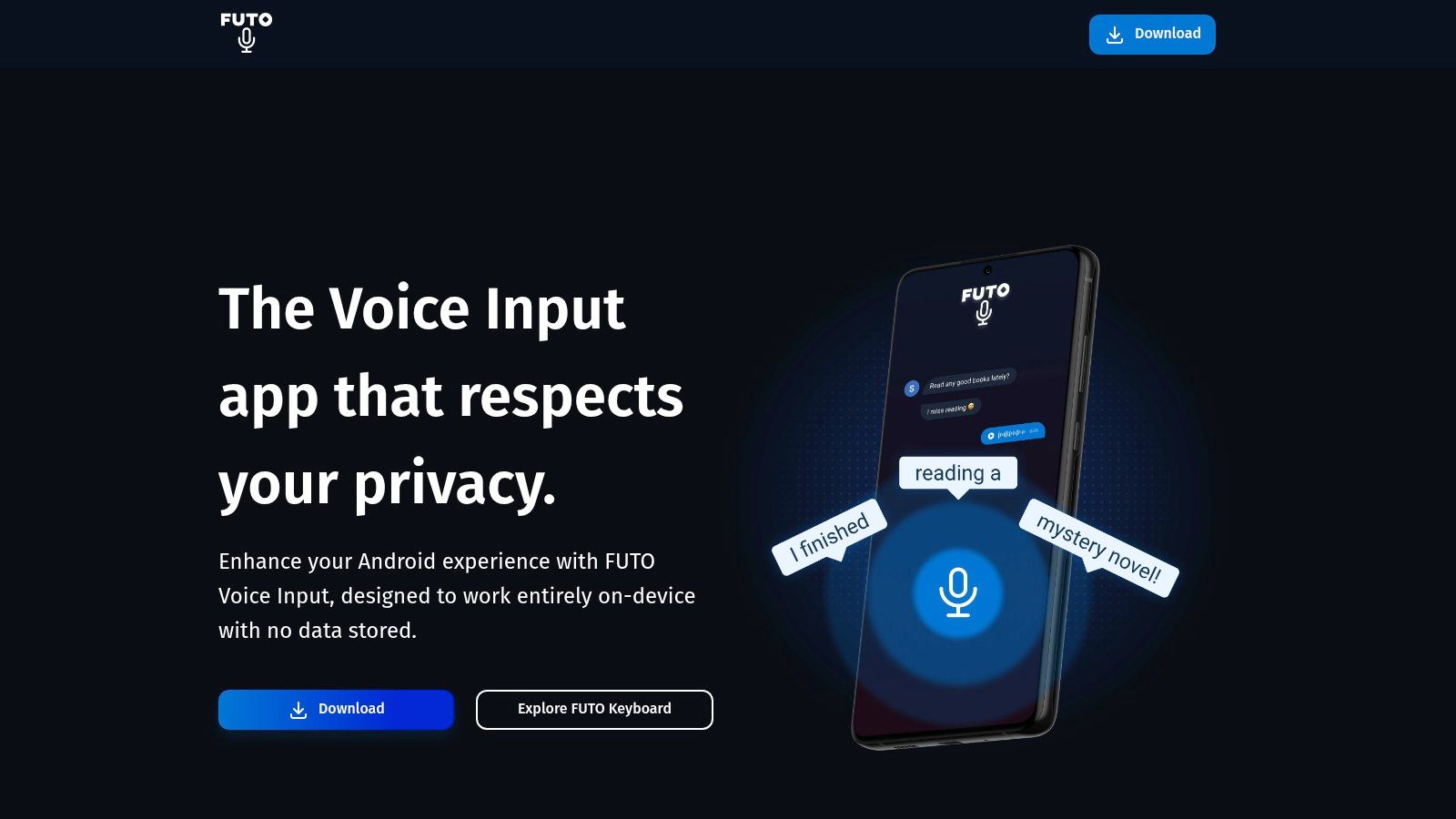
This focus on local processing makes it an exceptional choice for users with de-Googled phones or those in environments where internet connectivity is unreliable or restricted. The app is distributed through various channels, including the Play Store, F-Droid, and direct APK download, with options for a one-time license purchase. This model appeals to users looking to avoid recurring subscriptions while ensuring their voice data never leaves their phone.
FUTO's core strength is its 100% on-device speech processing, which requires users to download language models for offline use. While this enhances privacy and reliability, it also means performance and accuracy can vary depending on the chosen model and device hardware. Setting it up as the default voice input method is straightforward, providing a consistent experience across the Android operating system without depending on Google services.
| Item | Core Features | UX / Quality (★) | Price / Value (💰) | Target Audience (👥) | Unique Selling Point (✨🏆) |
|---|---|---|---|---|---|
| Google Play Store | Catalog of STT apps, ratings, updates, subscription billing | ★★★★ (wide selection; app quality varies) | 💰 Free platform; apps freemium/paid | 👥 Android users & developers | ✨Centralized discovery & billing; trust screening |
| Samsung Galaxy Store / Voice Recorder (Transcript Assist) | On‑device transcription, translation, summaries integrated with One UI | ★★★★ (smooth on supported models) | 💰 Mostly free; features device‑dependent | 👥 Samsung Galaxy users | ✨On‑device AI + One UI integration 🏆 low latency & privacy |
| F‑Droid | FOSS repo, offline speech keyboards, no tracking | ★★★ (smaller catalog; high transparency) | 💰 Free; no tracking | 👥 Privacy‑minded users & developers | ✨Open‑source transparency 🏆 privacy-first |
| Otter.ai | Real‑time/file transcription, speaker ID, AI summaries, collaboration | ★★★★☆ (strong meeting UX) | 💰 Freemium; advanced features paid | 👥 Teams, meeting note‑takers | ✨AI summaries & shareable notes 🏆 meeting workflows |
| Notta.ai | Cross‑device capture, translation, AI summaries, minute quotas | ★★★☆ (good for heavy users) | 💰 Freemium; paid plans with quotas | 👥 Heavy transcribers, multilingual users | ✨Generous minute quotas & translation |
| Rev.com | AI + human transcription, captions, mobile uploads | ★★★★ (human option for highest accuracy) | 💰 AI = budget; human = premium per‑minute | 👥 Professionals needing legal/accurate transcripts | ✨Human-reviewed transcripts 🏆 highest accuracy option |
| Google Live Transcribe & Sound Notifications | Real‑time captions (70+ languages), sound alerts, lightweight UI | ★★★★ (fast, accessibility‑focused) | 💰 Free | 👥 Accessibility users & ad‑hoc transcription | ✨Accessibility-first real‑time captions |
| Google Recorder (Pixel) | On‑device recording, searchable transcripts, AI summaries (on Pixel) | ★★★★☆ (accurate & private on device) | 💰 Free (Pixel‑exclusive) | 👥 Pixel owners, privacy‑minded users | ✨Offline searchable transcripts 🏆 private & fast |
| Gboard (Google Keyboard) | System‑wide voice typing, multilingual, offline packs | ★★★★ (reliable everyday dictation) | 💰 Free | 👥 General Android users | ✨Voice typing anywhere; low-friction input |
| Microsoft SwiftKey Keyboard | Voice + swipe typing, predictions, cloud sync, wide language support | ★★★☆ (customizable; strong predictions) | 💰 Free | 👥 Users wanting customization & sync | ✨700+ language support; personalization |
| Speechnotes | Continuous dictation, punctuation voice commands, quick export | ★★★ (simple & fast for notes) | 💰 Freemium; affordable | 👥 Writers, students, quick note‑takers | ✨Punctuation voice commands; easy export |
| FUTO Voice Input | 100% on‑device STT, acts as system voice provider, local models | ★★★ (privacy & offline, varies by model) | 💰 Free / one‑time license options | 👥 Privacy-centric users, regulated environments | ✨Fully on‑device processing 🏆 maximum privacy & offline reliability |
We've explored a comprehensive landscape of the best speech to text apps for Android, navigating everything from the ubiquitous convenience of keyboard-based dictation to the specialized power of professional transcription services. The journey has shown that there is no single "best" app; instead, the ideal solution is a direct match for your specific requirements, workflow, and priorities.
The sheer variety can be overwhelming, but by breaking it down, the path forward becomes clear. Your decision-making process should be guided by your primary use case. Are you looking for a simple, no-fuss way to reply to messages while driving? Gboard or Microsoft SwiftKey will serve you perfectly. Do you need to capture and transcribe detailed meeting minutes, complete with speaker identification and summaries? A sophisticated platform like Otter.ai or Notta.ai is your best bet.
Reflecting on our deep dive, several core principles stand out when choosing your voice-to-text tool:
For developers, startups, and established businesses, the conversation pivots from "which app to download" to "which technology to build with." While the speech to text apps for Android we've covered are excellent for individual use, they exist within closed ecosystems, limiting their potential for custom integration.
This is where the power of a dedicated Speech-to-Text API becomes undeniable. Instead of forcing your users or employees into a third-party app, you can embed transcription capabilities directly into your own Android application, product, or internal workflow. Imagine a customer service app that automatically transcribes support calls for analysis, a media player that generates its own subtitles, or a proprietary note-taking tool that seamlessly captures voice memos.
Integrating an API like Lemonfox.ai transforms transcription from a standalone task into a foundational feature. It provides unparalleled control over the user experience, ensures data privacy by processing audio within your own infrastructure, and offers scalability that a consumer app simply cannot match. For any organization looking to leverage voice data seriously, moving beyond off-the-shelf apps is not just an option; it is the strategic next step toward building smarter, more efficient, and voice-powered products. The right tool is waiting, whether it’s a quick download from the Play Store or the key to your next big innovation.
Ready to move beyond the limitations of consumer apps and build powerful, affordable transcription directly into your Android application? Explore Lemonfox.ai to see how our developer-friendly API provides state-of-the-art accuracy at a fraction of the cost of major providers. Start building the future of voice-powered technology today at Lemonfox.ai.