
First month for free!
Get started
Published 11/4/2025
In a world that moves at the speed of thought, capturing ideas, meeting notes, and creative sparks shouldn't be held back by typing. A reliable speech to text program free of charge can transform your workflow, whether you're a student recording lectures, a professional documenting meetings, or a developer building voice-enabled applications. The challenge isn't a lack of options, but finding the one that perfectly fits your specific needs, balancing accuracy, privacy, and ease of use without a hefty price tag.
This guide cuts through the noise. We provide a detailed, practical comparison of the 12 best free and freemium solutions available today. Forget generic lists; we dive deep into the pros, cons, and ideal use cases for each tool, complete with screenshots and direct links to get you started immediately.
We will explore everything from simple, built-in dictation tools like those in Google Docs and Windows 11 to powerful, open-source models like OpenAI's Whisper and developer-focused APIs from Google Cloud, AWS, and Azure. Our goal is to equip you with the insights needed to select the perfect program to turn your spoken words into accurate, usable text, effortlessly. Let's find the right tool for you.
Lemonfox.ai stands out as a powerful and developer-centric choice for a speech to text program free to start, offering an exceptional blend of speed, accuracy, and affordability. Built around the advanced Whisper large-v3 model, it delivers highly precise transcriptions with minimal latency, making it ideal for developers and businesses needing to integrate reliable voice processing into their applications. Its initial free offering is remarkably generous, providing new users with 30 hours of transcription at no cost for the first month.
This platform is engineered for efficiency and scale. It supports over 100 languages and includes built-in translation, broadening its utility for global applications. A key differentiator is its automatic speaker diarization, which intelligently separates and labels different speakers in an audio file, a critical feature for transcribing meetings, interviews, and panel discussions.
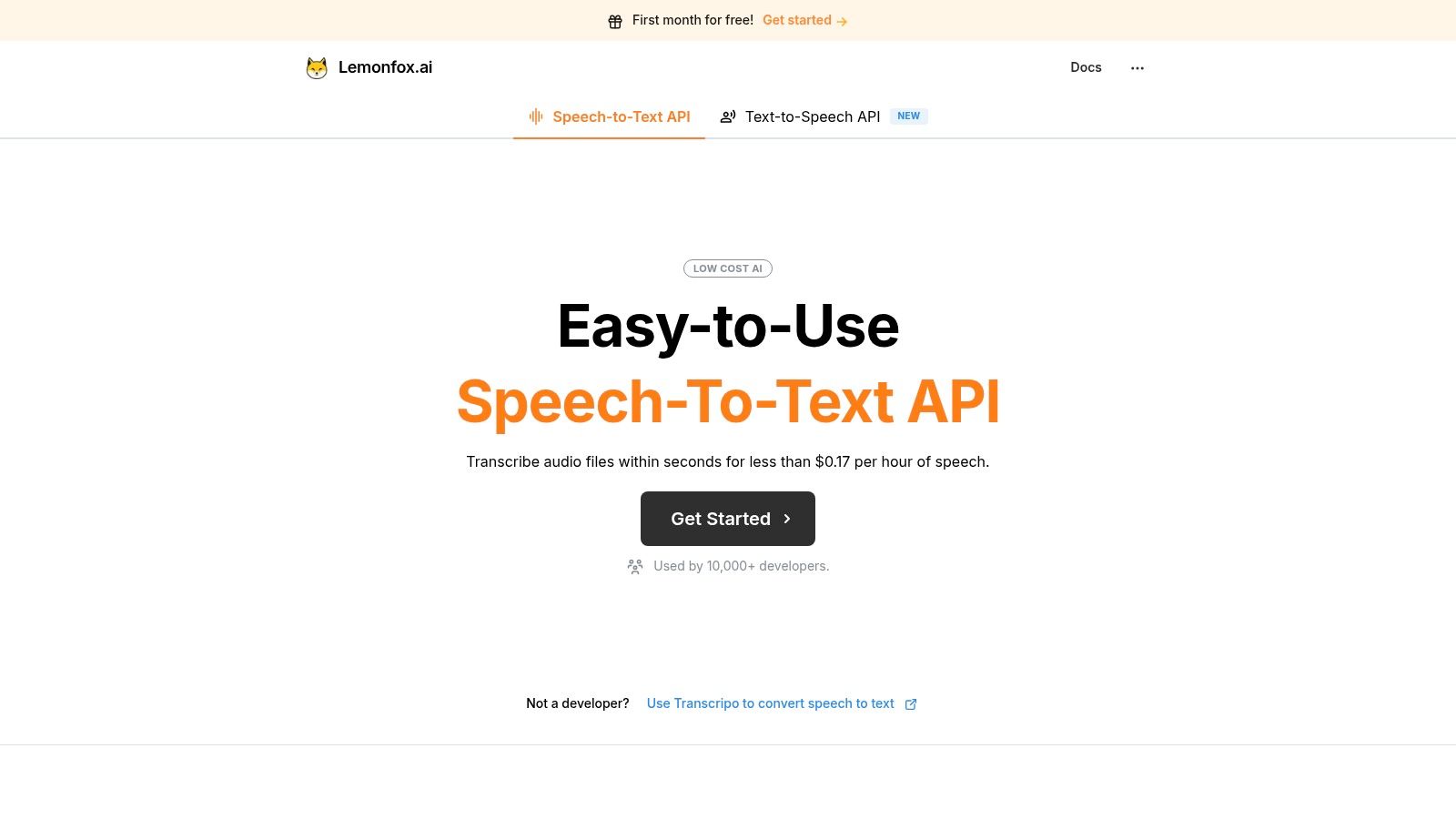
Lemonfox.ai distinguishes itself with an aggressive pricing model that makes high-quality AI accessible. After the free trial, plans start at just $5 per month for approximately 30 hours of transcription, which equates to less than $0.17 per hour. This cost-effectiveness, combined with its robust feature set, presents a compelling value proposition.
The platform also prioritizes data privacy, a crucial consideration for many businesses. It immediately deletes audio and text data after processing and offers an EU-based endpoint for organizations that must adhere to strict data protection regulations like GDPR. This commitment allows developers to build with confidence, knowing user data is handled responsibly.
Ideal for: Developers building voice-enabled applications, businesses needing affordable transcription for meetings or customer calls, and product teams integrating text-to-speech features.
Website: https://www.lemonfox.ai
For those already living in the Google ecosystem, the most convenient and powerful speech to text program free of charge is likely the one you already have: Voice Typing in Google Docs. This tool is seamlessly integrated directly into the word processor, requiring no downloads or installations to get started. Its primary strength is its contextual accuracy and simplicity, making it ideal for drafting documents, taking notes, or writing long-form content without touching the keyboard.
Unlike standalone apps, Voice Typing lets you dictate and format in real-time. You can speak punctuation like "period" or "new paragraph" and use commands like "select last word" or "bold that" to edit on the fly. This turns the familiar Google Doc interface into a powerful dictation station.
While its accuracy is impressive for clear speech, it requires a stable internet connection to function and is notably absent from the Google Docs mobile apps. For quick, reliable dictation within a document, however, its accessibility is unmatched.
Access it here: https://docs.google.com
For Windows users, a powerful speech to text program free of charge is built directly into the operating system. Windows 11's Voice typing offers system-wide dictation that can be activated in any text field, from a web browser to an email client or a coding environment. By simply pressing Win + H, a clean overlay appears, allowing you to start speaking immediately, making it incredibly versatile for quick notes, replies, or filling out forms without installing third-party software.

Unlike application-specific tools, its greatest advantage is its universality. It works consistently across virtually any program you have installed. The tool also includes a handy auto-punctuation feature that intelligently adds periods, commas, and question marks as you speak, which helps create more natural and readable text with minimal manual correction.
While incredibly convenient, Voice typing requires an active internet connection for processing and may lack the advanced voice formatting commands found in dedicated word processors. However, for seamless, OS-level dictation, it's an exceptional and readily available tool.
Access it here: https://www.microsoft.com/en-us/windows/learning-center/how-to-use-voice-typing
For users embedded in the Apple ecosystem, the ultimate speech to text program free is the one built directly into their devices. Apple Dictation is seamlessly integrated into iOS, iPadOS, and macOS, allowing users to speak instead of type in nearly any text field, from Messages and Notes to Safari and Pages. Its key advantage is its system-wide availability and on-device processing, offering a quick, secure, and convenient way to capture thoughts without an app.
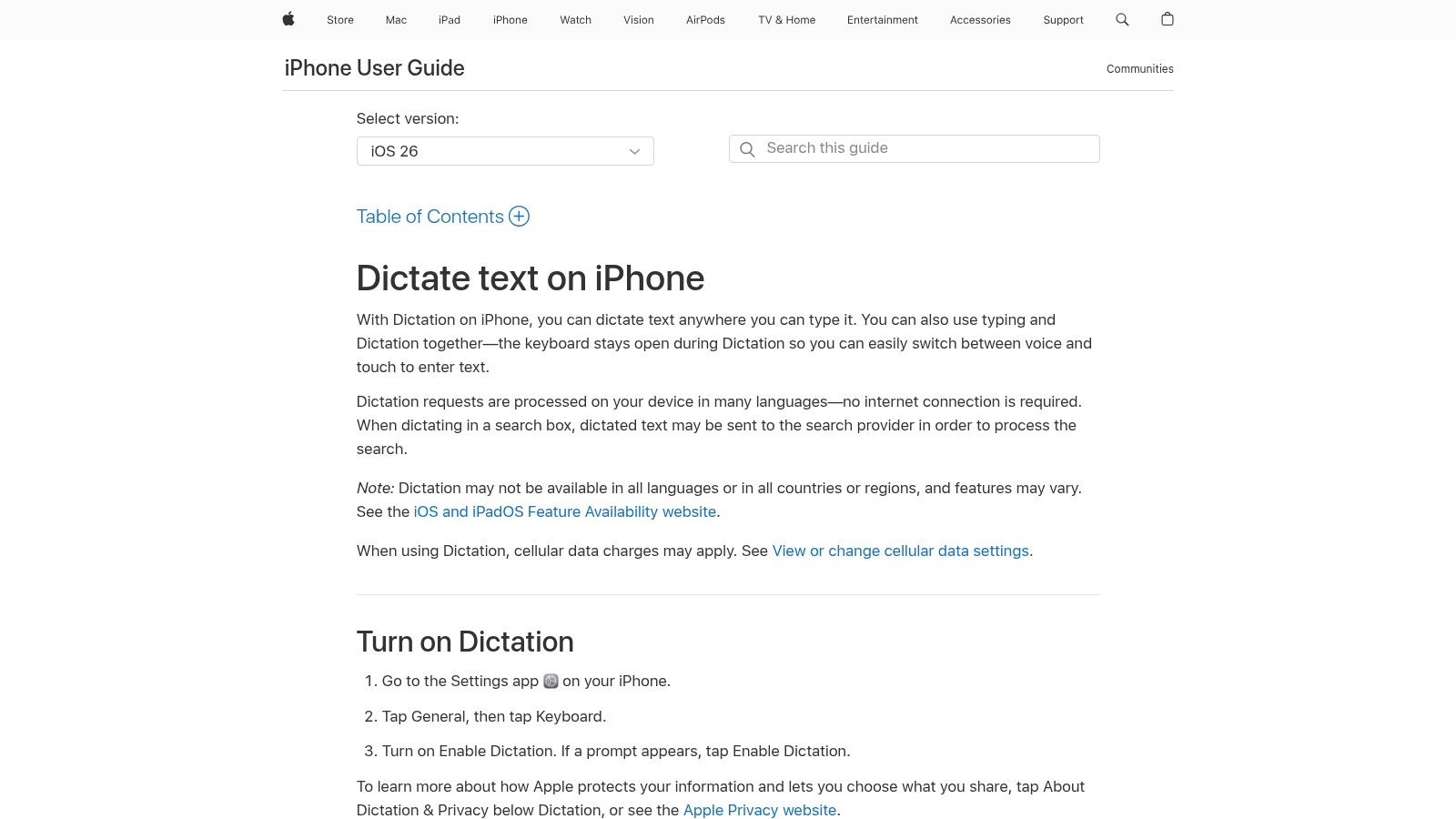
Unlike web-based tools, Apple Dictation works offline for many languages, which is a major benefit for privacy and on-the-go use. You can activate it with a simple tap of the microphone icon on the keyboard or a keyboard shortcut on a Mac. It supports commands for punctuation, basic formatting, and even inserting emojis, turning any text input area into a dictation-ready space.
While incredibly convenient, its features and accuracy can vary by language and it performs best in quiet environments. It may also automatically stop after a period of silence, making it less ideal for long-form, continuous dictation compared to dedicated word processors.
Access it here: https://support.apple.com/guide/iphone/dictate-text-iph2c0651d2/ios
For users who need to transcribe meetings, interviews, or lectures, Otter.ai offers a specialized and powerful speech to text program free tier that excels where general dictation tools fall short. It’s a cloud-based service designed for conversations, automatically identifying different speakers and creating an organized, searchable transcript. This focus on collaborative audio environments makes it an indispensable tool for teams, journalists, and students.
Unlike simple dictation software, Otter.ai processes audio to create a rich, interactive transcript. You can click on any word to play the audio from that point, add comments, highlight key takeaways, and share the entire conversation with collaborators. The free plan also integrates with popular meeting platforms like Zoom, automatically providing live captions and a post-meeting summary.
While the free plan's limits on import and transcription duration are restrictive for heavy users, its core functionality provides immense value. For anyone needing to turn spoken dialogue into actionable notes, Otter.ai's intelligent approach is a significant step up from basic voice-to-text tools.
Access it here: https://otter.ai/pricing-2025
For developers, researchers, or privacy-conscious users seeking a robust speech to text program free from cloud-based constraints, OpenAI's Whisper is a game-changer. This open-source model runs locally on your own hardware, offering exceptional accuracy without ongoing costs or data privacy concerns. Its main advantage is its powerful multilingual and translation capabilities, processing audio files directly on your machine via a command-line interface or Python.
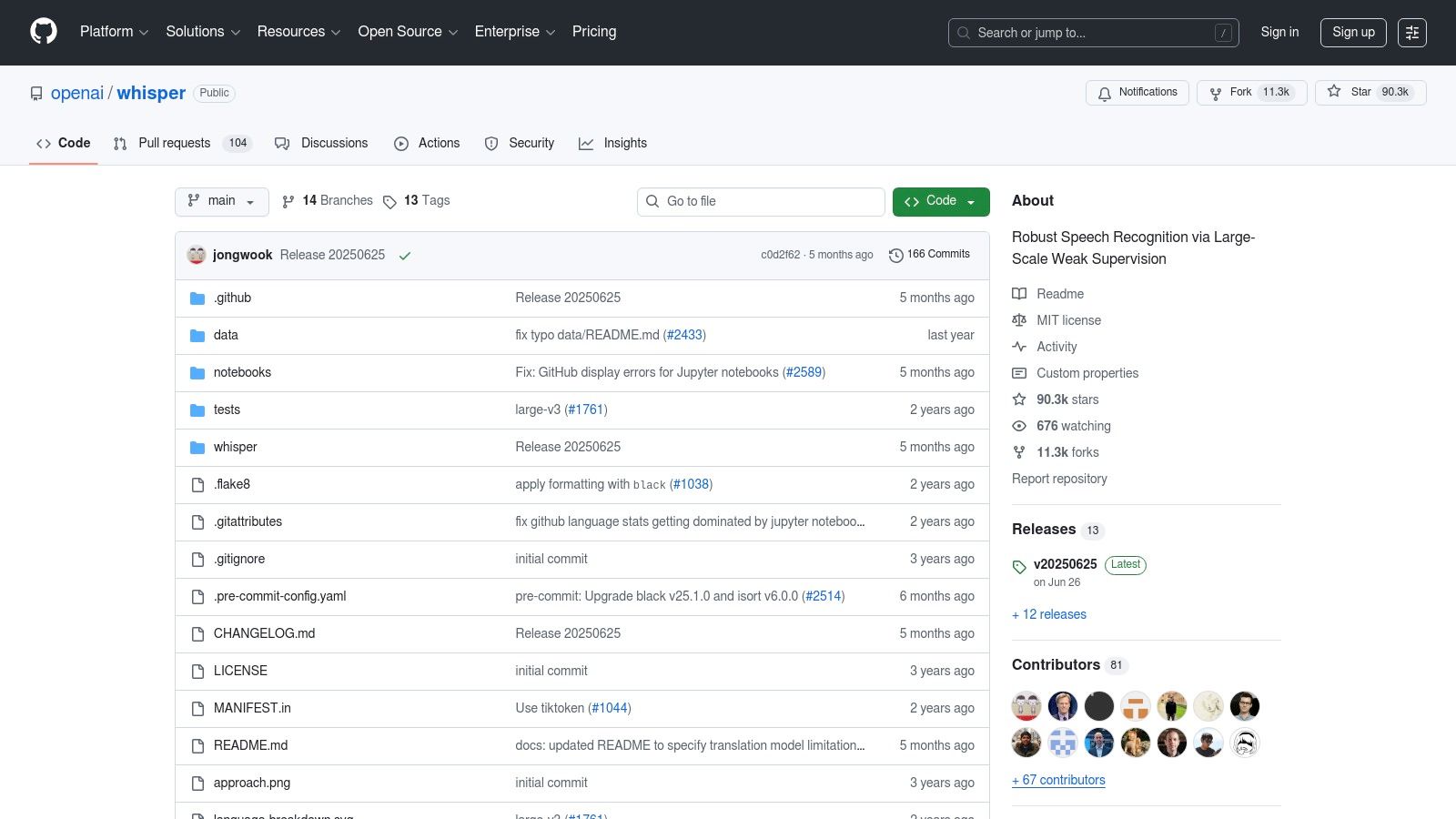
Unlike web-based services, Whisper gives you complete control. You can choose from various model sizes, balancing speed against accuracy to suit your hardware. This makes it a go-to solution for bulk transcription of audio files, academic research, or integrating a powerful transcription engine into custom applications without relying on third-party APIs.
While Whisper’s accuracy is top-tier, it demands technical knowledge for setup and can be resource-intensive, especially the larger, more accurate models. There is no official graphical interface, so users must be comfortable with the command line or use third-party tools.
Access it here: https://github.com/openai/whisper
For on-the-go dictation, the most accessible speech to text program free for mobile users is often built right into their keyboard. Gboard, Google's default keyboard on most Android devices (and a popular download on iOS), integrates high-quality voice typing that works universally across any app. Simply tap the microphone icon in any text field, from messaging apps to browser search bars, to start dictating.
Its key advantage is ubiquity; it transforms your phone into a portable dictation device without needing to open a separate application. The feature leverages Google's powerful speech recognition engine, providing fast and generally accurate transcription for short-form text like emails, notes, and social media posts.
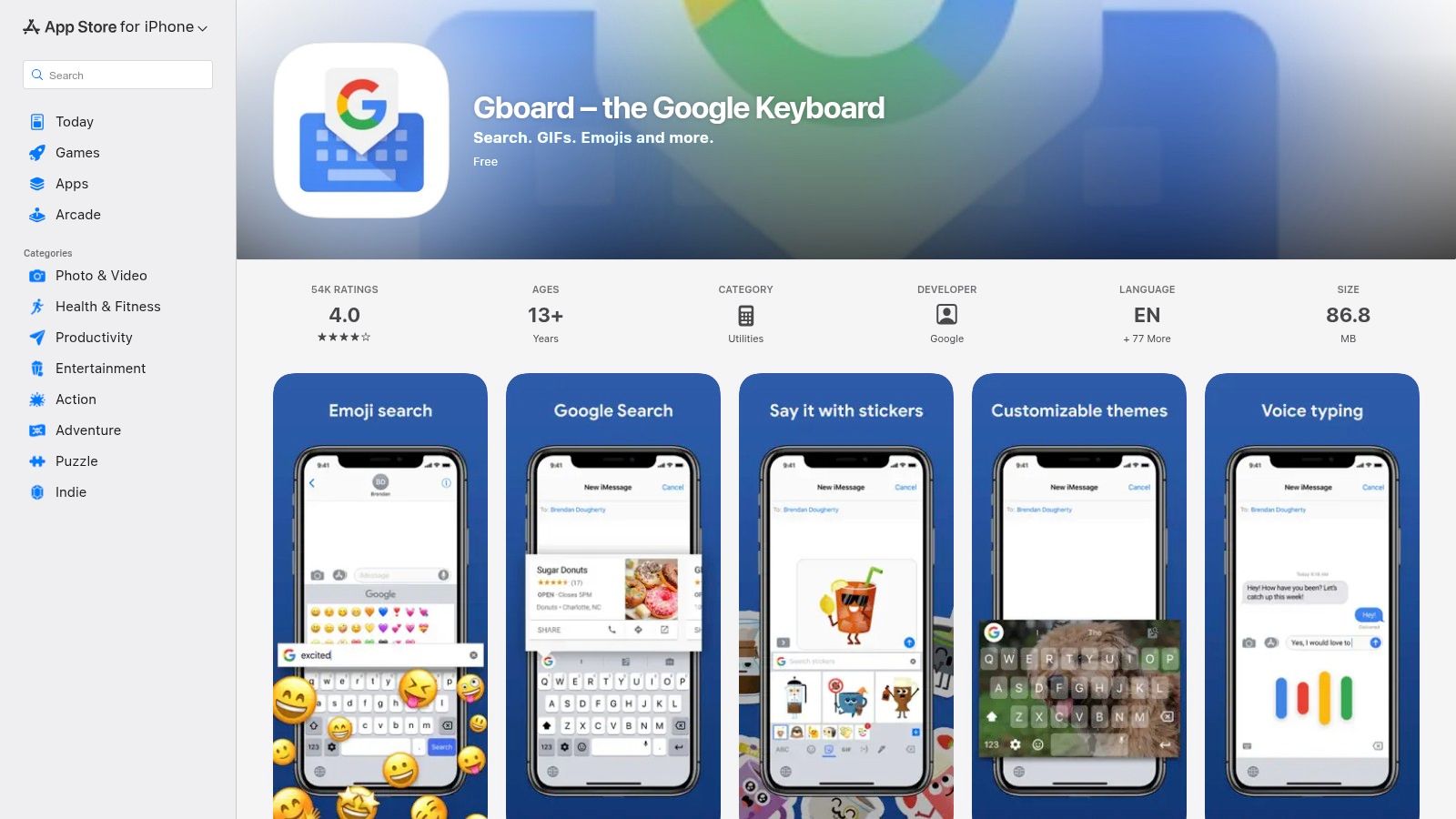
While incredibly convenient, its accuracy can be affected by background noise, and its functionality on iOS differs from Apple’s native dictation. However, for seamless and instant voice-to-text input integrated at the system level, Gboard is an essential tool for mobile productivity.
Access it here: https://apps.apple.com/us/app/gboard-the-google-keyboard/id1091700242
For developers and small businesses needing a robust, API-driven solution, IBM offers a powerful speech to text program free tier through its Watson Speech to Text service. This is not a consumer-facing app but a cloud-based engine designed for integration into other applications. Its 'Lite' plan provides a generous monthly allowance of free transcription minutes, making it perfect for testing, prototyping, or handling low-volume transcription needs without any upfront cost.
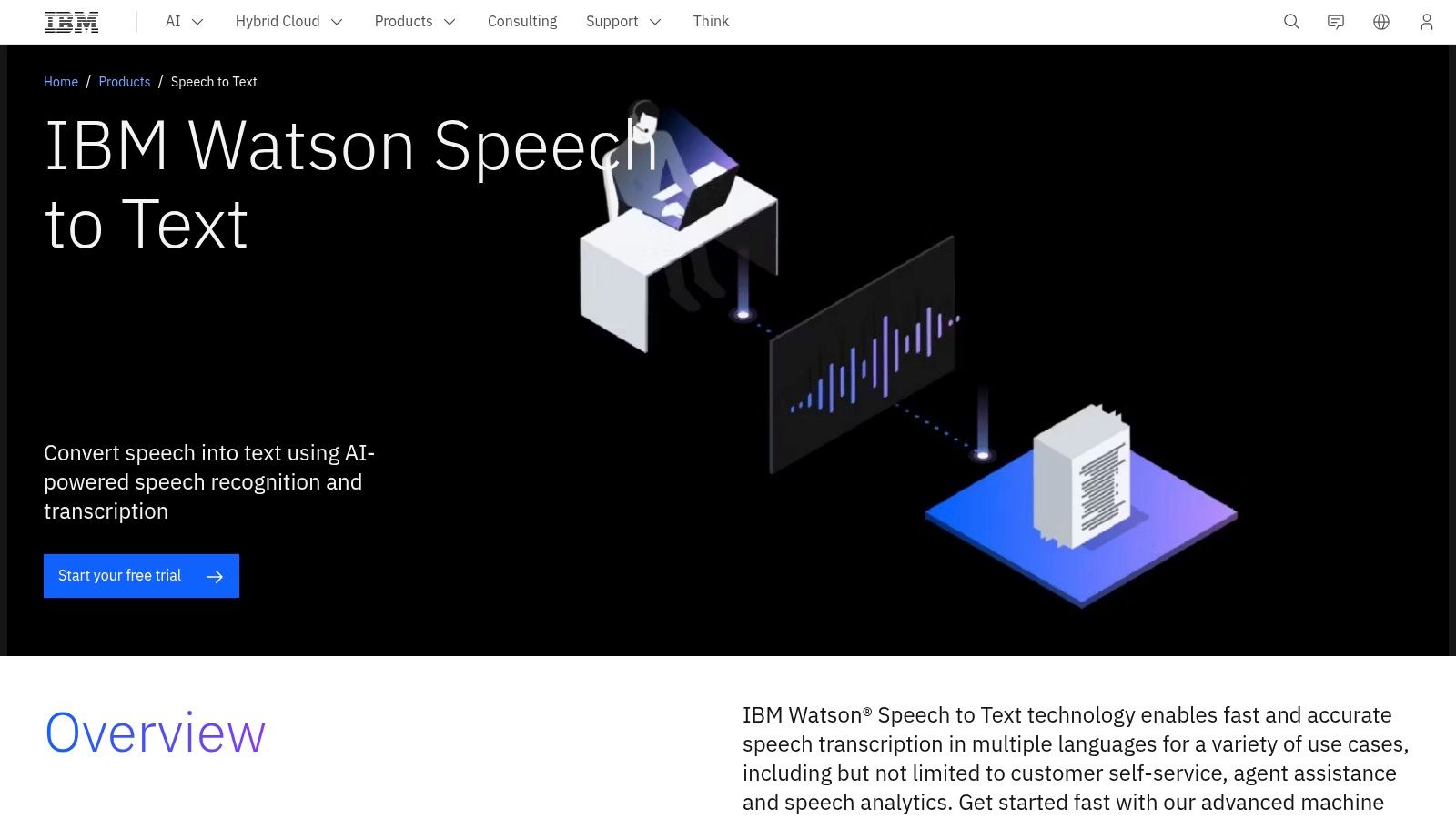
Unlike simple dictation tools, IBM Watson excels at processing diverse audio sources with high accuracy, supporting over 38 pretrained language and acoustic models. It offers advanced features like real-time streaming transcription and speaker diarization, which identifies and labels different speakers in a single audio file. This makes it a go-to for building more sophisticated voice-enabled products.
While it delivers enterprise-grade accuracy, getting started requires setting up an IBM Cloud account and some technical configuration via its APIs. For non-technical users, it's not a practical choice, but for those who can leverage it, Watson provides an unparalleled free entry point to professional-level speech recognition.
Access it here: https://www.ibm.com/products/speech-to-text
For developers and businesses looking to integrate transcription capabilities into their applications, Microsoft offers a powerful speech to text program free tier via Azure AI Speech. This isn't a simple consumer tool but a robust, cloud-based platform for building sophisticated voice-enabled products. Its primary strength lies in its high accuracy, extensive developer tools (SDKs), and seamless integration within the broader Azure ecosystem, allowing for complex, scalable solutions.
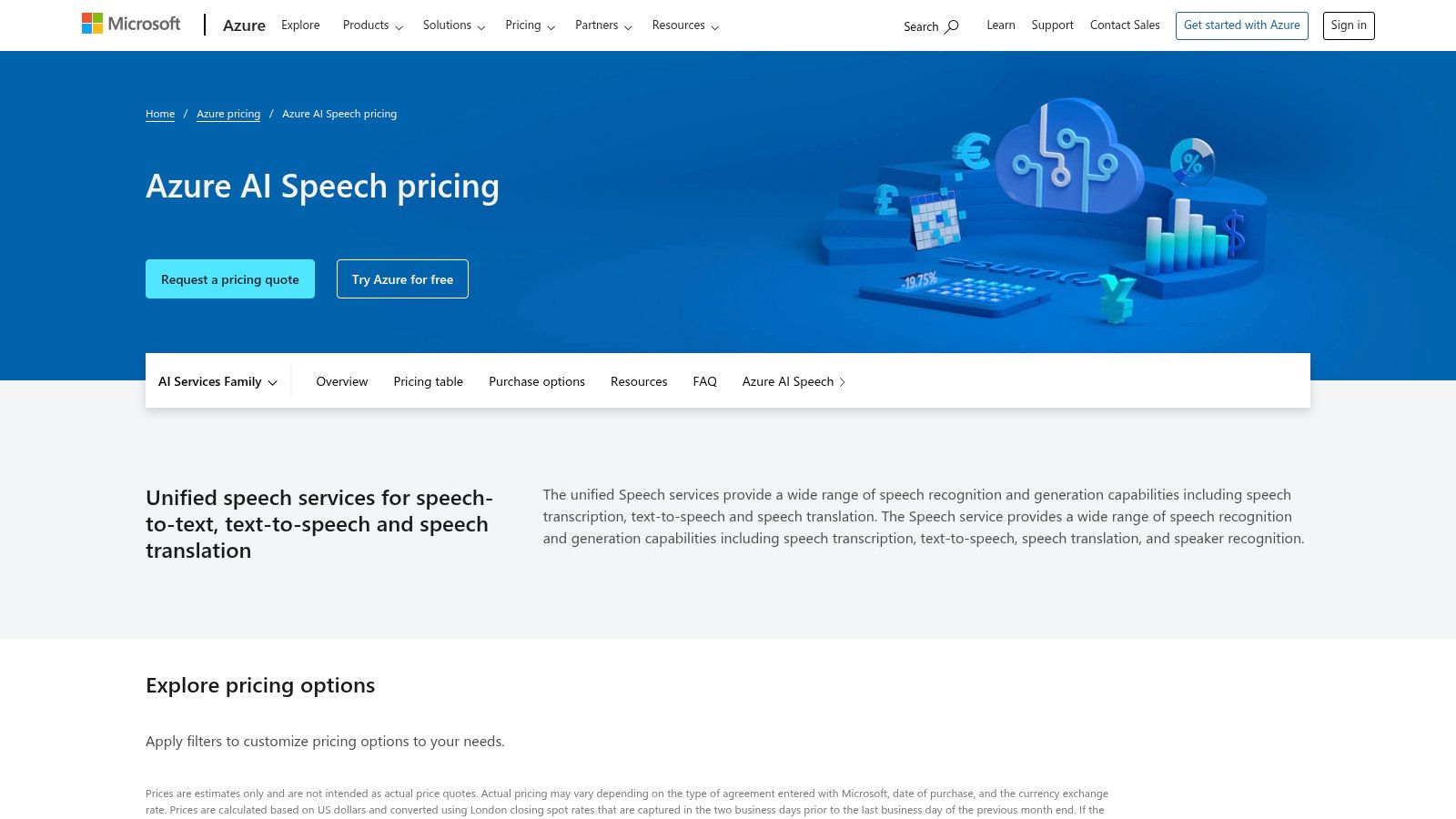
Unlike user-facing dictation software, Azure AI Speech is designed to be the engine behind the scenes. It supports real-time streaming and batch transcription, speaker recognition, and even custom model training for domain-specific terminology. The F0 "Free" tier provides a generous monthly allowance, making it ideal for prototyping, testing, and small-scale applications without initial investment.
While it's a powerful service, its complexity makes it unsuitable for casual users just needing to dictate a document. Getting started requires setting up an Azure account, which can be a hurdle. For building reliable voice applications on a proven platform, however, the free tier is an invaluable starting point.
Access it here: https://azure.microsoft.com/pricing/details/cognitive-services/speech-services/
For developers and businesses seeking an enterprise-grade solution, Google Cloud Speech-to-Text offers a powerful API that underpins many commercial transcription services. While not a user-facing application, its inclusion in a list of speech to text program free options is justified by its generous free tier, which provides up to 60 minutes of audio processing per month at no cost. This makes it an excellent choice for small projects or for testing advanced transcription capabilities.
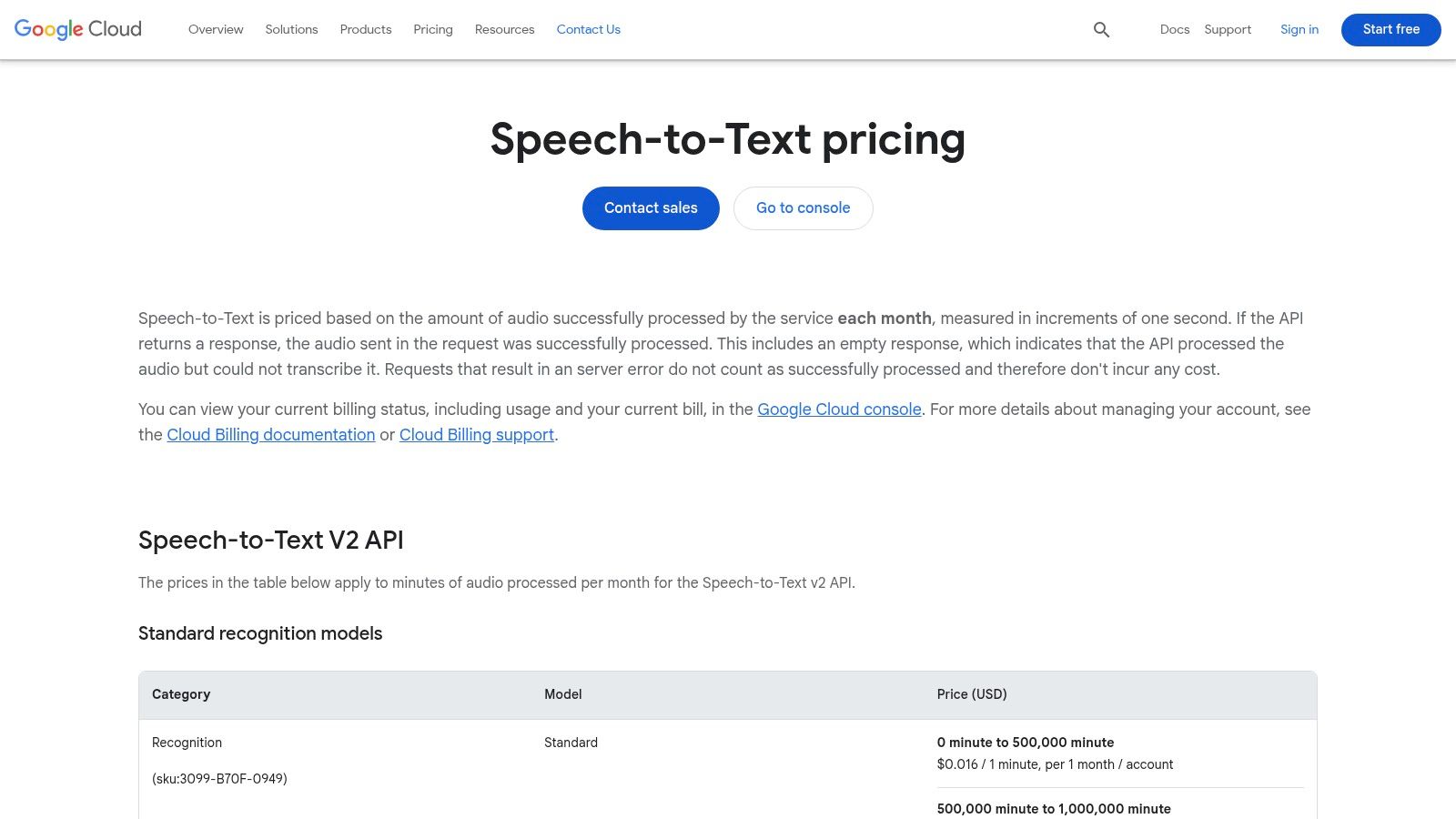
The platform stands out with its specialized models tuned for specific use cases like phone calls or video content, ensuring higher accuracy. It also supports real-time streaming transcription and advanced features like speaker diarization (identifying who spoke when) and word time offsets, which are critical for applications in media, analytics, and accessibility. This is a developer-focused tool, requiring some technical setup to integrate into an application or workflow.
While it demands a billing account setup even for the free tier, the sheer power and scalability it offers are unmatched by consumer-grade tools. For those who need the best possible transcription engine for a project, its free monthly allowance is invaluable.
Access it here: https://cloud.google.com/speech-to-text/pricing
For developers and businesses needing a powerful, scalable transcription engine, Amazon Transcribe offers an enterprise-grade solution that can be explored as a speech to text program free of charge through the AWS Free Tier. This isn't a simple note-taking app but a robust service designed for processing audio files, identifying different speakers, and integrating directly into complex workflows. It’s built for technical users who need to automate transcription at scale, such as processing call center recordings or generating subtitles for media.
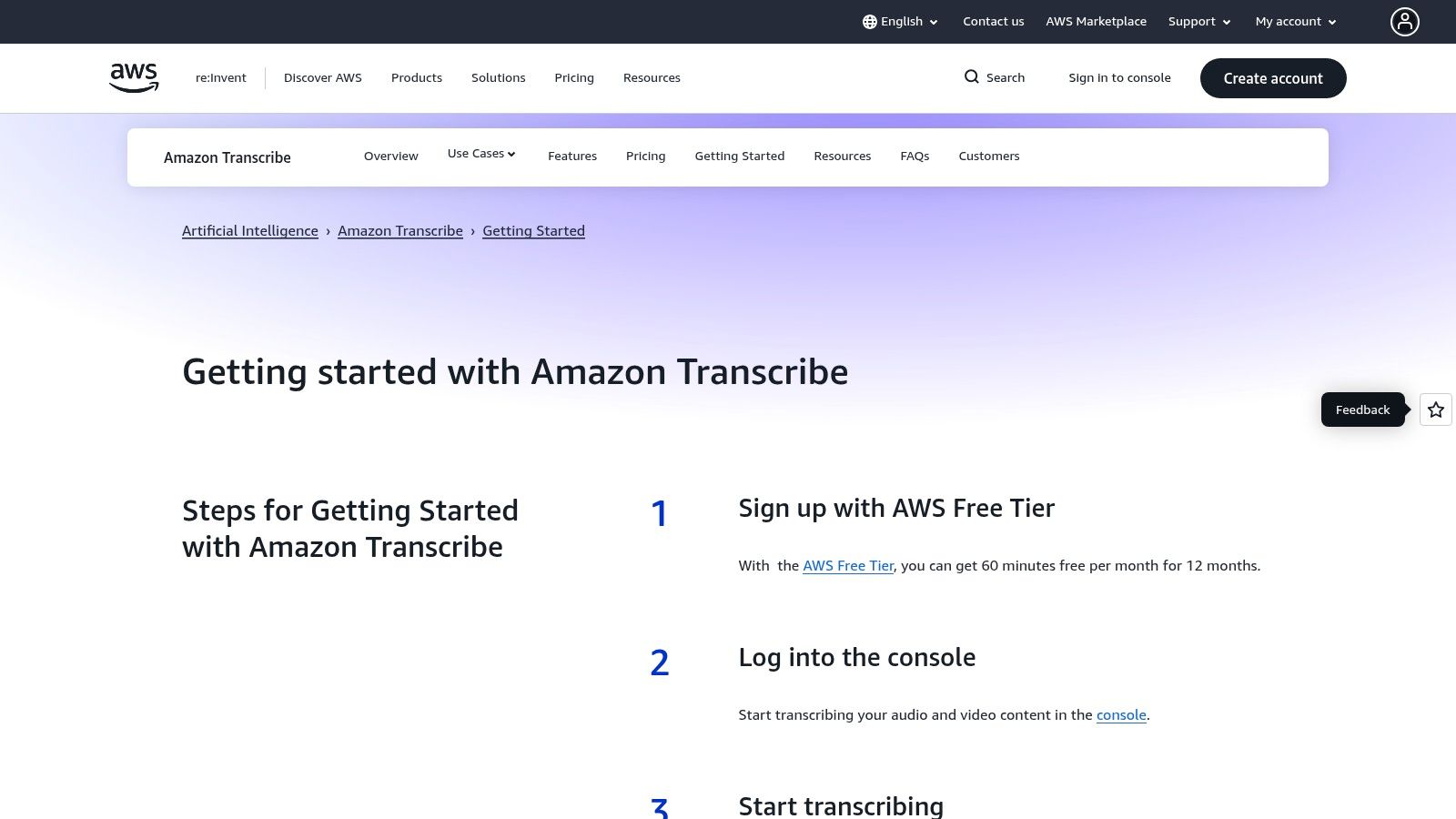
What sets it apart is its suite of advanced features, including speaker diarization (who spoke when), custom vocabularies to recognize specific jargon or product names, and real-time streaming transcription. While it requires setting up an AWS account, the free tier provides an excellent opportunity to test these powerful capabilities without initial investment, making it ideal for prototyping applications.
The main hurdle is its complexity; it's a developer tool, not a consumer application, and the free tier is time-limited. However, for those who need a high-accuracy, scalable transcription service, the AWS Free Tier is the perfect entry point.
Access it here: https://aws.amazon.com/transcribe/getting-started/
For developers and users prioritizing privacy and offline functionality, Vosk stands out as a powerful open-source speech to text program free of charge. Unlike web-based services that process your audio on remote servers, Vosk is a toolkit designed to run entirely on your device. This makes it a perfect choice for applications where data cannot leave the local environment, from desktops and mobile phones to small devices like a Raspberry Pi.
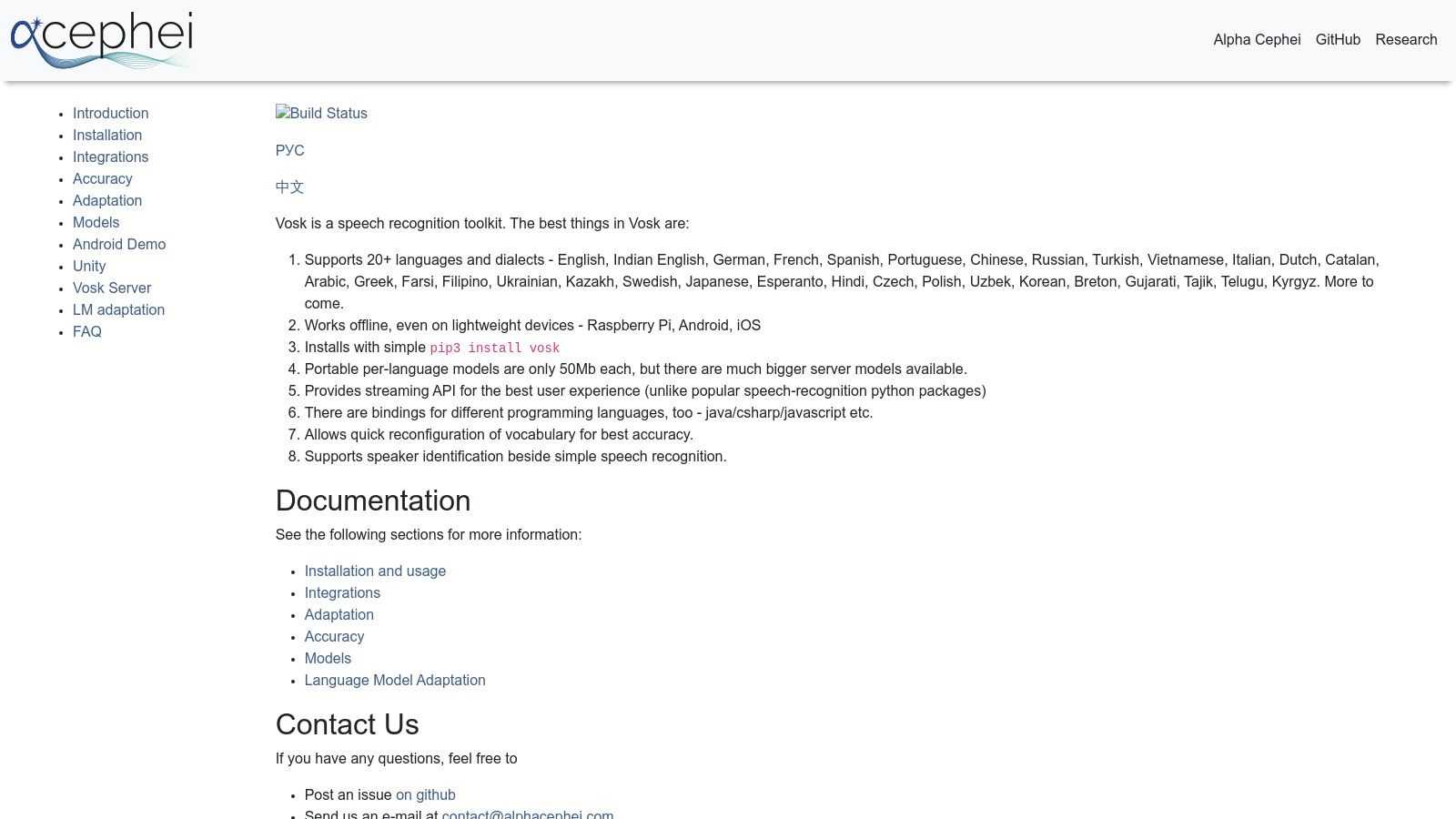
Its core strength lies in its lightweight, downloadable language models (some as small as 50 MB) and extensive support for programming languages like Python and Java. This allows developers to integrate robust transcription capabilities directly into their own applications without relying on an internet connection or paying for API calls. Vosk empowers users to build custom, private voice-enabled tools.
While Vosk is incredibly versatile, it is not a ready-to-use application for the average user. It requires technical knowledge to implement and integrate. Its accuracy is also dependent on the specific language model and microphone quality used.
Access it here: https://alphacephei.com/vosk/
| Product | Core features | Quality ★ | Price/Value 💰 | Target 👥 | Unique selling points ✨ |
|---|---|---|---|---|---|
| Lemonfox.ai 🏆 | STT & TTS API, 100+ languages, speaker diarization, low latency | ★★★★☆ high accuracy (Whisper large‑v3) | 💰 Free 30h trial, $5/mo credits, ~<$0.17/hr | 👥 Developers, SMBs, SaaS products | ✨ EU endpoint, immediate data deletion, ultra‑low cost TTS |
| Google Docs – Voice Typing | In‑doc dictation + voice commands, 100+ langs | ★★★★ reliable for clear speech | 💰 Free with Google account | 👥 Students, writers, casual users | ✨ Built into Docs, easy formatting by voice |
| Microsoft Windows 11 – Voice typing | System‑wide overlay (Win+H), auto‑punctuation | ★★★★ solid cross‑app dictation | 💰 Free with Windows 11 | 👥 Windows users, accessibility cases | ✨ OS‑level integration across apps |
| Apple Dictation | On‑device processing (often), voice commands | ★★★★☆ good privacy & hands‑free UX | 💰 Free on Apple devices | 👥 iPhone/iPad/Mac users | ✨ On‑device option for better privacy |
| Otter.ai (free plan) | Live meeting transcription, speaker ID, exports | ★★★★ meeting‑optimized | 💰 Free tier (limited), paid tiers for heavy use | 👥 Teams, meeting note takers | ✨ Collaboration, Zoom/Meet integrations |
| OpenAI Whisper (open‑source) | Multilingual models, tiny→large, CLI/Python | ★★★★★ (large models) offline capable | 💰 Free code; compute costs vary | 👥 Developers, researchers, privacy‑minded | ✨ Run locally, no per‑minute charges |
| Gboard – Google Keyboard | Instant voice typing in any app, offline packs | ★★★★ fast mobile dictation | 💰 Free app | 👥 Mobile users, messaging & notes | ✨ Ubiquitous keyboard integration |
| IBM Watson STT (Lite) | 38+ models, diarization, streaming & batch | ★★★★ enterprise‑grade | 💰 Lite free minutes, paid tiers | 👥 Enterprises, dev teams | ✨ IBM support & enterprise tooling |
| Microsoft Azure AI Speech (F0) | STT/TTS/translation, custom models, SDKs | ★★★★☆ robust & scalable | 💰 5 hrs/mo free (F0), pay beyond | 👥 Azure customers, enterprise apps | ✨ Deep Azure integration & SDKs |
| Google Cloud Speech‑to‑Text | Streaming & long‑form, domain models, timestamps | ★★★★☆ strong language coverage | 💰 Small free allowance, pay‑as‑you‑go | 👥 Apps, contact centers, media | ✨ Domain‑tuned models & scale |
| Amazon Transcribe (AWS) | Real‑time & batch, custom vocab, diarization | ★★★★ reliable at scale | 💰 Free 60 min/mo (12 mo), then paid | 👥 AWS users, enterprise workflows | ✨ AWS integrations (S3, Kinesis) |
| Vosk (Alpha Cephei) | Offline ASR, lightweight models, multi bindings | ★★★☆ good for edge/offline | 💰 Free/open‑source | 👥 Edge/embedded developers, privacy use | ✨ Small footprint, works offline on Raspberry Pi |
Navigating the landscape of free speech-to-text software reveals a powerful and diverse ecosystem of tools. The journey from spoken word to written text is no longer a luxury but an accessible reality for everyone from casual users to enterprise-level developers. As we've explored, the best speech to text program free for you is not a one-size-fits-all solution; it’s a choice deeply rooted in your specific needs, workflow, and technical requirements.
Your ideal tool hinges on your primary use case. For straightforward, everyday dictation, the convenience of native tools is unmatched. Apple Dictation and Windows 11 Voice Typing are seamlessly integrated into their respective operating systems, offering immediate, offline-capable transcription for notes, emails, and quick commands without any setup. Similarly, for mobile users, Gboard's Voice Typing provides a fast and reliable on-the-go solution.
For those who spend their days in documents and collaborative environments, Google Docs Voice Typing remains a standout choice. Its integration within the Google ecosystem makes it a frictionless tool for drafting articles, taking notes, and writing long-form content directly where it needs to live.
When transcription involves multiple speakers, such as in meetings or interviews, a specialized tool like Otter.ai becomes invaluable. Its free tier, with features like speaker identification and summary generation, offers a glimpse into the power of AI-assisted transcription that general dictation tools simply cannot match.
The conversation shifts significantly for developers and users who demand more control, privacy, and integration capabilities. Open-source models like OpenAI's Whisper and Vosk represent the pinnacle of flexibility. By running these models locally, you gain complete data privacy and the ability to customize the transcription process to your exact specifications, free from reliance on third-party cloud services.
For those building applications that require robust transcription APIs, the major cloud platforms like Google Cloud, Microsoft Azure, and Amazon Transcribe offer compelling free tiers. These are gateways to enterprise-grade accuracy and features, perfect for testing and small-scale projects. However, for developers seeking a more focused, affordable, and privacy-conscious API solution, a dedicated provider like Lemonfox.ai offers a powerful alternative. It strikes an exceptional balance between high-end performance and cost-effectiveness, especially for those looking to scale beyond a basic free trial.
Ultimately, selecting the right speech to text program free is an exercise in matching features to function. Consider your priorities: Is it speed and convenience, collaborative features, absolute data privacy, or a scalable API for a new application? By referencing the detailed comparisons in this guide, you can confidently choose the tool that will best amplify your voice and streamline your work.
Ready to integrate a powerful, private, and exceptionally affordable transcription API into your next project? Explore the developer-friendly features of Lemonfox.ai and see how our state-of-the-art models can elevate your application with a generous free trial to get you started. Visit us at Lemonfox.ai to begin building today.