
First month for free!
Get started
Published 11/11/2025

Text-to-speech (TTS) technology has transformed how we interact with our devices, making content more accessible and multitasking easier than ever. From listening to articles during your commute to assisting users with visual impairments, the right app can unlock a new level of productivity and convenience. For developers and businesses, integrating a high-quality Speech-to-Text API or a robust text-to-speech engine can be a critical project component. Finding the best solution, however, requires navigating a complex market of options.
This guide dives deep into the best text to speech apps for android, moving beyond simple feature lists to provide a comprehensive resource. We will explore the critical differences between standalone reader apps and system-wide voice engines, analyze the quality of AI-powered voices versus standard options, and provide practical scenarios to help you choose the perfect tool for your specific needs. Each review includes an honest assessment of its strengths and weaknesses, screenshots for a clear visual reference, and direct links to get started.
Whether you're a student, a professional, a developer looking for an affordable TTS API, or simply someone looking to give your eyes a rest, this article will help you find the ideal voice for your Android device. We cut through the noise to deliver straightforward analysis, helping you make an informed decision without the filler.
While not a standalone app, the Google Play Store is the essential starting point and primary marketplace for discovering the best text to speech apps for android. It serves as a vast, centralized hub where you can find, compare, and install everything from full-featured TTS readers to the underlying speech synthesis engines that power them. Its comprehensive catalog is the most complete and secure resource for any Android user.
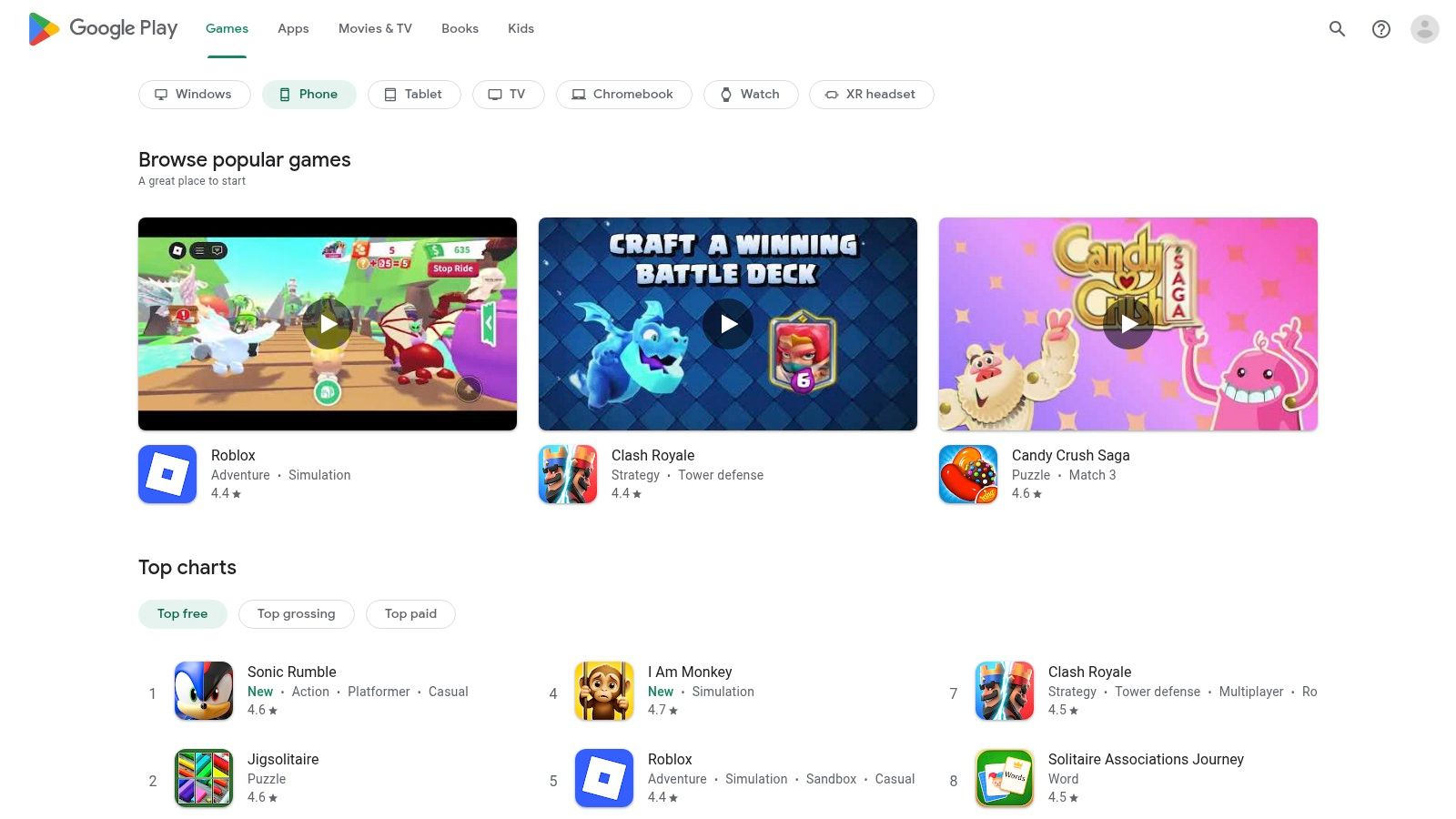
The platform streamlines the user experience by handling all installations, automatic updates, and billing in one place. This integration simplifies managing subscriptions or one-time purchases for various apps and voice add-ons. Google's vetting process, user reviews, and clear refund policies provide a layer of security that third-party app stores often lack.
Pros:
Cons:
Website: https://play.google.com
Often preinstalled on Android devices, this is Google's own system-level text to speech engine. It serves as the default voice for many core Android functions like Google Translate, Play Books, and the TalkBack accessibility service. It also provides the foundational voice for countless third-party reader apps, making it one of the most widely used text to speech apps for android by default.
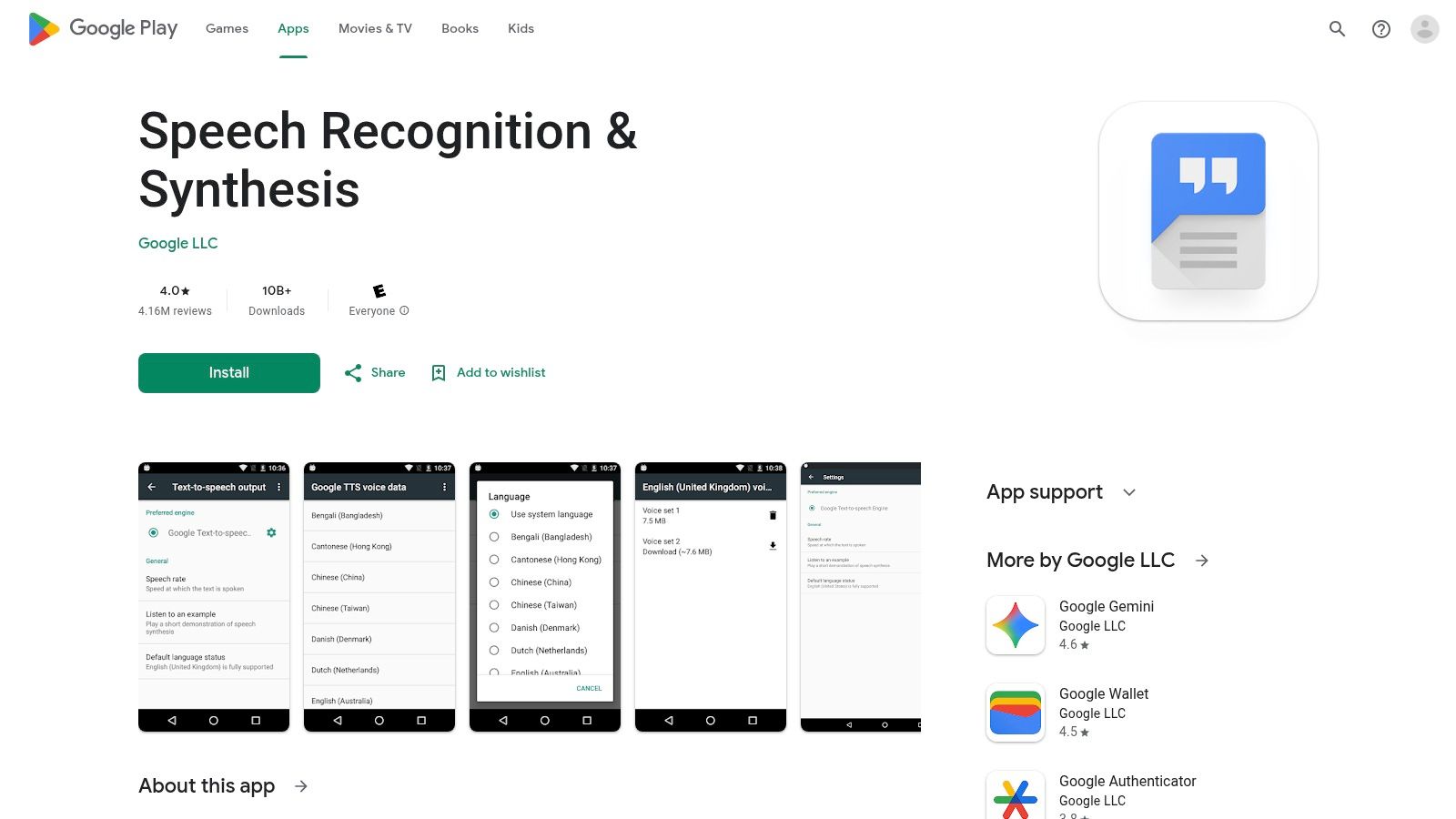
This engine is the reason most Android phones can read text aloud right out of the box. Its seamless integration means users rarely have to configure anything; it just works. While other engines may offer more expressive or specialized AI voices, Google's TTS provides a reliable, clear, and completely free baseline that is consistently updated through the Play Store.
Pros:
Cons:
Website: https://play.google.com/store/apps/details?id=com.google.android.tts
For Samsung device owners, the Galaxy Store is the official distribution hub for the Samsung Text‑to‑Speech engine and its corresponding voice packs. While Google's TTS is standard on all Android devices, Samsung provides its own engine for tighter integration with its One UI software, offering voices optimized for Bixby, accessibility features, and other native Samsung apps. It’s the go-to source for users who prefer the default system voices on their Galaxy device.
This platform provides a seamless experience for managing the Samsung-specific TTS components. Users can download additional high-quality voices or update the core engine directly through the store or via the device's accessibility settings. This integration ensures that the native reading experience across the device remains consistent and performs optimally with Samsung’s software ecosystem.
Pros:
Cons:
Website: https://www.galaxystore.samsung.com
@Voice Aloud Reader stands out as a highly versatile and powerful content reader rather than just a simple text to speech app for android. It excels at consuming a wide range of document types, from web pages and emails to PDFs and EPUB ebooks, using any TTS engine you have installed on your device. Its strength lies in its ability to create and manage reading lists or queues, making it ideal for listening to articles back-to-back during a commute or workout.
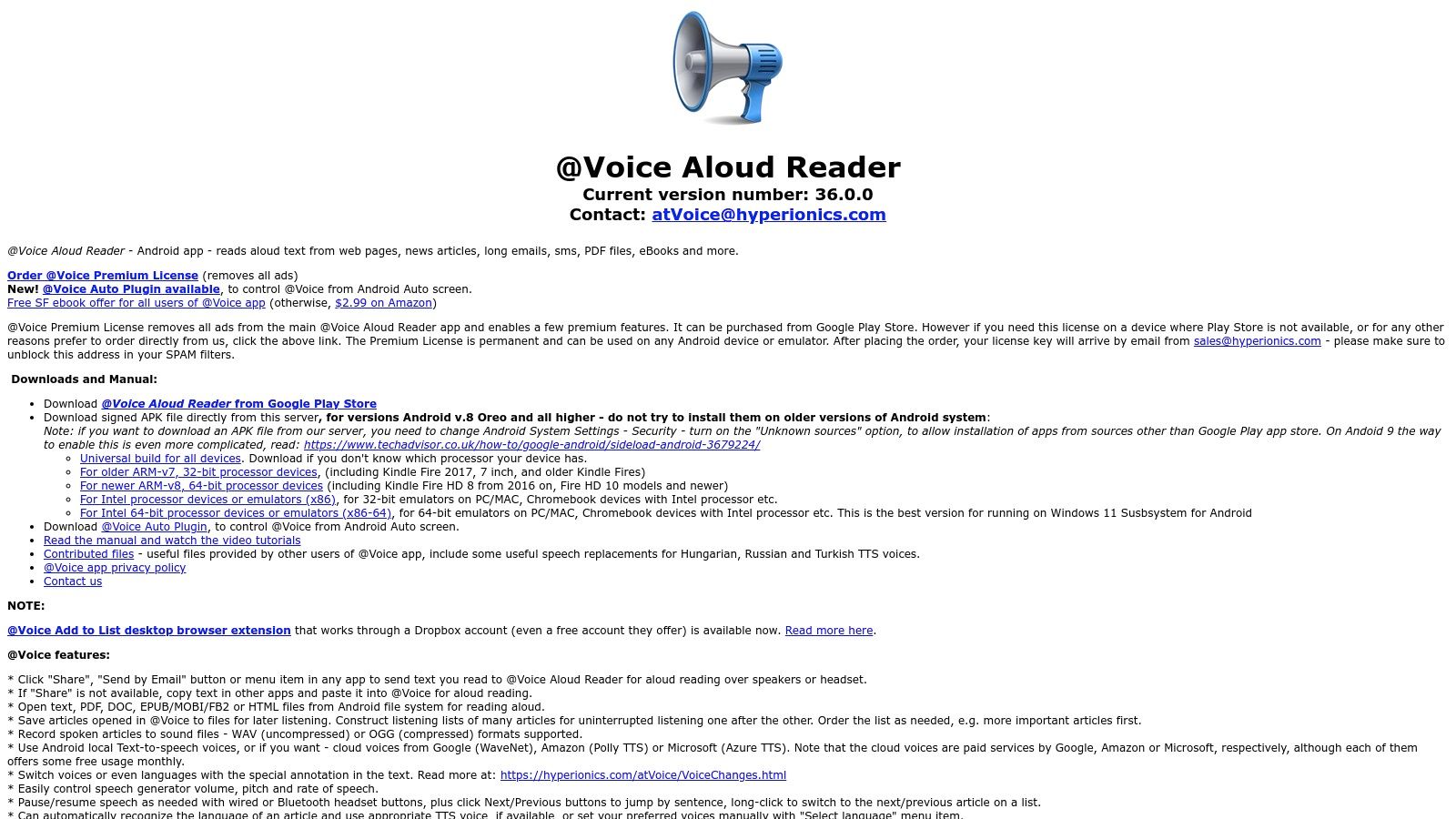
The platform offers deep customization, allowing users to control speech rate, pitch, and volume, and even export spoken articles as audio files. This workflow-oriented approach, combined with a companion Chrome extension and Android Auto support, makes it a robust solution for users who need to process large amounts of text-based information audibly and efficiently.
Pros:
Cons:
Website: https://www.hyperionics.com/atVoice/
NaturalReader is a powerful, cross-platform text-to-speech service that excels in providing a seamless listening experience across multiple devices. Its dedicated Android app, combined with its web and Chrome extensions, makes it an ideal choice for students and professionals who need to access and listen to their documents anywhere. It supports a wide array of formats, including text files, PDFs, and even images through its built-in OCR technology.
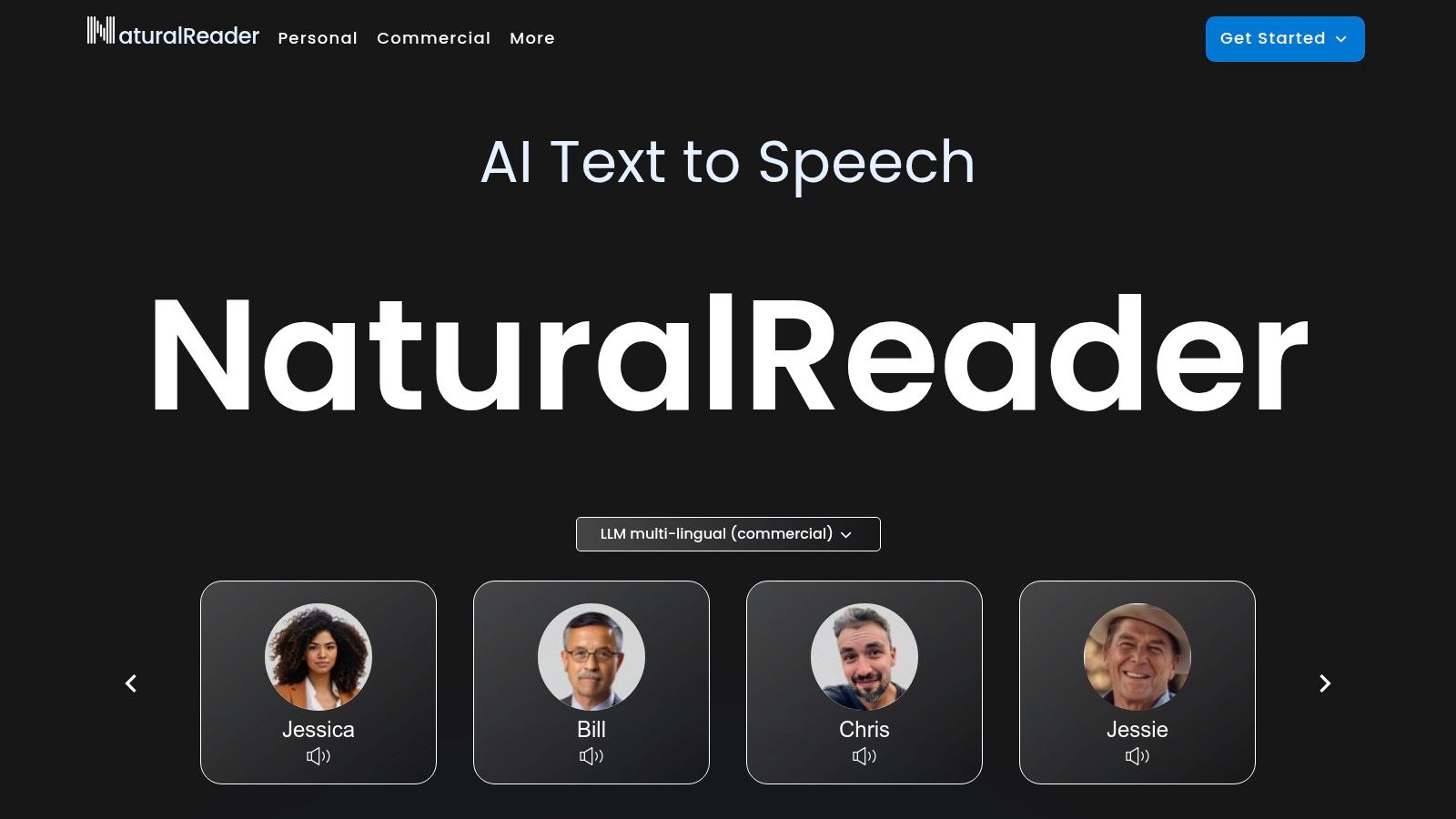
The platform is distinguished by its high-quality AI voices and a pronunciation editor, allowing users to fine-tune how specific words or acronyms are read aloud. This level of customization is invaluable for technical or specialized content. NaturalReader offers a free tier with basic voices, while its premium plans unlock access to the best AI voices and higher character limits, catering to more demanding usage.
Pros:
Cons:
Website: https://www.naturalreaders.com
Speechify is a consumer-focused, multiplatform TTS app designed for users who want to consume content quickly and across multiple devices. Its Android app excels at transforming physical documents or digital files into audio, making it a powerful tool for students, professionals, and anyone with reading difficulties. The platform is built around a "power-listening" workflow, allowing you to import, scan, and sync content to a cloud library.
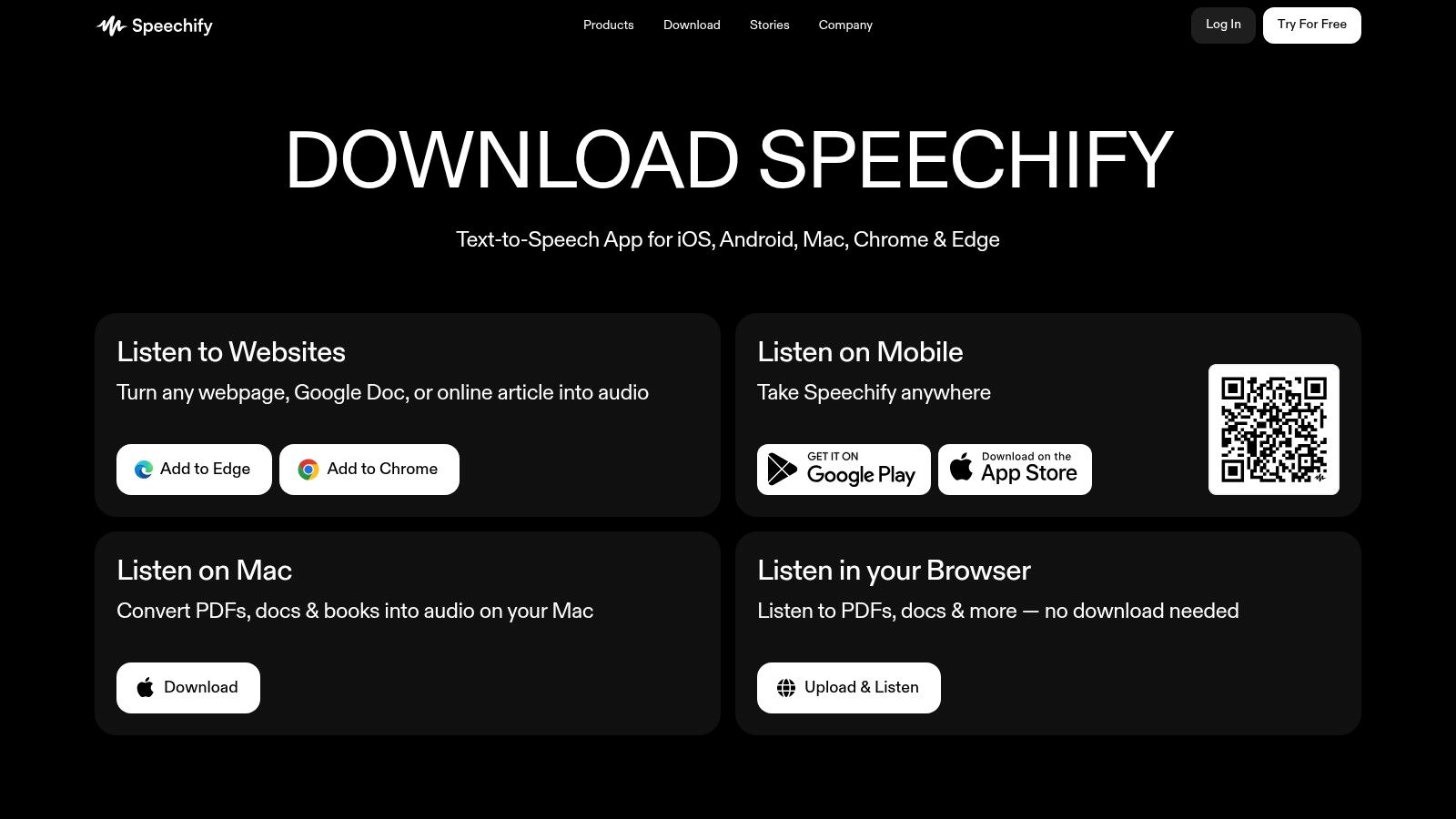
The seamless integration between mobile, desktop, and browser extensions ensures your listening library is always accessible. While a free version is available, the premium subscription unlocks the platform's best features, including high-quality AI voices, offline listening, and faster playback speeds. This makes it one of the more polished text to speech apps for android if you are willing to invest in its ecosystem.
Pros:
Cons:
Website: https://speechify.com/download/
Rather than a standalone reader app, Acapela provides a catalog of high-quality, professional text to speech voices that can be installed on your Android device. Once purchased and set as your system default, these voices can be used by any TTS-compatible application, from Google Maps to your favorite e-reader. This makes it an ideal solution for users seeking a more natural, expressive, or language-specific voice to use system-wide.
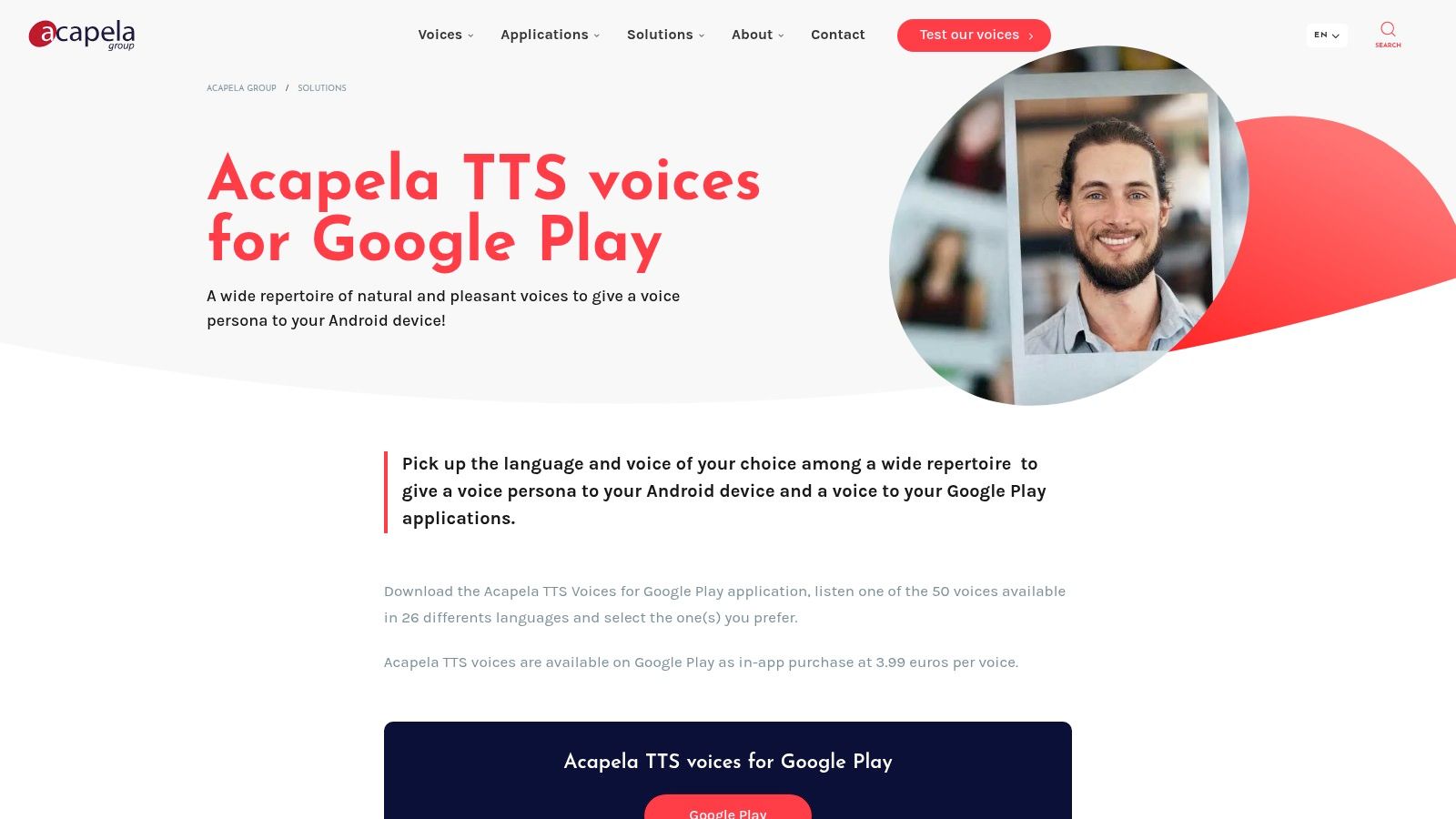
Acapela's primary strength is the superior quality and personality of its voices, which often sound significantly more human-like than default system options. The company offers a wide selection, including children's voices and specialty voices, which enhances the accessibility experience for many users. You can download the Acapela app from Google Play to demo voices before making a purchase.
Pros:
Cons:
Website: https://www.acapela-group.com/solutions/acapela-tts-voices-for-google-play/
Vocalizer Expressive by Code Factory is not a reading app itself, but a powerful third-party TTS engine that replaces Android's default voice system. It offers a massive catalog of high-quality, natural-sounding voices that can be used across your entire device, from accessibility features like TalkBack to any TTS-enabled reading app. Its primary strength lies in its vast linguistic diversity and simple, per-voice purchasing model.
Unlike apps with bundled voices, Vocalizer lets you preview and purchase only the specific voices you need, each available with a 7-day free trial. This à la carte system is ideal for international users or those seeking a specific accent not found in standard engines. The engine integrates seamlessly, providing detailed controls over pitch, speed, and even punctuation reading for a customized listening experience.
Pros:
Cons:
Website: https://codefactoryglobal.com/usecases/apps/vocalizer-expressive-for-android/
RHVoice is a free, open-source speech synthesizer designed primarily for visually impaired users. Unlike commercial products, it is community-driven and focuses on providing responsive and clear voices for screen readers like TalkBack. It acts as a system-wide engine, allowing any compatible text to speech app for android to use its voices once installed and configured in the device settings.
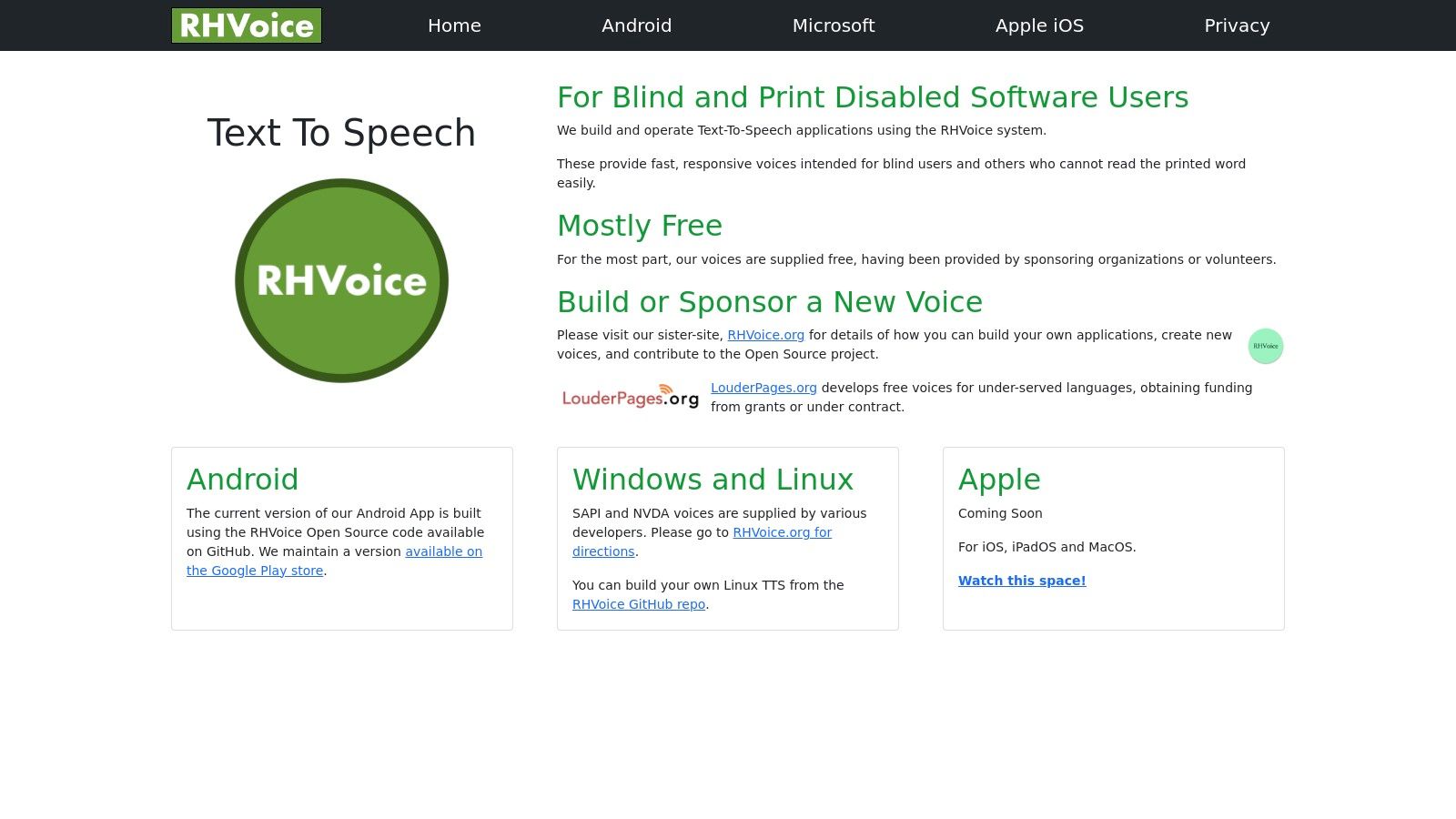
The project stands out for its commitment to accessibility and privacy, offering a completely free alternative without ads or data tracking. While the voice selection is smaller than premium services, it supports multiple languages, with quality often rivaling that of paid options. Its emphasis on low latency makes it a practical choice for users who depend on a screen reader for daily navigation and interaction.
Pros:
Cons:
Website: https://rhvoice.com
Known for its state-of-the-art AI voice generation, ElevenLabs extends its technology to mobile with ElevenReader. This app is designed for long-form listening, transforming PDFs, ePub files, and articles into audiobooks with some of the most natural-sounding voices available. It leverages the company's powerful speech synthesis engine, making it a standout choice for users who prioritize voice quality above all else.
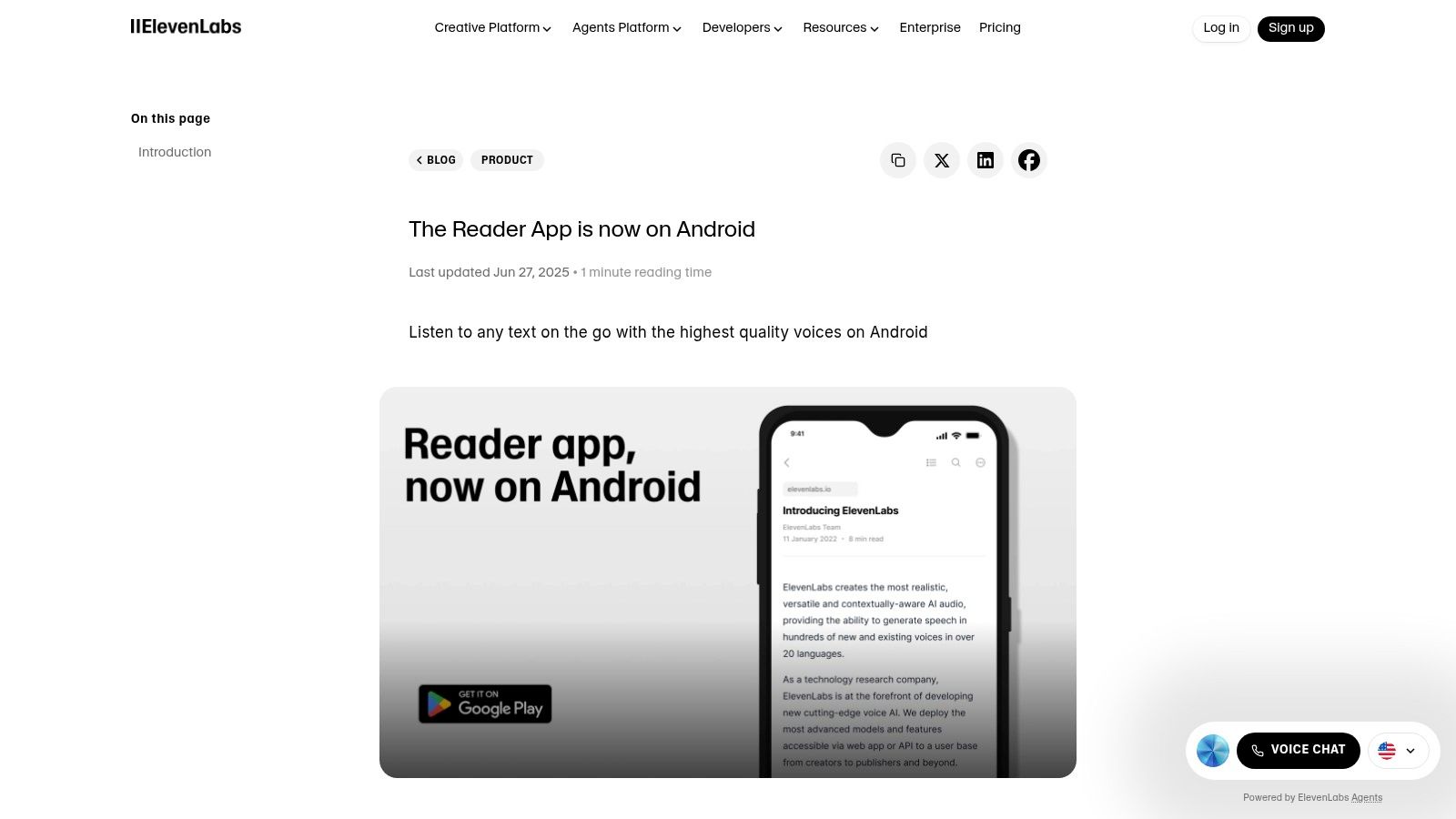
The app connects directly to your ElevenLabs account, utilizing your character allowance to convert text. While the app itself is free to download, generating the speech consumes credits from your account's plan, which includes a free tier. This integration makes it one of the best text to speech apps for Android if you are already invested in the ElevenLabs ecosystem for voice creation or other projects.
Pros:
Cons:
Website: https://elevenlabs.io/blog/the-reader-app-is-now-on-android
For users who prioritize privacy and open-source software, F-Droid is an essential alternative marketplace for Android applications. It serves as a curated repository for FOSS (Free and Open-Source Software) apps, including a selection of text to speech apps for android and synthesis engines that are free from ads and user tracking. This platform is the go-to source for tools like RHVoice and TTS Util, which are often community-maintained and may not be available on Google Play.
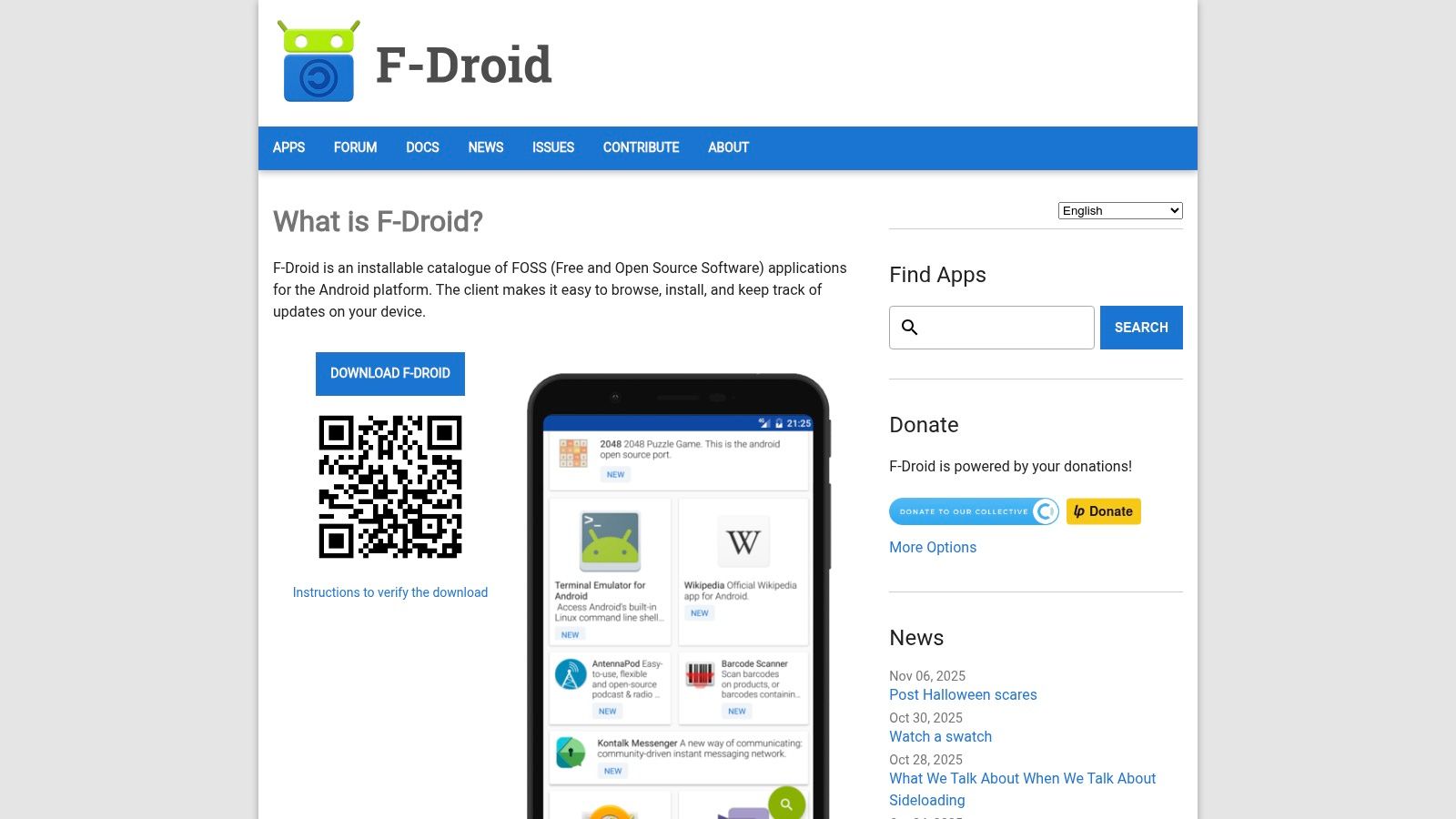
F-Droid distinguishes itself with a strong emphasis on security and transparency, providing reproducible builds so users can verify that the app's code matches the published source code. To access its catalog, you must first install the F-Droid client app from its official website, which then functions as a dedicated app store. This process makes it an ideal choice for developers and privacy-conscious individuals seeking more control over their software.
Pros:
Cons:
Website: https://f-droid.org
For users who primarily want text to speech for their existing e-book library, eReader Prestigio offers a powerful and flexible solution. It functions as a comprehensive e-book reader that integrates TTS capabilities by leveraging your device's installed speech engines. This approach allows it to read aloud various file formats, including EPUB, PDF, and MOBI, turning your digital books into audiobooks on demand.
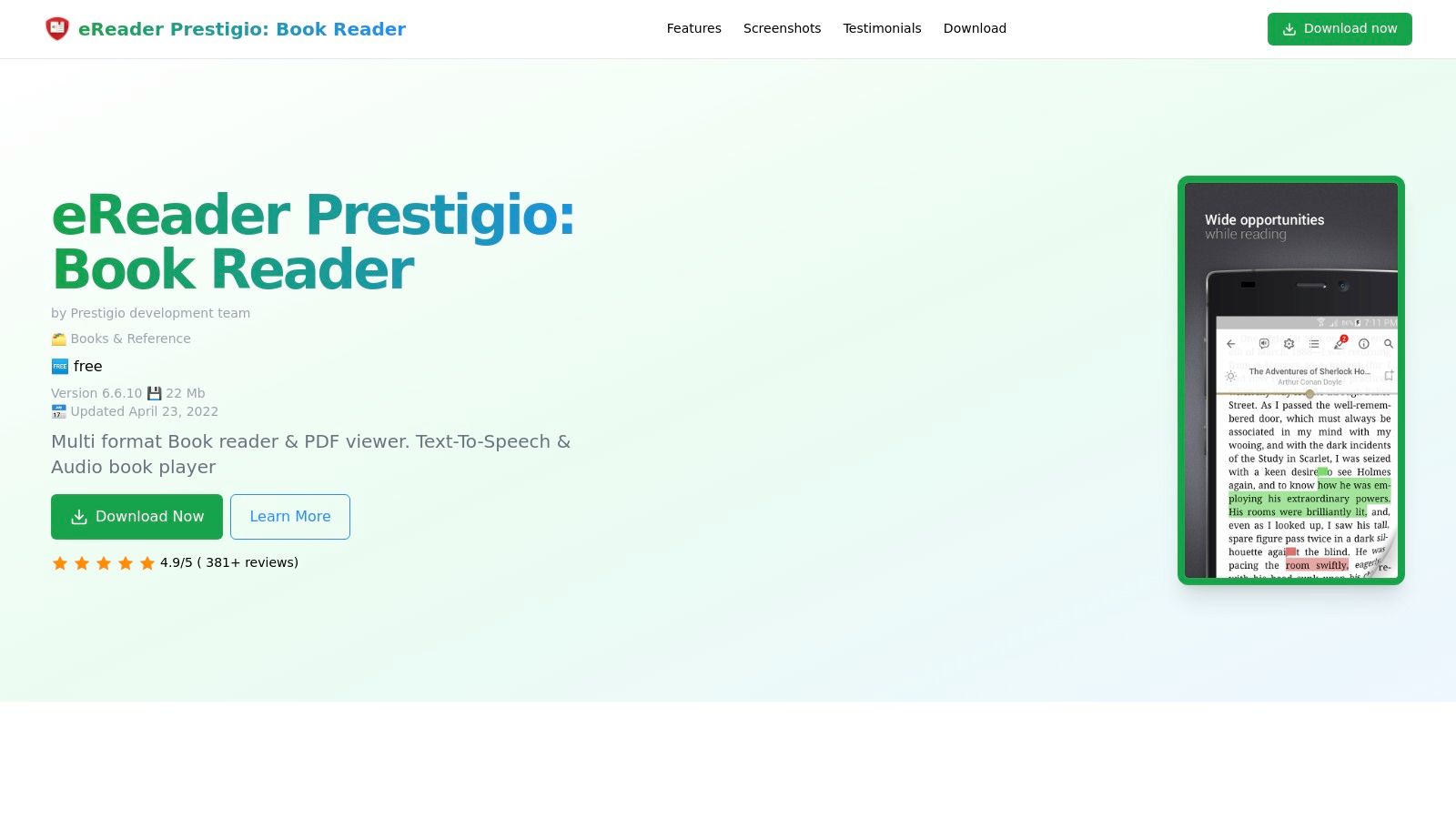
The app excels at long-form listening with features like sleep timers and reading controls that are essential for consuming entire books. Unlike standalone TTS apps, its strength lies in its excellent library management and native support for common e-book formats. It provides a seamless transition between reading visually and listening without ever leaving the application.
Pros:
Cons:
Website: https://prestigio-ereader.andro.io/
| Service | Core Features | Voice Quality ★ | Highlights 🏆 ✨ | Target 👥 | Price/Value 💰 |
|---|---|---|---|---|---|
| Google Play | Marketplace for TTS apps, engines, voice add‑ons; auto updates & billing | ★★★☆☆ | 🏆 Largest catalog; ✨ centralized installs/updates | 👥 General Android users, developers | 💰 Free to browse; app/pricing varies |
| Speech Recognition & Synthesis (Google) | System TTS engine, many languages, offline packs | ★★★★☆ | 🏆 Reliable system voice; ✨ wide Android integration | 👥 All Android users, accessibility | 💰 Free baseline; some downloads |
| Samsung Galaxy Store (Samsung TTS) | Samsung system engine + voice packs, One UI integration | ★★★★☆ | ✨ Tight OS integration on Galaxy devices | 👥 Galaxy owners | 💰 Free voices for Galaxy |
| @Voice Aloud Reader (Hyperionics) | Reads web/PDF/EPUB/DOC, queue/export, Android Auto | ★★★☆☆ | ✨ Robust format support; 🏆 flexible reading workflows | 👥 Power listeners, commuters | 💰 Free + premium license for extras |
| NaturalReader | Mobile + web + OCR, AI/Pro voices, pronunciation editor | ★★★★☆ | ✨ OCR & pronunciation tools; 🏆 cross‑device sync | 👥 Students, professionals | 💰 Freemium; paid tiers for best voices |
| Speechify | OCR import, cloud sync, premium AI/celebrity voices | ★★★★☆ | ✨ Fast onboarding; 🏆 strong cross‑device listening | 👥 Consumers, productivity users | 💰 Subscription model; premium voices paid |
| Acapela | Professional TTS voices (per‑voice purchases) | ★★★★★ | 🏆 High‑quality natural voices; ✨ system‑wide install | 👥 Users needing premium voices | 💰 Per‑voice purchases (can add up) |
| Vocalizer Expressive (Code Factory) | 120+ voices, user dict, pitch/speed controls | ★★★★☆ | ✨ Large multilingual catalog; 🏆 detailed voice controls | 👥 International users, accessibility | 💰 Free engine + per‑voice purchases |
| RHVoice | Open‑source engine, free voices, accessibility focus | ★★☆☆☆ | ✨ Privacy‑friendly; 🏆 community‑driven | 👥 Privacy‑minded, screen‑reader users | 💰 Free (community supported) |
| ElevenLabs — ElevenReader | Reader app using ElevenLabs AI voices for longform | ★★★★★ | 🏆 Very natural AI voices; ✨ integrates with ElevenLabs platform | 👥 Longform listeners, creators | 💰 Free app + paid ElevenLabs usage |
| F‑Droid | Repo for open‑source TTS apps (no ads/tracking) | ★★☆☆☆ | ✨ Reproducible builds; 🏆 privacy focus | 👥 Open‑source enthusiasts, privacy users | 💰 Free to use (may require sideloading) |
| eReader Prestigio | E‑book reader with TTS using system engines | ★★★☆☆ | ✨ Multi‑format support; 🏆 built‑in library & controls | 👥 E‑book readers who want TTS | 💰 Free app; premium features in‑app |
The journey through the diverse landscape of text to speech apps for Android reveals one clear truth: there is no single "best" solution for everyone. Your ideal TTS setup is a highly personal configuration, deeply intertwined with your specific needs, listening habits, and technical requirements. The sheer variety, from built-in system engines to sophisticated AI-powered platforms, ensures that a perfect match is available, but finding it requires a clear understanding of your own goals.
We've explored a wide spectrum of tools, each with its own distinct strengths. For the average user seeking enhanced accessibility or a simple way to listen to articles during a commute, the combination of Android's native Speech Recognition & Synthesis by Google and a feature-rich reader app like @Voice Aloud Reader offers a powerful, cost-free starting point. This duo provides remarkable flexibility and control without any financial investment.
However, as your needs become more specialized, so too should your choice of application.
Before settling on a solution, consider the entire ecosystem. How well does a reader app integrate with your preferred voice engine? Does a premium service offer offline listening capabilities for when you're without a connection? For developers, it’s crucial to evaluate an API's documentation, language support, and pricing model to ensure it aligns with your project's roadmap and budget. The best approach is hands-on experimentation. Download a few of the top contenders from our list, listen to their sample voices, and see which one resonates most with you. Your perfect digital narrator is waiting to be discovered.
For developers and businesses building applications that require a robust, scalable, and remarkably human-like voice experience, a consumer app won't suffice. Explore Lemonfox.ai to integrate a powerful, high-quality, and affordable Text-to-Speech API directly into your projects. Get started today by visiting Lemonfox.ai and elevate your application's audio capabilities.