
First month for free!
Get started
Published 11/7/2025
If you're looking to build voice applications in Python, whether it's a smart assistant or a new accessibility tool, you've got a couple of paths. You could use an offline library, but for truly natural-sounding AI voices without a lot of heavy lifting, an API like Lemonfox.ai is the way to go. We'll be focusing on the API route in this guide because, frankly, the quality is just on another level.

Voice generation has quickly become a must-have feature in modern apps, and when it comes to implementation, Python is almost always the top pick for developers. Its syntax is so straightforward and readable that you can get a functional text to speech python script up and running in just a handful of lines. This simplicity is a huge deal—it means developers can add sophisticated features without getting bogged down by a steep learning curve.
But it's not just about clean code. Python's real strength comes from its incredible ecosystem. There’s a massive collection of libraries and frameworks out there that make otherwise complex jobs surprisingly simple. For what we’re doing, this translates to effortless integration with API clients, audio processing tools, and even machine learning frameworks if you want to get more advanced.
Let’s be clear: the demand for high-quality, computer-generated voices is exploding. The global text-to-speech market is already valued at around USD 4.0 billion in 2024 and is expected to hit USD 7.6 billion by 2029. This boom shows just how much we need natural-sounding voices in everything from customer service bots to the GPS in our cars. You can dig into the numbers yourself by checking out the TTS market growth report on marketsandmarkets.com.
This is exactly why modern API solutions are becoming so popular. They solve a lot of the problems that come with older, offline libraries.
By using an API like Lemonfox.ai, you’re plugging directly into state-of-the-art voice generation. It frees you up to focus on what makes your application unique instead of trying to manage complex AI models yourself.

Before we jump into the fun part—writing code—let’s get our workspace set up properly. Taking a few minutes to create a clean, organized development environment now will save you from a world of headaches with dependency conflicts later on. Trust me, it's a crucial first step for any solid text to speech python project.
First things first, you'll need Python on your machine. We're working with Python 3 for this guide. If you don't have it installed yet, you can grab it from the official Python website. To double-check what you have, just pop open your terminal and run python3 --version.
Now, let's create a dedicated virtual environment. Think of it as a clean, isolated sandbox just for this project. This practice is a lifesaver because it keeps the packages for our TTS app separate from your main Python setup, preventing any version clashes.
In your terminal, navigate to your project folder and run these two commands:
python3 -m venv venv
source venv/bin/activate
.\venv\Scripts\activate
Once your environment is active (you'll usually see (venv) at the start of your terminal prompt), we need a way to talk to the Lemonfox.ai API. The requests library is the go-to tool for this—it's incredibly simple and powerful for making HTTP requests.
Let's get it installed with a quick pip command:
pip install requests
Alright, the last bit of setup involves your Lemonfox.ai API key. This key is your secret pass to authenticate requests, so you absolutely must protect it. Never, ever hardcode it directly into your script—that's a huge security no-no. We'll handle it the right way using an environment variable.
You can grab your unique API key from the Lemonfox.ai dashboard after you sign up.
Here's a pro tip: Store your API key in a
.envfile and immediately add that file to your.gitignore. This is the standard best practice, and it guarantees you won't accidentally push your sensitive credentials to a public repository like GitHub.
With that, your environment is now secure, isolated, and ready to go. You're all set to start building your text-to-speech application.
Alright, with the setup out of the way, let’s get our hands dirty and write the Python script that actually makes the magic happen. I'm going to walk you through a complete, working example that connects to the Lemonfox.ai API, sends some text, and saves the audio that comes back. This isn't just a random snippet; it’s a practical, commented script you can easily tweak for your own projects.
At its core, our script will make a simple POST request to the API. This requires two main things: the headers to authenticate with our API key, and the payload (a JSON object) that holds the text we want to convert.
Let's jump right in. This script ties everything together, from importing the right libraries to saving the final MP3 file.
First things first, you'll need the requests library to handle the web communication and the os library to securely grab your API key. The structure is pretty clean—we point to the API endpoint, assemble our authentication headers, and then build the data payload.
import requests
import os
API_KEY = os.getenv("LEMONFOX_API_KEY")
API_URL = "https://api.lemonfox.ai/v1/audio/speech"
headers = {
"Authorization": f"Bearer {API_KEY}",
"Content-Type": "application/json"
}
payload = {
"text": "Hello world! This is my first text-to-speech conversion using Python and Lemonfox AI.",
"voice_id": "en_us_001" # This is just an example voice ID
}
response = requests.post(API_URL, json=payload, headers=headers)
if response.status_code == 200:
# Open a file in binary write mode and save the audio content
with open("output.mp3", "wb") as f:
f.write(response.content)
print("Audio file saved successfully as output.mp3")
else:
print(f"Error: {response.status_code}")
print(response.text)
What this script does is pretty straightforward. It authenticates your request, sends the text payload over, and then handles whatever the API sends back. If we get a successful status code (200 OK), the script writes the raw audio data directly into a new file named output.mp3 in the same directory.
The use of text to speech python tools is exploding, particularly in areas like education and accessibility. It's not a niche technology anymore. In fact, the global TTS market is expected to jump from USD 4.15 billion in 2024 to USD 4.92 billion in 2025—that's a huge growth of about 18.5% in a single year. You can dive deeper into these market trends on thebusinessresearchcompany.com.
Because Python is so versatile, it’s become the go-to for developers creating tools that help users with visual impairments or reading difficulties. When you run this script, you're not just executing code; you're creating a tangible audio file. This simple, powerful foundation is exactly what you need to start embedding natural, high-quality voices into any application you dream up.
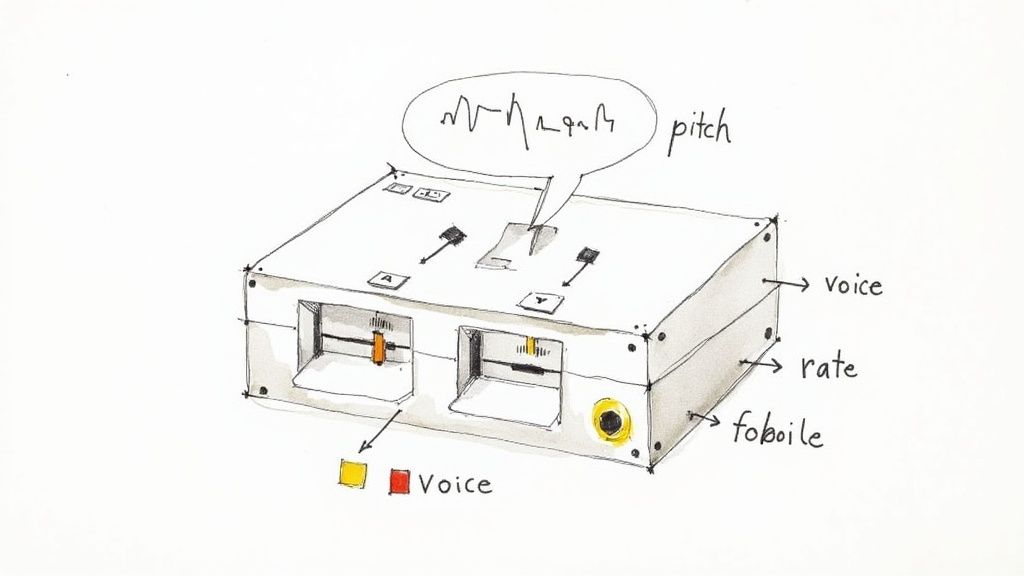
Getting your first audio file generated is a fantastic start, but the real magic happens when you start to customize the voice. A generic, out-of-the-box narrator rarely fits every project perfectly. You need a voice that matches your brand’s personality or the specific emotional tone of your content.
Luckily, tweaking the AI's voice with the Lemonfox.ai API is incredibly straightforward. It's all done by adding a few extra keys to the same JSON payload you're already using. This is how you move from a robotic narrator to a truly unique and engaging audio experience. Think about creating distinct voices for different characters in an audiobook or a calm, reassuring voice for a customer support bot—this is where that happens.
The demand for this kind of fine-tuned voice synthesis is exploding. The global TTS AI market, valued at USD 5.03 billion in 2024, is expected to hit USD 13.08 billion by 2032, which is a massive 16.5% compound annual growth rate. You can dig into more of the numbers by checking out the growth of the TTS AI model market on intelmarketresearch.com. It's clear that developers who can create high-quality, adaptable voice experiences are in a great position.
Let's get practical and look at how to change the core characteristics of the voice. The most common adjustments you'll probably make are picking a new voice, changing the speaking rate (speed), and adjusting the pitch.
To switch voices, all you have to do is update the voice_id in your payload. For instance, if you wanted to go from a standard US male voice to a UK female one, your JSON would change to something like this:
{
"text": "Your text here.",
"voice_id": "en_gb_002"
}
Altering the speed and pitch is just as simple. You control these by adding speed and pitch parameters to your request. A speed of 1.0 is the default, normal pace. Dropping it to 0.8 will slow things down, while bumping it to 1.2 will speed it up.
Pro Tip: My advice is to make small, incremental changes when you're adjusting pitch and speed. A tiny increase in speed can make the voice sound more energetic and upbeat. A slight drop in pitch can give it a more authoritative, serious tone. If you make big jumps, you risk the audio sounding unnatural or distorted.
This level of control gives you the power to fine-tune the audio until it perfectly matches the emotional context of your text. It’s what turns a simple script into something people actually want to listen to.
To make things easier, here’s a quick-reference table of the key parameters you can adjust in the API request.
| Parameter | Description | Example Values |
|---|---|---|
voice_id |
Specifies which pre-built voice model to use for the synthesis. | "en_us_001", "en_gb_002", "es_es_001" |
speed |
Controls the speaking rate. Higher values are faster, lower are slower. | 0.8 (slower), 1.0 (normal), 1.2 (faster) |
pitch |
Adjusts the vocal pitch. Higher values result in a higher-pitched voice. | 0.9 (lower), 1.0 (normal), 1.1 (higher) |
Keep this table handy as you experiment. The best way to get a feel for how these parameters interact is to play around with them and listen to the results.
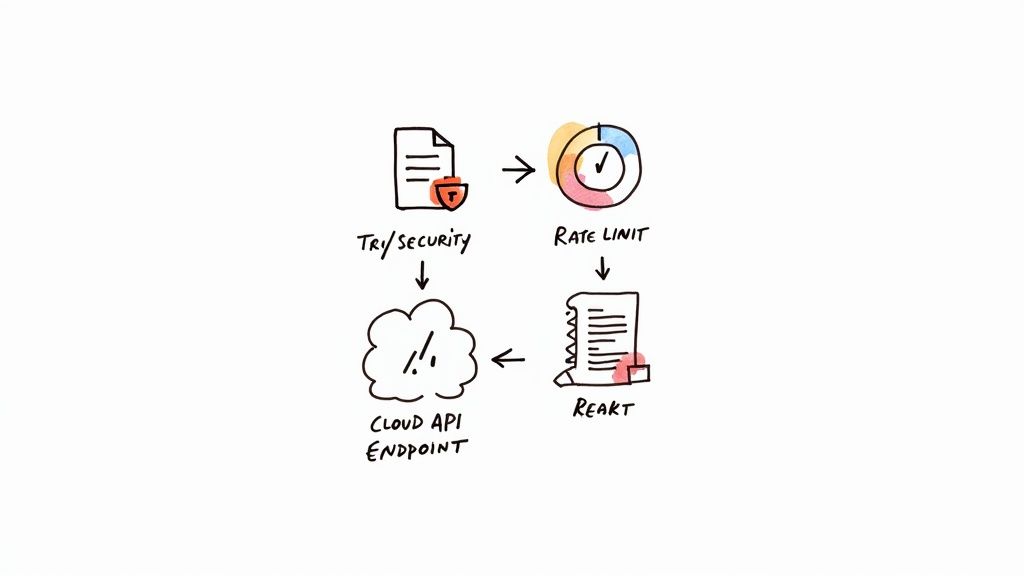
Getting a text-to-speech Python script working on your own machine is one thing; making it ready for a live application is a whole different ballgame. That simple script that works perfectly in testing needs to be hardened. Production code has to be resilient, secure, and built to handle the unexpected without falling over.
Your first line of defense is always solid error handling. Network connections drop, APIs go down, and requests get rejected. You absolutely must wrap your API calls in a try-except block. This simple step is what separates a fragile script from a reliable application that can manage common problems gracefully.
Think about the specific errors you might encounter. A 401 Unauthorized status code probably points to a problem with your API key. A 400 Bad Request often means something is wrong with the JSON payload you sent. Logging these specific errors makes debugging a hundred times easier down the road.
It’s not just about catching errors; it's also about how you organize your code. Sprinkling hardcoded values throughout your script is a maintenance nightmare waiting to happen. A much better approach is to wrap your TTS logic in its own function. This keeps your code clean, makes it easy to write tests for, and simplifies future updates.
Pro Tip: Always respect the API's rate limits. Sending too many requests too quickly is a surefire way to get your API key temporarily—or even permanently—blocked. It's a good idea to build in logic like exponential backoff to automatically retry failed requests after a short delay.
Finally, let's talk about security. Your API key should never be in your source code. Use environment variables to store sensitive credentials. This fundamental practice keeps your keys safe and out of version control. These three pillars—smart error handling, modular functions, and secure key management—are what will turn your script into a genuinely production-ready application.
When you start plugging a text-to-speech API into a Python project, a few questions always seem to pop up. I've seen them come up time and again, so let's tackle them head-on. Getting these right from the start will save you a ton of headaches down the road.
One of the first things people ask is whether TTS can work in real-time. Absolutely. The Lemonfox.ai API was built with low latency in mind, so it’s a solid choice for interactive applications.
My pro-tip here is to use asynchronous requests, especially if your app is juggling multiple tasks. The real game-changer, though, is streaming the audio response. This lets your application start playing the sound as soon as the first few bytes arrive, instead of making the user wait for the entire file to download. It feels instantaneous.
Another classic question: "Why use a paid API when I can just use a free offline library like pyttsx3?" The answer really comes down to voice quality and the features you get.
An API like Lemonfox.ai taps into powerful, cloud-based AI models. The result is stunningly natural, human-like voices and a whole suite of options for customization. Offline libraries, on the other hand, usually piggyback on your operating system's built-in TTS engine, which can sound pretty robotic and outdated.
Here’s the trade-off in a nutshell:
The choice really depends on what you're building. If you're aiming for a polished, professional user experience, the quality from a dedicated text to speech python API is the only way to go. For simple, offline system alerts, a local library might be good enough.
Finally, what’s the best way to convert a huge block of text, like a full article or a chapter from a book? Don't try to send it all in one go.
The best practice is to break the text into smaller, more manageable pieces—I usually do it paragraph by paragraph. Send each chunk as a separate API request. This simple trick helps you avoid request timeouts, reduces the chance of errors from a massive payload, and gets the audio playing back much, much faster.
From there, you can either stitch the resulting audio files together on the backend or just queue them up to play one after another for a perfectly seamless listening experience.
Ready to bring your projects to life with natural, high-quality audio? Start building with Lemonfox.ai and see for yourself how easy it is to add a powerful Text-to-Speech API to your applications. Explore the API and start your free trial today!