
First month for free!
Get started
Published 2/14/2026
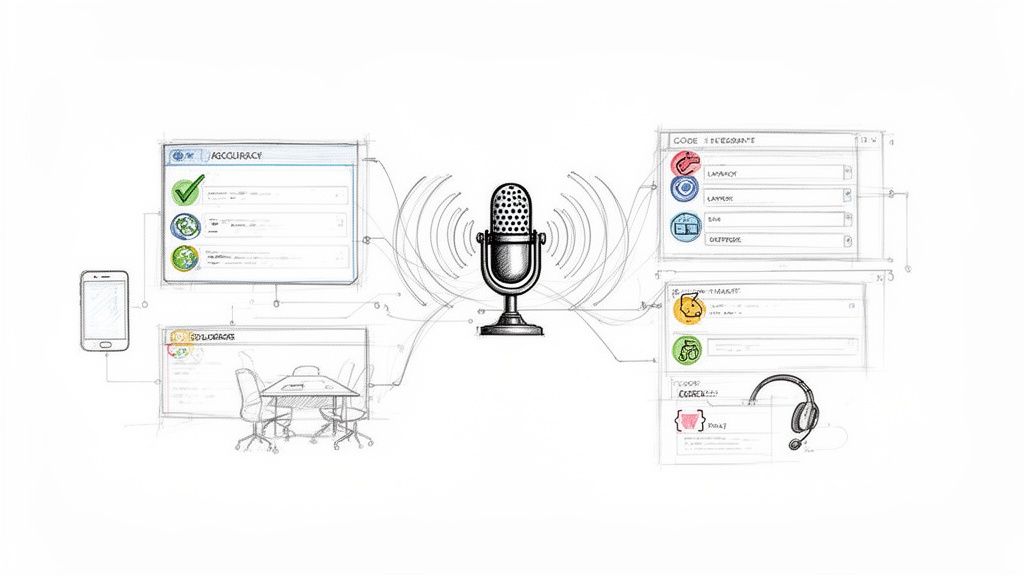
In a world driven by voice commands, meeting recordings, and audio data, choosing the right voice to text software is critical for developers and businesses. The market is packed with options, from massive cloud platforms to nimble, developer-first APIs. This guide cuts through the noise to provide a detailed comparison of the top 12 solutions available today. We'll analyze each tool based on crucial developer-centric criteria: transcription accuracy, language support, real-time latency, speaker diarization capabilities, pricing models, and ease of integration.
Whether you're building a voice-enabled application, transcribing customer calls, or creating accessible content, this resource will help you identify the most efficient, accurate, and cost-effective solution for your specific needs. In the diverse landscape of transcription technologies, a practical application often sought after is automated subtitling; for instance, exploring an efficient AI Subtitle Generator can significantly streamline content accessibility. Our goal is to move beyond marketing claims and provide a practical, head-to-head comparison to inform your decision-making.
We've structured this listicle to be a comprehensive resource, evaluating each platform on its core strengths and potential limitations. We'll cover everything from the enterprise-grade services offered by Google, Amazon, and Microsoft to specialized APIs like Deepgram and AssemblyAI, and even highlight cost-effective challengers like Lemonfox.ai with its generous 30-hour free trial. For each entry, you will find direct links and analysis to help you select the ideal voice to text software that aligns with your technical requirements, budget, and project goals. Let's dive in.
Lemonfox.ai establishes itself as a powerful and exceptionally cost-effective player in the voice to text software space, designed specifically for developers and businesses that require high-quality transcription without the enterprise-level budget. It democratizes access to advanced speech recognition by pairing a state-of-the-art model with a disruptive pricing structure, making it a standout choice for startups, independent developers, and agile teams.
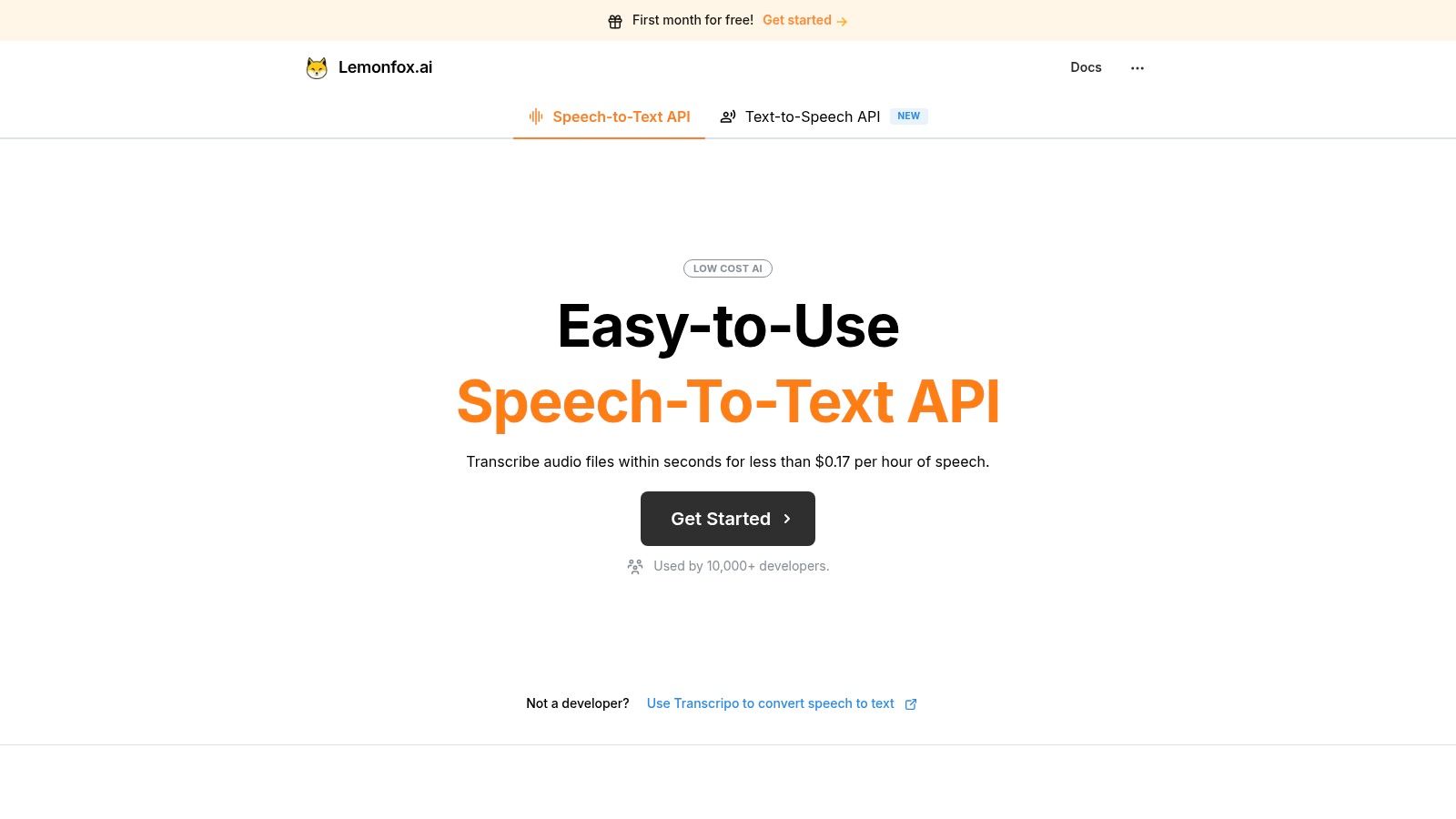
What truly sets Lemonfox.ai apart is its ability to deliver premium features at a fraction of the typical cost. The platform is built on Whisper large-v3, ensuring transcription accuracy that rivals industry giants. This core strength is augmented by essential functionalities like speaker diarization for multi-participant audio and support for over 100 languages, making it a versatile tool for global applications.
Lemonfox.ai excels in scenarios where both performance and budget are critical. Its low-latency API is ideal for building responsive voice interfaces, automated meeting transcription services, and generating accurate subtitles for video content.
The platform's pricing is its most compelling feature. The starter plan is just $5 per month and includes a substantial 10 million credits, which translates to approximately 30 hours of speech-to-text or 2 million characters of text-to-speech. Overage rates are remarkably low at around $0.17 per hour, challenging the pricing models of major cloud providers.
To validate its performance, Lemonfox.ai offers a one-month free trial that includes the full 30 hours of transcription, allowing developers to thoroughly test the API's capabilities and integration before committing.
| Feature | Analysis |
|---|---|
| Accuracy & Model | Excellent; utilizes Whisper large-v3 for top-tier results. |
| Cost-Effectiveness | Outstanding. The price-to-performance ratio is among the best available. |
| Privacy & GDPR | Strong focus with immediate data deletion and an optional EU endpoint. |
| Developer Experience | Simple, easy-to-use API designed for quick integration. |
| Limitations | Lacks formal enterprise certifications like SOC2, and advanced features such as real-time streaming are not clearly documented. |
Website: https://www.lemonfox.ai
As a pillar of the Google Cloud Platform (GCP), Google’s Speech-to-Text service is a formidable enterprise-grade solution for developers needing robust, scalable voice to text software. It leverages Google’s latest AI models, including the advanced Chirp/USM (Universal Speech Model) family, to deliver high-accuracy transcriptions across a vast number of languages and dialects for both real-time streaming and batch processing. This makes it ideal for applications requiring immediate transcription, such as live captioning or voice command systems.
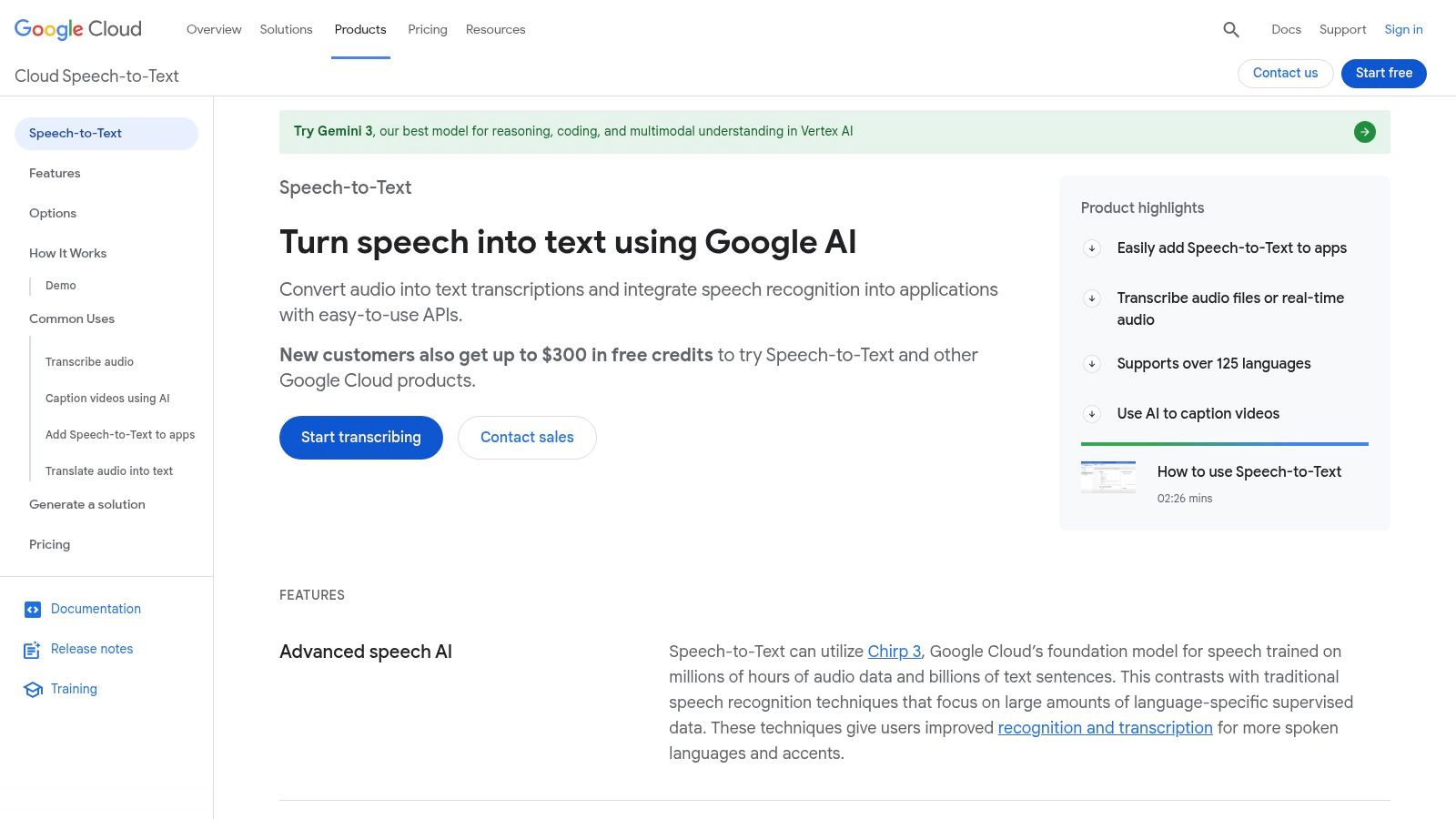
What sets Google's offering apart is its deep integration within the GCP ecosystem and its flexible, per-second billing model. This granular pricing ensures you only pay for what you use, which is advantageous for projects with fluctuating demand. For developers, the API is well-documented with extensive client libraries, simplifying integration into existing technology stacks.
The platform offers distinct features tailored to different operational needs. The Dynamic Batch option, for instance, provides a lower-cost alternative for non-urgent transcription tasks, optimizing budgets for large-volume processing.
As Amazon Web Services' (AWS) managed speech-to-text service, Amazon Transcribe is an enterprise-grade solution designed for developers and businesses deeply integrated into the AWS ecosystem. It provides powerful and scalable voice to text software for both real-time streaming and batch processing of audio files. The service is particularly strong in specialized applications, offering features like automatic language identification, PII redaction, and a dedicated medical transcription mode.
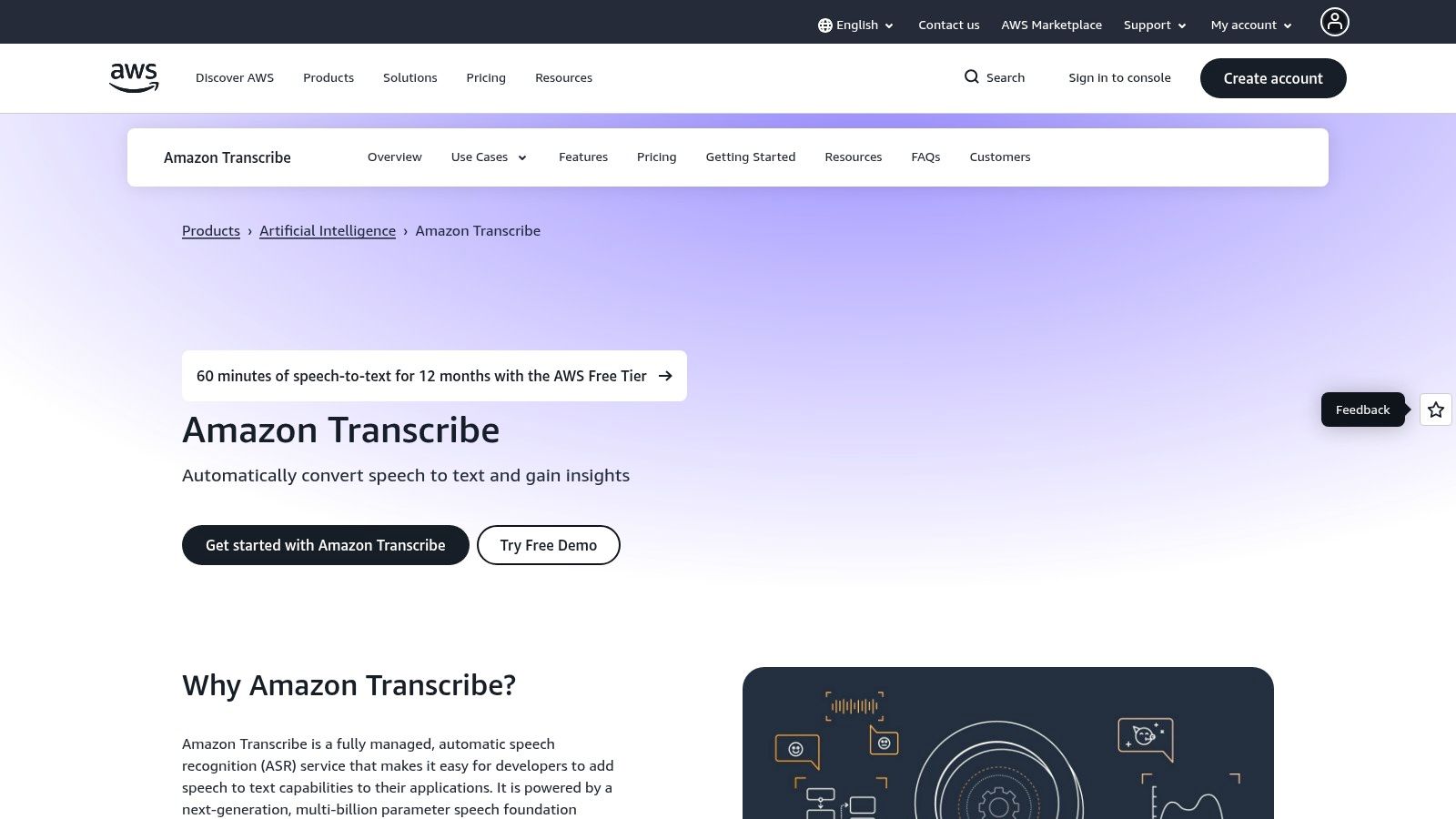
What distinguishes Amazon Transcribe is its seamless integration with other AWS services like S3 for storage, Kinesis for streaming data, and Comprehend for natural language processing. This makes it a natural choice for teams already leveraging AWS infrastructure. Its suite of add-ons, such as Transcribe Call Analytics, provides post-call summaries, sentiment analysis, and issue detection, adding significant value beyond simple transcription for customer service and compliance use cases.
The platform offers distinct modes tailored to specific industries. Amazon Transcribe Medical, for example, is trained on medical terminology for accurate clinical dictation and conversation transcription, a crucial feature for healthcare applications.
As a core component of the Microsoft Azure ecosystem, Azure AI Speech provides an enterprise-grade, unified platform for voice to text software. It is designed for developers who need flexible deployment options and a broad set of features, including real-time streaming, short-audio processing, and large-volume batch transcription. The service supports extensive customization, speaker diarization, and even pronunciation assessment, making it suitable for a wide range of applications from call center analytics to educational tools.
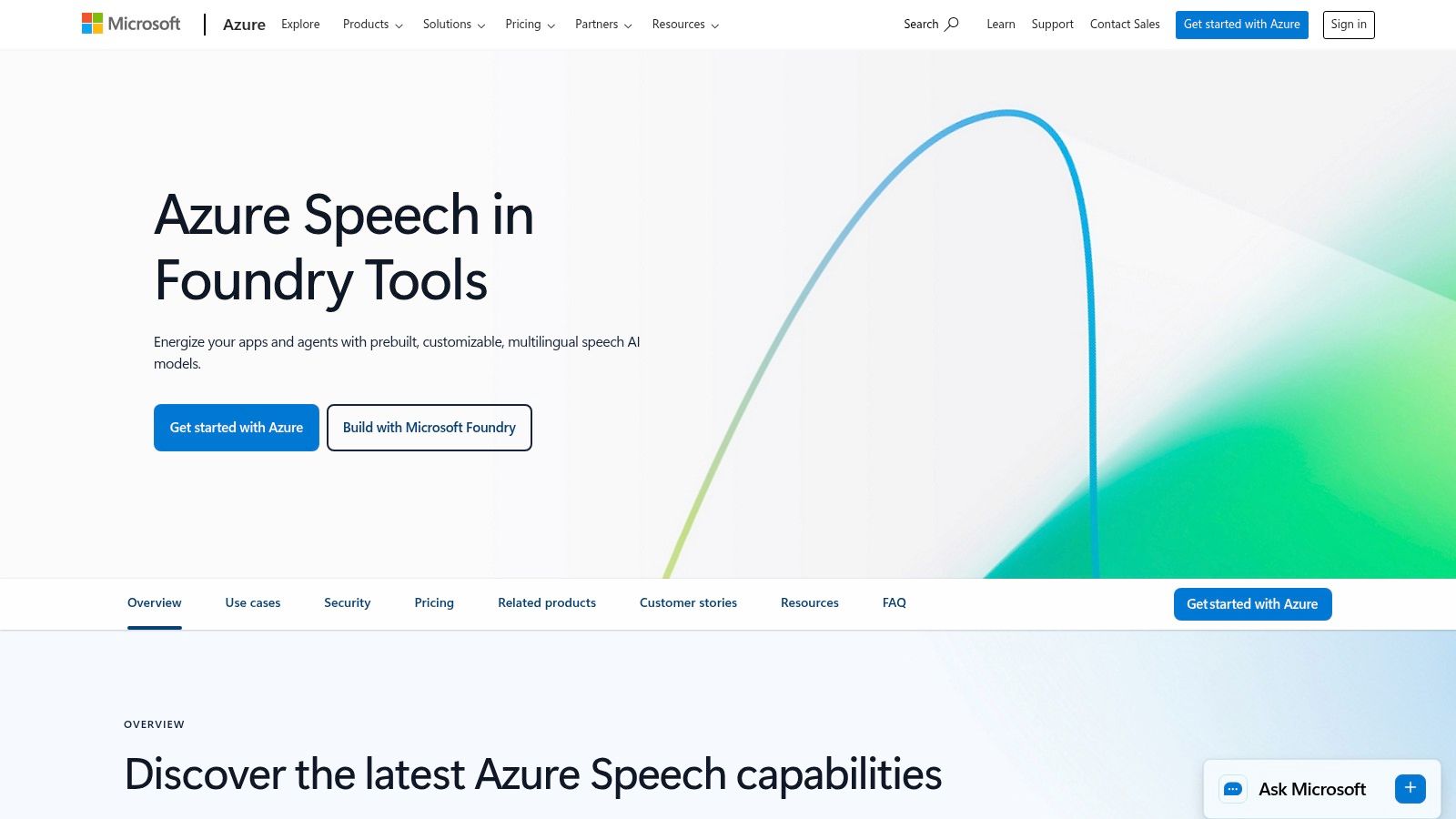
What distinguishes Azure's offering is its strong emphasis on enterprise compliance, security, and hybrid deployment. The ability to deploy the speech service in containers allows businesses to run transcription on-premises or at the edge, addressing data residency and low-latency requirements. This flexibility, combined with its integration into the broader Azure AI suite, provides a powerful solution for organizations with complex operational and regulatory needs.
The platform's unified API simplifies development by providing access to multiple speech capabilities through a single endpoint. Features like automatic language identification and speaker diarization are critical for processing audio with multiple participants, such as meetings or interviews.
As a product of the research lab behind GPT models, OpenAI’s Whisper-1 is an incredibly accessible and powerful open-source voice to text software model available via a simple API. It is renowned for its high accuracy in transcribing diverse accents, background noise, and technical language across a wide array of languages. The API is designed for developer ease-of-use, making it an excellent choice for integrating transcription capabilities into applications with minimal setup.
What sets Whisper apart is its straightforward, pay-as-you-go pricing and developer-centric design. With simple transcription and translation endpoints, developers can quickly prototype and deploy solutions using well-documented SDKs in Python, Node.js, and other languages. This low barrier to entry makes it a go-to option for startups and developers building new features or services that require reliable audio transcription.
The model's strength lies in its simplicity and raw transcription quality. It supports a large number of common audio formats, reducing the need for pre-processing. The API also provides a translation endpoint, converting spoken audio from various languages directly into English text.
Deepgram positions itself as a developer-first speech-to-text platform, offering a suite of highly customizable AI models designed for speed, accuracy, and scale. It provides specialized voice to text software for both real-time streaming and pre-recorded audio, making it a powerful choice for teams that need granular control over their transcription pipeline. Developers can choose from different models, like the fast and efficient Nova-2 or the advanced Flux, to match specific use cases, from live captioning to in-depth audio analysis.
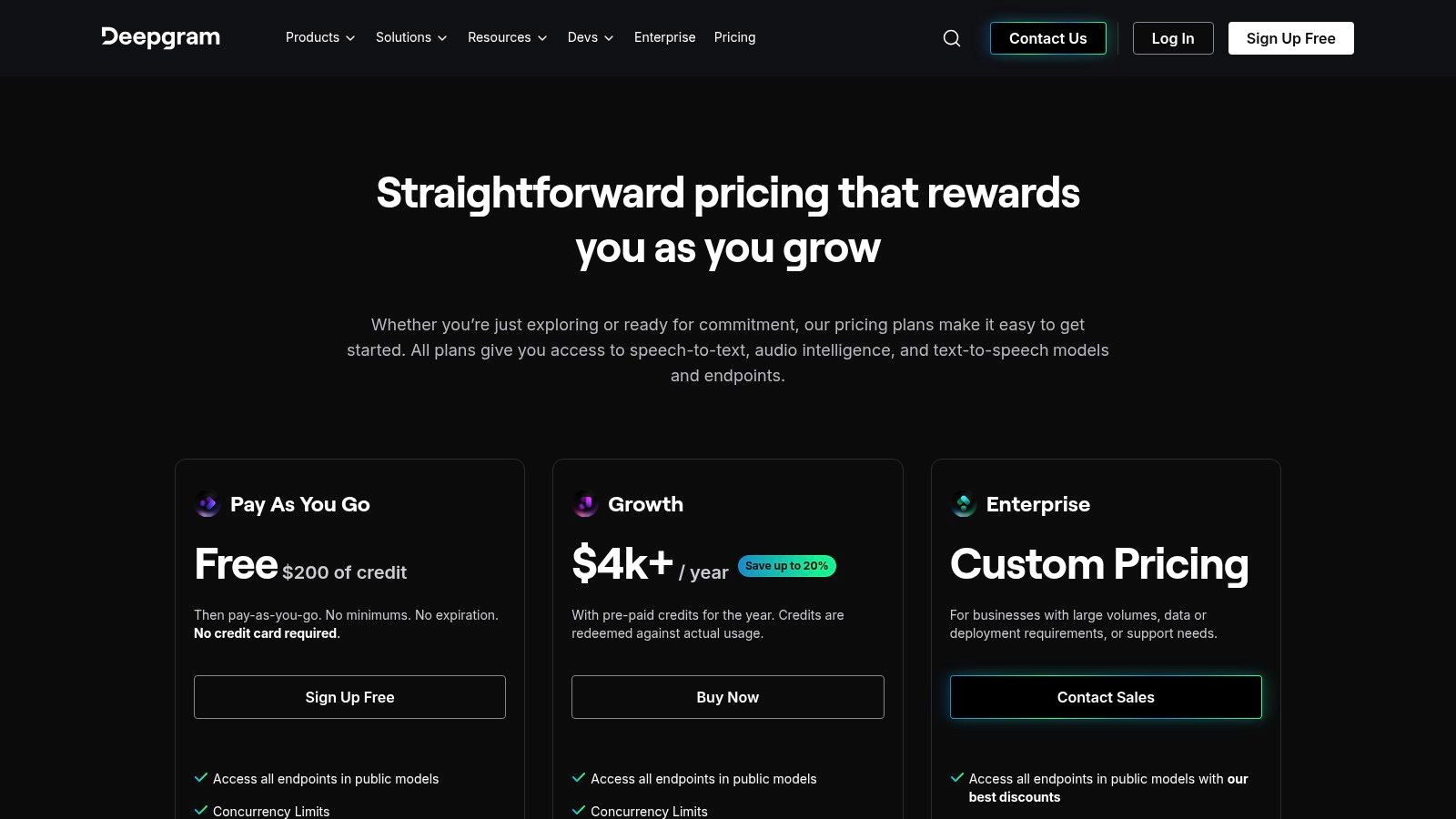
What distinguishes Deepgram is its focus on model choice and transparent, per-minute pricing that scales with usage. This allows businesses to optimize costs by selecting the right balance of performance and price for their needs. The platform’s comprehensive API documentation and SDKs further simplify integration, enabling developers to quickly implement advanced features like diarization, redaction, and entity detection.
The platform's flexibility is one of its core strengths, offering different models and add-on features that can be toggled on or off as needed. This modular approach ensures that you only pay for the specific functionalities your application requires, from basic transcription to complex conversational intelligence.
AssemblyAI offers a production-ready AI audio stack built for developers, combining high-accuracy voice to text software with a suite of post-processing capabilities. Its core strength lies in providing a unified API for not just transcription but also advanced audio intelligence like summarization, sentiment analysis, and topic detection. This integrated approach is particularly valuable for building sophisticated applications such as voice-driven agents or comprehensive media analysis workflows without stitching together multiple services.
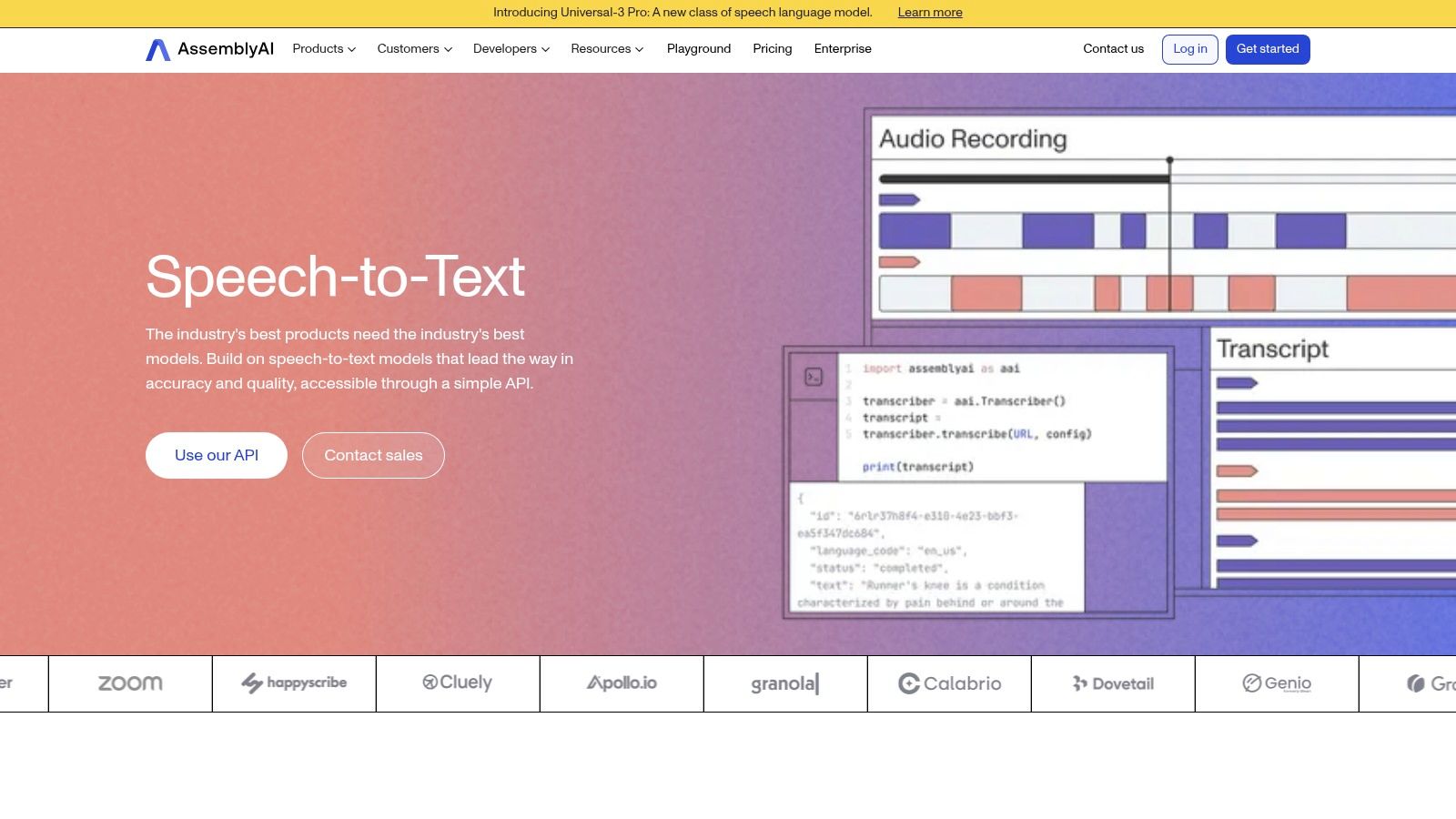
What sets AssemblyAI apart is its LLM Gateway, which allows developers to seamlessly connect transcription outputs to major large language models directly through its API. This simplifies the process of building complex, AI-powered features on top of transcribed text. With options for ultra-low-latency streaming and robust multilingual support, the platform is engineered for real-time applications where both speed and deep understanding of the spoken content are critical.
The platform's à la carte model for post-processing features provides flexibility, allowing users to select only the add-ons they need. This modularity ensures that developers can tailor the API's functionality to their specific use case, whether it's simple transcription or a full-fledged audio intelligence pipeline.
Speechmatics positions itself as a leading independent automatic speech recognition (ASR) provider, offering a privacy-first voice to text software solution with broad language coverage. What makes it stand out is its deployment flexibility, providing options for cloud, on-premises, and on-device processing. This caters directly to organizations with strict data sovereignty requirements or those needing low-latency transcription in environments with limited connectivity, giving them full control over their data.
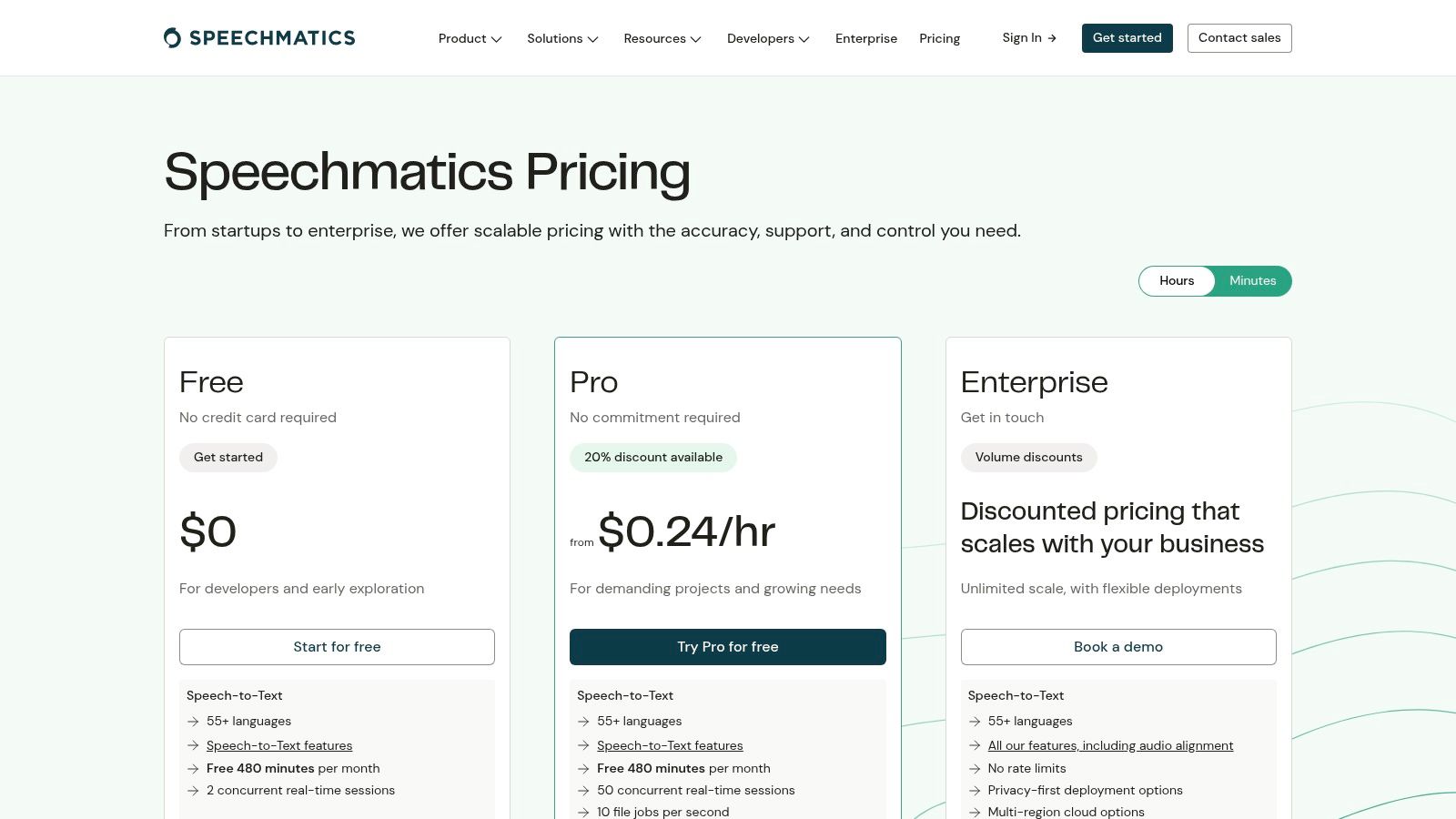
The platform supports over 55 languages and is engineered for high accuracy, particularly with its powerful Custom Dictionary and domain-specific "language packs" for industries like finance and medicine. Its API is also capable of performing translation and language identification within a single call, streamlining complex multi-lingual workflows for developers. This makes it a robust choice for global applications.
Speechmatics provides both real-time streaming and batch transcription, complete with essential features like speaker diarization and multi-channel audio processing. The availability of a free tier with monthly test minutes allows developers to thoroughly evaluate the service before committing to a paid plan.
Rev AI offers a developer-centric suite of voice to text software tools, renowned for high accuracy, particularly for English-language content. The platform provides multiple model tiers, including its proprietary models and fine-tuned Whisper variants, allowing developers to choose the best fit for their specific use case, whether it's asynchronous batch processing or real-time streaming. This flexibility makes it a strong contender for applications demanding low-latency live captioning or accurate meeting transcriptions.
What distinguishes Rev AI is its transparent, model-based pricing and excellent developer experience. The platform provides robust streaming SDKs and interactive no-code demos, which simplify the evaluation and integration process. By offering both fully automated ASR and an optional human transcription service through its parent company, Rev.com, it presents a hybrid solution for projects that require near-perfect accuracy guarantees.
Rev AI's model tiers, such as Reverb for high accuracy and Reverb Turbo for speed, allow developers to optimize for their primary objective. The custom vocabulary feature is also crucial for improving the recognition of domain-specific terms, names, or jargon.
As part of the IBM Cloud and watsonx platforms, IBM Watson Speech to Text is an enterprise-focused service engineered for organizations with stringent security, governance, and compliance requirements. It provides highly accurate transcriptions and is designed for deployment flexibility, supporting public, private, hybrid, and even on-premise cloud environments. This makes it a standout choice for regulated industries like finance, healthcare, and government that require greater data isolation and control over their voice to text software.
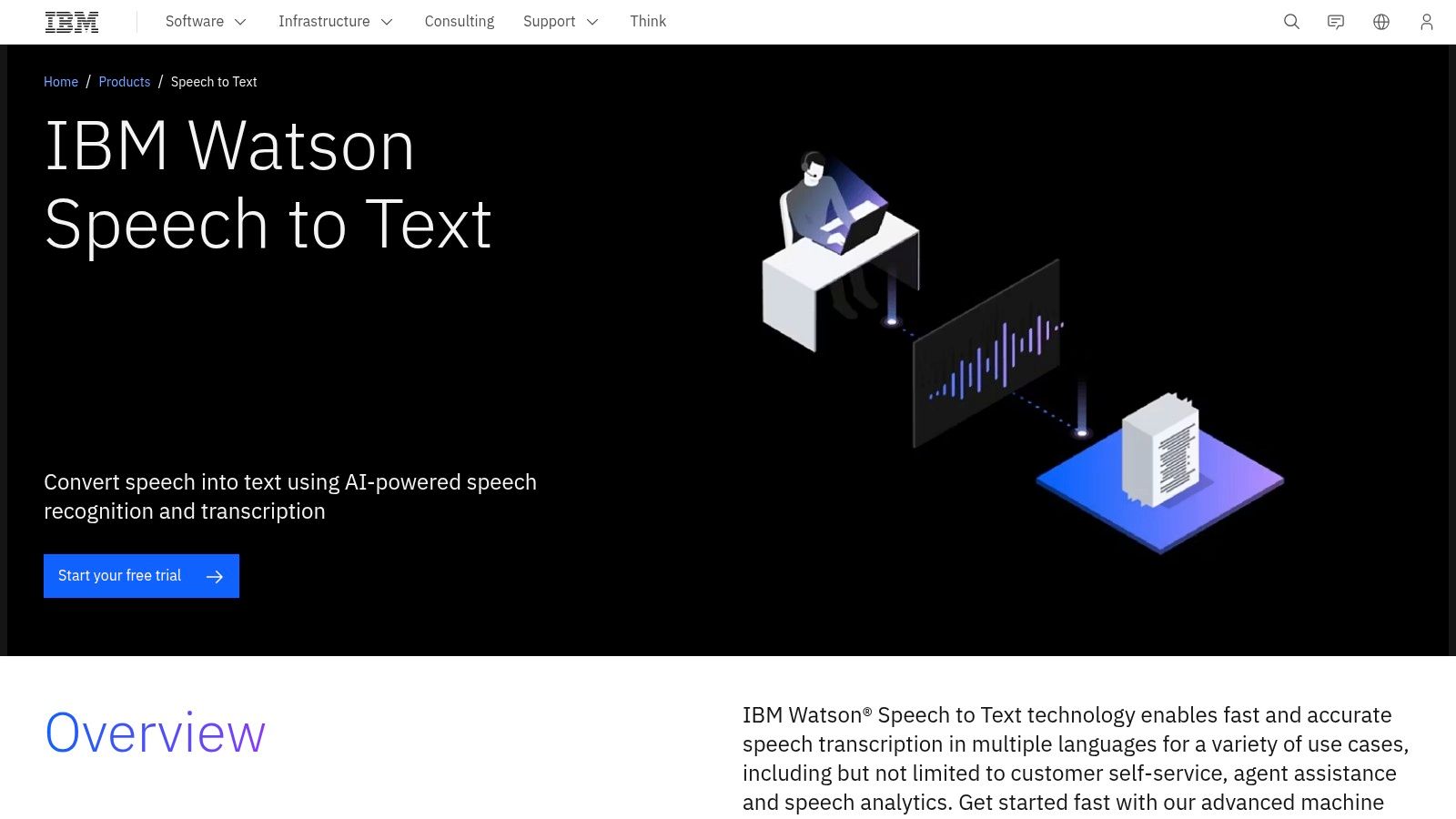
What distinguishes IBM's offering is its clear pathway to enhanced security and enterprise-level support. While other providers offer robust solutions, IBM Watson is built with governance at its core. Features like speaker diarization, real-time interim results, and extensive customization options for language and acoustic models allow businesses to tailor the service to their specific operational vocabulary and use cases, such as transcribing customer service calls or internal meetings with specialized terminology.
The platform is structured with different plans, including a free Lite tier that provides a set number of minutes for testing and development. This allows developers to experiment with the API before committing to a commercial plan.
Otter.ai has carved out a distinct niche in the voice to text software landscape by focusing almost exclusively on meetings. It is a user-friendly application and service designed for business professionals who need a turnkey solution for recording, transcribing, and summarizing conversations from platforms like Zoom, Google Meet, and Microsoft Teams. Rather than offering a developer-centric API, Otter provides a polished, end-to-end meeting workflow with impressive real-time transcription and speaker identification.
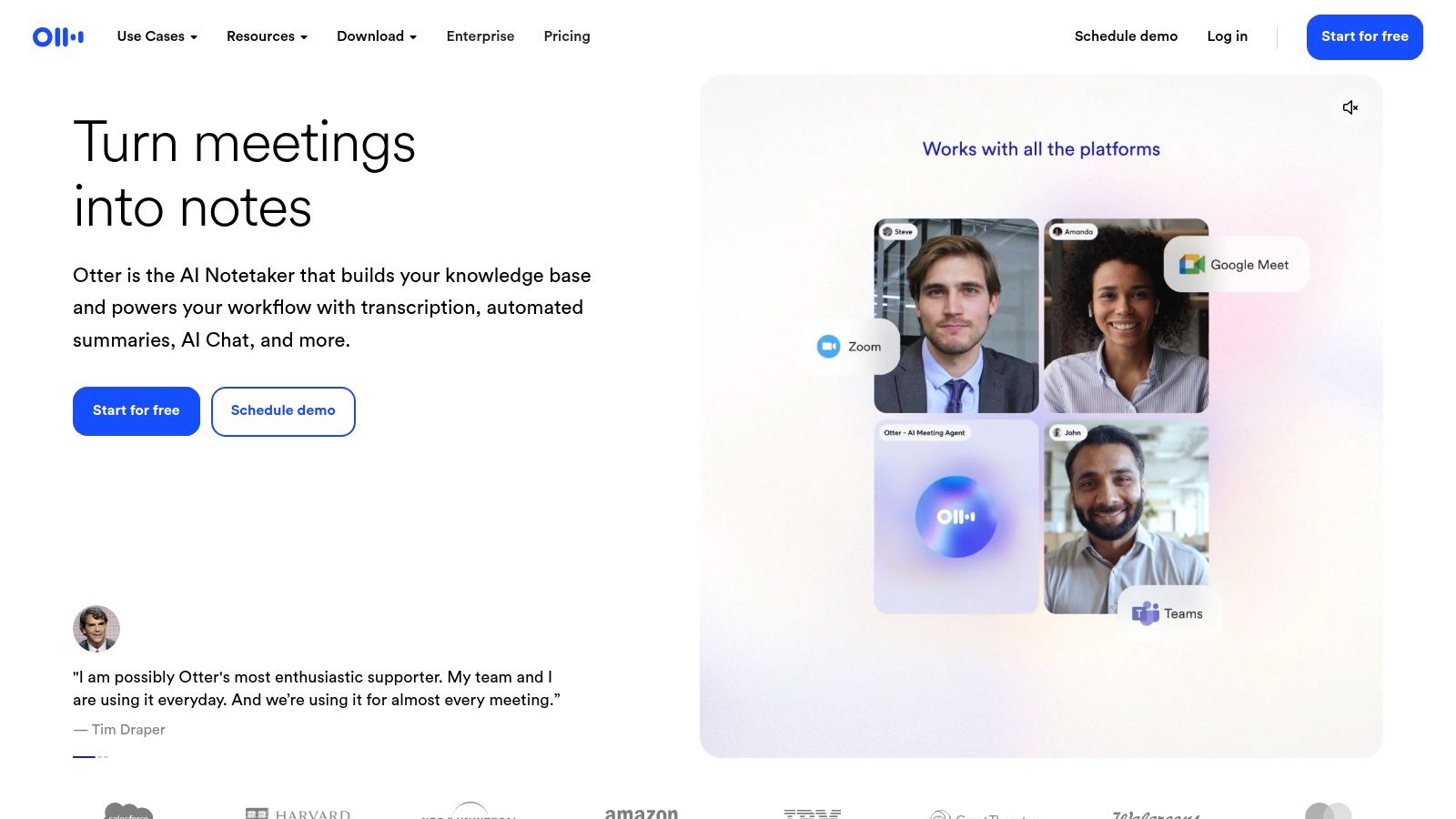
What makes Otter.ai stand out is its "AI Meeting Assistant" functionality. It not only transcribes but also generates automated summaries, outlines key takeaways, and identifies action items, transforming raw audio into structured, actionable notes. This focus on workflow automation makes it an incredibly powerful tool for teams looking to improve meeting productivity without needing any technical implementation or coding knowledge.
The platform is built around collaboration, offering shared custom vocabulary and team features that enhance transcription accuracy for industry-specific jargon. Its mobile apps for iOS and Android ensure that users can capture and review meeting notes from anywhere, making it a comprehensive solution for modern hybrid work environments.
Nuance Dragon is a mature, industry-leading dictation software designed for professionals who require exceptional accuracy for specialized vocabularies, such as those in the legal and medical fields. Unlike many API-first solutions, Dragon offers a user-centric desktop application (Dragon Professional) and a flexible cloud-based version (Dragon Professional Anywhere). This focus on direct user dictation makes it a powerful productivity tool for creating documents, emails, and reports with voice commands rather than a back-end transcription service.
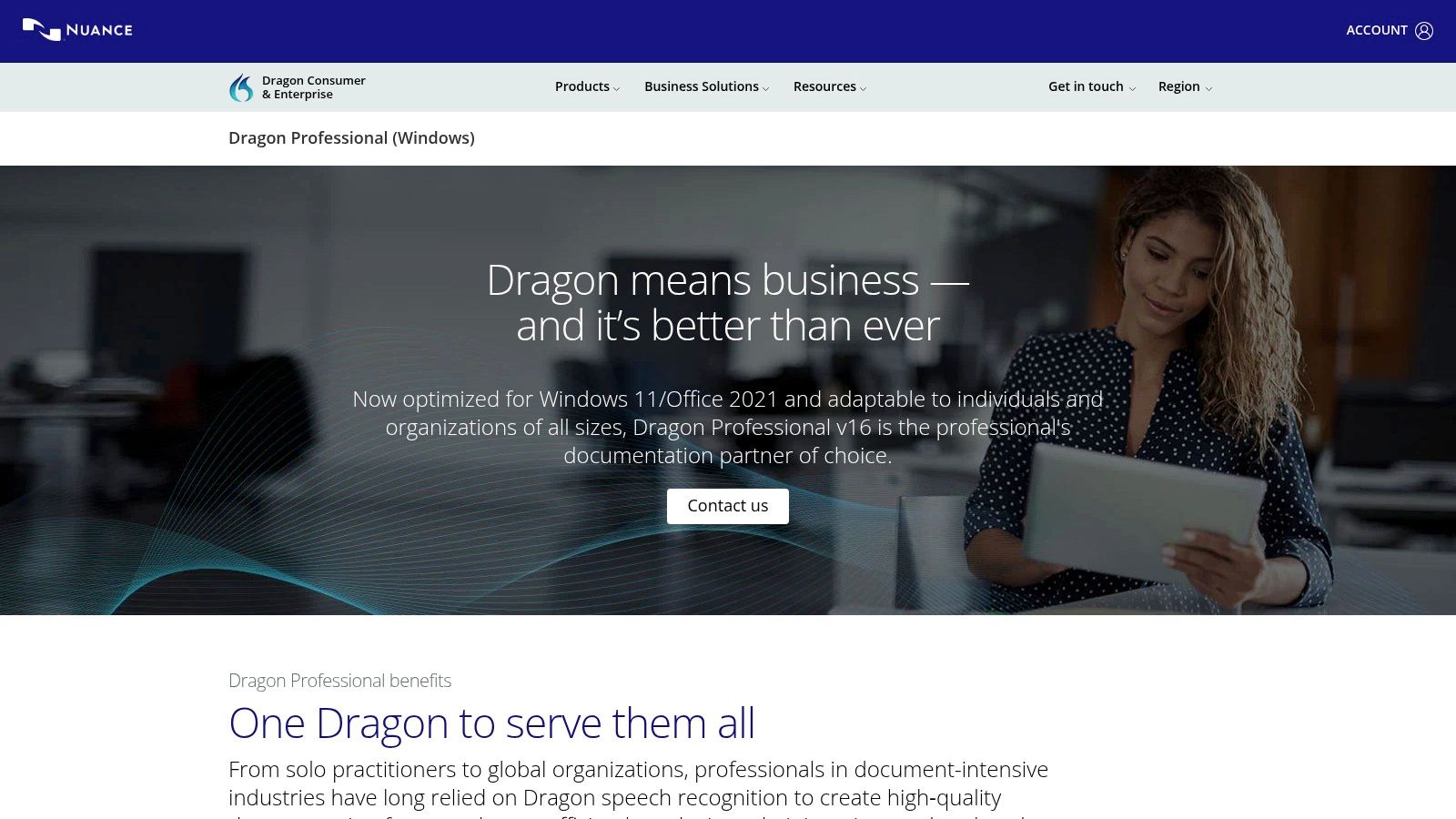
What sets Dragon apart is its deep customization capabilities. Users can train the software to recognize specific terms, acronyms, and formatting, achieving very high accuracy within their specific domain. The choice between a perpetual desktop license or a cloud subscription provides flexibility for different business needs, whether preferring a one-time capital expense or an ongoing operational cost. For professionals who spend significant time documenting, this voice to text software can deliver substantial workflow efficiencies.
Dragon is optimized for direct dictation workflows, allowing users to control their computer and applications using voice commands, which is a key differentiator from pure transcription APIs.
| Product | Core features | Quality (★) | Pricing & Value (💰) | Target & USP (👥 ✨) |
|---|---|---|---|---|
| Lemonfox.ai 🏆 | TTS & STT API; Whisper large-v3; 100+ languages; speaker diarization; EU endpoint; immediate data deletion | ★★★★☆ | 💰 $5/mo starter (30h STT); ≈$0.17/hr STT — cheapest on market | 👥 Devs & SMBs • ✨ Ultra‑low cost, privacy‑first, easy API |
| Google Cloud Speech-to-Text (V2) | Real-time & batch; Chirp/USM models; dynamic batch; per-second billing | ★★★★☆ | 💰 Per-second billing; $300 GCP credit for new users | 👥 Scale-focused devs • ✨ Large-scale GCP integrations, flexible pricing |
| Amazon Transcribe | Real-time & batch; Call Analytics; PII redaction; Transcribe Medical; AWS integrations | ★★★★☆ | 💰 Tiered per-sec pricing; multi-channel costs can add up | 👥 AWS customers & enterprises • ✨ Call analytics, medical mode |
| Microsoft Azure AI Speech | Real-time, short-audio & batch; diarization; pronunciation; on‑prem/container options | ★★★★☆ | 💰 Region/mode-based pricing (complex) | 👥 Enterprises & regulated orgs • ✨ Hybrid/on‑prem and compliance-ready |
| OpenAI Whisper (API) | /audio/transcriptions & translations; many formats; simple dev flow | ★★★★☆ | 💰 Very low per-minute price — great for prototyping | 👥 Developers & prototypes • ✨ Easy SDKs & fast setup |
| Deepgram | Low-latency streaming & pre-recorded; multiple STT models; redaction & diarization add-ons | ★★★★☆ | 💰 Transparent per-minute rates; free credits | 👥 Dev teams needing model choice • ✨ Granular model/price options |
| AssemblyAI | Ultra-low-latency streaming; post-processing (summaries, topics); LLM Gateway | ★★★★☆ | 💰 Clear per-hour pricing; add-ons à‑la‑carte | 👥 Media & voice agents • ✨ Built-in post‑processing + LLM integration |
| Speechmatics | Real-time & batch; speaker/channel diarization; custom domain packs; on‑prem/on‑device | ★★★★☆ | 💰 Flexible pricing (cloud/on‑prem) | 👥 Privacy-conscious orgs • ✨ On‑device/on‑prem deployments & domain packs |
| Rev AI (Developer APIs) | Streaming & async STT; multiple model tiers; timestamps & custom vocabulary | ★★★★☆ | 💰 Transparent per-hour/min by model | 👥 Live captioning & EN-centric apps • ✨ Human+AI options, easy SDKs |
| IBM Watson Speech to Text | Diarization, interim results, customization; public/private/hybrid deploy | ★★★★☆ | 💰 Lite/Plus/Premium — commercial tiers often require contact | 👥 Regulated industries • ✨ Enterprise governance & isolation |
| Otter.ai | Live meeting transcription; speaker ID; AI summaries, action items; conferencing integrations | ★★★★☆ | 💰 Free tier + paid plans with minute caps | 👥 Business users & teams • ✨ Turnkey meeting workflows |
| Nuance Dragon | High-accuracy dictation; vocabulary customization; legal/medical variants; desktop & cloud | ★★★★★ | 💰 Higher upfront or subscription pricing | 👥 Professionals (legal/medical) • ✨ Mature product with specialized workflows |
Navigating the expansive landscape of voice to text software can feel overwhelming, but as we've explored, the diversity of options is a significant advantage. From the hyperscale power of Google Cloud and Amazon Transcribe to the developer-centric agility of Deepgram and AssemblyAI, there is a specialized solution tailored to virtually any project requirement. The journey from raw audio to structured, usable text is no longer a niche capability but a foundational technology accessible to developers and businesses of all sizes.
Our detailed comparison has revealed a clear spectrum of choices. On one end, you have enterprise giants like Microsoft Azure and IBM Watson, offering robust, secure, and highly scalable ecosystems perfect for large-scale corporate deployments where compliance and integration with other cloud services are paramount. On the other end, innovative players like OpenAI's Whisper and Lemonfox.ai are democratizing access to high-accuracy transcription, making it feasible for startups, indie developers, and content creators to build sophisticated voice-enabled applications without prohibitive initial costs.
Choosing the right voice to text software isn't about finding a single "best" option; it's about identifying the best fit for your specific context. Before you commit to an API and begin integration, distill your needs by asking these critical questions:
Once you've shortlisted a few candidates, the next step is hands-on validation. This is where generous free trials and comprehensive documentation become invaluable. A service might look perfect on paper, but its real-world performance within your technology stack is what truly matters. Factors like SDK availability, the clarity of API documentation, and the responsiveness of customer support can significantly impact your development timeline.
Furthermore, consider the downstream applications of the transcribed text. For example, creating accurate captions for video content is a common and powerful use case. A deep dive into the specifics of YouTube closed captioning reveals how essential voice-to-text software is for enhancing accessibility and SEO. The quality of your transcription directly impacts the viewer experience and the discoverability of your content, highlighting the need for a reliable and precise engine.
Ultimately, the most effective voice to text software is the one that empowers you to build, innovate, and scale without friction. It should feel less like a third-party dependency and more like a natural extension of your own development toolkit. By carefully weighing your project's unique demands against the strengths and weaknesses of each provider, you can integrate a solution that not only meets your technical requirements but also aligns perfectly with your business goals, unlocking the immense potential of spoken language.
Ready to experience high-accuracy, affordable transcription firsthand? Lemonfox.ai offers a developer-friendly Speech-to-Text API with top-tier performance at a fraction of the cost of major cloud providers. Start building for free today and see the difference for yourself by claiming your 30 hours of complimentary transcription at Lemonfox.ai.